This solution also didn’t work
Question
The development team of xFusionCorp Industries is working on to develop a new static website and they are planning to deploy the same on Nautilus App Server using Jenkins pipeline. They have shared their requirements with the DevOps team and accordingly we need to create a Jenkins pipeline job. Please find below more details about the task:
Click on the Jenkins button on the top bar to access the Jenkins UI. Login using username admin and password Adm!n321.
Similarly, click on the Gitea button on the top bar to access the Gitea UI. Login using username sarah and password Sarah_pass123. There under user sarah you will find a repository named web_app that is already cloned on App Server 1 under /var/www/html. sarah is a developer who is working on this repository.
Add a slave node named App Server 1. It should be labeled as stapp01 and its remote root directory should be /home/sarah/jenkins_agent (the repository is cloned under /var/www/html; the agent uses a separate directory so it does not pollute the repo).
We have already cloned repository on App Server 1 under /var/www/html.
Apache is already installed on the app server and is running on port 8080.
Create a Jenkins pipeline job named devops-webapp-job (it must not be a Multibranch pipeline) and configure it to:
Deploy the code from web_app repository under /var/www/html on App Server 1, as this is the document root of the app server. The pipeline should have a single stage named Deploy ( which is case sensitive ) to accomplish the deployment.
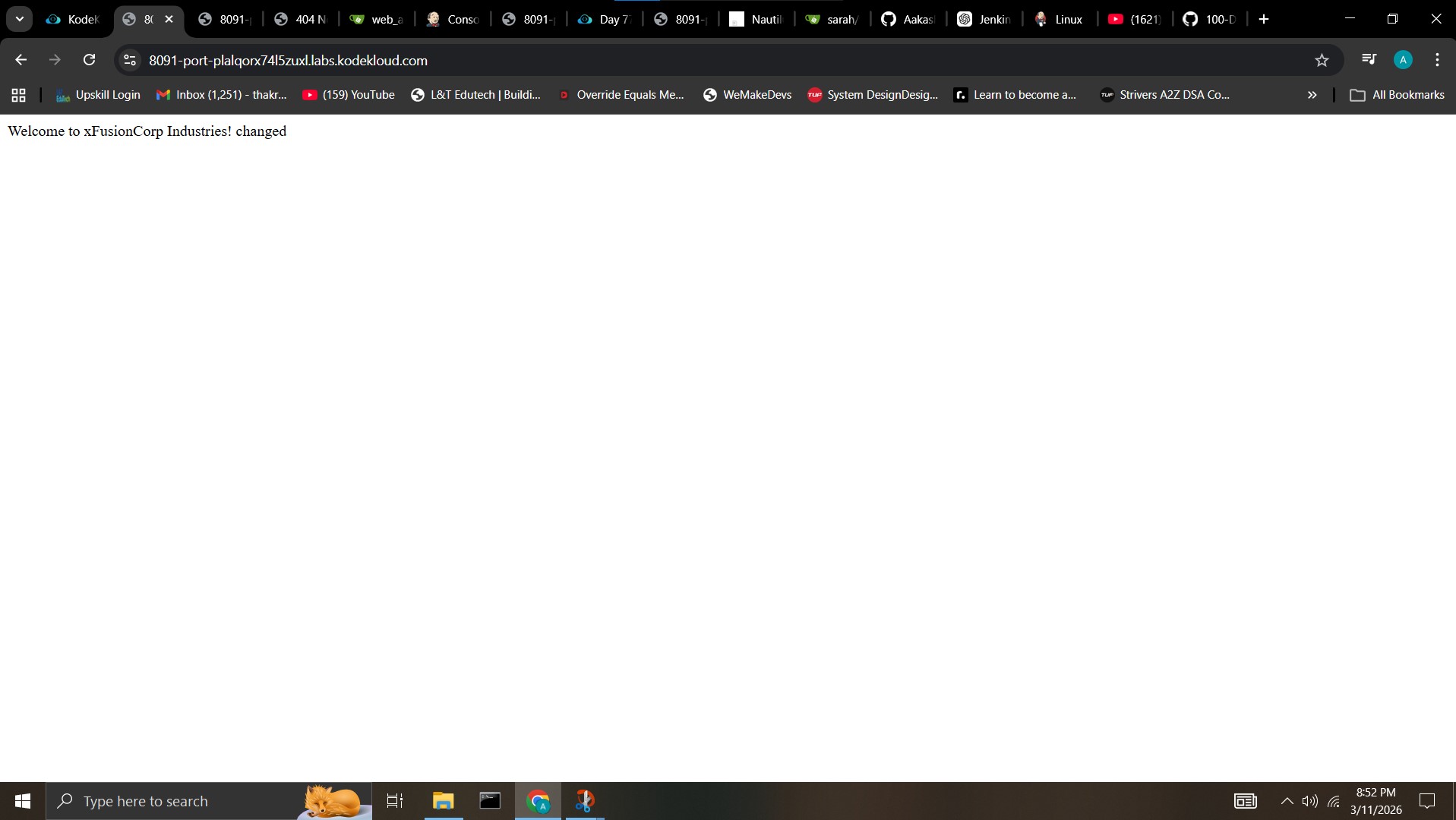
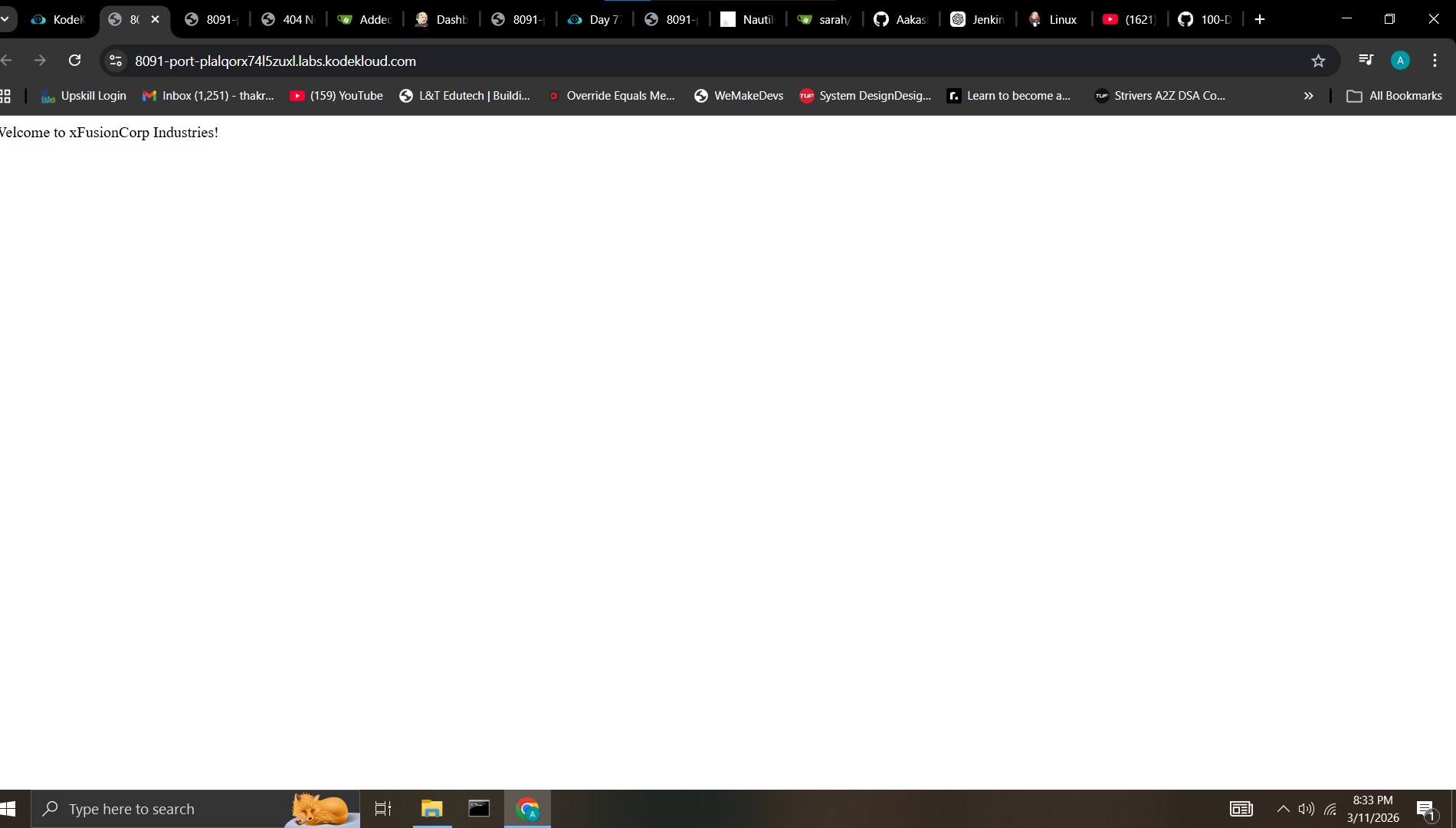
LB server is already configured. You should be able to see the latest changes you made by clicking on the App button. Please make sure the required content is loading on the main URL https:// i.e there should not be a sub-directory like https:///web_app etc.
Note:
You might need to install some plugins and restart Jenkins service. So, we recommend clicking on Restart Jenkins when installation is complete and no jobs are running on plugin installation/update page i.e update centre. Also, Jenkins UI sometimes gets stuck when Jenkins service restarts in the back end. In this case, please make sure to refresh the UI page.
For these kind of scenarios requiring changes to be done in a web UI, please take screenshots so that you can share it with us for review in case your task is marked incomplete. You may also consider using a screen recording software such as loom.com to record and share your work.
answer code
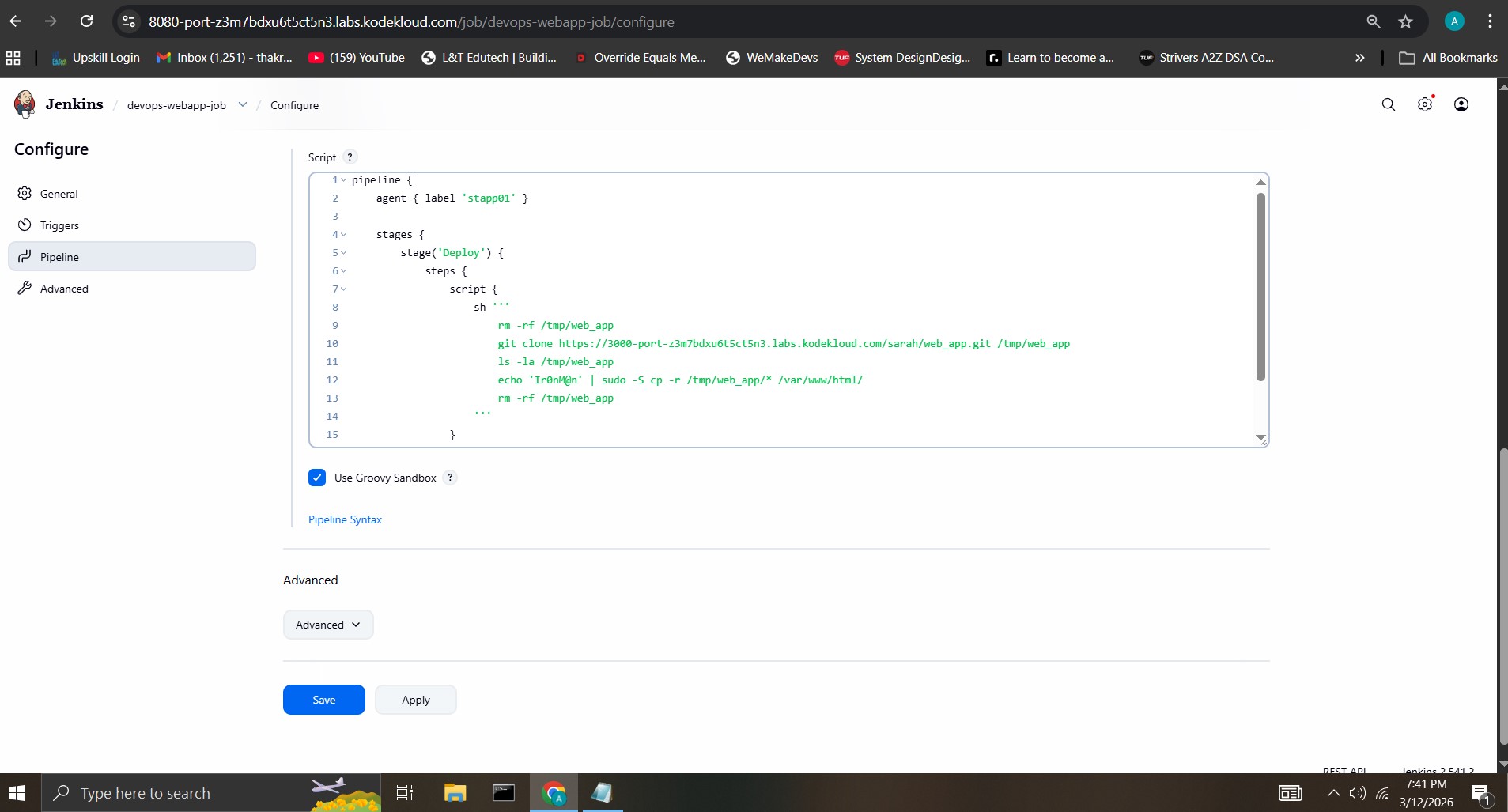
pipeline {
agent { label 'stapp01' }

stages {
    stage('Deploy') {
        steps {
            script {
                sh '''
                    rm -rf /tmp/web_app
                    git clone https://3000-port-z3m7bdxu6t5ct5n3.labs.kodekloud.com/sarah/web_app.git /tmp/web_app
                    ls -la /tmp/web_app
                    echo 'Ir0nM@n' | sudo -S cp -r /tmp/web_app/* /var/www/html/
                    rm -rf /tmp/web_app
                '''
            }
        }
    }
}
}
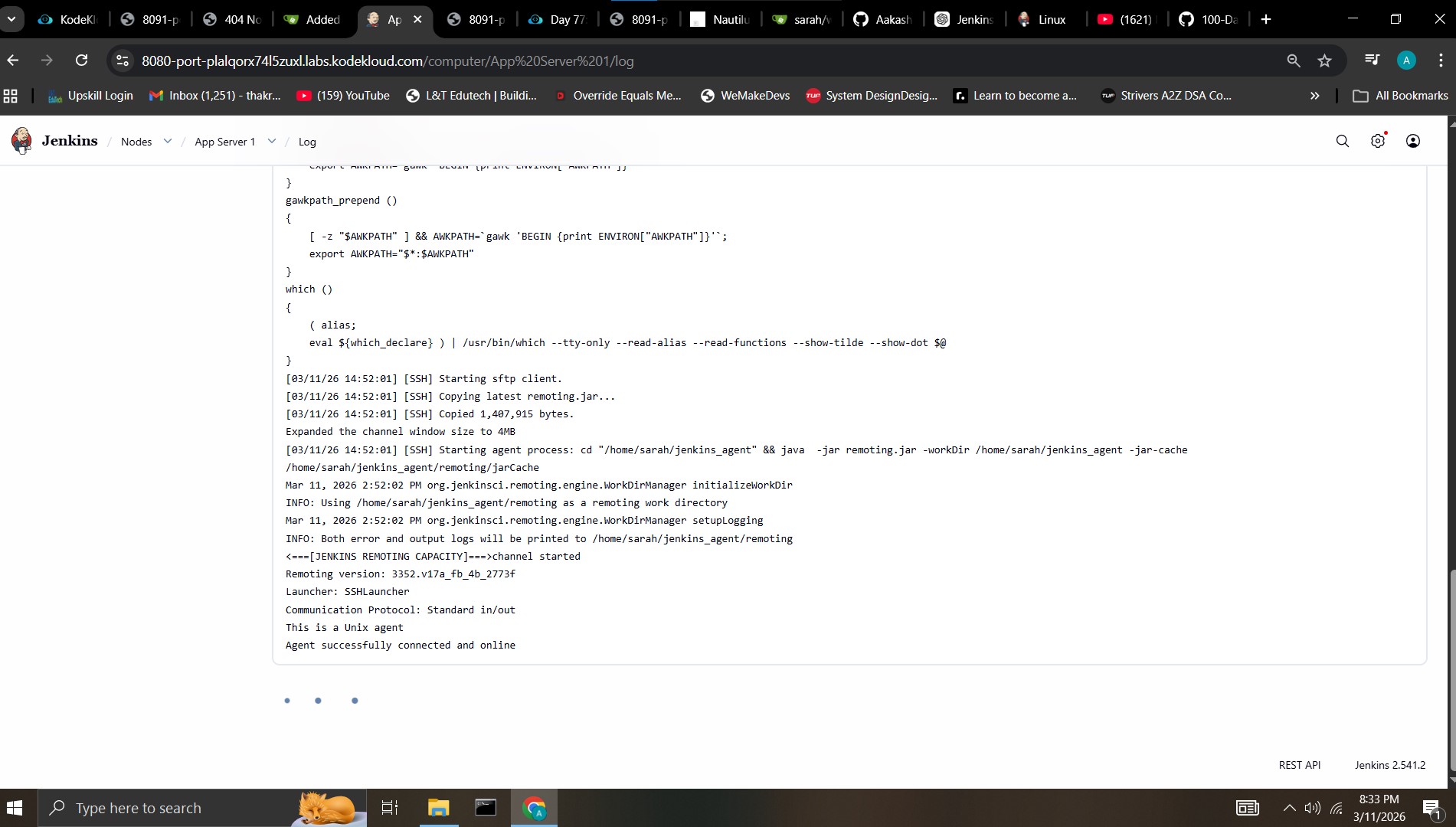
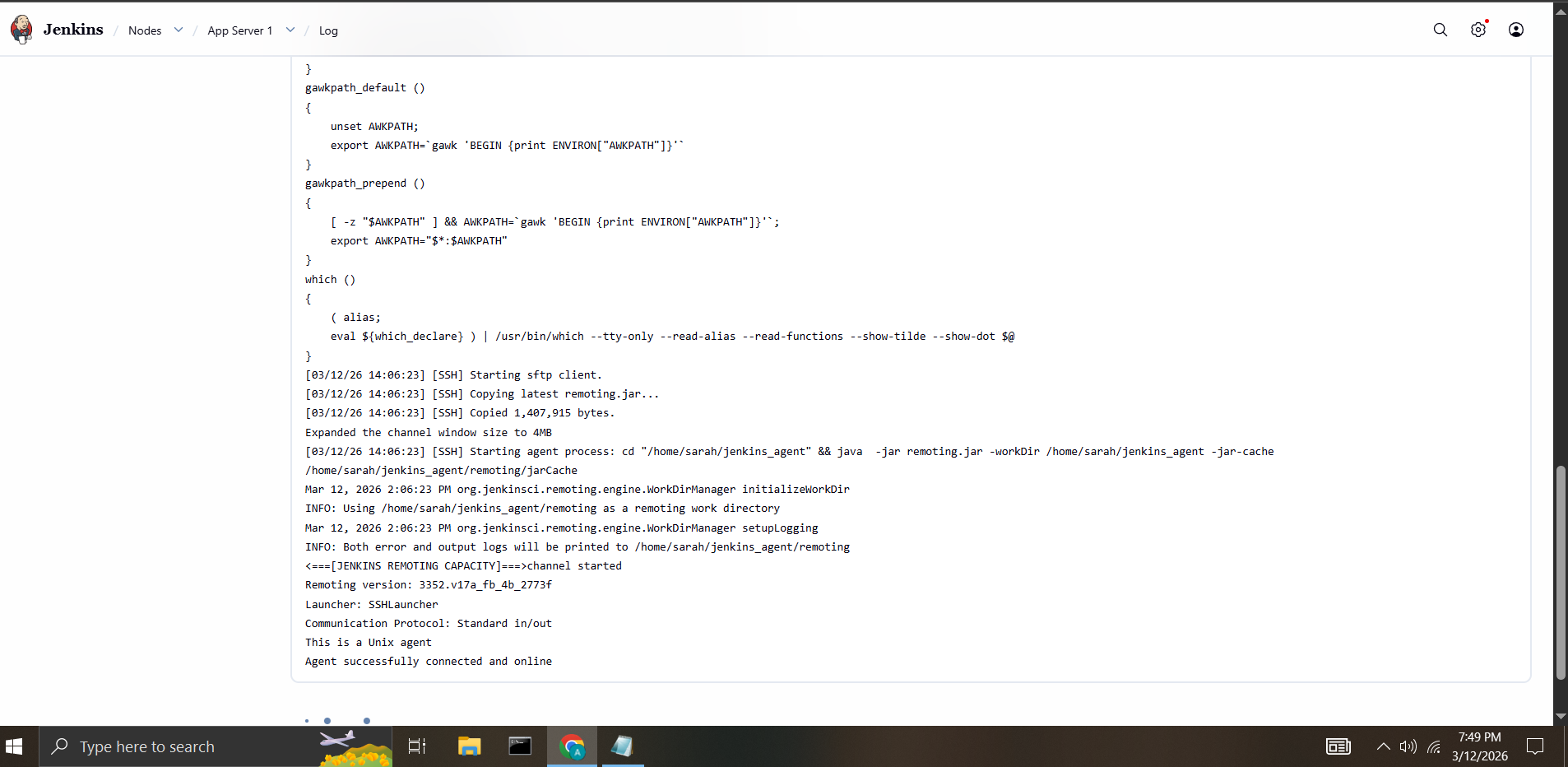
Agent is online okay
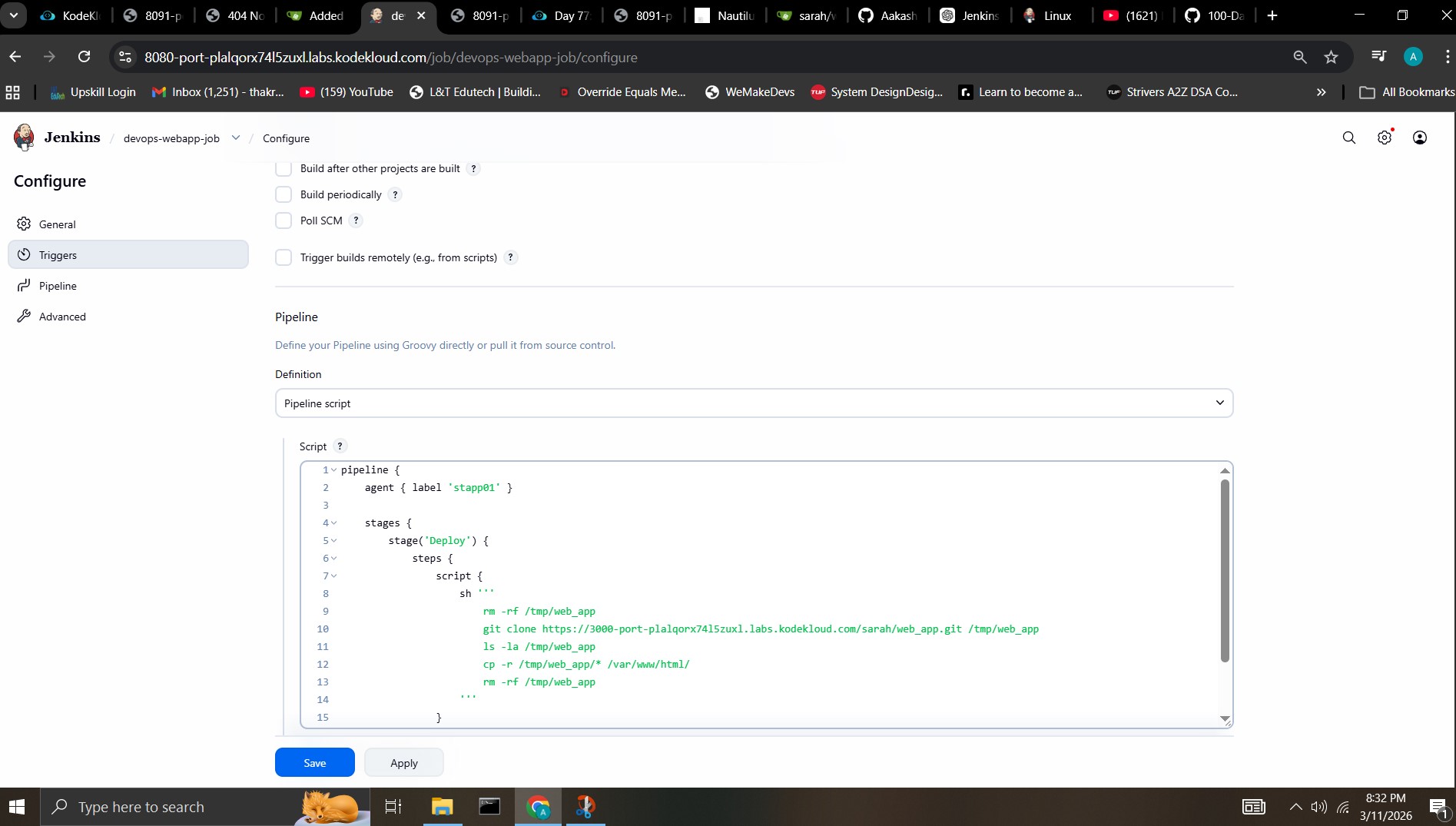
pipeline code image
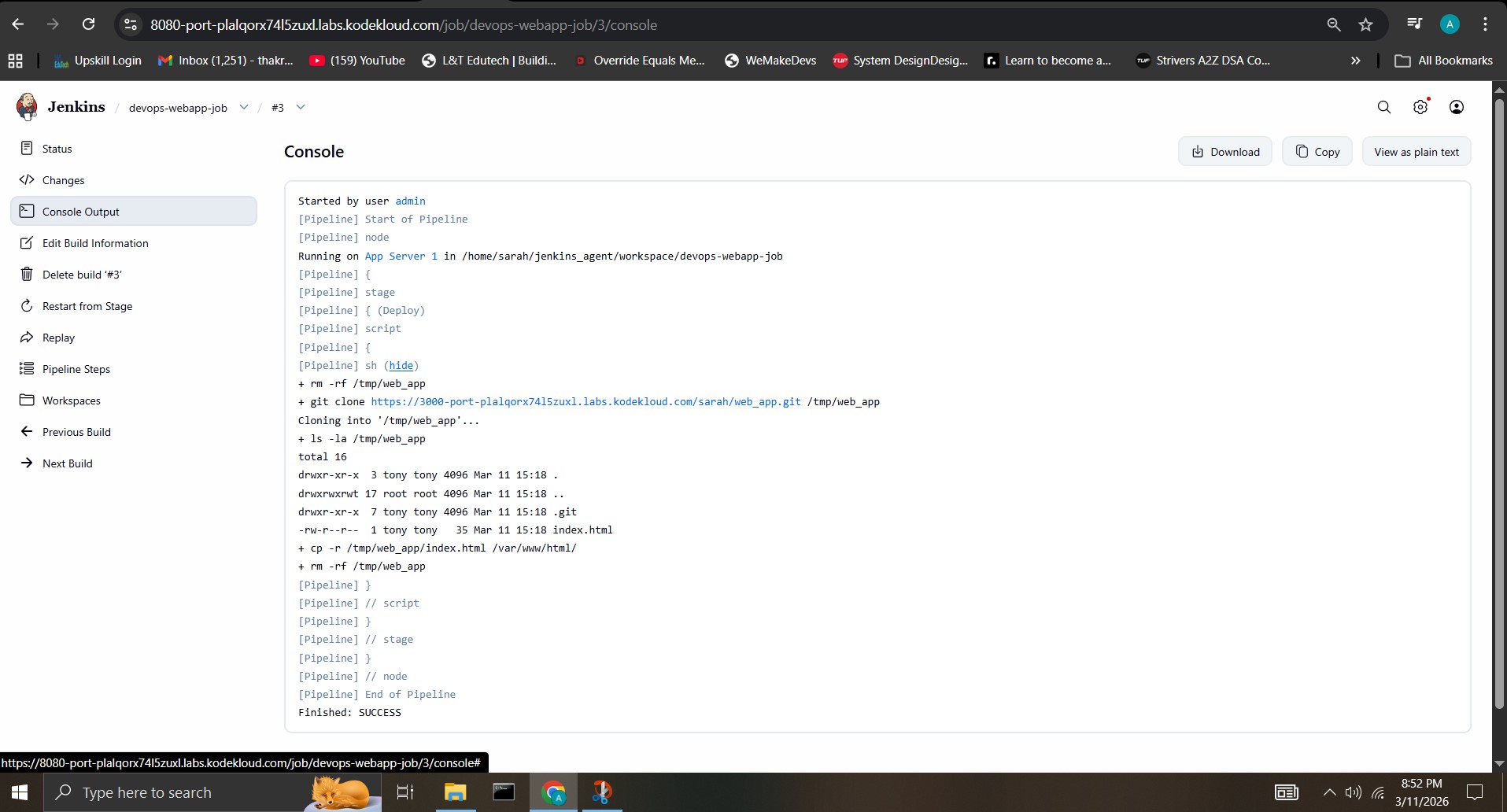
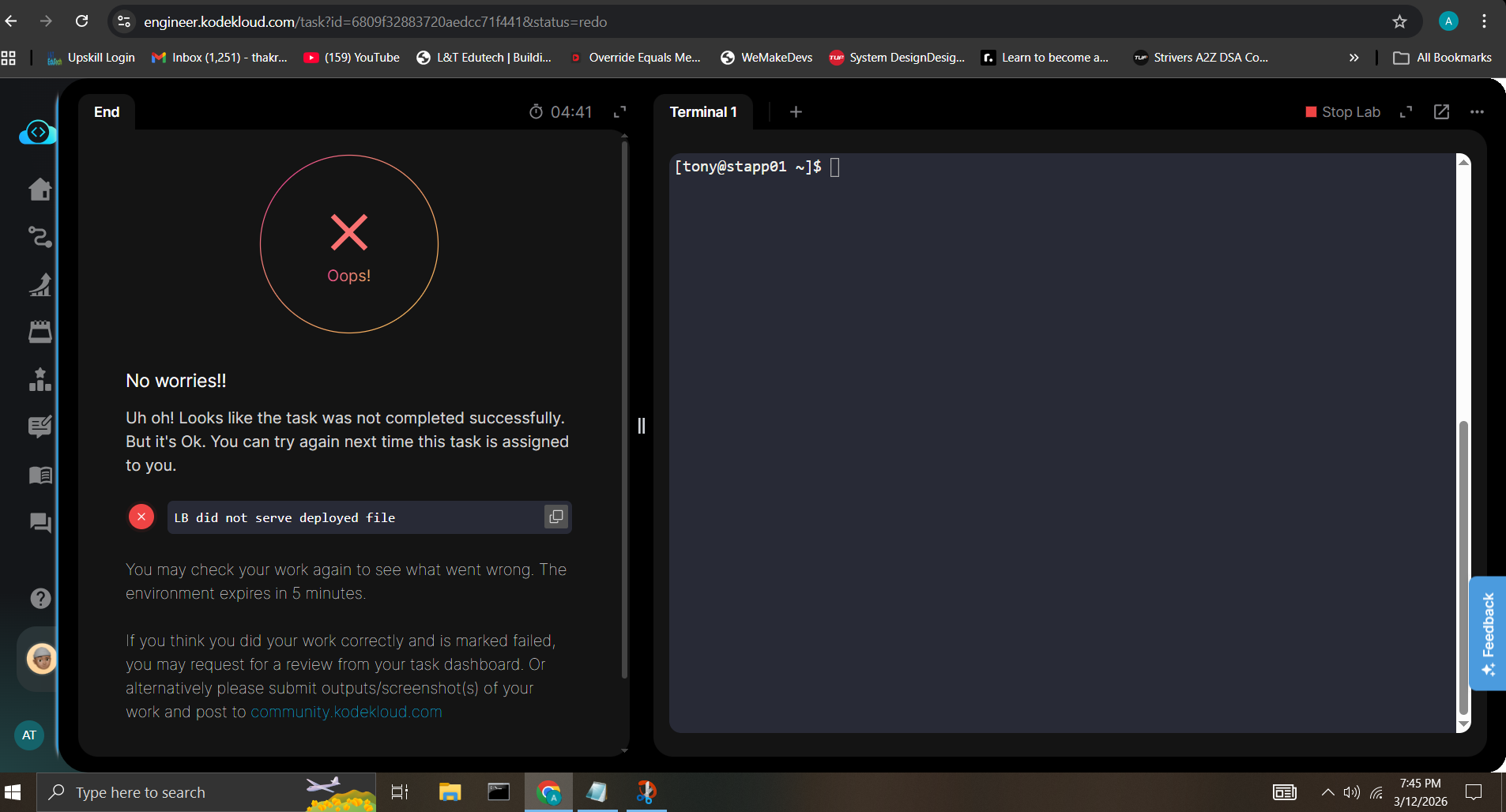
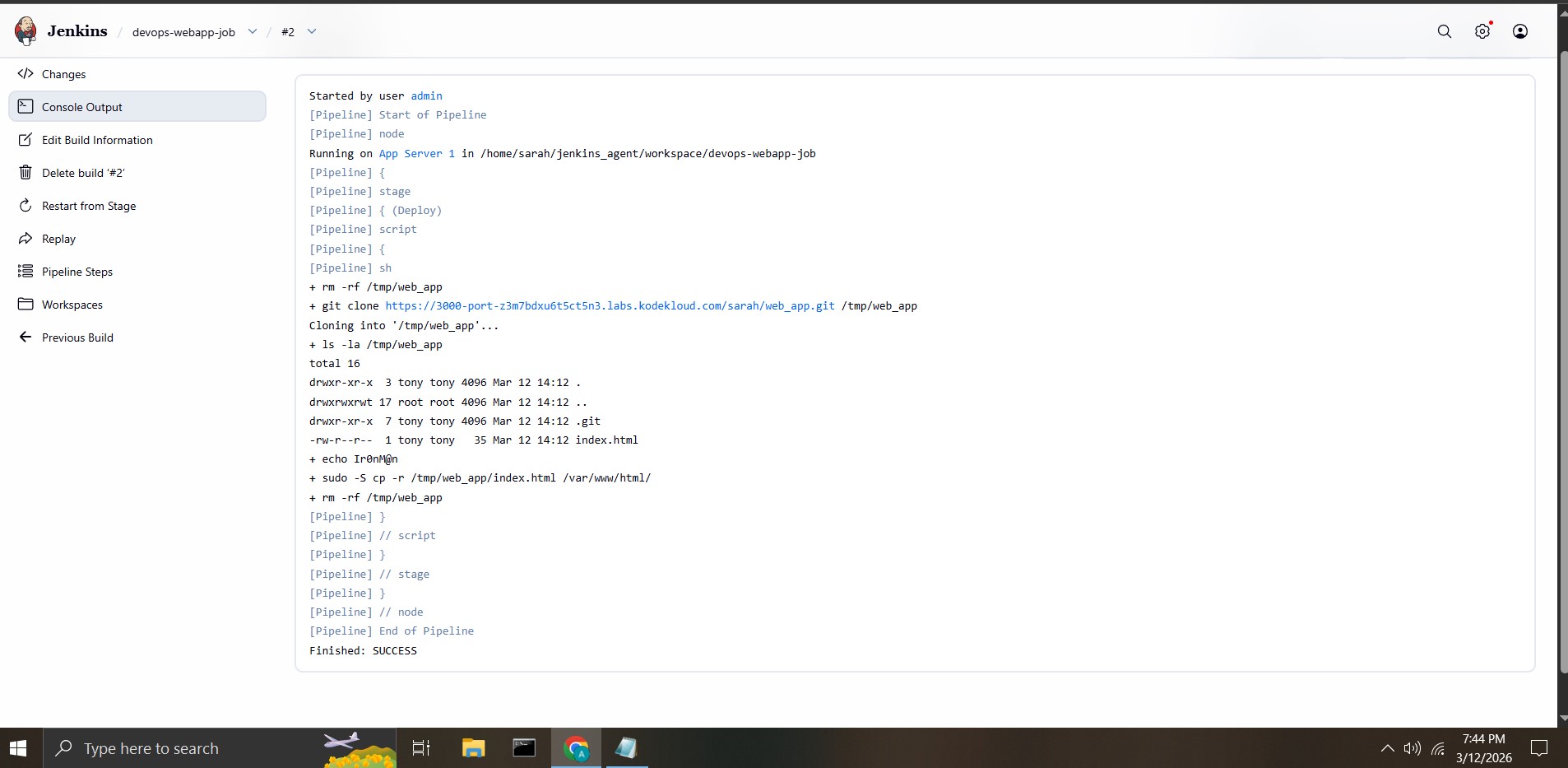
console output of build trigerred by Kodekloud when you submit for check
From my understanding everything is correct obviously need to change values based on my task
I ask you to review my submission internally and mark the task as complete