Hi Team
Any update on the above issue as still I am facing the same issue. Not able to complete any AWS Labs
We’re looking into it. The next time you do it, please try the following so we can check our logs:
Possible diagnostic step.
Get the user to record the UTC time when he gets the error, and the AWS account number
aws sts get-caller-identityin lab terminal
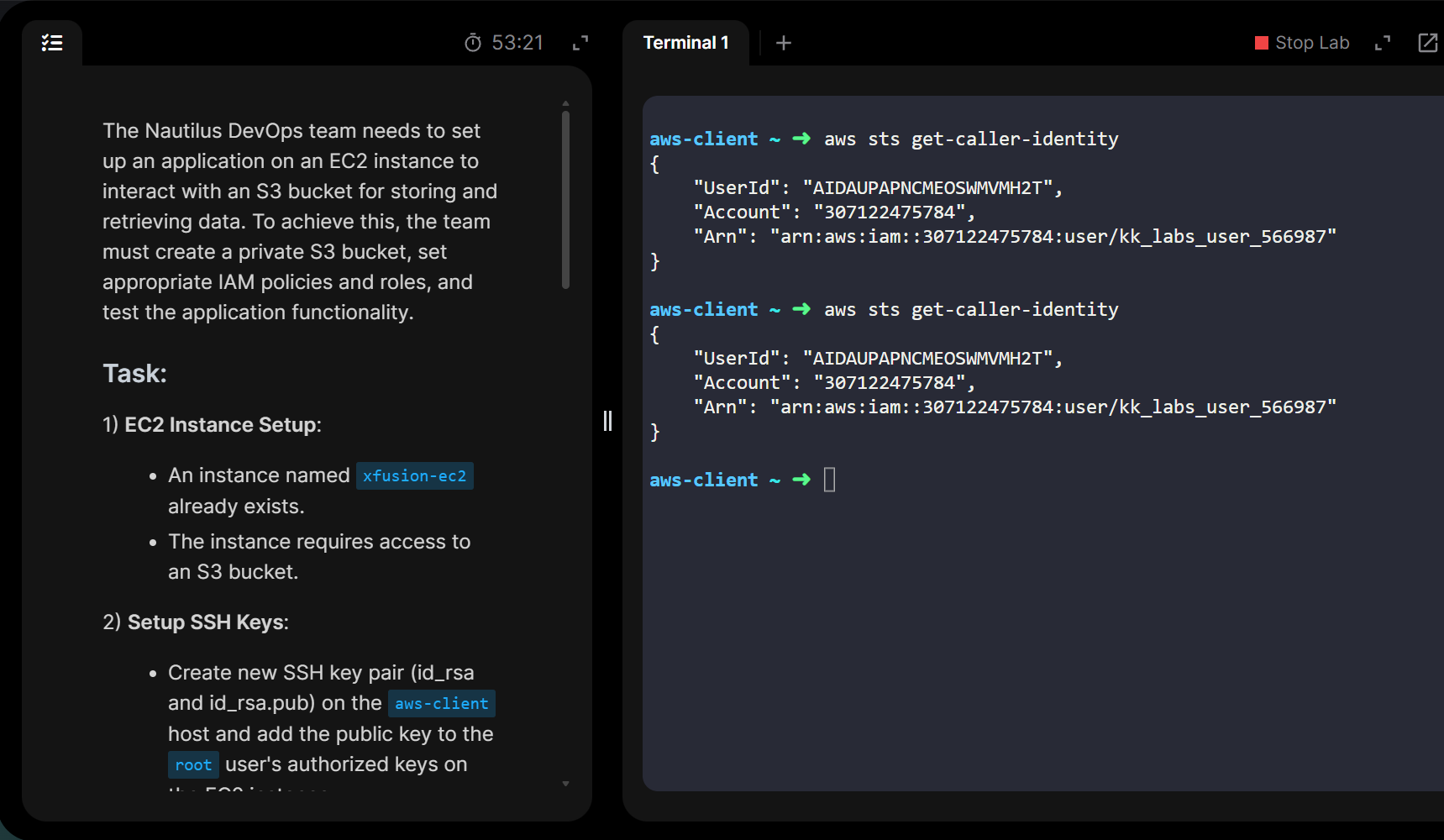
that covers for the instance, but we also need the UTC time so we know which logs to search  If we have both together, we can find the records we’d hopefully need.
Hi,
Please find the details attached for your reference.
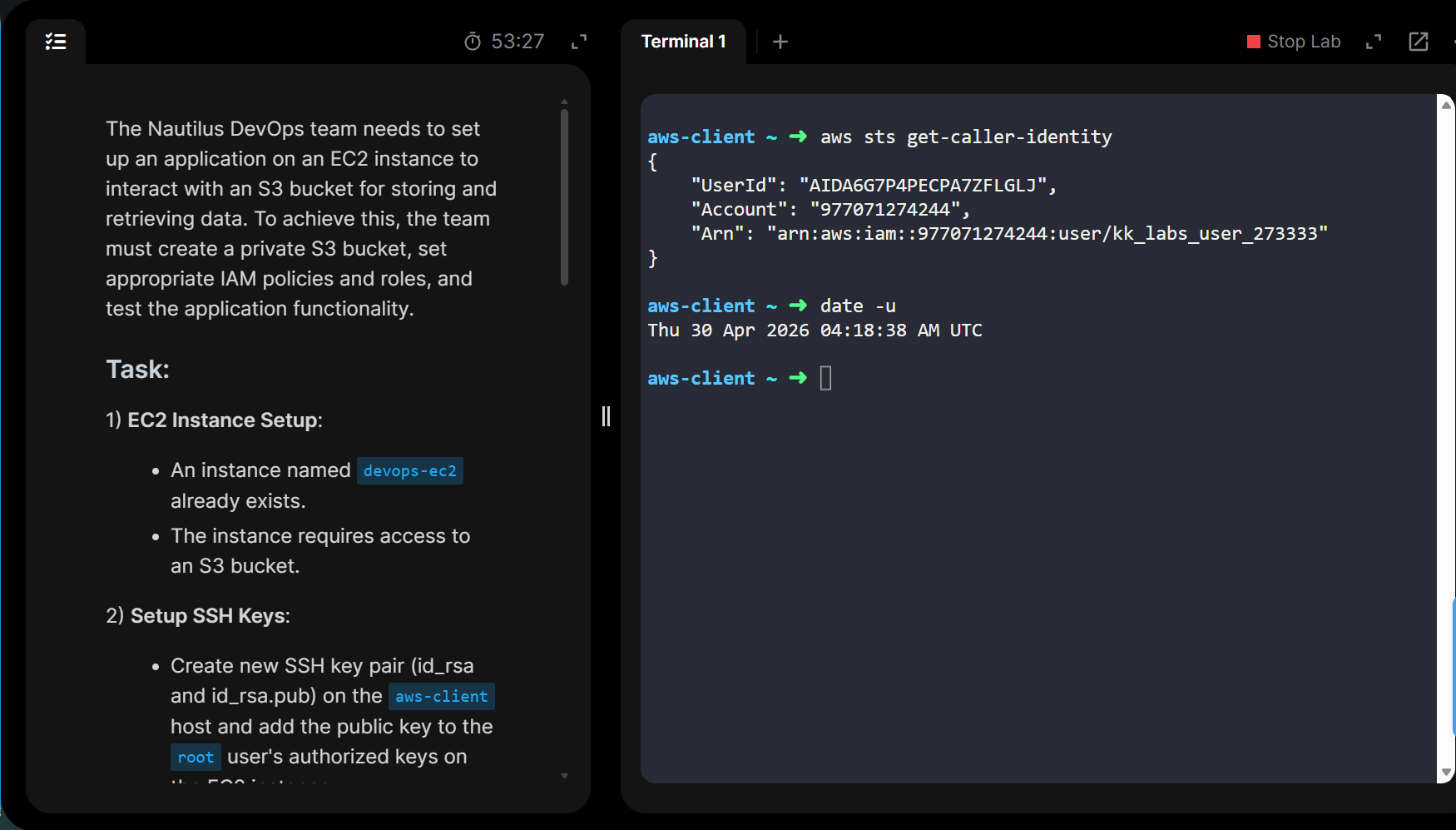
aws-client ~ ➜ aws sts get-caller-identity
{
“UserId”: “AIDA6G7P4PECPA7ZFLGLJ”,
“Account”: “977071274244”,
“Arn”: “arn:aws:iam::977071274244:user/kk_labs_user_273333”
}
aws-client ~ ➜ date -u
Thu 30 Apr 2026 04:18:38 AM UTC
Instance id : i-0332b1f5e628f50d3
Region: us-east-1
Error: Failed to connect to your instance
Error establishing SSH connection to your instance. Try again later.
Thanks – I’ve passed this on to our engineers.
Thankyou. Please let me know once the issue gets resolved.