Hi Guys
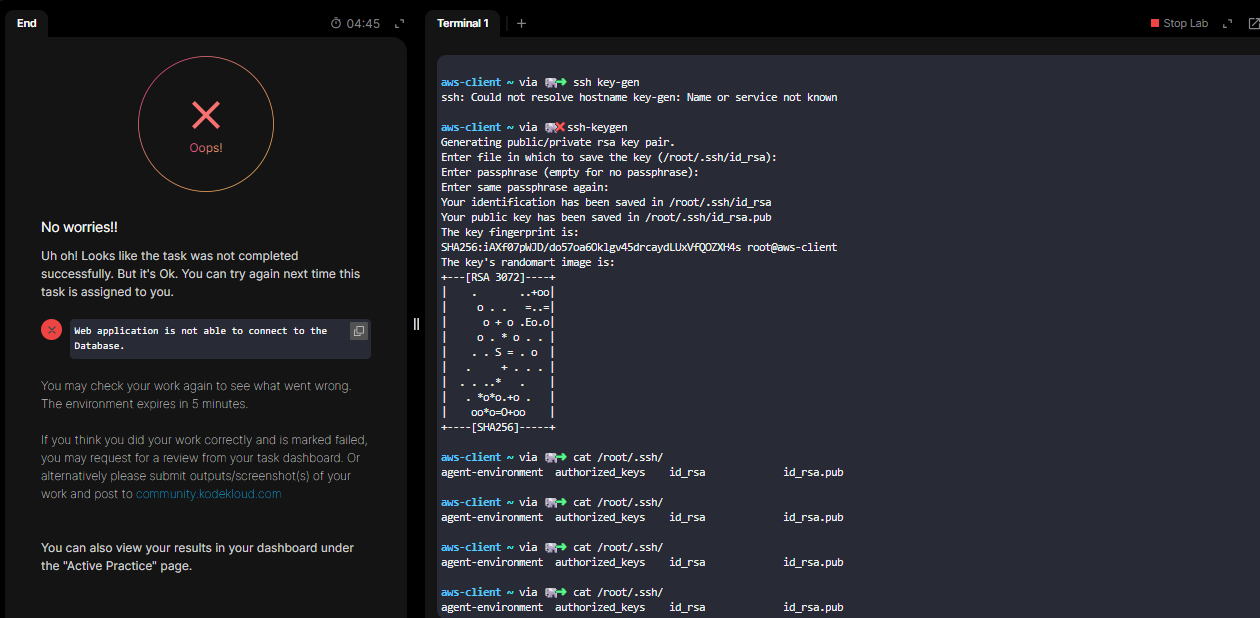
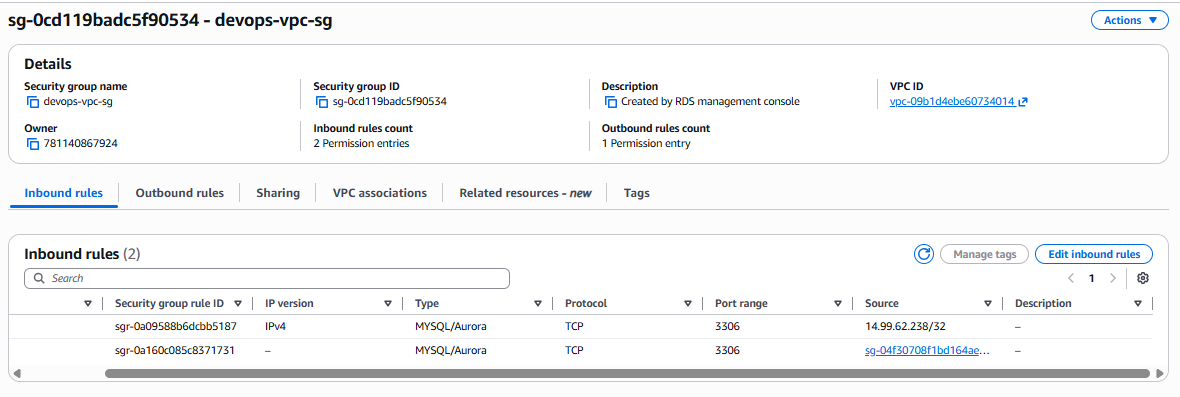
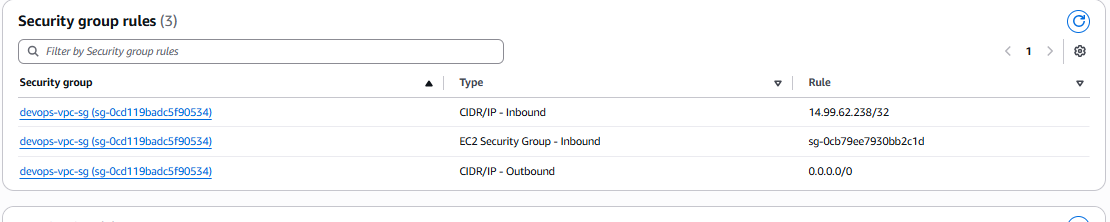
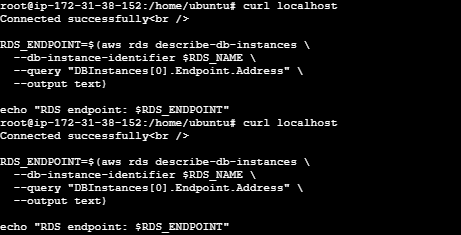
I’m getting this issue even if my terminal says ‘connected successfully’
I have done the task in correct steps. My devops-ec2 was connected successfully but still the task failed.
Thanks
Hi Guys
I’m getting this issue even if my terminal says ‘connected successfully’
I have done the task in correct steps. My devops-ec2 was connected successfully but still the task failed.
Please note this part of the task definition:
- An EC2 instance named “nautilus-ec2” exists. Connect to this instance from the AWS console. Create an SSH key (“/root/.ssh/id_rsa”) on the “aws-client” host if it doesn’t already exist. Add the public key to the authorized keys of the
rootuser on the EC2 instance for password-less SSH access.
For you to pass this task, you need to install the public key you create to the root user on the EC2 instance. This is required for the grader to be able to connect to the root user of that EC2 instance.
That would be my guess why you’re not passing this one.
Hi Rob
Thanks for your solution.
I guess your reply worked, don’t know, lol. I was also copying the public key to the root’s auth key but no success.
Make sure that /root/.ssh/authorized_keys on the EC2 host is an empty file: by default, there’s text in the file that short-circuits logins to the root user. So besides adding the public key to that file, you need to remove that line that was already there.
Sure, will keep in mind from now onwards.
Thanks, Rob
Hi you can refer to my video solution for further task and if helpful star my repo .