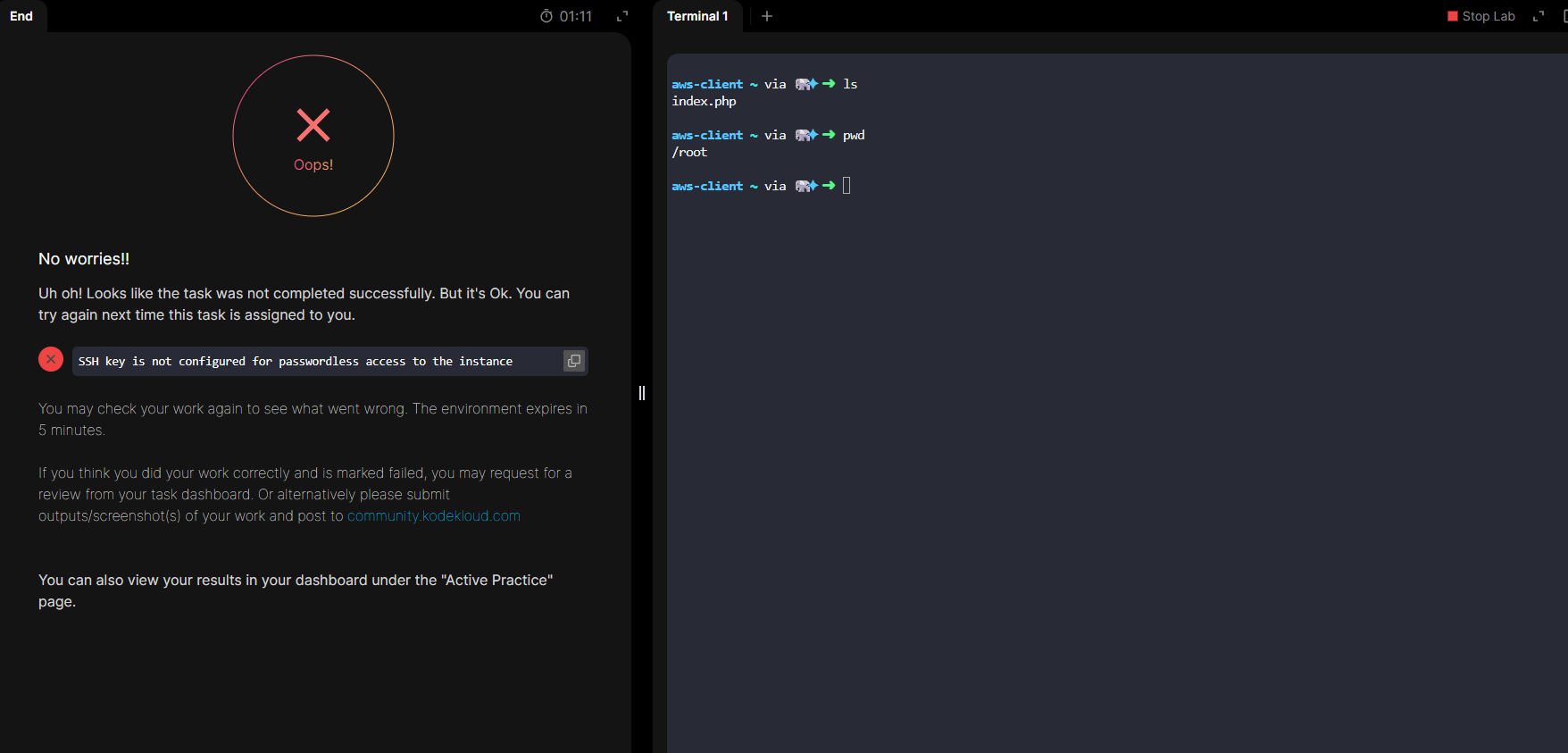
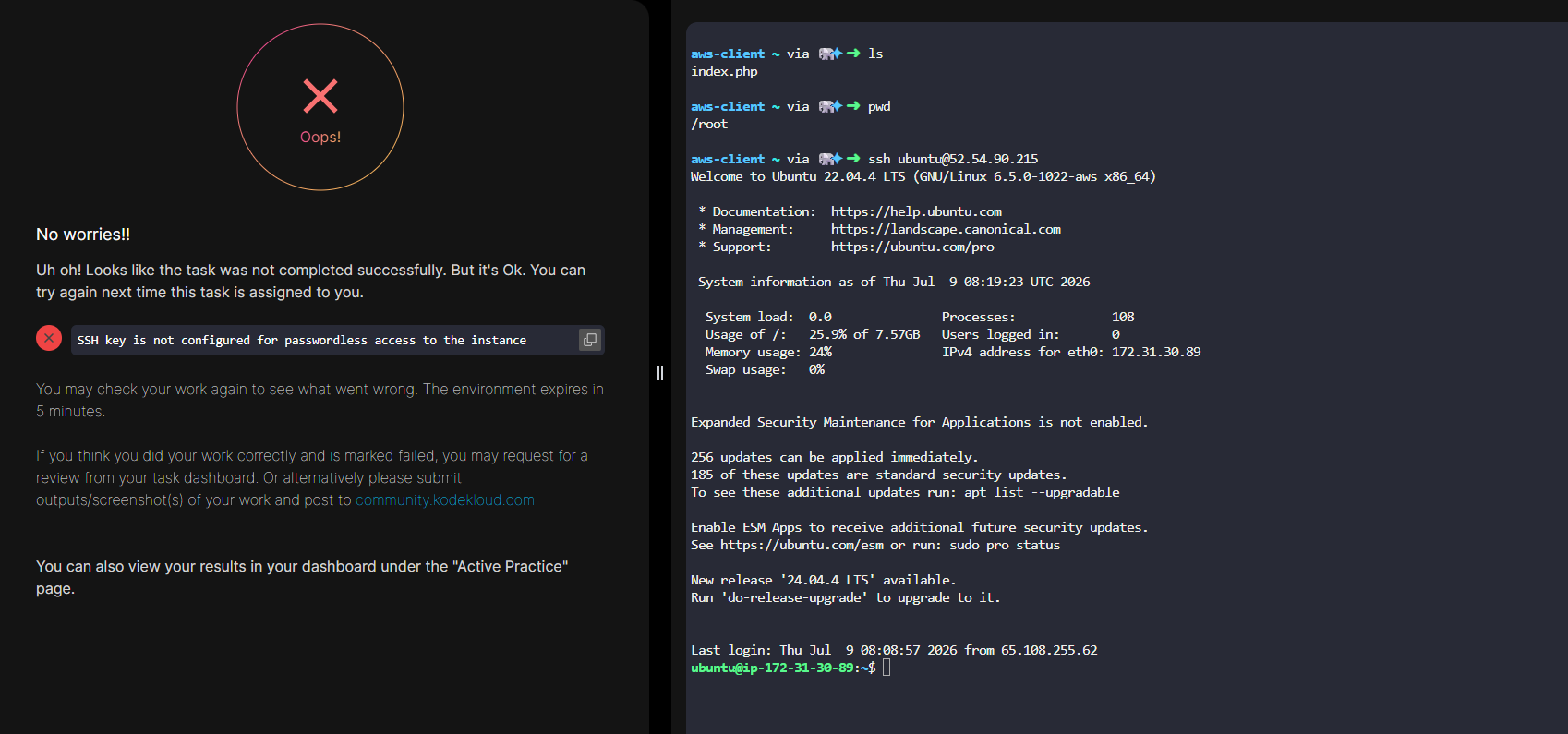
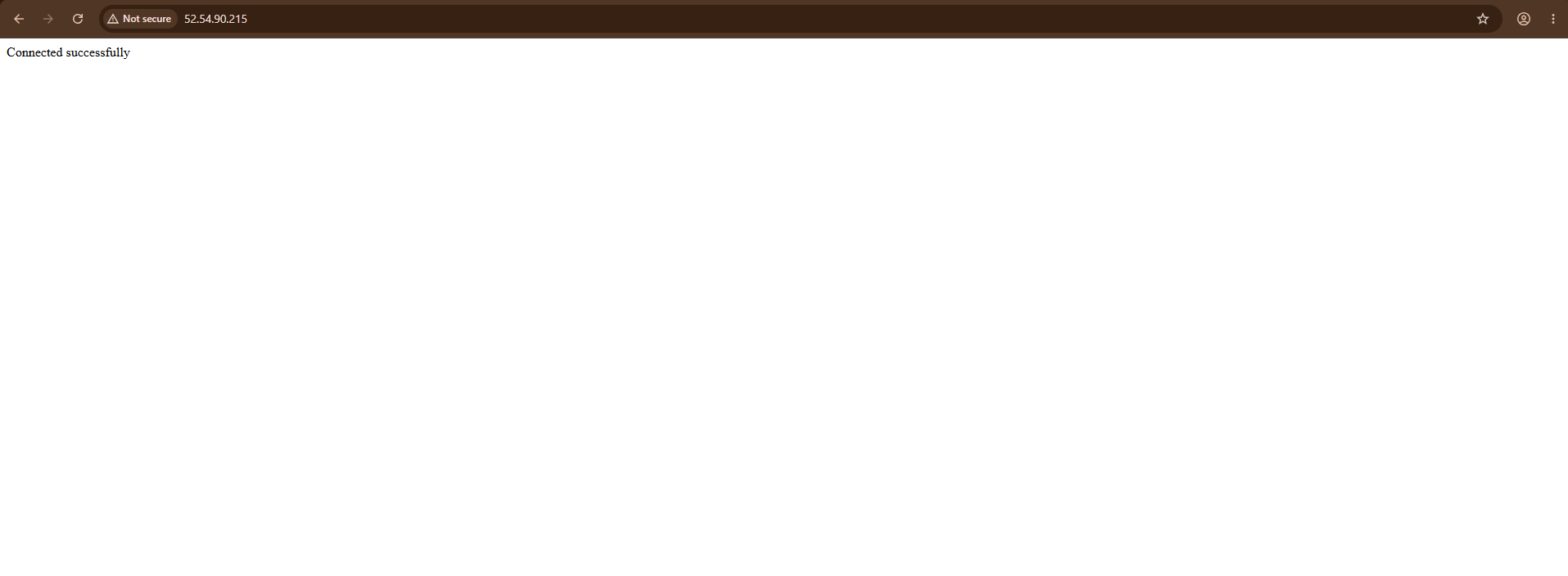
I completed the steps correctly based on the requirement in the challenge. Even I connected to the nautilus-ec2 instance in passwordless ssh and I can able to see the output by hit the server public IP. But still I got error message in the challenge.
An EC2 instance named nautilus-ec2 exists. Connect to this instance from the AWS console. Create an SSH key (/root/.ssh/id_rsa) on the aws-client host if it doesn’t already exist. Add the public key to the authorized keys of the root user on the EC2 instance for password-less SSH access.
I notice.that you’re connecting to the EC2 instance via its “ubuntu” user, which is not what’s being requested here. You should be able to connect as root@PUBLIC-IP if you do the task correctly.