Hello Kodekloud.
Everything done in correct way, but while check button pushed got FAIL.
Why?
Thank you.
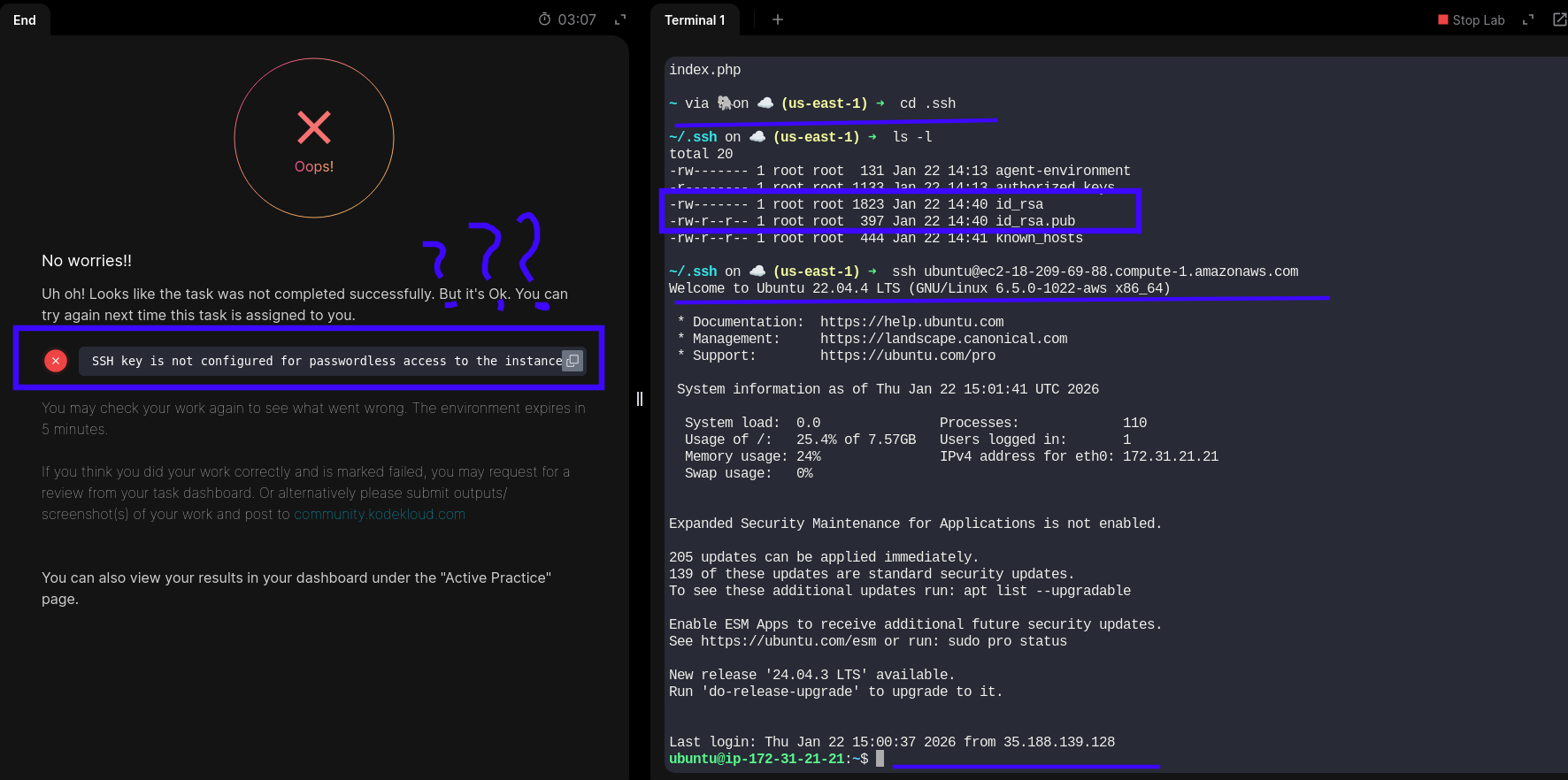
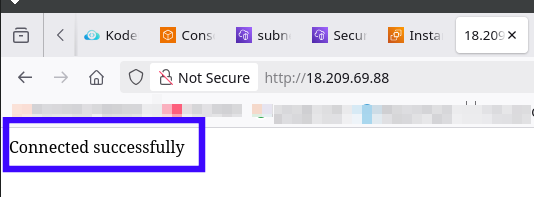
and yes, I’ve added the key that I generated previously to authorized_keys on EC2 instance’s home directory ~/.ssh/authorized_keys
Hello Kodekloud.
Everything done in correct way, but while check button pushed got FAIL.
Why?
Thank you.
and yes, I’ve added the key that I generated previously to authorized_keys on EC2 instance’s home directory ~/.ssh/authorized_keys
SSH to the instance from the AWS client host
ssh root@<VM_PUBLIC_IP>
OK, this is very secure guys! Why the task description didn’t include this info (that you connect to EC2 instance under (root) and not default amazon user for ubuntu distribution (ubuntu)?)
It is very …
Hi @blaunkn
You need to add the public key to /root/.ssh/authorized_keys as well.
Or simply as ubuntu user: sudo cp ~/.ssh/authorized_keys /root/.ssh/authorized_keys
… Add the public key to the authorized keys of the
rootuser on the EC2 instance for password-less SSH access.
Thank you for reply, but I already know about it, but why the description not include info about which user used for checking (on the EC2 instance)?
By the way Amazon protects root account from SSH access and authorized_keys need to be corrected in more than just include SSH pub key (need to delete subst in authorized_keys file for root user to work), it is such a…
But anyway thank you for replay.
oops, my bad. My eyes …
Sorry for that…