Hi Guys,
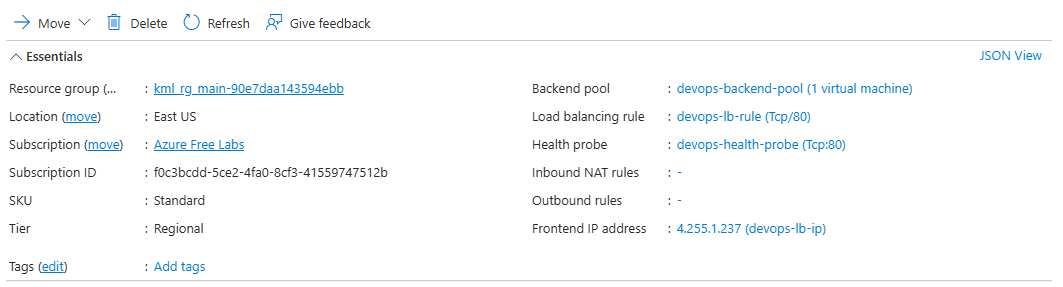
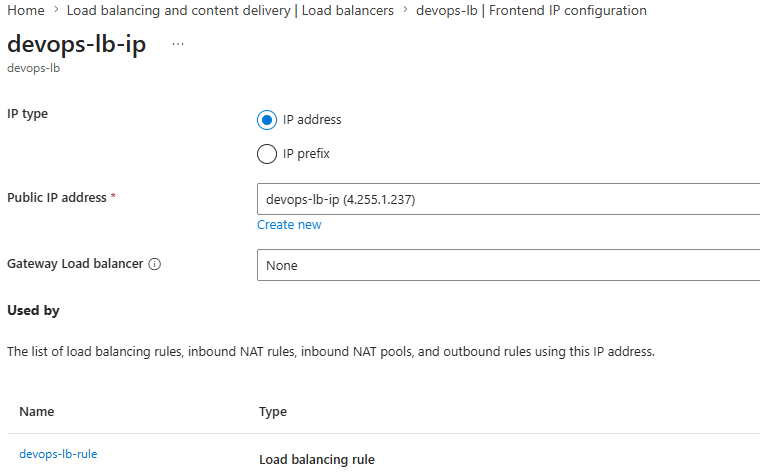
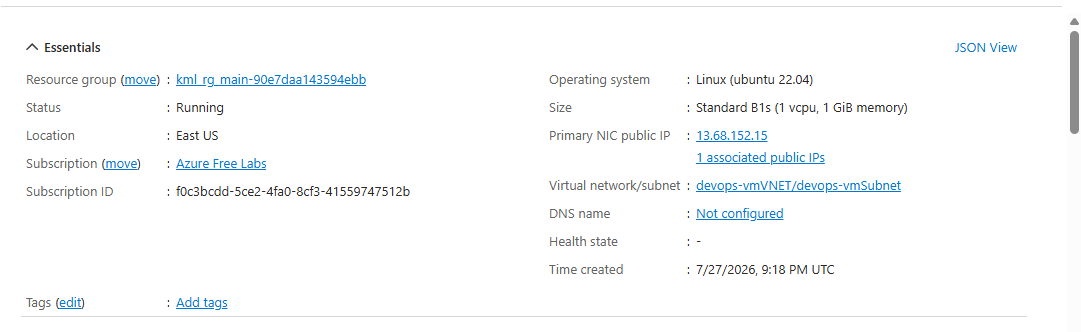
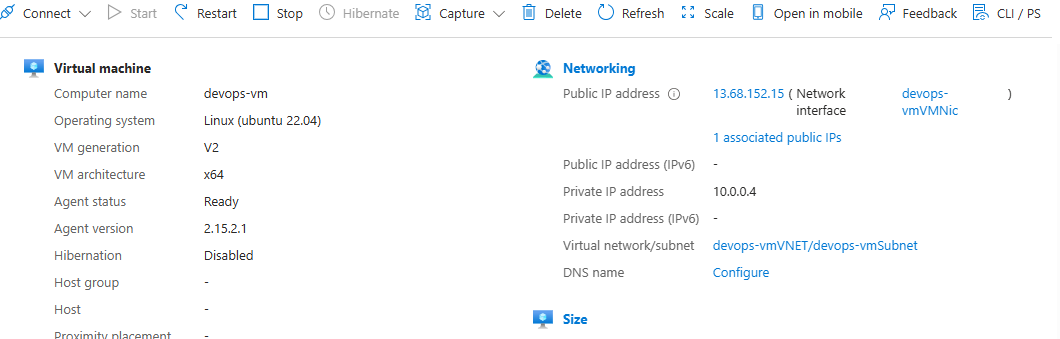
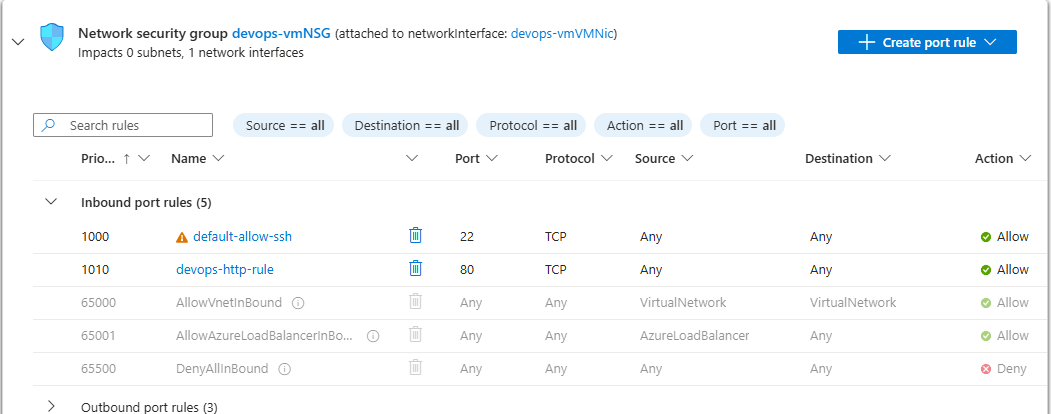
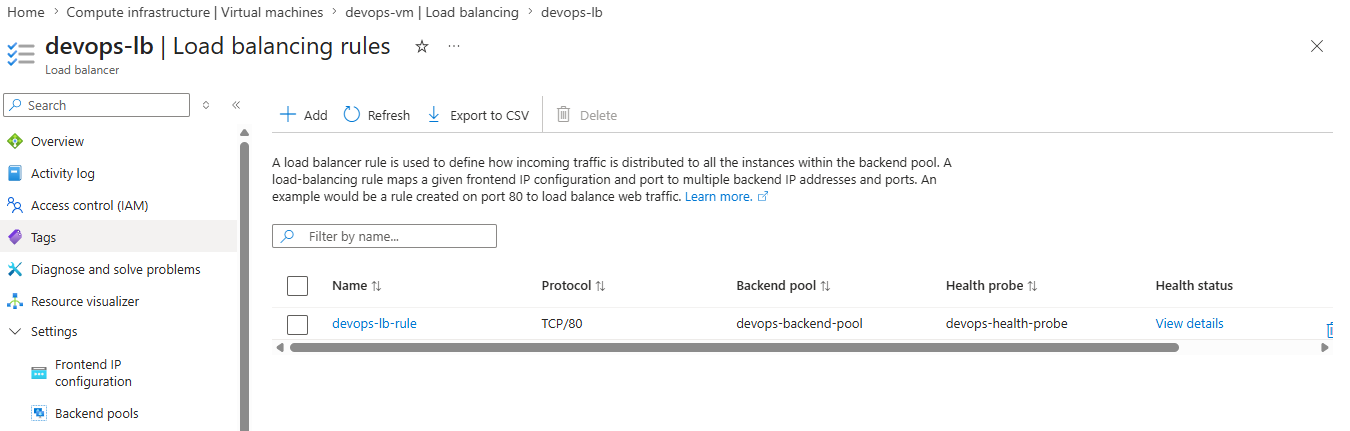
I have done the task all by myself and also through the solution that is on github but still I’m not getting any nginx page. Although after clicking on check option on the terminal, it was checked and the task was completed. Still after clicking the IP of the LB I was getting the This site can’t be reached.
Here are the screenshots:
Thanks
Try using curl from the lab terminal using the Azure LB’s IP address you created. This worked for me. The lab then was approved by the grader.
I did not get the IP to work from the browser; not sure why that would be. But the LB was responsive as long as I created the NSG firewalling rule for the underlying VM.
Hi Rob
Yeah, It worked on the curl, Thanks a lot.
There may be some issues with the azure, Ig.