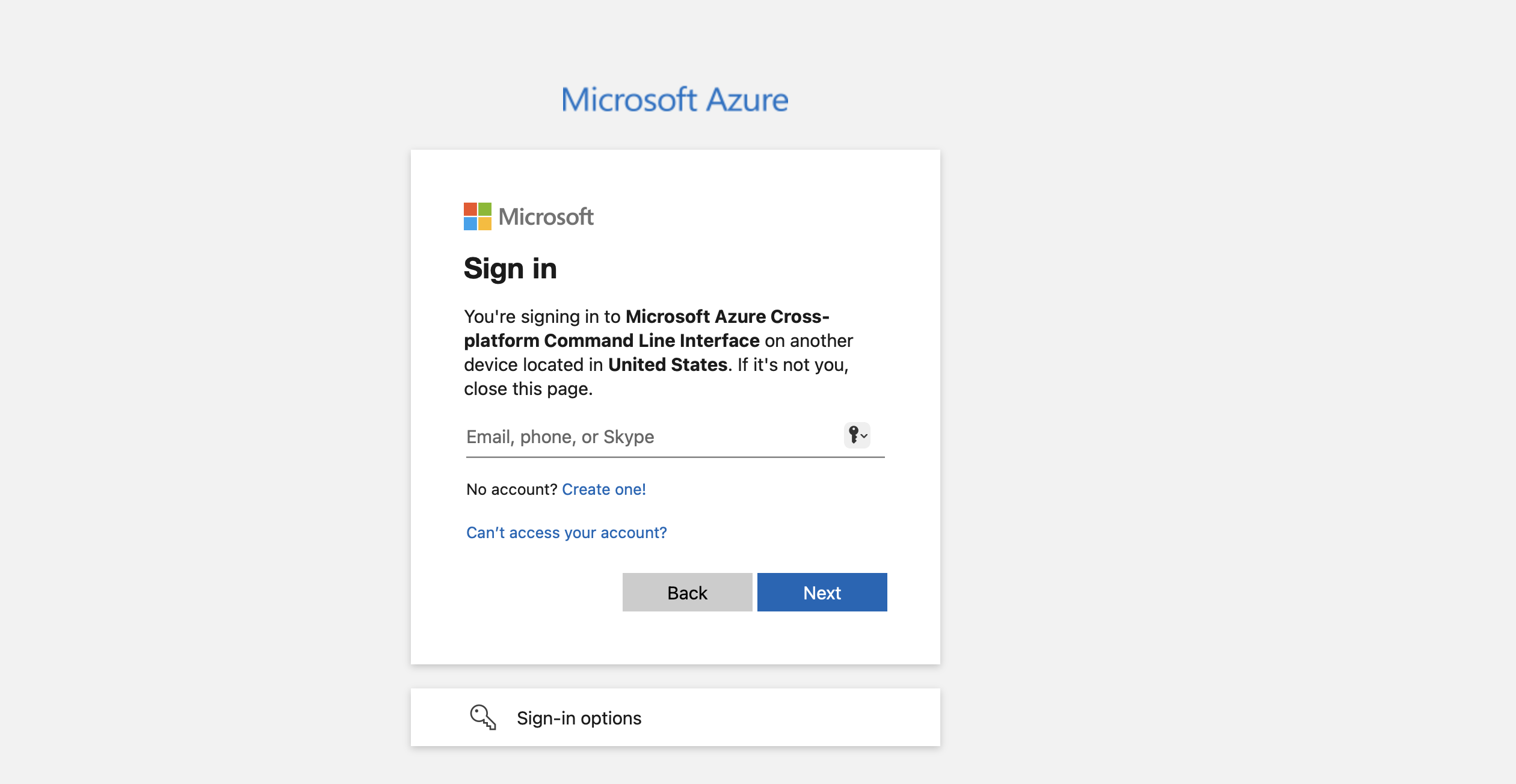
In the Task - Create VM using Azure CLI:
when I give the command “az login”, it is asking to authenticate via web browser. But once I enter the code, it is prompting to a login screen in web browser asking for the email credentials.
So I am unable to authenticate to proceed further on the CLI.
Please guide me in resolving this issue.
~ ➜ az login
To sign in, use a web browser to open the page Sign in to your account and enter the code ETJ8RLXRN to authenticate.
Thanks.
The solution here is NOT to use az login, since the azure-client terminal is already logged in. You can get a usable resource group to create the vm by doing az group list.
Then it’s pretty straightforward. Just do az vm create --help and look at the examples; everything you need is there. The command ultimately looks like:
az vm create -n xfusion-vm  -g kml_rg_main-WHAT-YOU-GET-FROM-GROUP-LIST  \
        --image Ubuntu2204 \
       --data-disk-sizes-gb 30 --size Standard_B2s \
            --generate-ssh-keys --admin-username azureuser \
            --storage-sku Standard_LRS
Hi, When i am trying to create vm via cli, facing sku error.
Error - {“error”:{“code”:“InvalidTemplateDeployment”,“message”:“The template deployment ‘vm_deploy_BITH4XSyjtkrzfLNJIJERaVgwhfbJBcB’ is not valid according to the validation procedure. The tracking id is ‘70022609-940f-4faf-aa43-2fe193e1e2cc’. See inner errors for details.”,“details”:[{“code”:“SkuNotAvailable”,“message”:“The requested VM size for resource ‘Following SKUs have failed for Capacity Restrictions: Standard_B2s’ is currently not available in location ‘westus’. Please try another size or deploy to a different location or different zone. See SKU not available errors - Azure Resource Manager | Microsoft Learn for details.”}]}}
Command - az vm create --name nautilus-vm --resource-group kml_rg_main-c72ad8fd26254238 --image Ubuntu2204 --size Standard_B2s --admin-username azureuser --generate-ssh-keys --os-disk-size-gb 30 --storage-sku Standard_LRS
Even though i create with another size, i could not able to pass the check. @rob_kodekloud , is there any possible way to fix this.
This problem may be intermittent – I’m finding I can do the lab today and the size is available.
1 Like
Its already logged it the client machine.
found this as successfully create the VM. Btw few glitches happend on my code and i solved them in somehow. Hope this help for anyone.
az group list --query “[].name” --output tsv
resourcegroup=“kml_rg_########”
vmname=“datacenter-vm”
location=“eastus”
vmsize=“Standard_B2s”
os_image=“Ubuntu2204”
disk_type=“Standard_LRS”
disk_size=“30”
username=“azureuser”
az vm create
–resource-group $resourcegroup
–name $vmname
–location $location
–size $vmsize
–image $os_image
–storage-sku $disk_type
–os-disk-size-gb $disk_size
–admin-username $username
–generate-ssh-keys
–public-ip-sku Standard