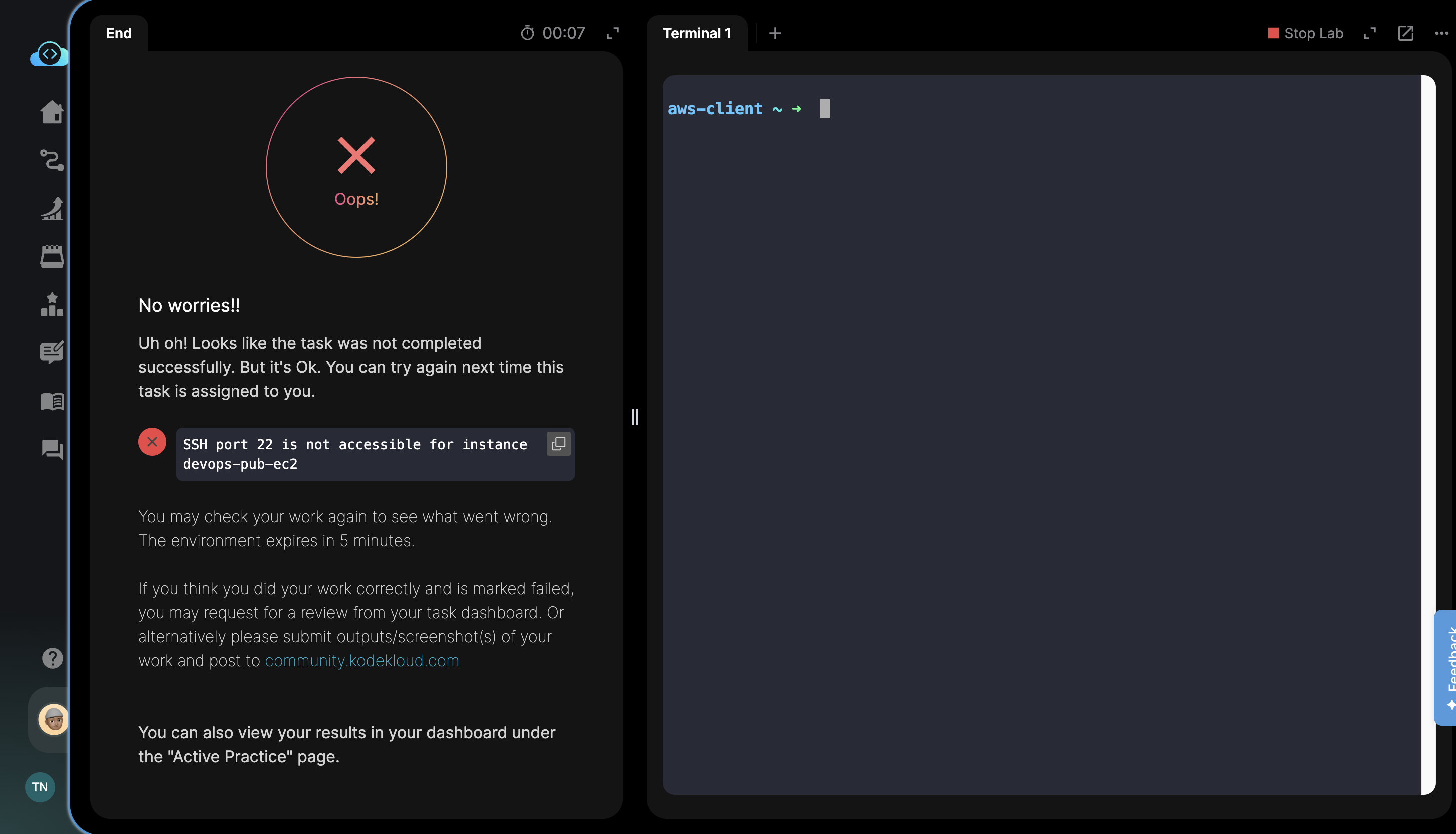
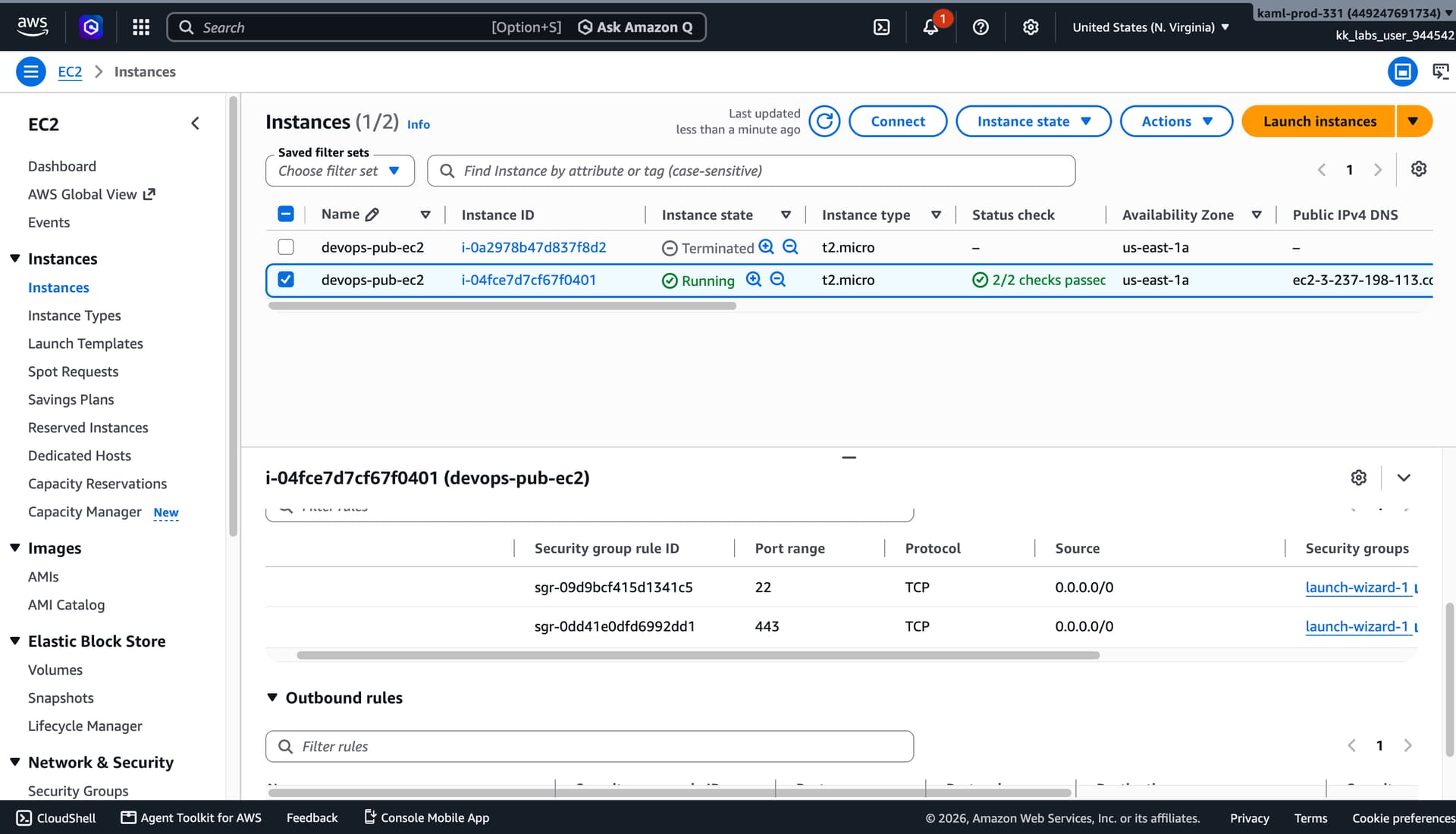
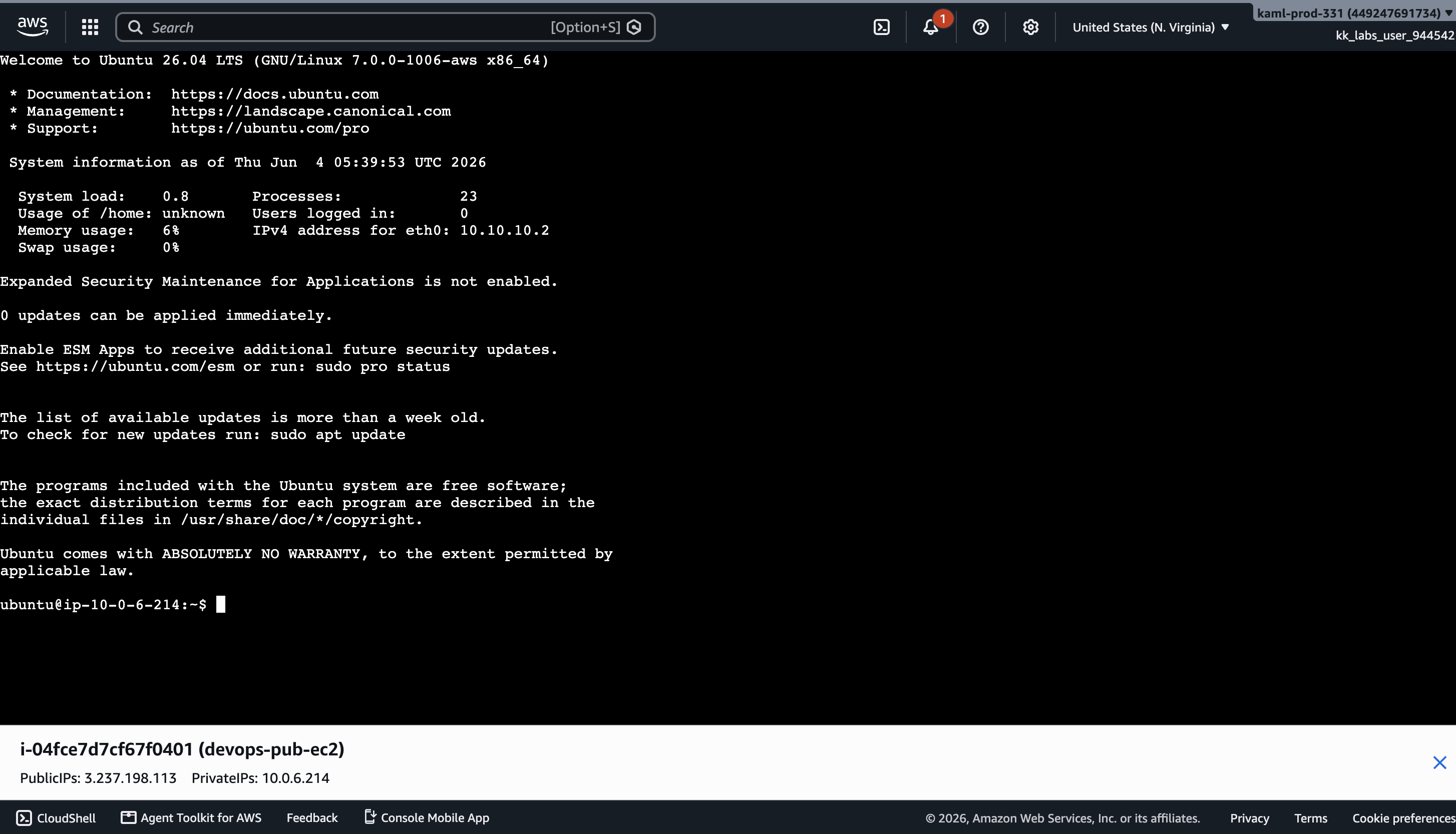
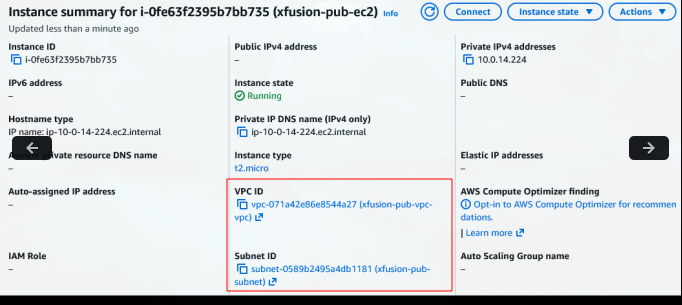
I am created vpc name as devops-pub-vpc and subnet all setting up and and launch an instance name as devops-pub-ec2 and i my self ssh into in and it works but after submitting task SSH port 22 is not accessible for instance devops-pub-ec2
Could you please retry this again?
If you find difficulties, you may also refer to the solution here .
Hi there!
You could also refer to my solution if it helps.
# Day 27: Configuring a Public VPC with an EC2 Instance for Internet Access

The Nautilus DevOps Team has received a request from the Networking Team to set up a new public VPC to support a set of public-facing services. This VPC will host various resources that need to be accessible over the internet. As part of this setup, you need to ensure the VPC has public subnets with automatic IP assignment for resources. Additionally, a new EC2 instance will be launched within this VPC to host public applications that require SSH access. This setup will enable the Networking Team to deploy and manage public-facing applications.

Create a public VPC named `devops-pub-vpc`, and a subnet named `devops-pub-subnet` under the same, make sure public IP is being auto assigned to resources under this subnet. Further, create an EC2 instance named `devops-pub-ec2` under this VPC with instance type `t2.micro`. Make sure SSH port 22 is open for this instance and accessible over the internet.

## Specific Requirements:

1. Create a public VPC named `devops-pub-vpc`.
2. Create a subnet named `devops-pub-subnet` under the same, make sure public IP is being auto assigned to resources under this subnet.
3. Further, create an EC2 instance named `devops-pub-ec2` under this VPC with instance type `t2.micro`.
4. Make sure SSH port `22` is open for this instance and accessible over the internet.

## Solution

A subnet becomes public only when the complete network path exists: the subnet automatically assigns public IPv4 addresses, its route table sends `0.0.0.0/0` to an Internet Gateway, and the instance security group allows the required inbound port. The instance was launched only after that public network foundation was configured.

### 📦 Variables

```bash
show original