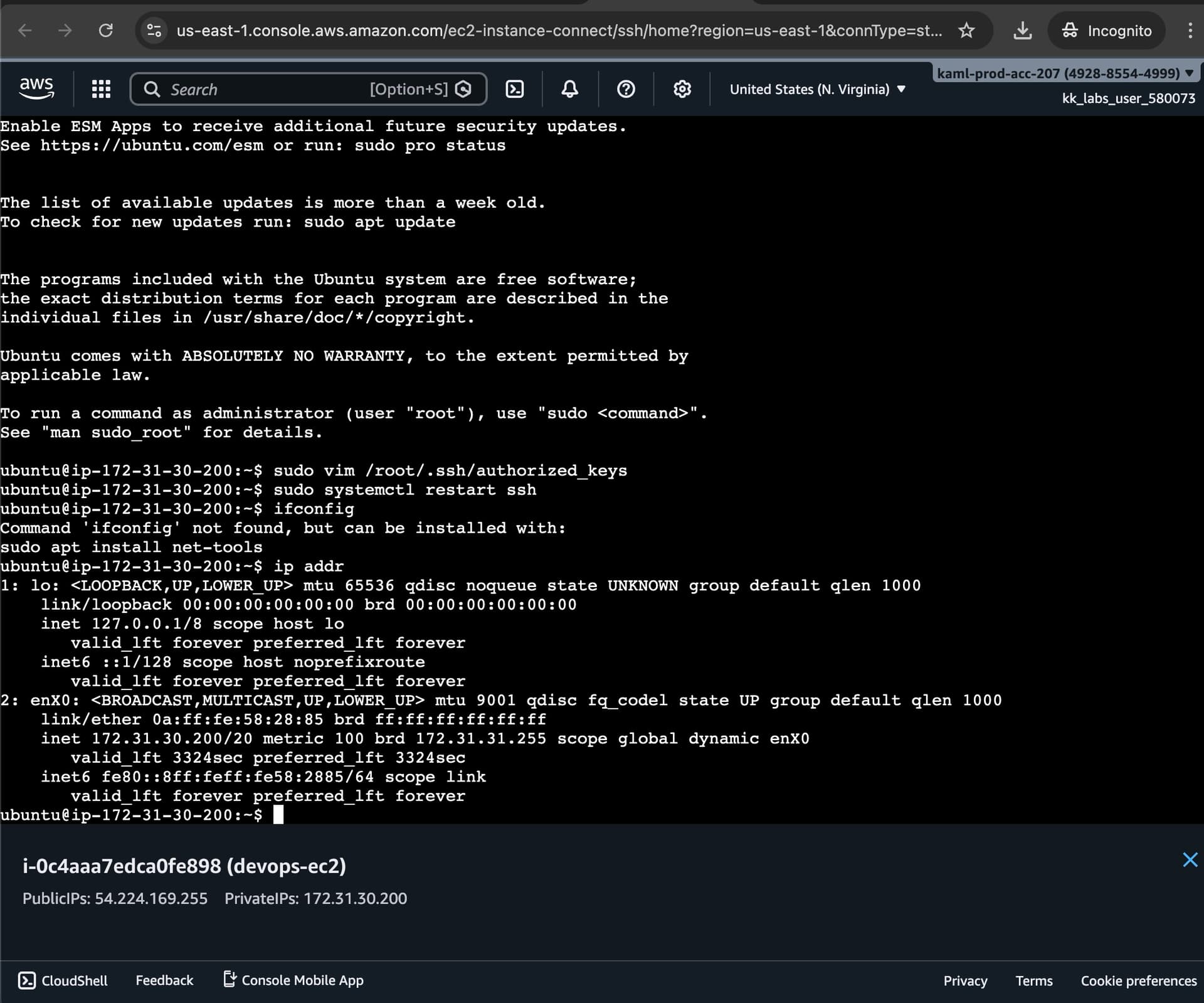
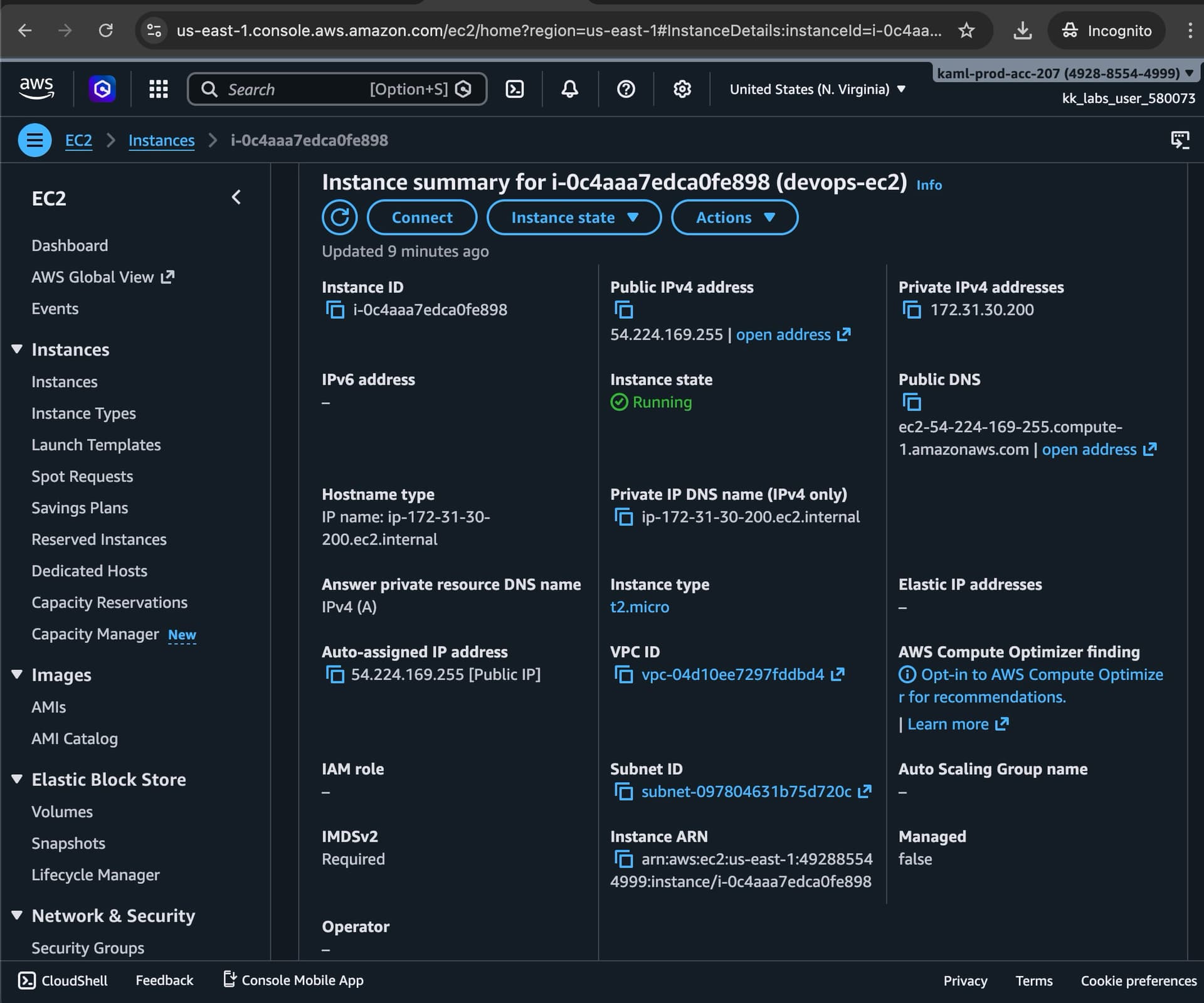
I followed the instructions, during which I did a misconfiguration with the vm so I terminated it and recreated it again then generated the ssh key and copied the .pub file to the root user of the EC2 and did an ssh login without a password successfully. I don’t get why did it fail
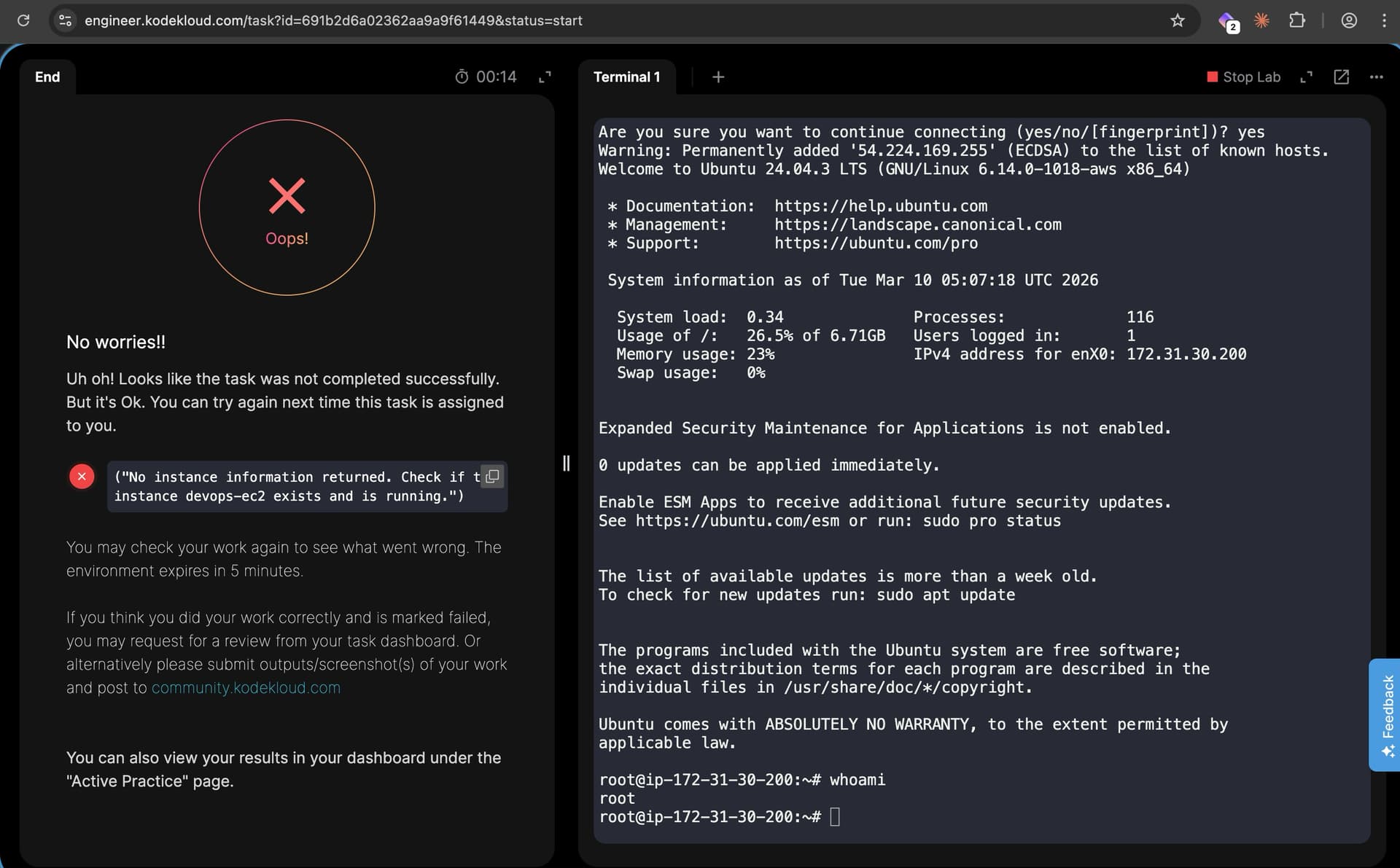
One thing a lot of people get wrong with this one is setting up the ssh key pair. It needs to be created on the aws-client (your local end) as /root/.ssh/id_rsa, which you can create using just ssh-keygen with no arguments. Otherwise, the grader can’t find your private key, and fails to contact the EC2 instance. I’d guess this is your problem because it’s consistent with the error you’re getting from the grader.
I created signed keys by mistake while doing the setup of the EC2 machine, but then created the ssh key using ssh-keygen on the aws-client as /root/.ssh/id_rsa then I copied the public content to the root ssh file in the EC2 machine then sshed into the EC2 machine successfully, aren’t the steps that I did correct in that case? or it is just because of the key that was created for the EC2 at the start the grader didn’t work?
I repeated the steps, but this time with no keys being created with the EC2 during its creation, and it worked