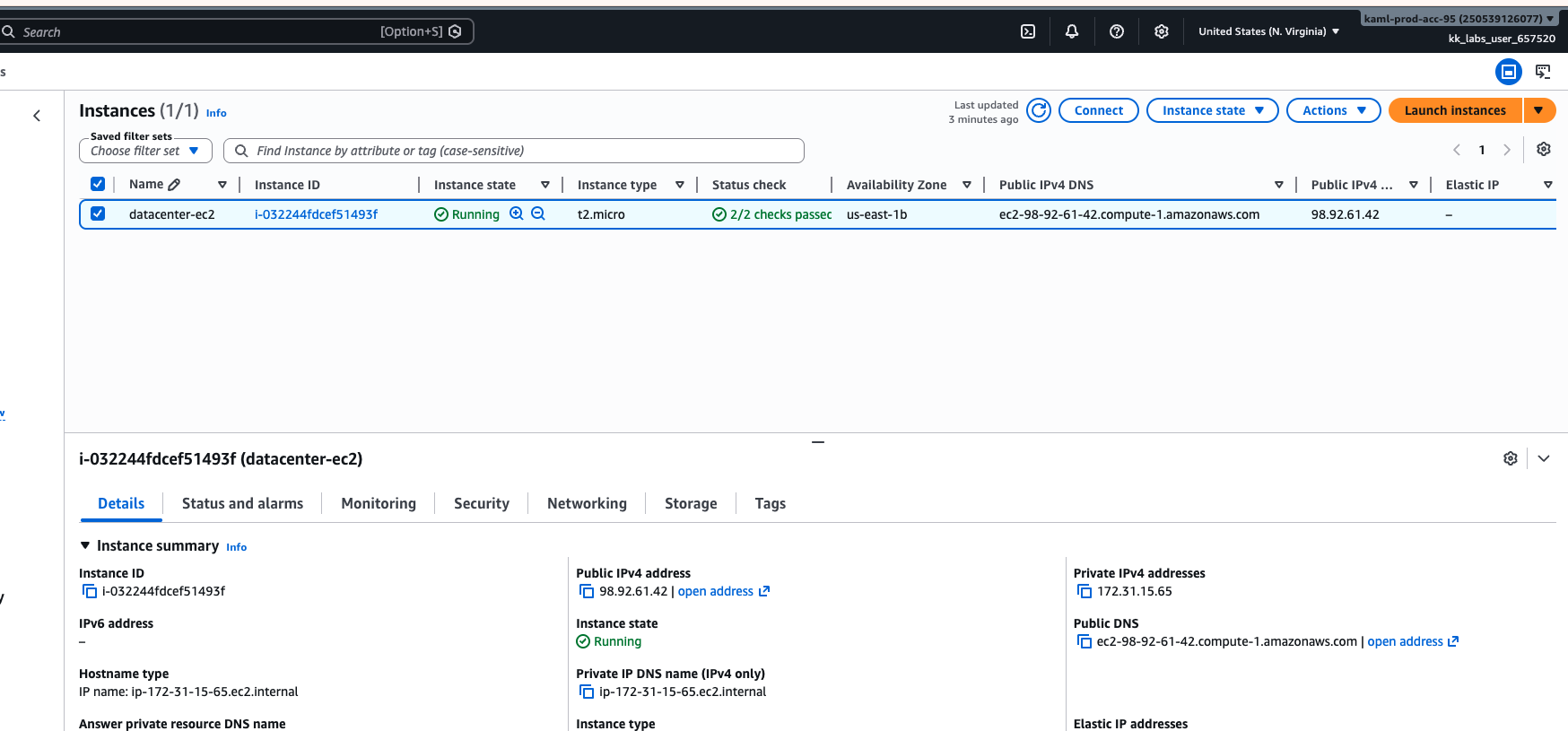
I’m stuck with 100 Days of Cloud (AWS) Day 22 as the assessment keeps failing saying that the <ec2_name> is not running when I’m able to see that the ec2 instance has indeed the correct name and is running, plus I’m able to ssh to it as instructed on the task.
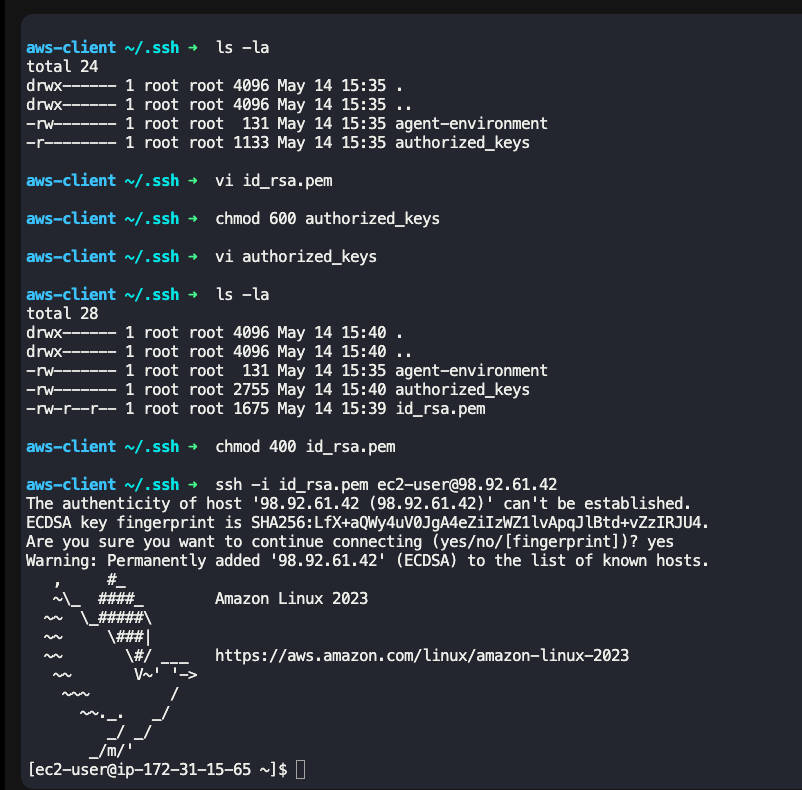
The name of your key file is not what you want. It should be “id_rsa”, not “id_rsa.pem”. This is probably confusing the grader script.
Hi Rob, I tried creating the private key from aws-client as “id_rsa” but I’m getting the same error:
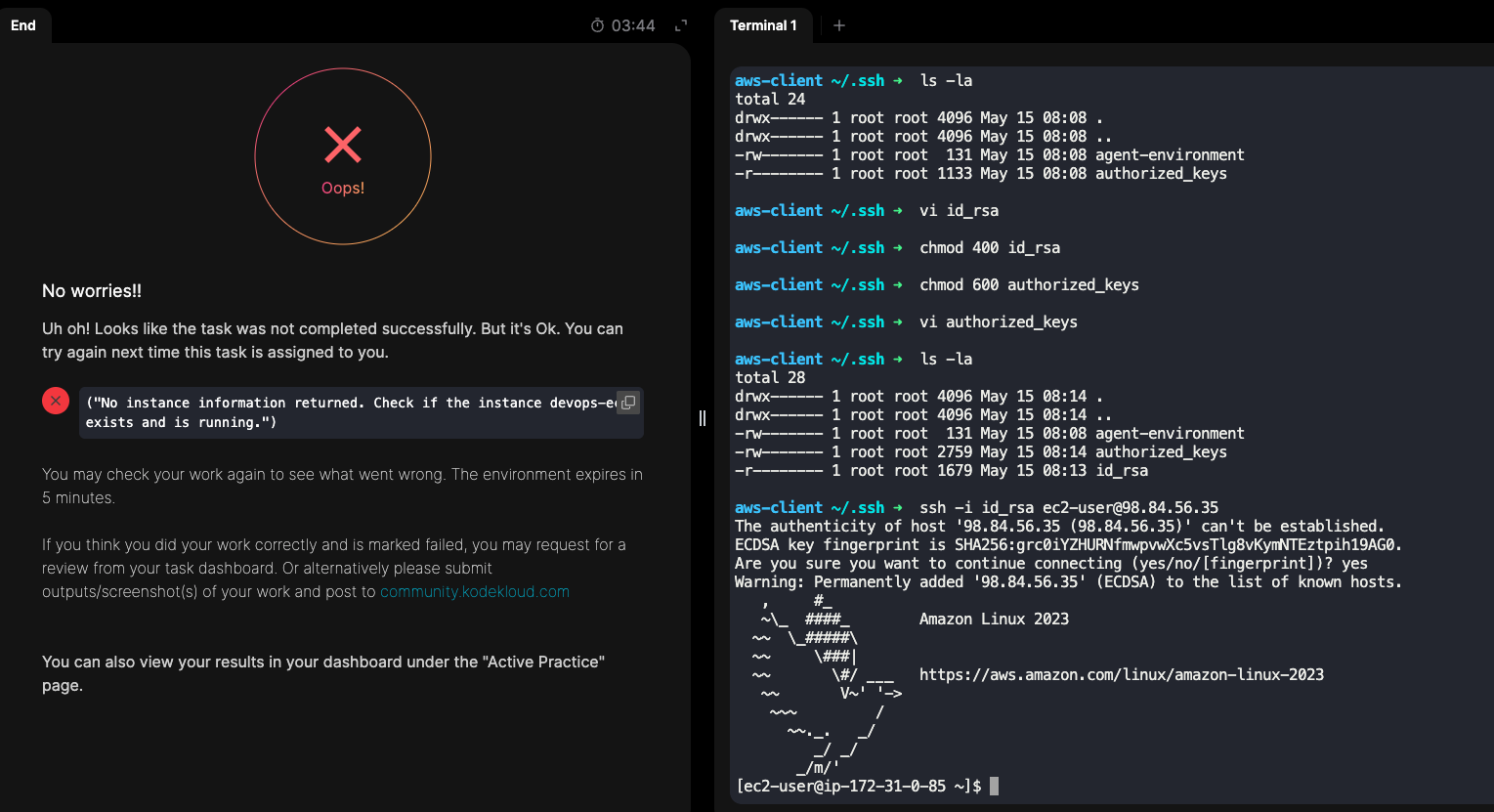
try this solution
1 Like
just a humble request please give a star to my repo 
1 Like
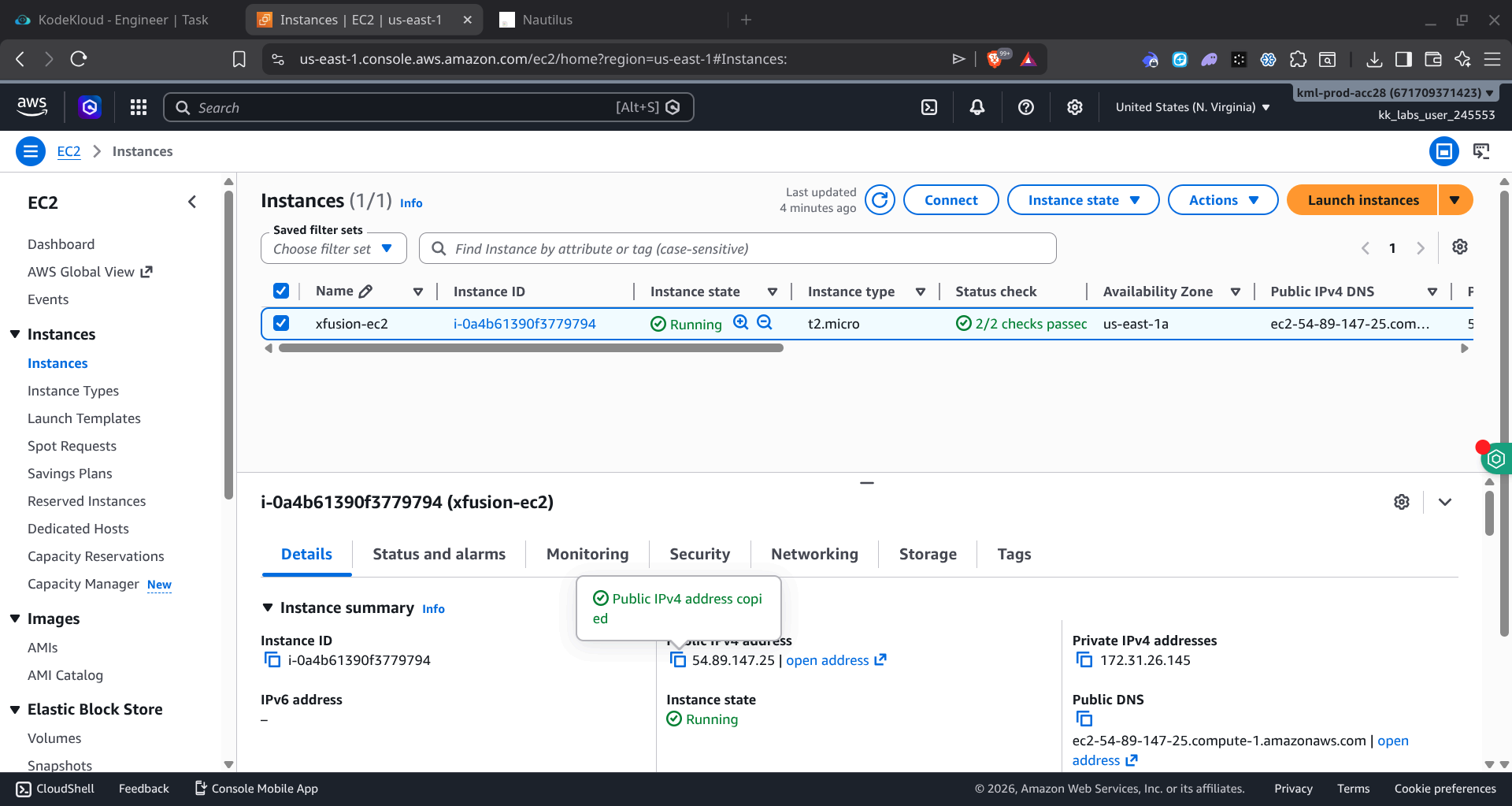
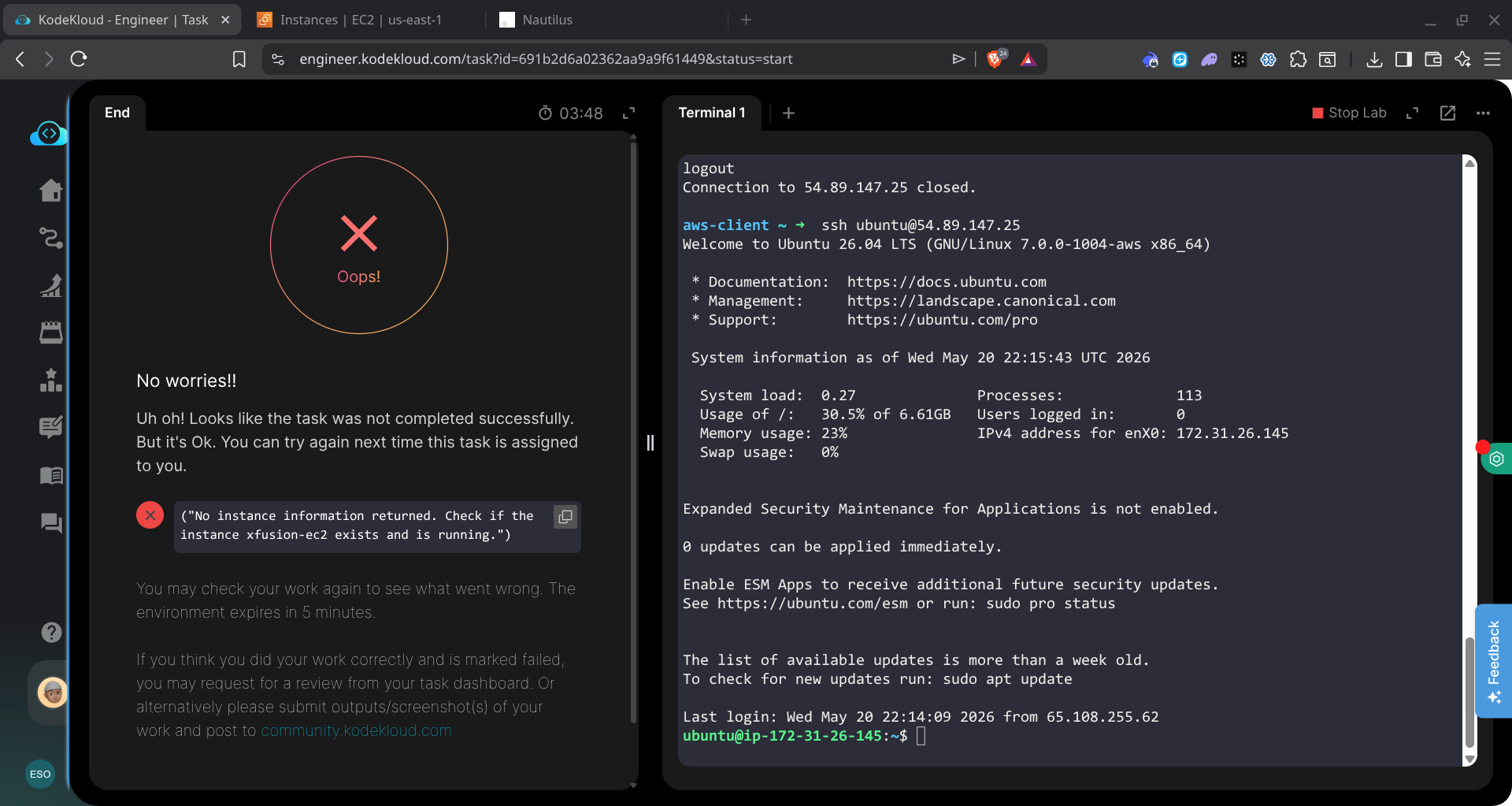
You are not doing what the task requests; the test is
ssh -i ~/.ssh/id_rsa root@public-ip-address-of-instance
So you need to install the public key you created on into the root account of the instance, so that test works.
Thank you, I saw my mistake