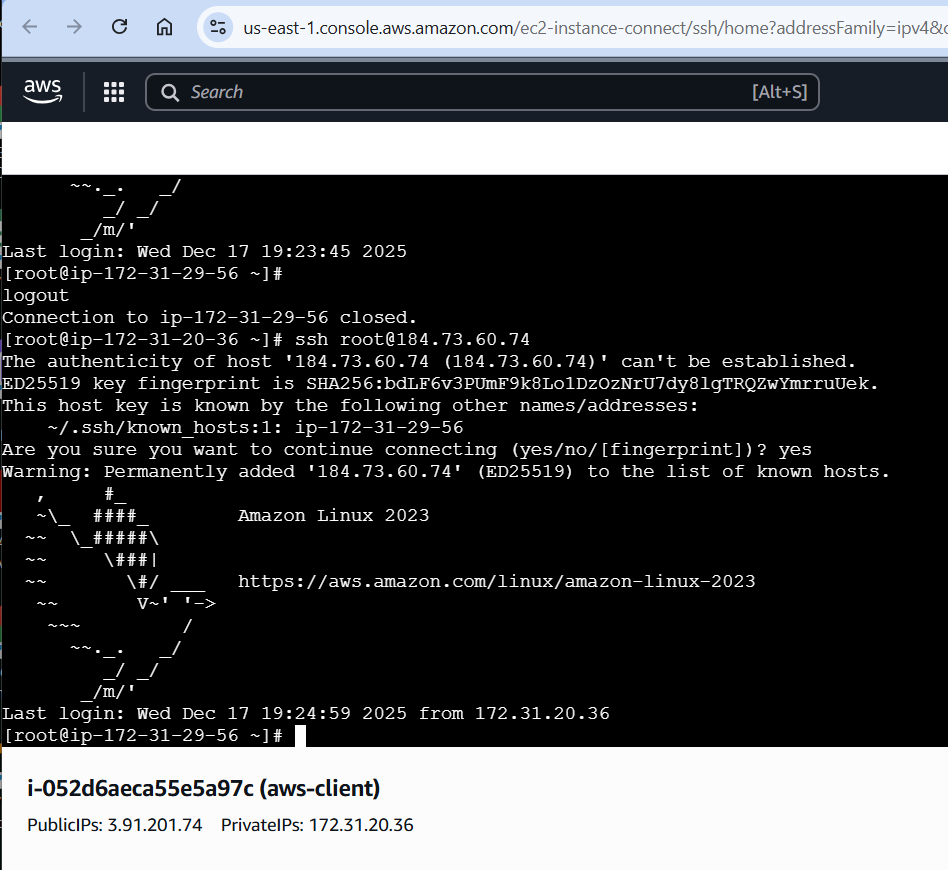
I was able to ssh from aws-client to the devops-ec2, using the id_rsa key that I generaed using ssh-keygen in /root/.ssh on aws-client, after adding the public key to the devops-ec2/root/.ssh/authorized-keys.
Note the scenario says aws-client should already exist but it does not, and I had to add an SG rule for port 22 (SSH) and both ec2 instances have that SG, this makes this scenario a huge jump in complexity from the previous 21 scneairos.
Tell me if I understood it right…
You couldn’t find aws-client host so you’ve created one instance to use as a client and created another devop2-ec2 instance with paswordless SSH access(from the client that you’ve created).
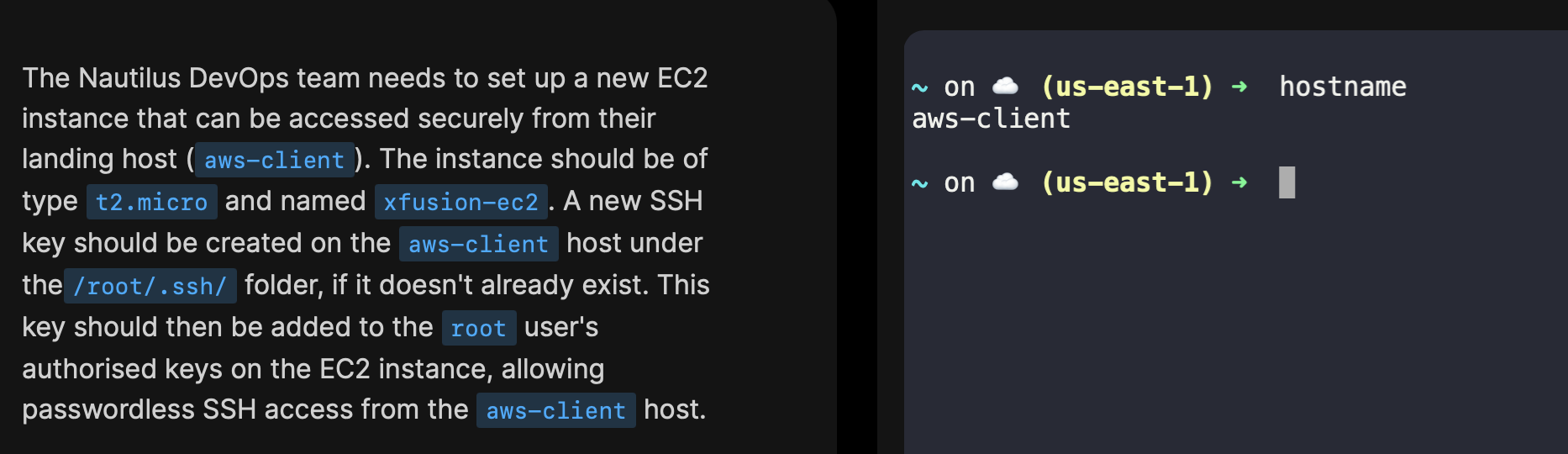
Once you load the task, ideally you should have access to a terminal which is aws-client, from which you are supposed to setup passwordless SSH access to the VM that you are asked to create.
Thanks, yep that explains it. Wow that’s like when I open the fridge for the ketchup and it’s just in front of me but I ask my wife because I don’t see it.
Just looking now at the terminal though, it is not as obvious as the ketchup in the fridge. Suggestion to save yourselves time from stupid people like me: make it more obvious in the terminal by changing the prompt to show the hostname, which is quite a common bit of info to show anyways, instead of the region (useless).
Feature suggestion for these labs: allow the user to progress on a couple more exercises when blocked on one. In many cases the person knows what to do, they’re just tripping on some detail, so not completing that one immediately won’t block them on the next few exercises. This way they can progress while waiting for support.
That’s a good suggestion to edit the prompt… I’ll let the team know.
I’m just telling my opinion on this… particularly the 100 days of XXX challenges are meant to be performed sequentially, team or even other users usually respond to issues raised on this platform pretty quickly.
However, all the other topics do allow users to perform whichever task they would like to perform in any order they want to.