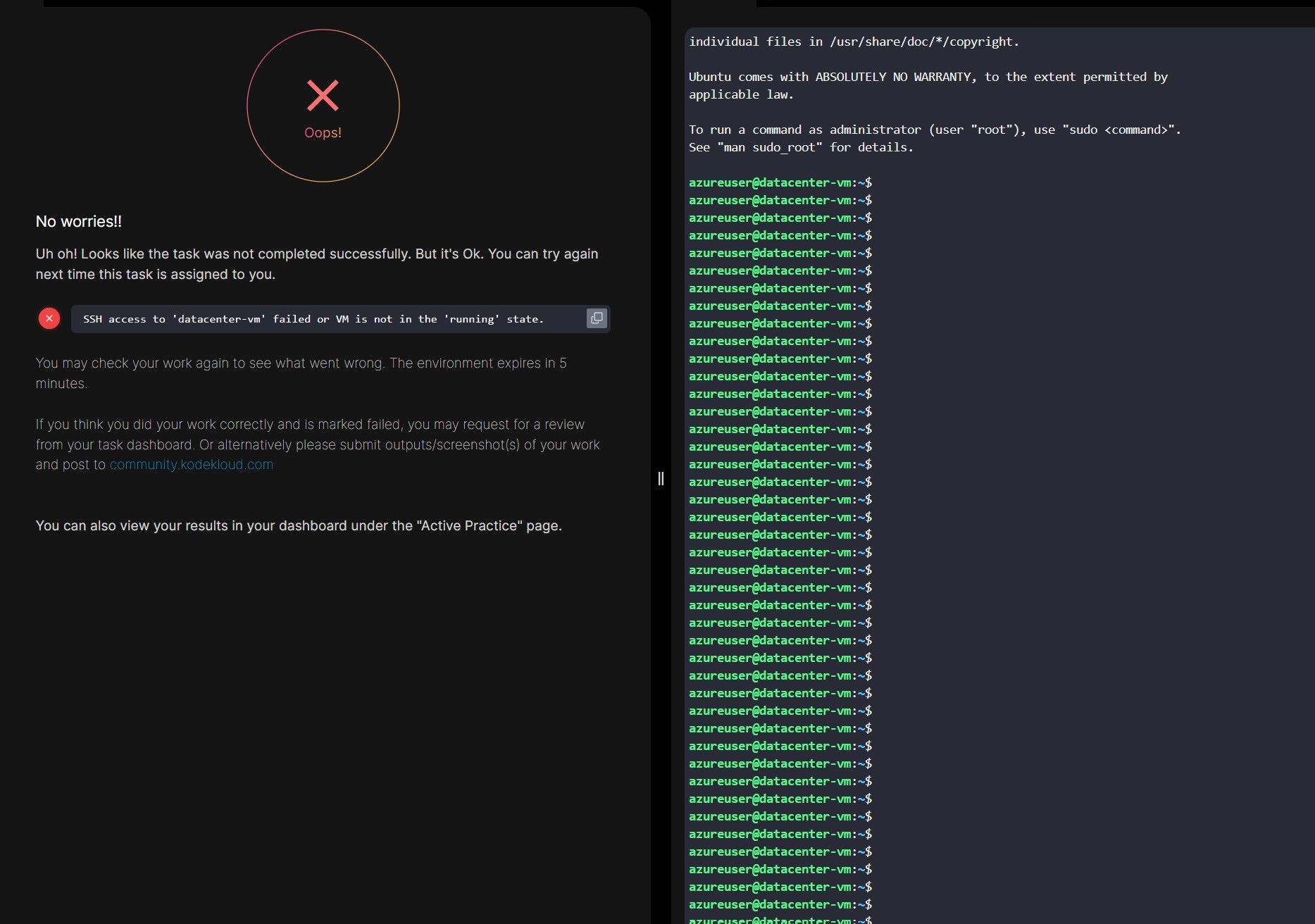
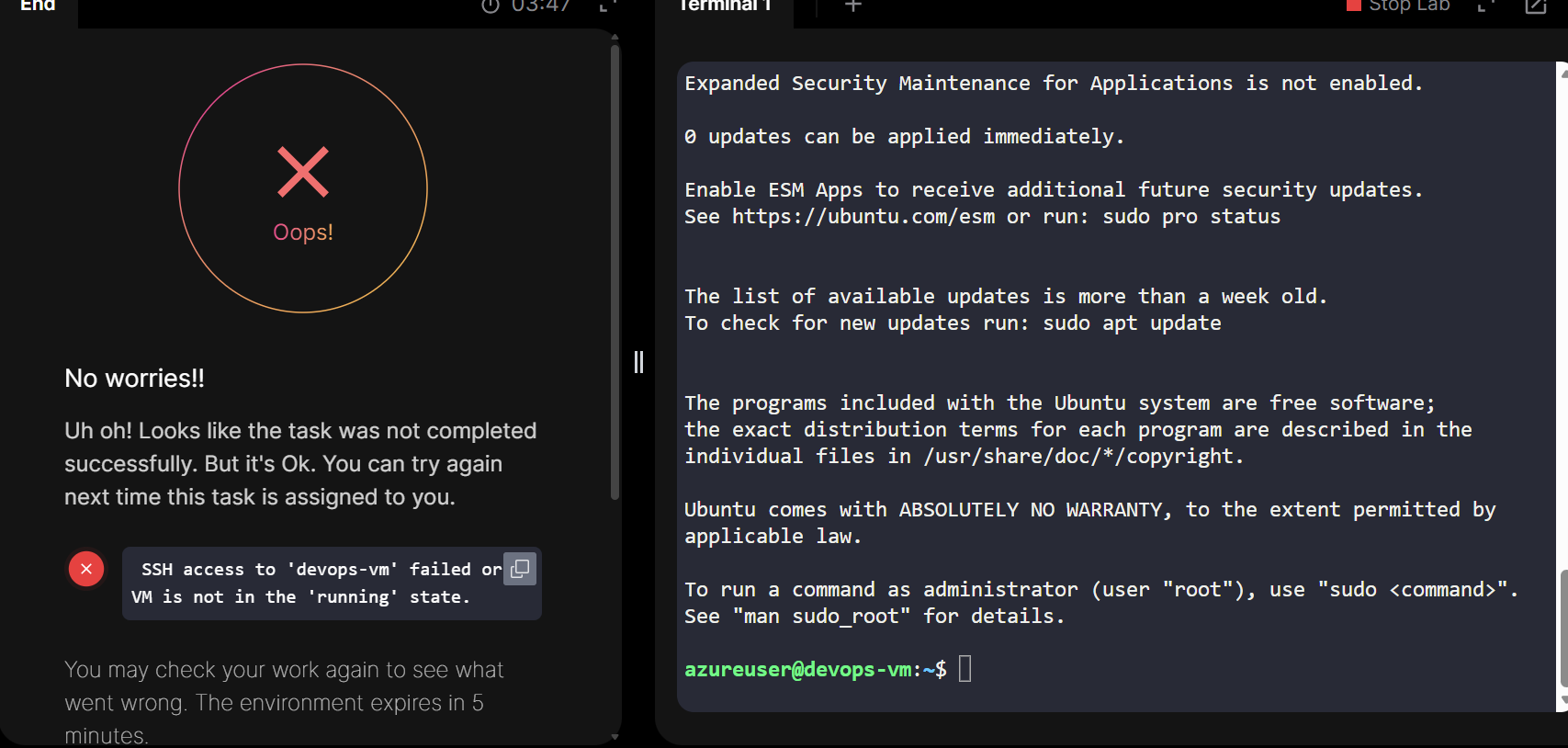
I completed all the steps and I am SSH’d in the VM and I get the error
" ```
SSH access to ‘datacenter-vm’ failed or VM is not in the ‘running’ state."
I will retry again but not sure what to do differently and what am I missing?
Attaching picture for my lab
To add to this frustration, this lab specifically asks us to deploy in EAST US (not sure why, just to learn about zones?) and upon deploying in Zone 2, and selecting B1s as instructed by the lab requirement, i get the following error:
" “message”: "Allocation failed. We do not have sufficient capacity for the requested VM size in this zone. Read more about improving likelihood of allocation success at
Try one of these alternative options to improve chance of allocation success:\n- Alternative VM sizes for the same region and zone:
Standard_DC2s_v2 or Standard_F1s."
I completed all the steps and I am SSH’d in the VM and I get the error
" ```
SSH access to ‘datacenter-vm’ failed or VM is not in the ‘running’ state."
I will retry again but not sure what to do differently and what am I missing?
Attaching picture for my lab
this instruction and the lab is not working correctly. I was able to login using azureuser without password but still it did not work.
Used WestUS
EastUS seems to be wrong
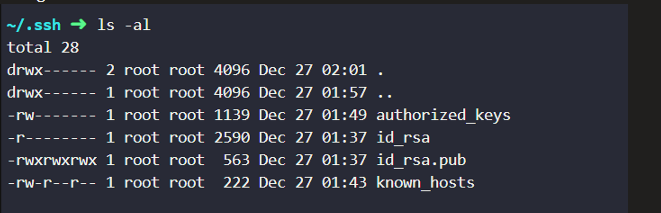
I was able to figure this out. In case anyone else runs into this, I had given a custom name to my ssh-keygen files and able to isolate the issue by doing ‘ssh -vvv user@ip’. It gave me the output that system is looking for “id_rsa” file names. I edited those file names and everything worked. Although good practice to enter public key in authorized_keys, I didn’t have to do it and now ‘ssh azureuser@ip’ worked, without providing privatekey, since system/ssh by default looked for it under ‘/home/root/.ssh/id_rsa’.
At the end, I was able to do “ssh azureuser@IP” and thats what system is auto checking for validation.
I did not have to do it in EAST US, system was not checking for it. I was able to do it in WEST US just fine, that detail is a noise and distracting.
solution was:
ssh-keygen -t rsa -C azureuser (type and username to be tied with that key)
“message”: "Allocation failed. We do not have sufficient capacity for the requested VM size in this zone. Read more about improving likelihood of allocation success at
Try one of these alternative options to improve chance of allocation success:\n- Alternative VM sizes for the same region and zone:
Standard_DC2s_v2 or Standard_F1s.\n"
I was also getting the above error in either region, east / west. I think what i did was made sure, standard SSD and any available DC2 or F1 that let me finish the lab.
I don’t like the fact that many of the labs say “use East US region” but east won’t let you deploy the VM. West US works and then lab validation didn’t care or bother what type of vm as long as it got deployed and ssh worked
This worked for me, I was doing all the steps correctly the only thing changed was not adding comment (-C azureuser) and giving the generated ssh keys a custom name.