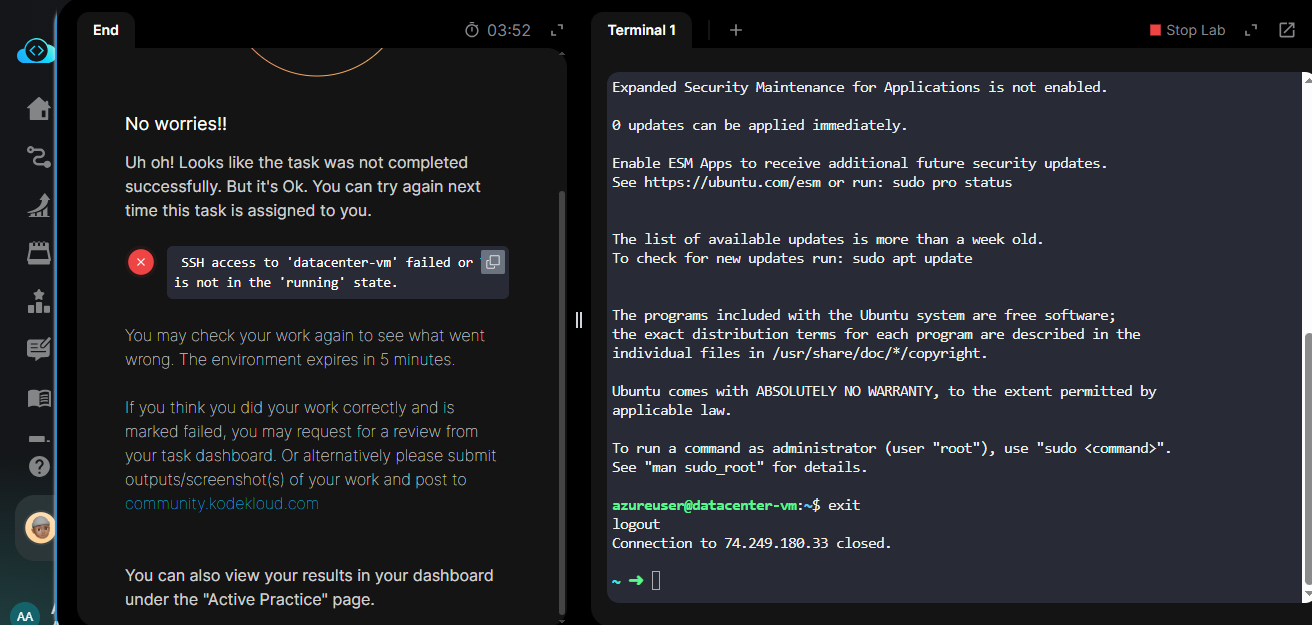
I Completed all the task, generating an SSH public key on the azure-client host and associating it with the VM created for SSH access, also associated a public IP with the VM. I was able to SSH into the VM and it was in running state but I keep getting marked wrong.
The most common issue in this task is that because of how you name the key pair, the grader can’t find it. You should use ssh-keygen with its default arguments so that the key is created as /root/.ssh/id_rsa; this will allow the grader to find the key.
1 Like
It worked, Thank you.