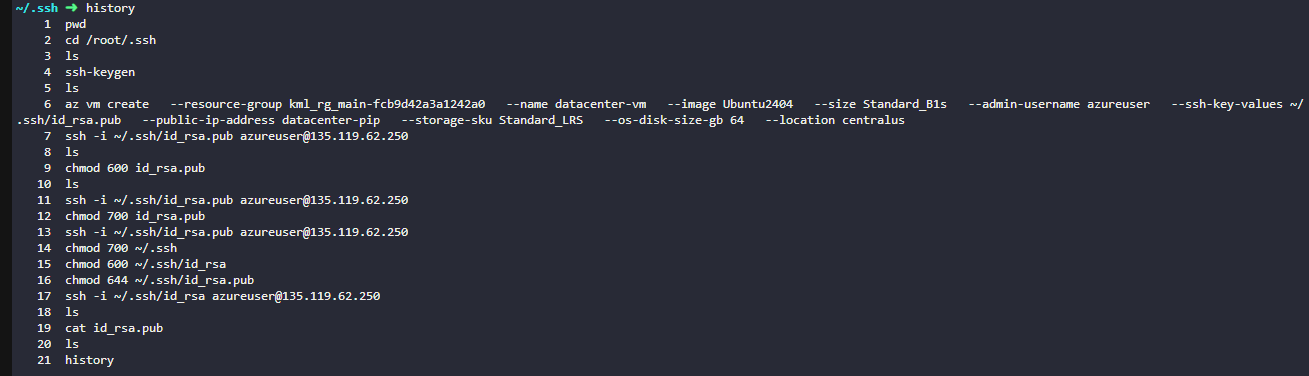
Hi, I could able to create the Azure VM successfully and able to connect it using generated Public key via SSH but still getting the below error message upon submission.

Below are the steps i followed:
To generate key:
ssh-keygen -t ed25519 -f ~/.ssh/datacenter_vm_ed25519
To create VM:
az vm create
–resource-group kml_rg_main-99e26f0e808a4bb8
–name xfusion-vm
–image Ubuntu2404
–size Standard_B1s
–admin-username azureuser
–ssh-key-values ~/.ssh/datacenter_vm_ed25519.pub
–public-ip-address xfusion-pip
–storage-sku Standard_LRS
–os-disk-size-gb 64
–location centralus
To connect VM:
ssh -i ~/.ssh/datacenter_vm_ed25519 azureuser@
I could able to connect it but can you confirm why i am still getting the error message after submission ?