Hi all,
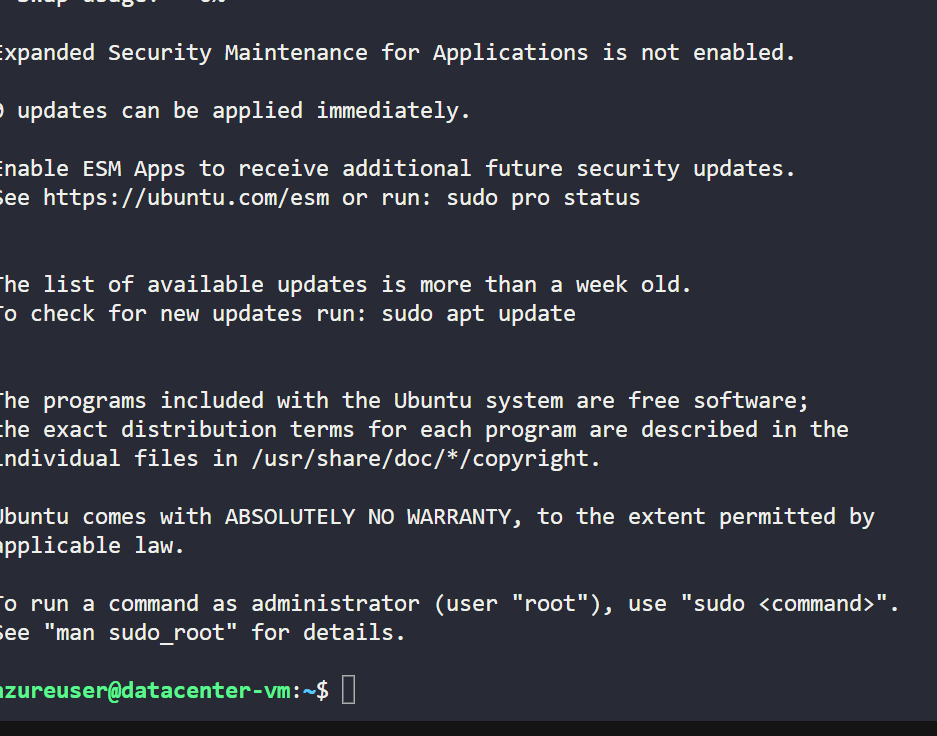
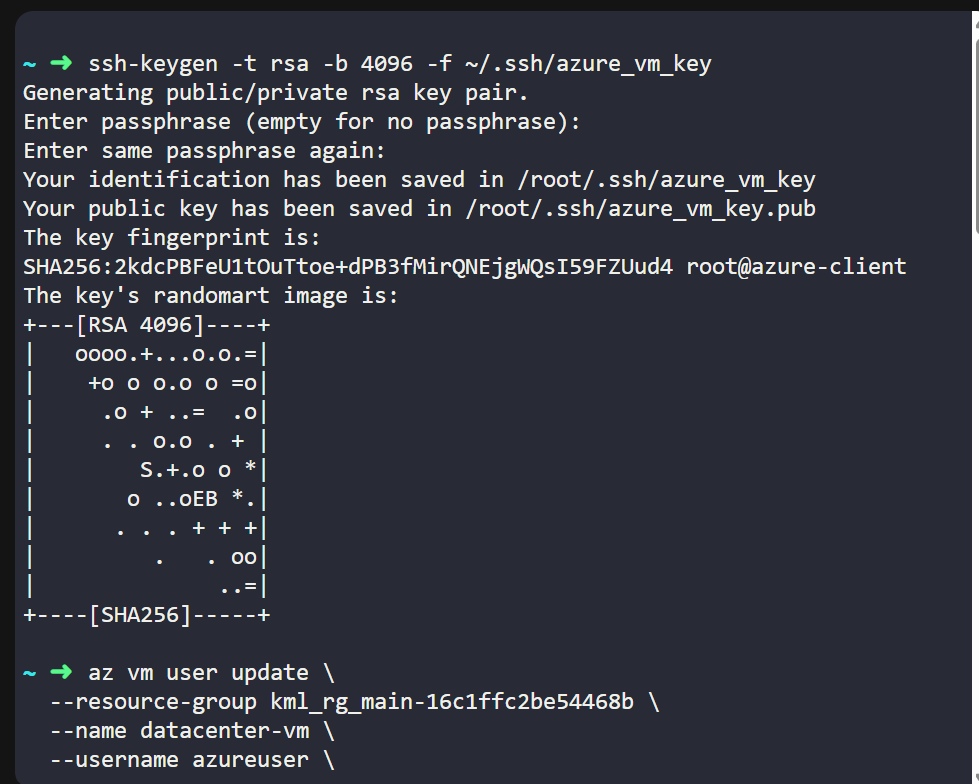
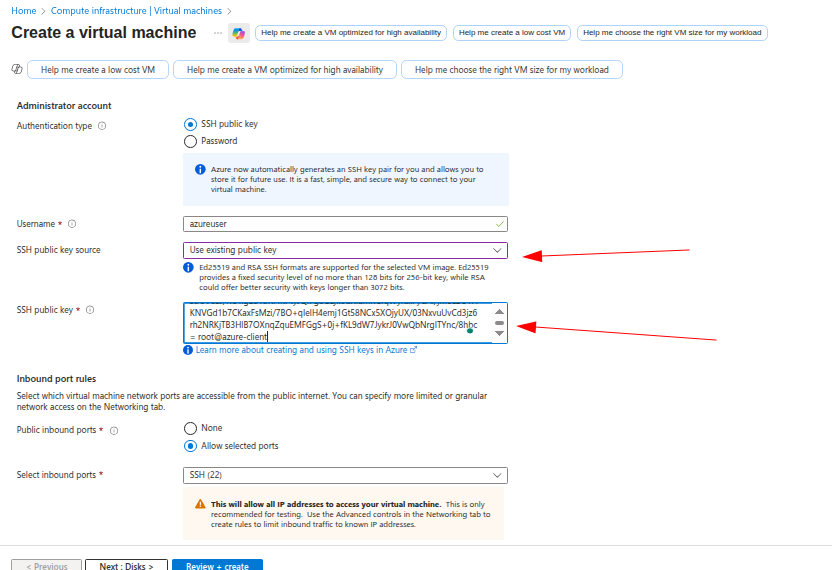
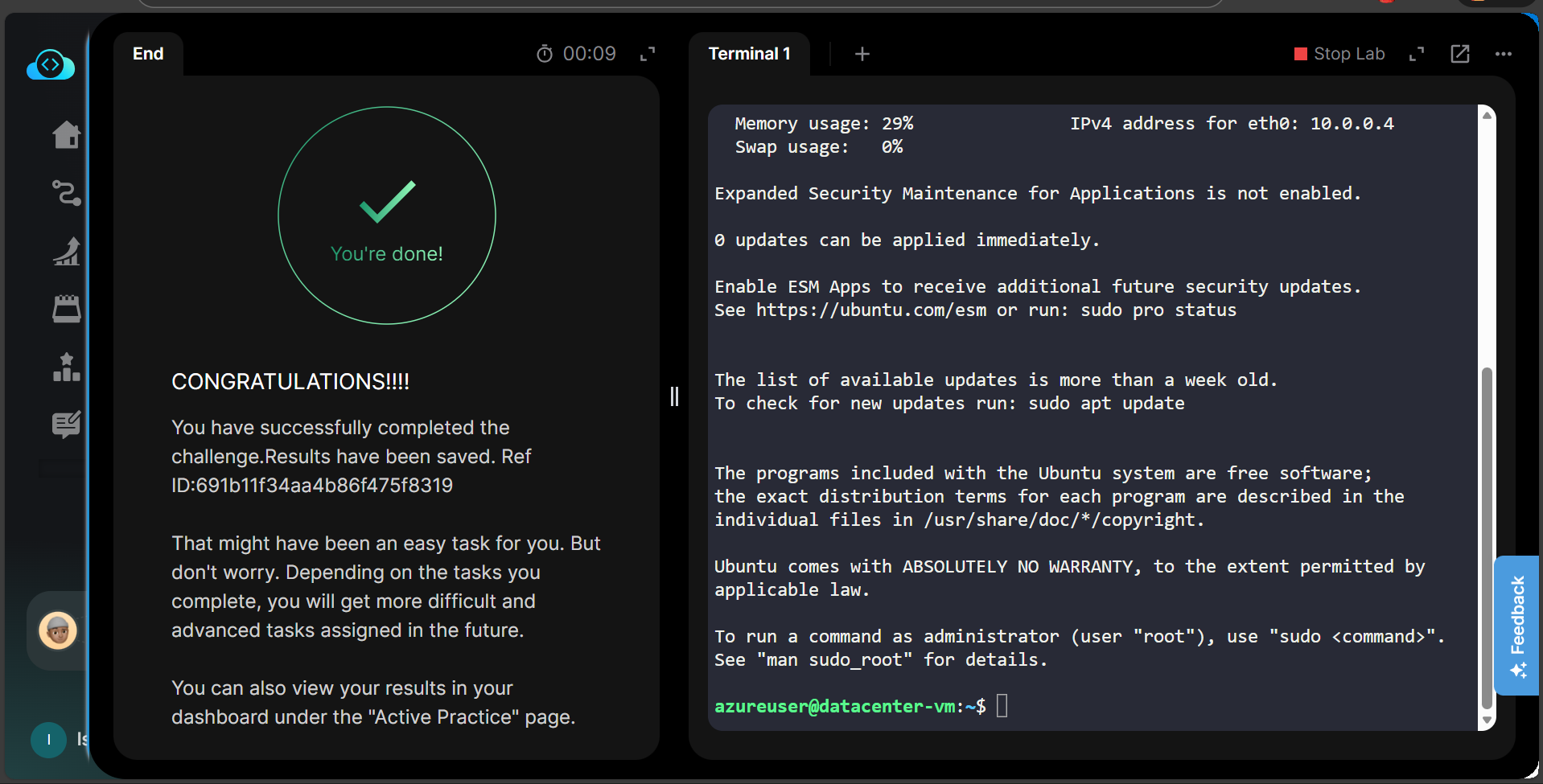
I’ve been having some issues regarding this task. I was successful with the task but the lab said it was wrong “SSH login failed or VM isn’t running”.
Can someone help me?
Task
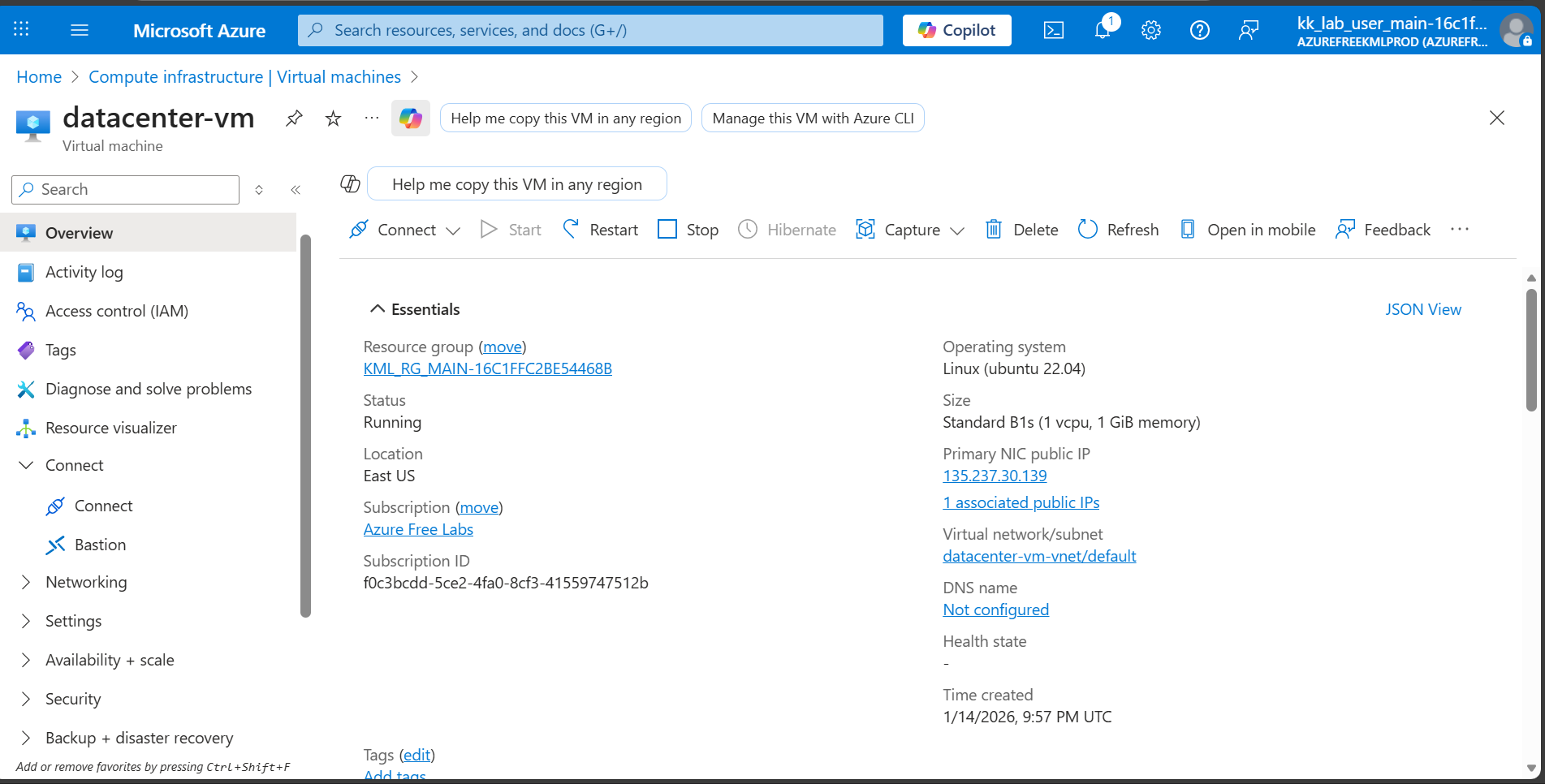
- Create an Azure VM named datacenter-vm using any available Ubuntu image, with the VM size Standard_B1s.
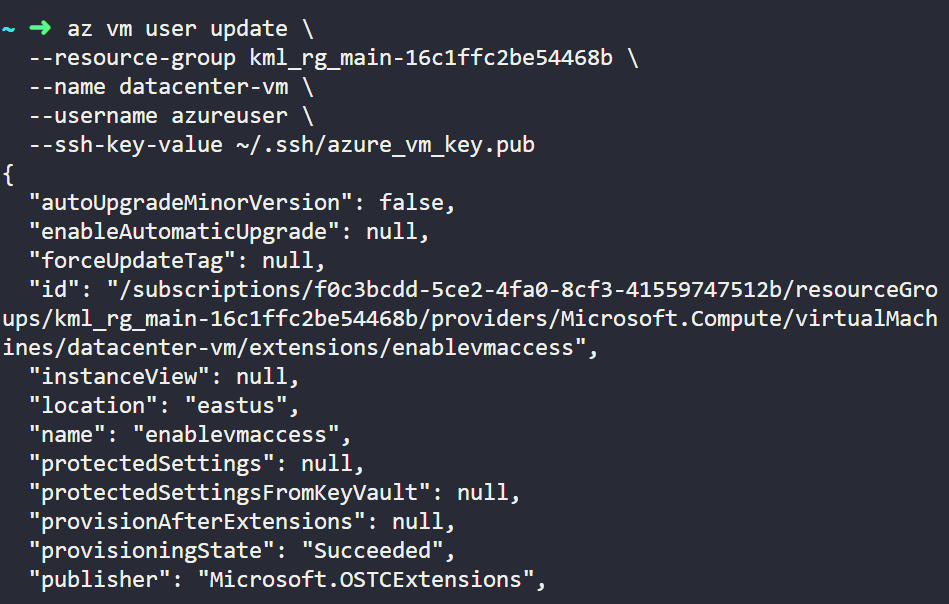
- Generate an SSH public key on the azure-client host and associate it with the VM for SSH access.
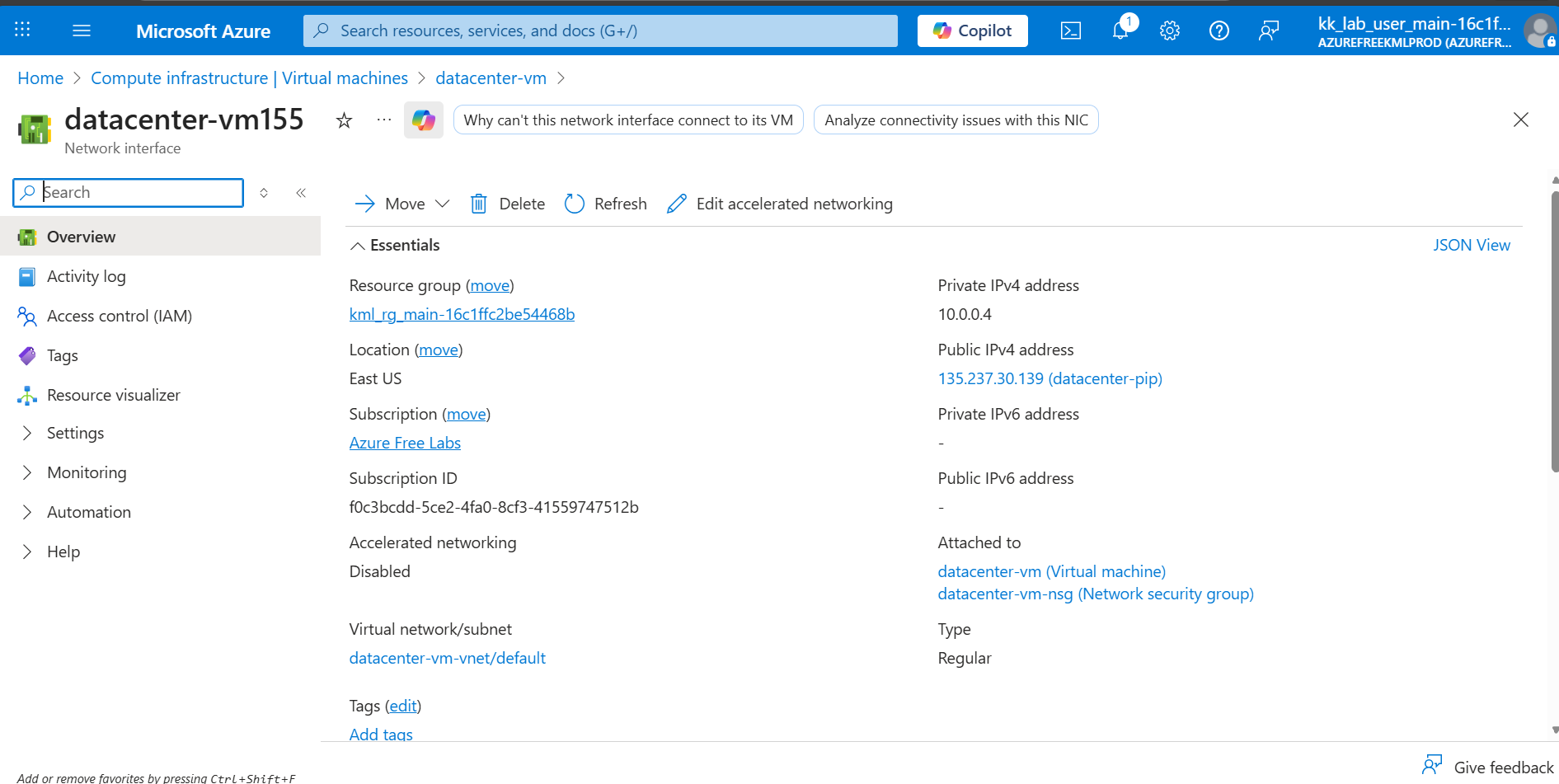
- Associate a Static Public IP address named datacenter-pip with this VM.
- Ensure the VM is accessible via SSH using the generated public key.