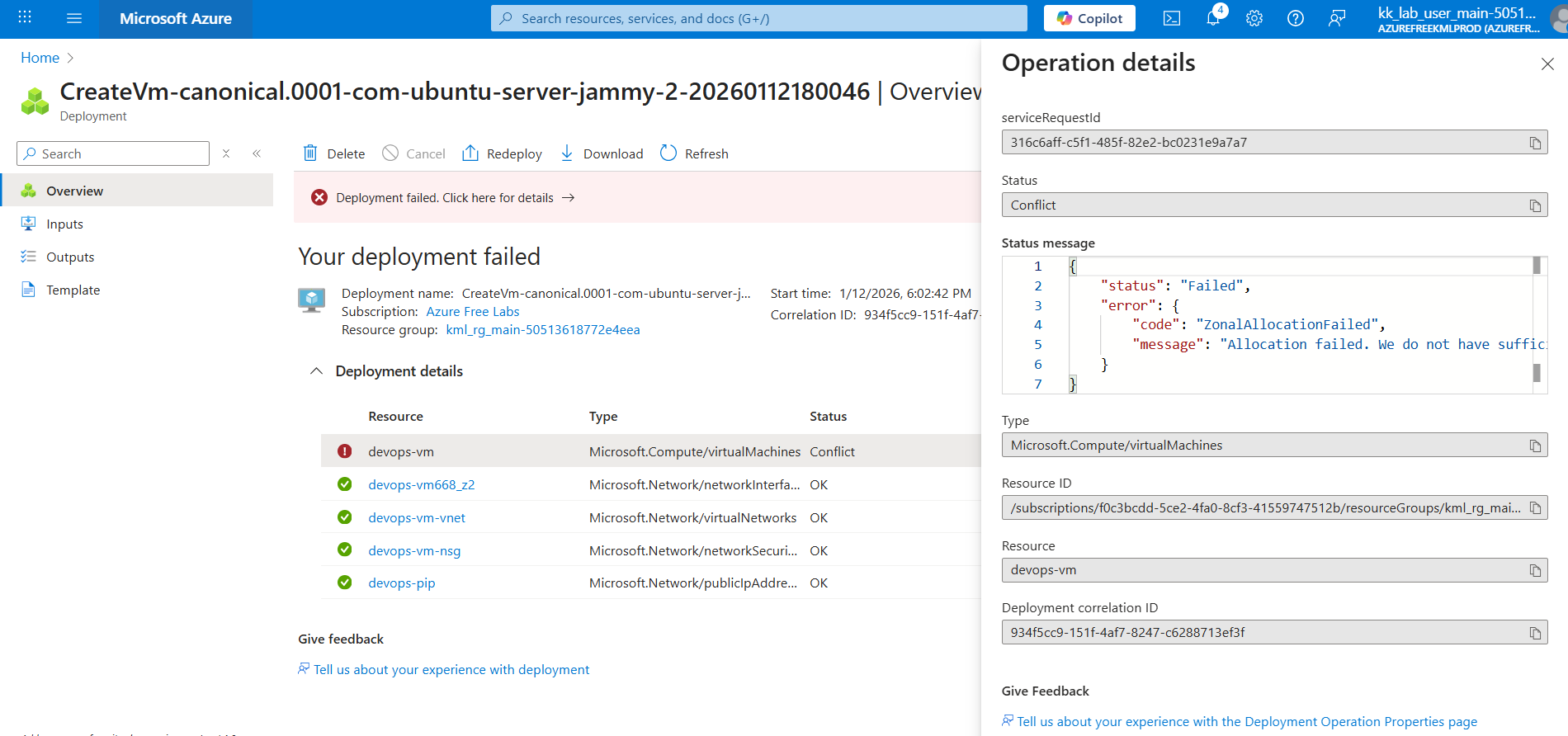
{
“status”: “Failed”,
“error”: {
“code”: “ZonalAllocationFailed”,
“message”: “Allocation failed. We do not have sufficient capacity for the requested VM size in this zone. Read more about improving likelihood of allocation success at Search - Microsoft Bing one of these alternative options to improve chance of allocation success:\n- Alternative VM sizes for the same region and zone: Standard_DC2s_v2 or Standard_F1s.\n”
}
}
Hi @raymond.baoly
I was able to solve it. Initially, I was creating named SSH keys, but I discovered that they should be created without names. Thanks to you!
Yes, just create an SSH key without a name, which means it will be used as the default SSH key. If you provide a name, you’ll need to declare the key path when using the SSH CLI. For example:
ssh -i ~/.ssh/vl4x0.pem user@host
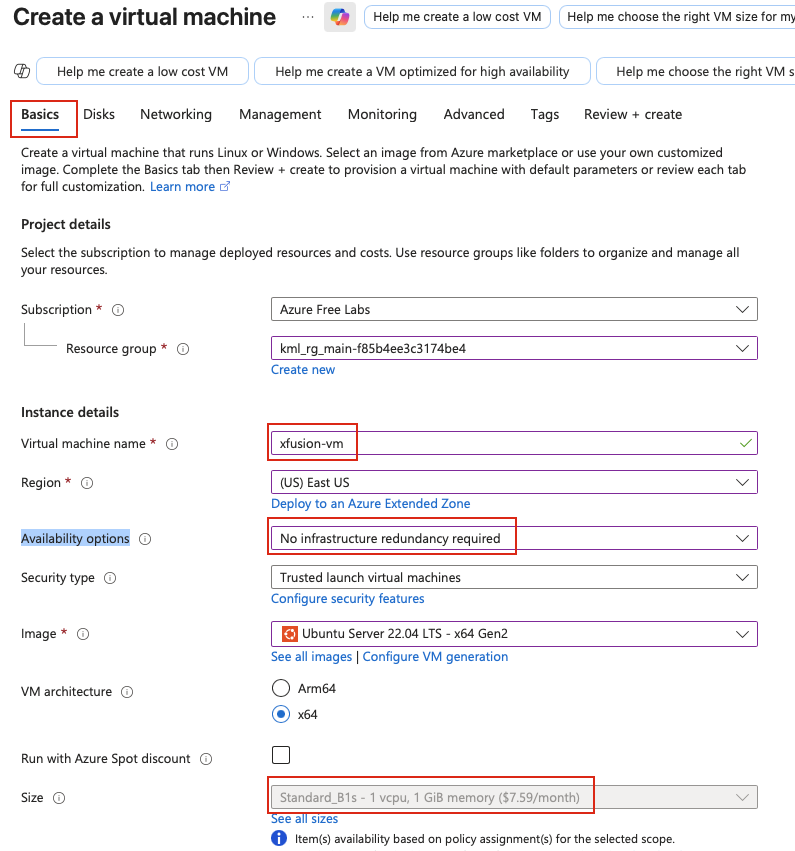
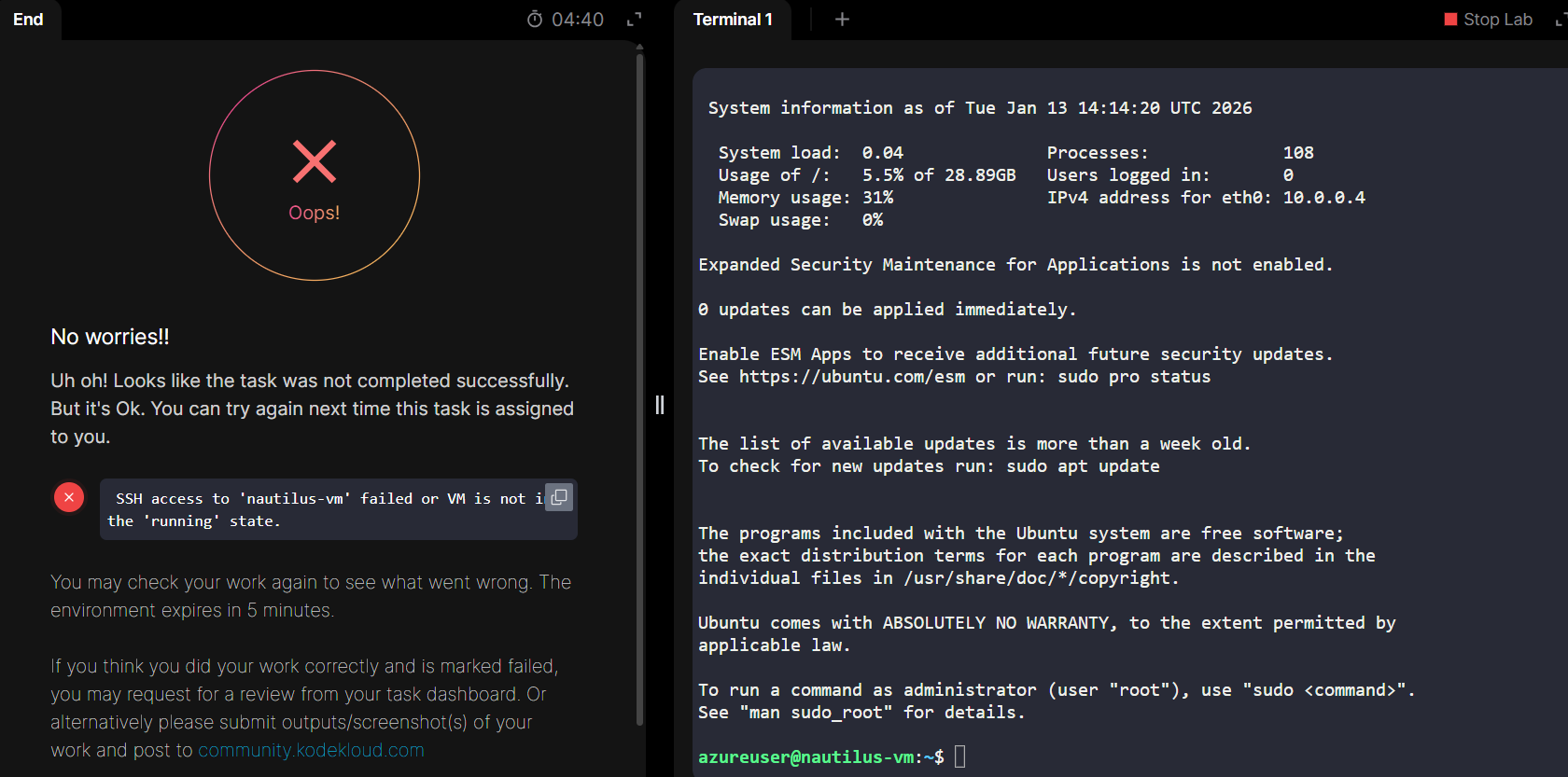
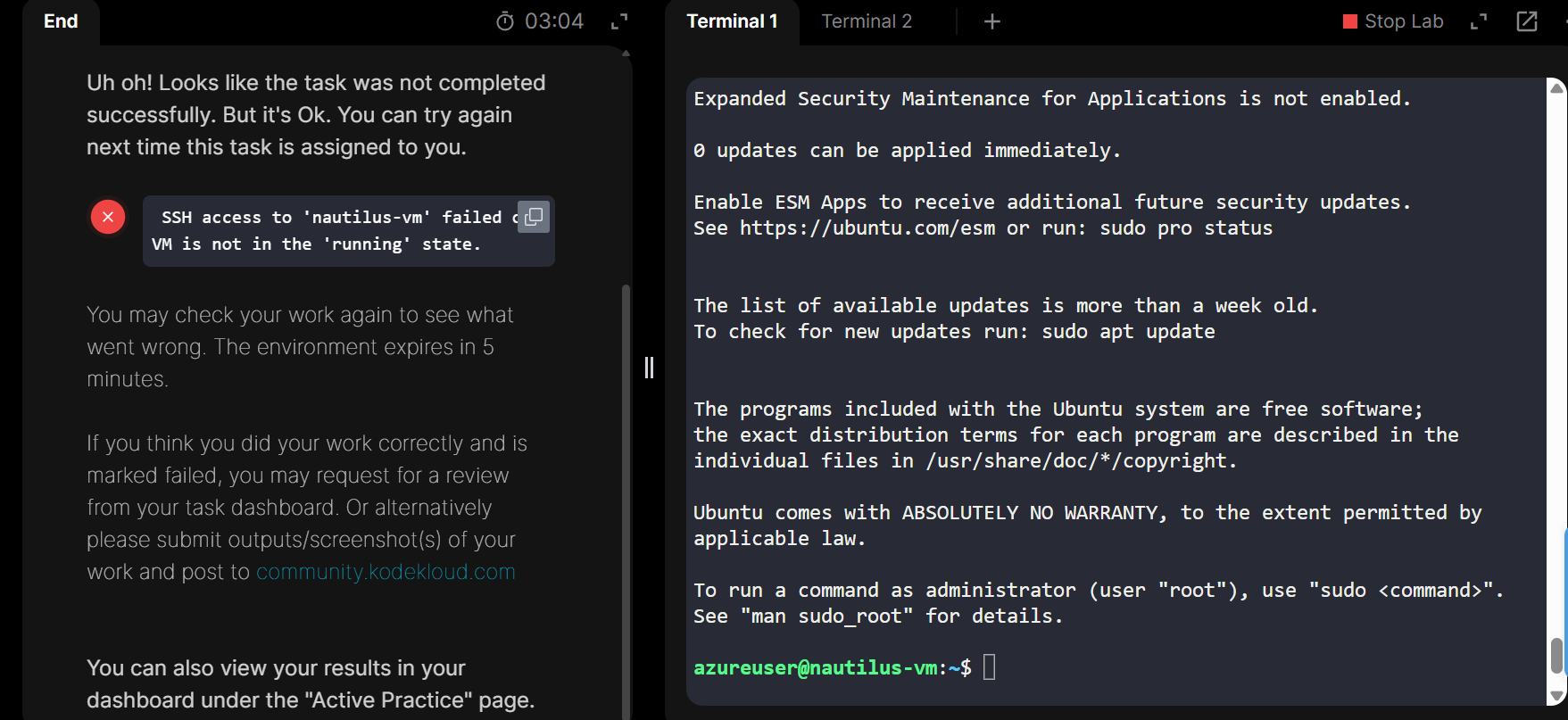
There is something wrong with assignment 21 - I have tried it 10 times ! and always get the same error - here is something wrong with the task - I have created the VM, the correct IP, Attached the interface, VM is running SSH keys are correct - am able to login without a password - directly - but when i submit the assignment - I get the same error - SSH access to ‘devops-vm’ failed or VM is not in the ‘running’ state.- Not able to move forward
So I let the system select the SSH key name (id_rsa) and it worked . Rest all was the same… Just trying to understand why it works? When I gave it a key name - i did give the complete path …