Day 21 - 100 days of Azure cloud challenge

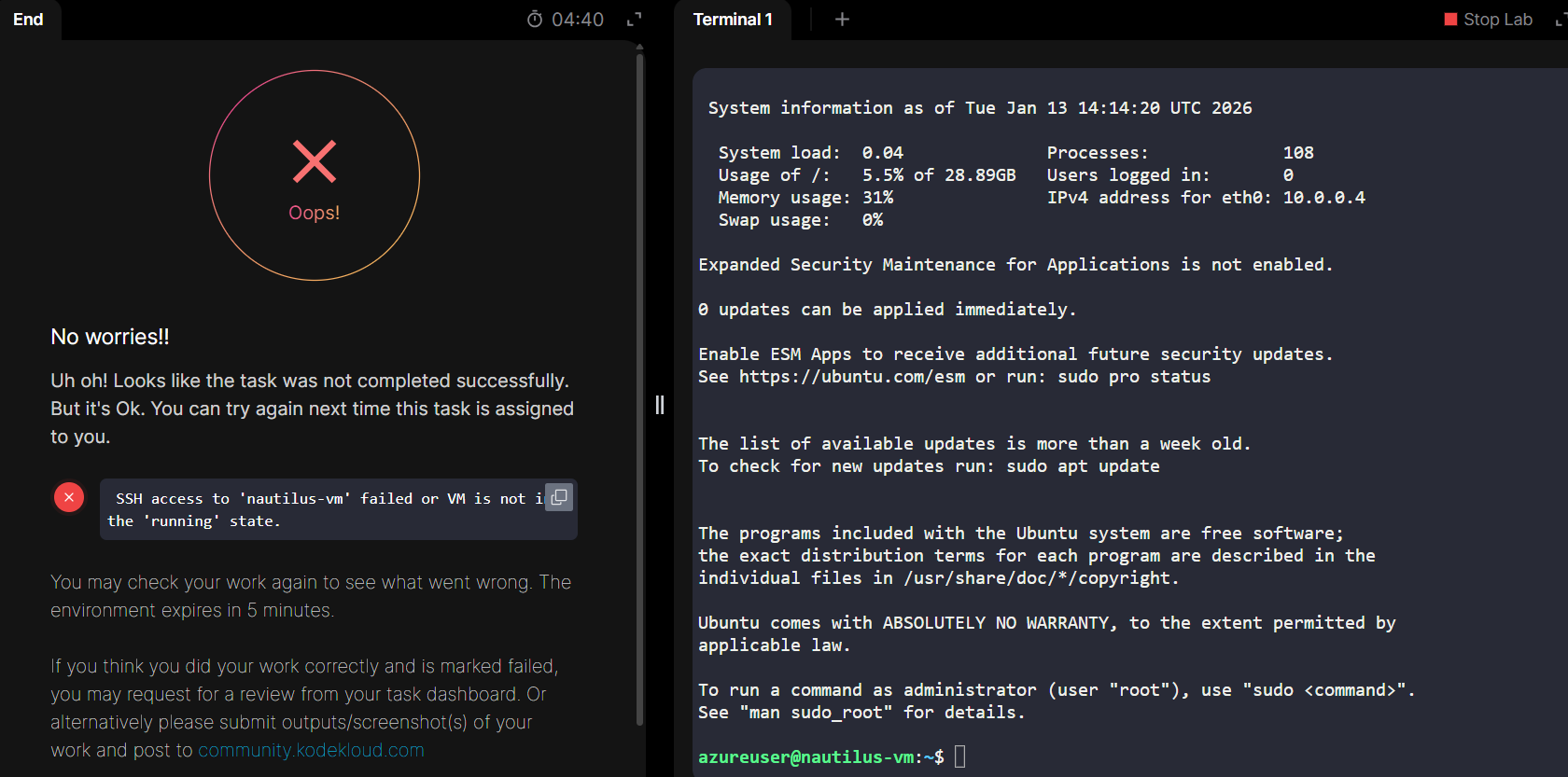
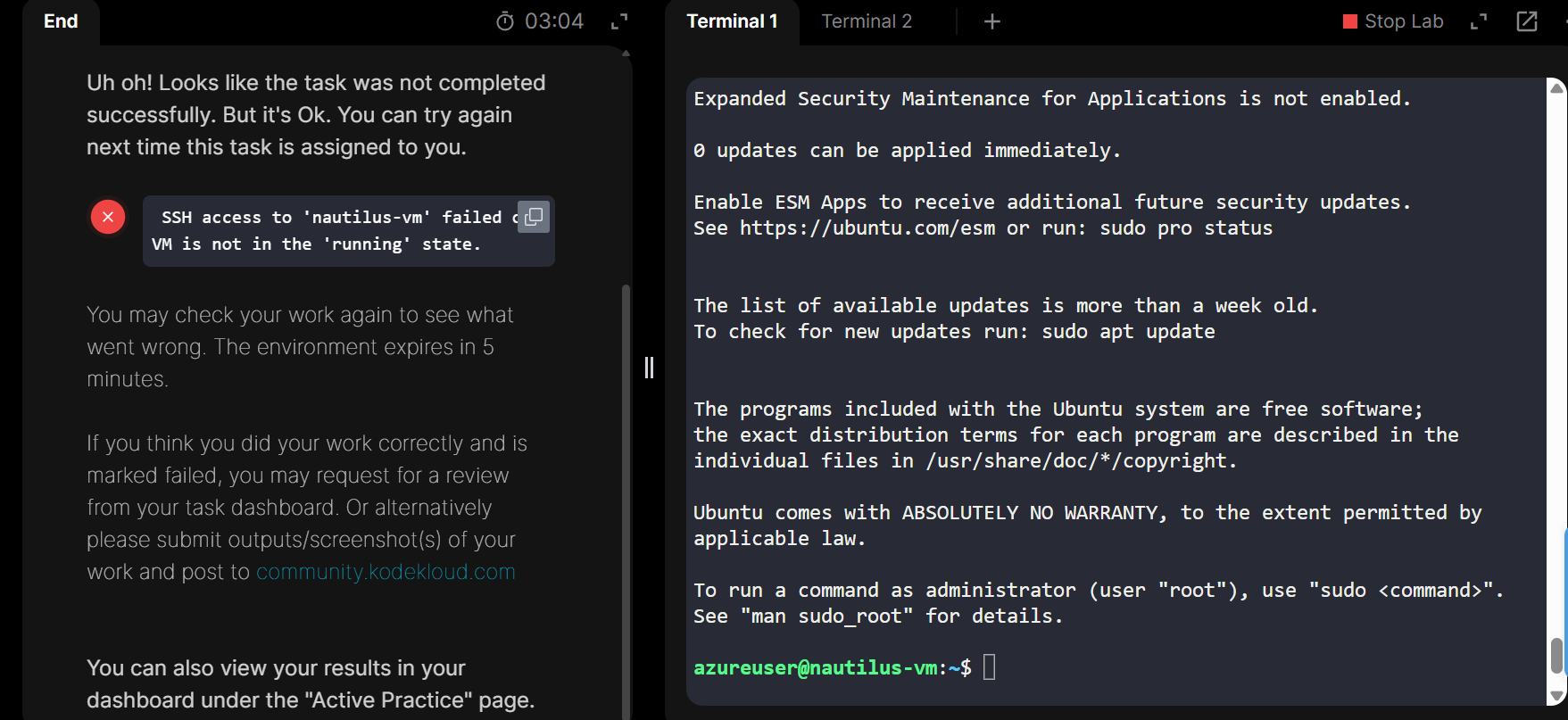
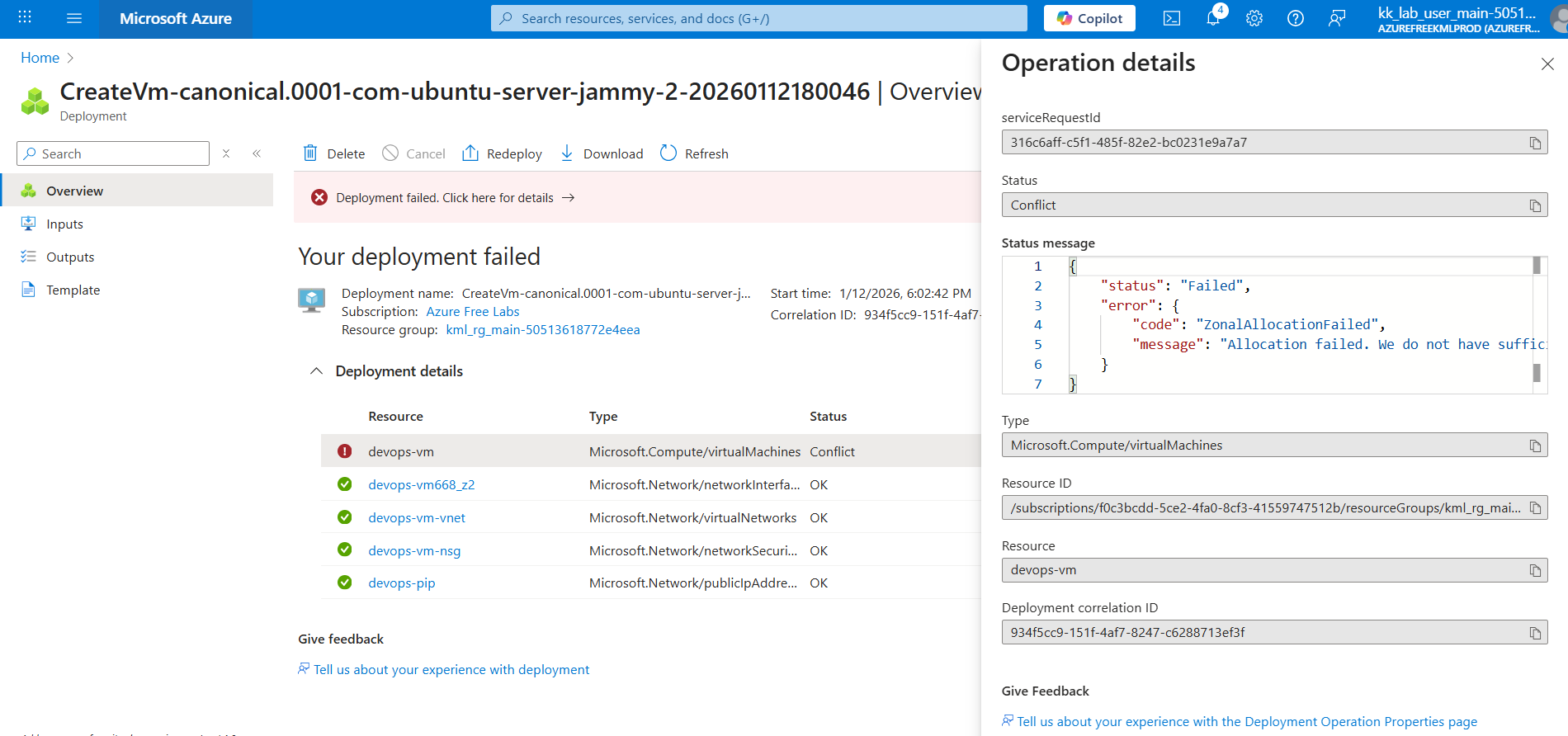
Unable to complete task due to below error :

{
“status”: “Failed”,
“error”: {
“code”: “ZonalAllocationFailed”,
“message”: “Allocation failed. We do not have sufficient capacity for the requested VM size in this zone. Read more about improving likelihood of allocation success at Search - Microsoft Bing one of these alternative options to improve chance of allocation success:\n- Alternative VM sizes for the same region and zone: Standard_DC2s_v2 or Standard_F1s.\n”
}
}

Hi @Pradnyadeshpande

What’s the VM size you selected?
The lab requires you to VM size as Standard_B1s.

Hi @Pradnyadeshpande

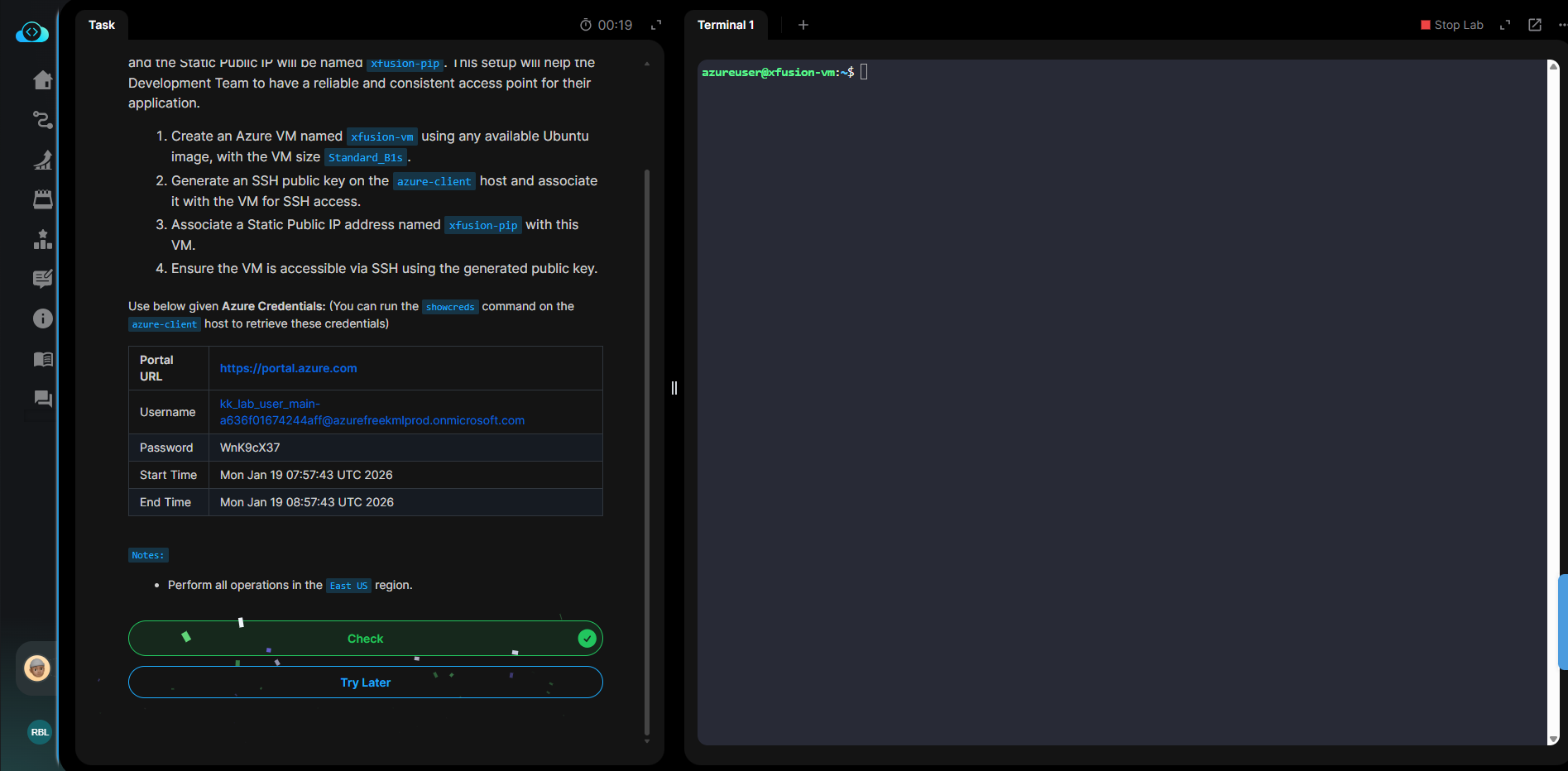
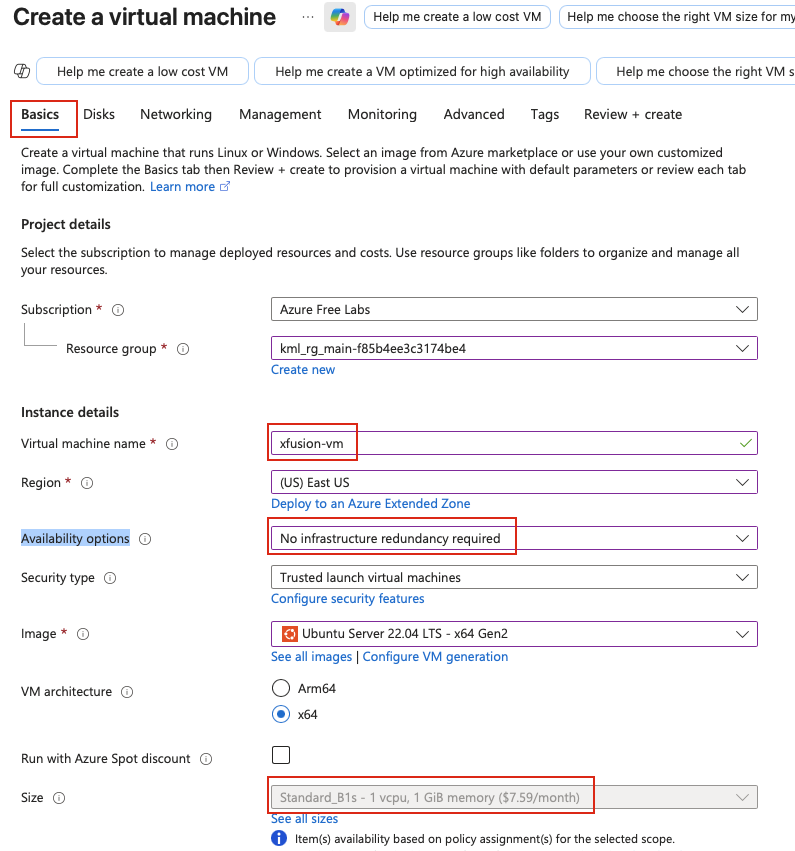
When creating the VM, please make sure to configure it as shown in the screenshot below. Replace the VM name with the one required by the task.

Hi @raymond.baoly

Yes, I tried it in same way.

Hi @Santosh_KodeKloud

Yes, I selected the same size standard_B1s

You can refer to my post here, which did work for another user when selecting the correct VM size.

Hi @raymond.baoly

Can you help me with this ? Do I need to create it with different username ?Port 22 is also allowed.

The azureuser is correct, and you were able to ssh into the VM.

Could you try this again, this time wait till status checks are passing and the instance is in running state before you hit Check

Hello
I’m having the same problem when checking.

All resources are correctly created.

Any suggestions?
Thanks you!

Hi @vl4x0

I’ve just checked it and it’s worked properly from my end. Could you please try again and share more information about your steps if it persists?

Hi @raymond.baoly
I was able to solve it. Initially, I was creating named SSH keys, but I discovered that they should be created without names. Thanks to you!

Hi @vl4x0

Yes, just create an SSH key without a name, which means it will be used as the default SSH key. If you provide a name, you’ll need to declare the key path when using the SSH CLI. For example:
ssh -i ~/.ssh/vl4x0.pem user@host

There is something wrong with assignment 21 - I have tried it 10 times ! and always get the same error - here is something wrong with the task - I have created the VM, the correct IP, Attached the interface, VM is running SSH keys are correct - am able to login without a password - directly - but when i submit the assignment - I get the same error - SSH access to ‘devops-vm’ failed or VM is not in the ‘running’ state.- Not able to move forward

Hi @frequent

I’ve tried multiple times but couldn’t reproduce the issue. As you can see, vl4x0 was able to pass the task successfully.

Please provide more details about the steps you followed, screenshots would be really helpful so we can support you better.

So I let the system select the SSH key name (id_rsa) and it worked . Rest all was the same… Just trying to understand why it works? When I gave it a key name - i did give the complete path …
Hi @frequent

I’ve shared a short explaintion about it here Day 21 - 100 days of Azure cloud challenge - #12 by raymond.baoly