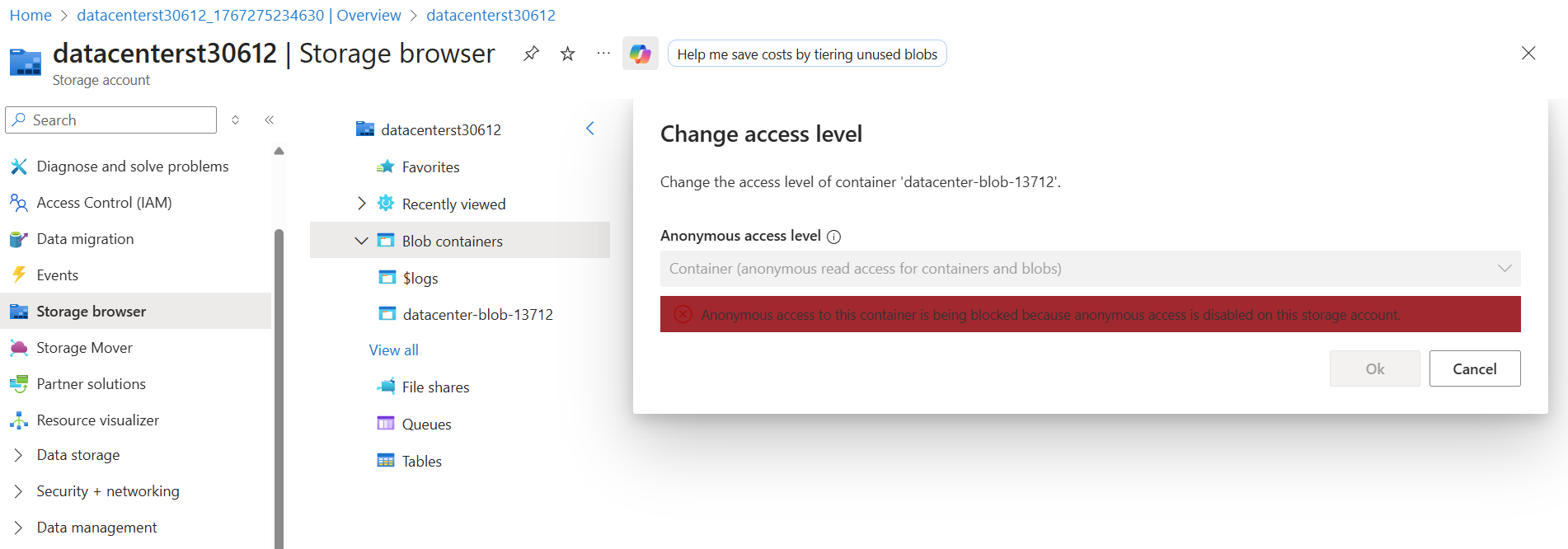
When I try to change the blob container access type to public getting the above error can any one help me.
Step 1: Enable Anonymous access to Storage Account
- Navigate to Storage accounts
- Under Settings, select Configuration
- Find the setting Allow Blob public access and set it to Enabled
- Select Save to apply the change.
- Wait for few seconds and refresh Storage Account
Step 2: After that change access level → container
1 Like