Hi,
I have done this day 02 twice and not able to complete this
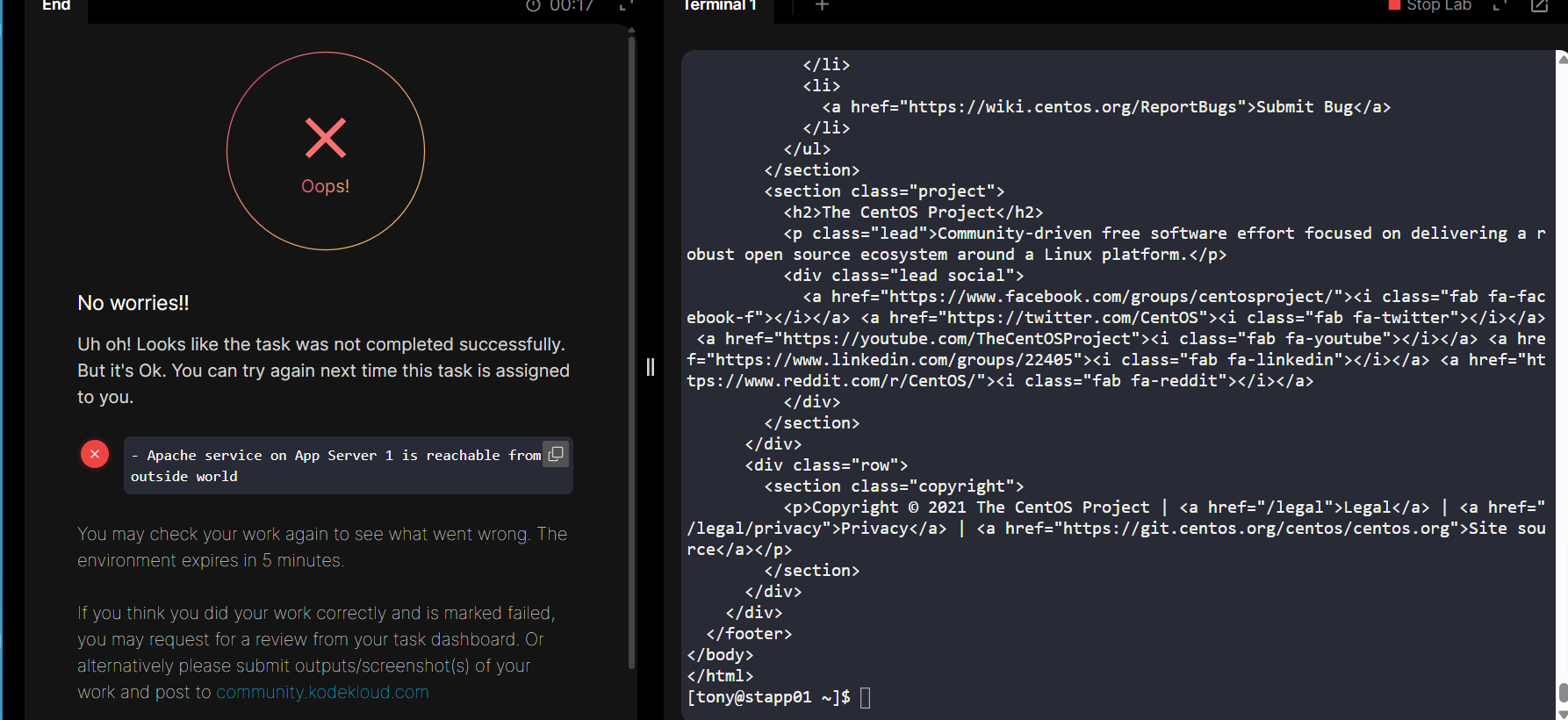
it always say httpd service on app server 01 has been stopped
These are the commands which i used
sudo yum update
sudo yum install -y initscripts
sudo yum install -y iptables iptables-services
sudo iptables -A INPUT -p tcp -s “$LBR_IP” --dport “APP_PORT” -j ACCEPT
sudo iptables -A INPUT -p tcp -s “$APP_port” -j DROP
sudo service iptables save
sudo systemctl enable iptables
sudo iptables -L INPUT -n --line-numbers
and one more doubt should i run this above commands on all app server stapp01, stapp02,stapp02
This has changed a bit from what it used to be. You can solve the task like this.
-
Find the IP address of the load balancer, which is now dynamic. I used ssh loki@stlb01 and recorded it; when I ran it, it was 10.244.244.189. It will be different for you.
-
On each of the 3 app servers, you’ll need to install the iptables and iptables-services packages, enable the service, create the iptables rules, and save away the rules for restart:
# install iptables and the iptables service
sudo yum install -y iptables iptables-services

# enable and start the iptables service
sudo systemctl enable iptables
sudo systemctl start iptables

# Add the needed iptables rules
sudo iptables -F
sudo iptables -A INPUT -p tcp --dport 6400 -s 10.244.244.189 -j ACCEPT
sudo iptables -A INPUT -p tcp --dport 6400 -j REJECT

# save away the rules so the iptables service will find them on restart
sudo iptables-save > /etc/sysconfig/iptables
hi i followed the above steps what you showed but still i am facing issues
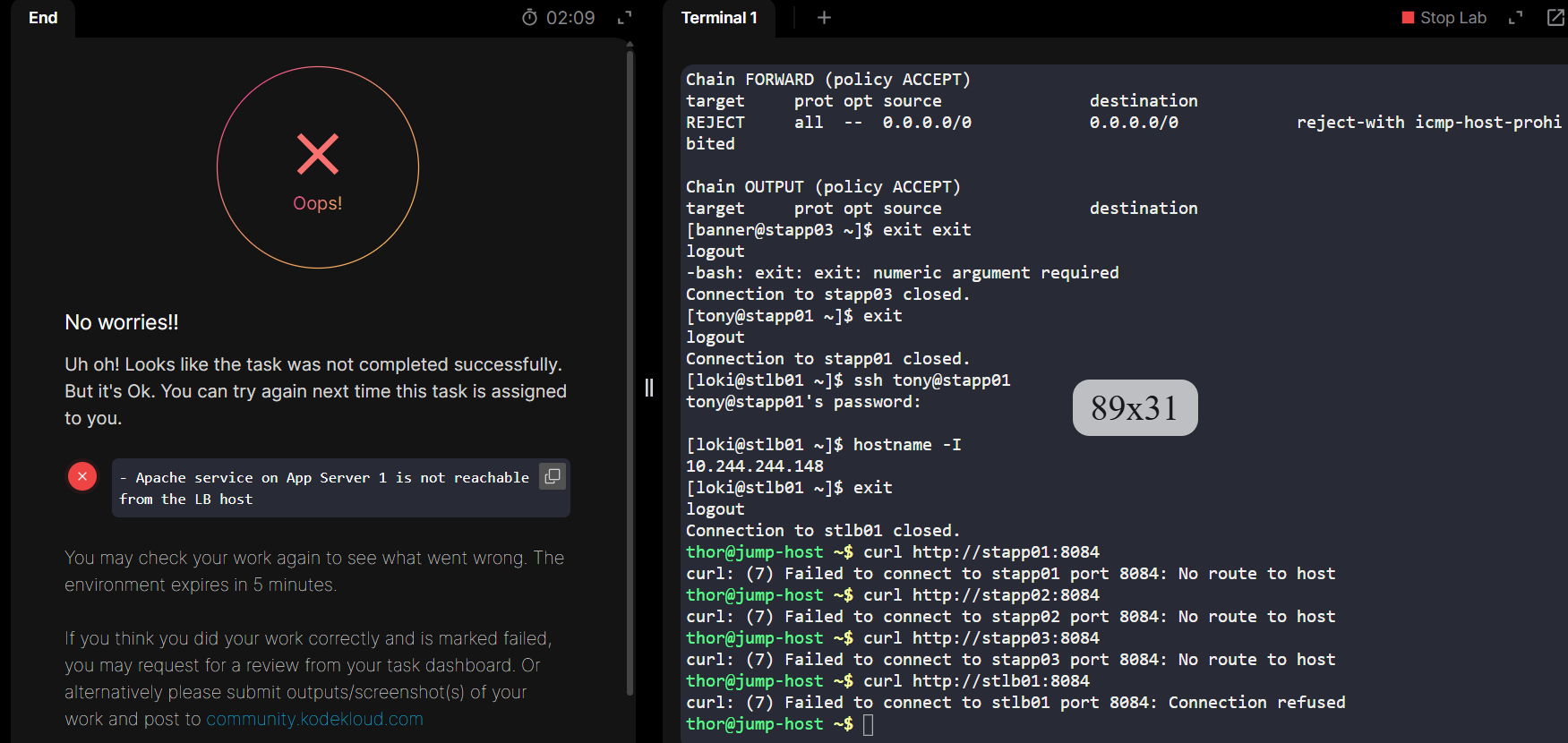
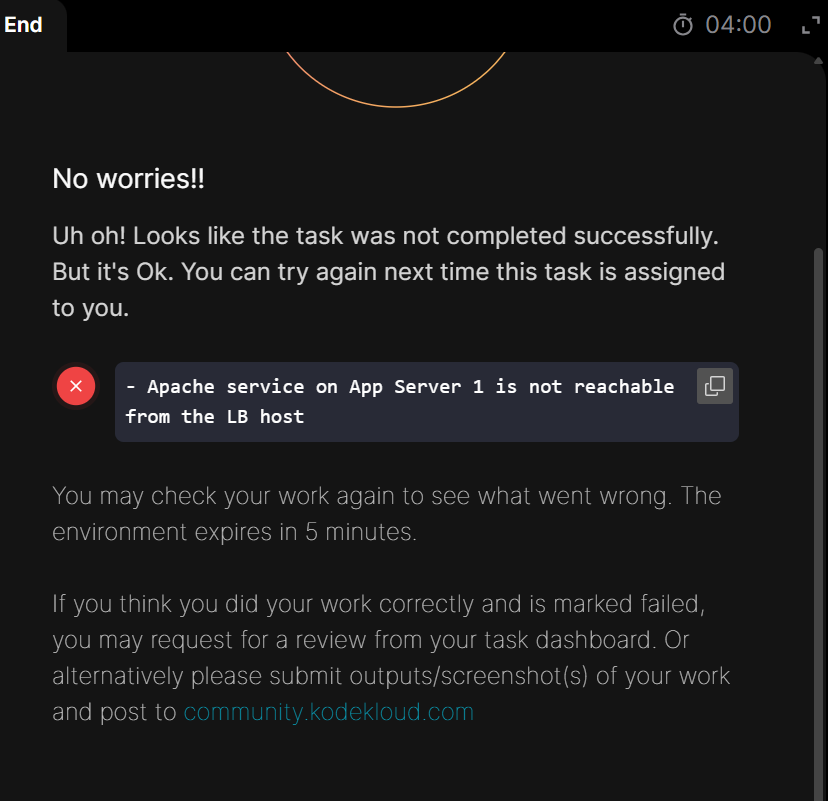
its says Apache service on App Server 1 is not reachable from the LB host
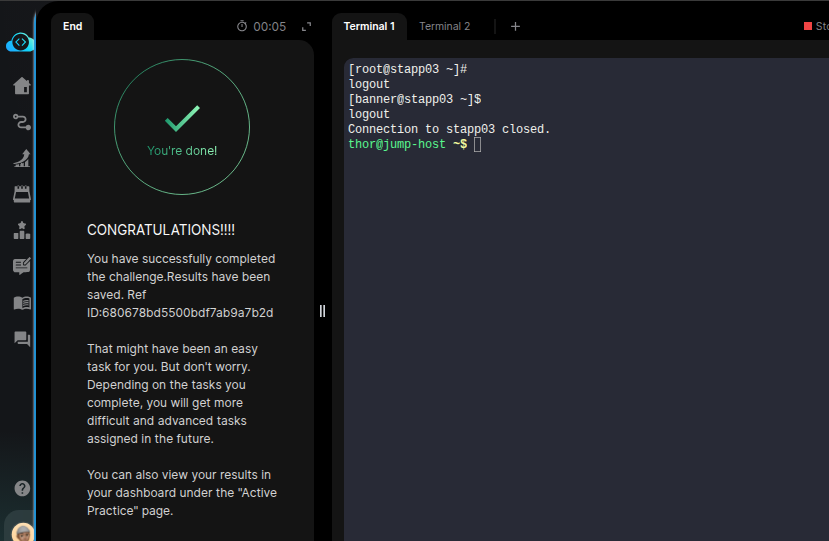
I just tried it, and it worked with the steps provided by Rob in the earlier post.
The main point here is to fetch the IP Address of LBR. As these are Dynamic now, you can try ssh @loki@stlb01 to get the IP of the LBR.
You need to add one rule for ACCEPT for the LBR IP, and drop all other packets on the provided port.
Note: These rules should be configured on all App Servers i.e. stapp01, stapp02, and stapp03.
Even after following the steps given by Rob i got the same issue showing
- Apache service on App Server 1 is not reachable from the LB host
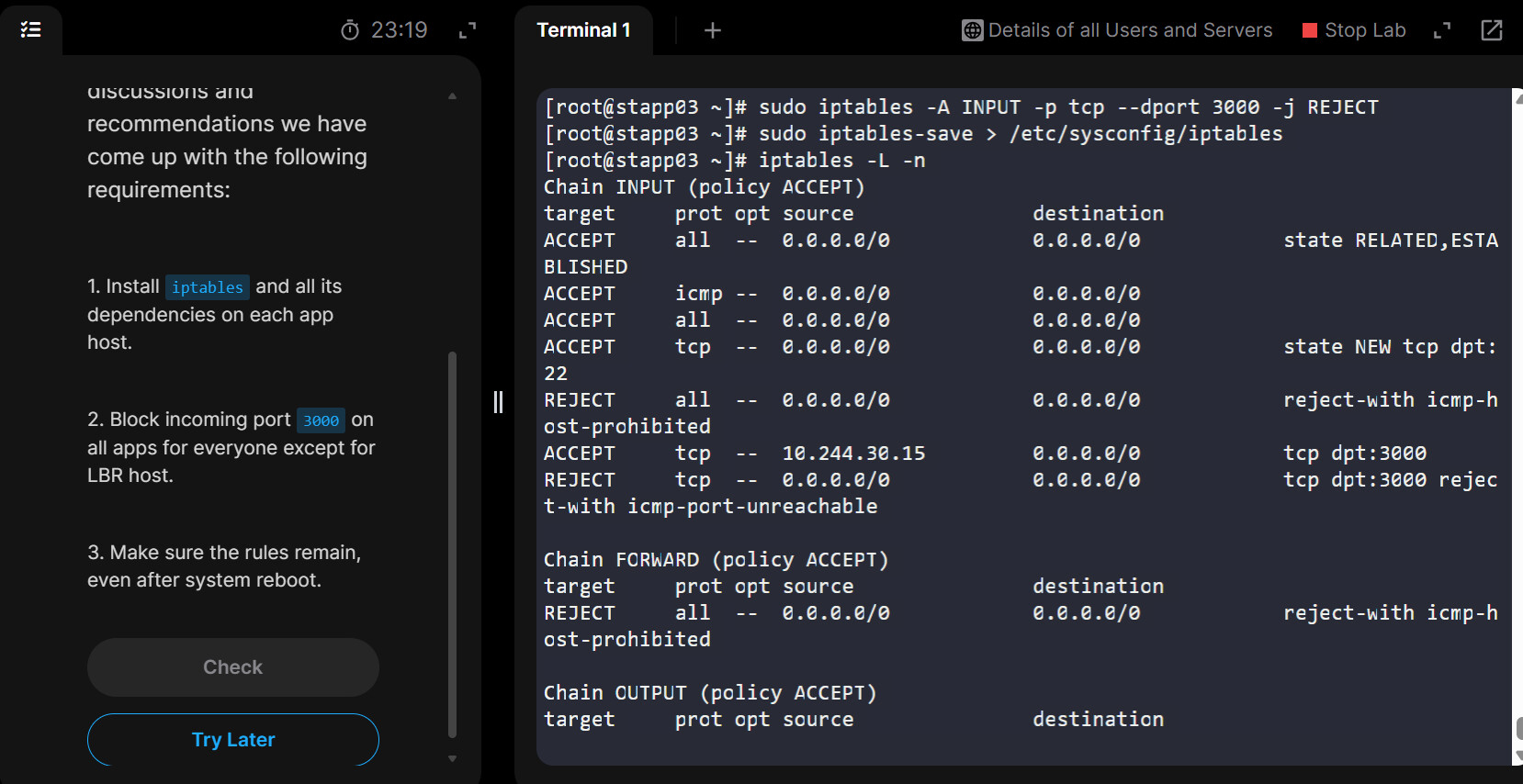
I have repeated the same steps on 3 app servers after getting the IP of loki@stlb01(IP for me 10.244.30.15).
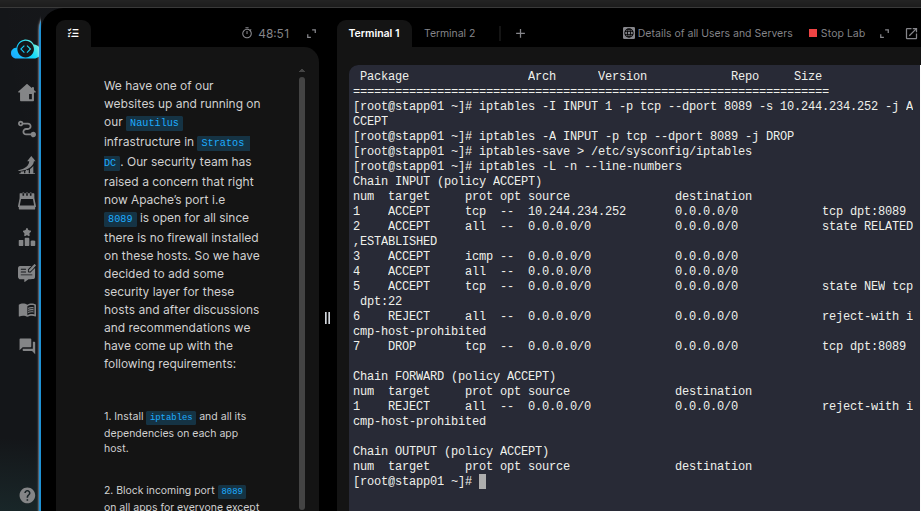
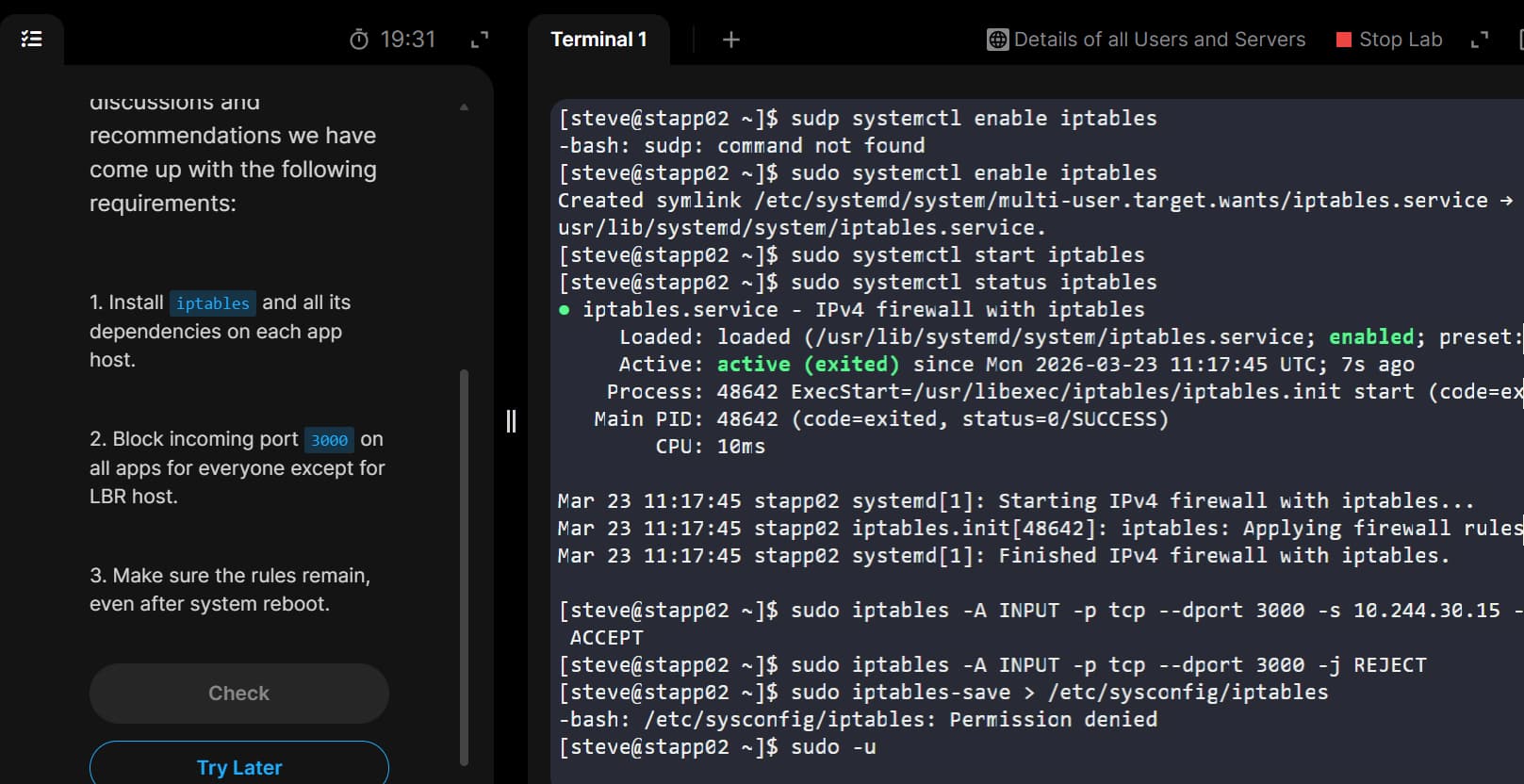
When i was trying to save the rules using this command it was showing permission denied. Then i have done it from root user(attached SS) then the rules are been updated. Even though i was getting the same error.
I was unable to get where i was going wrong. Can any one help me on resolving this.
sudo iptables-save > /etc/sysconfig/iptables
- Apache service on App Server 1 is not reachable from the LB host
- Rule was not added permanently on App Server 1
unable to upload screenshots
Sorry, there was an error uploading that file. Please try again
tried muliple times
Hello Guys!
I am planning to create a script for this task, basically automate the task where I can select the server, input the username, as well as the password.
I am a bit confused with LBR IP, what is the LBR IP?
LBR IP is the IP address of the LoadBalancer server.
The address is dynamic so your script will need to discover the server’s IP.
The above steps, provided by Rob, worked for me as well.