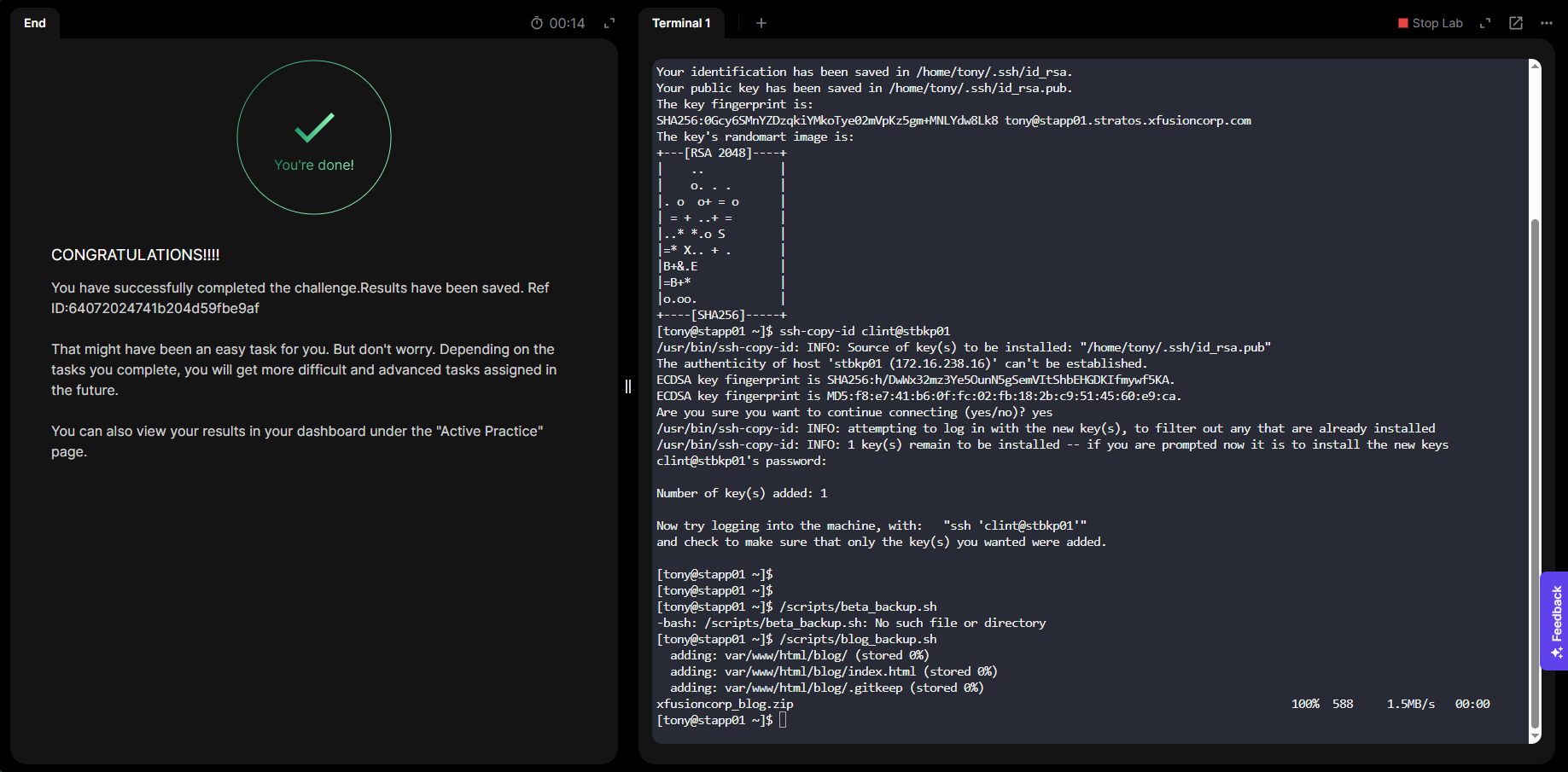
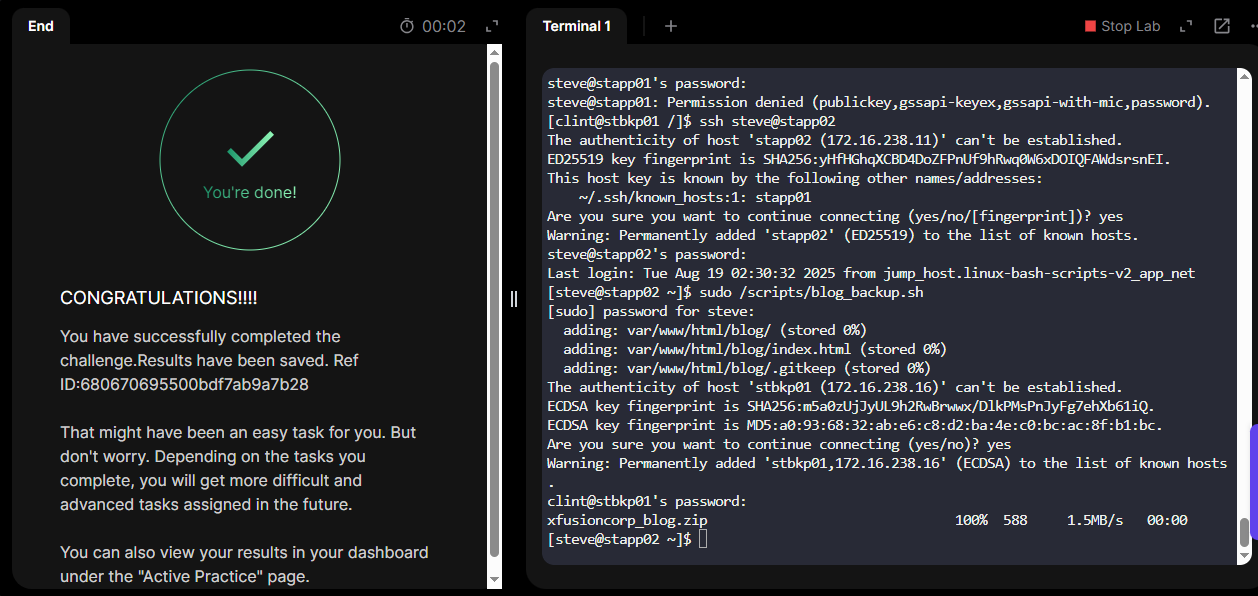
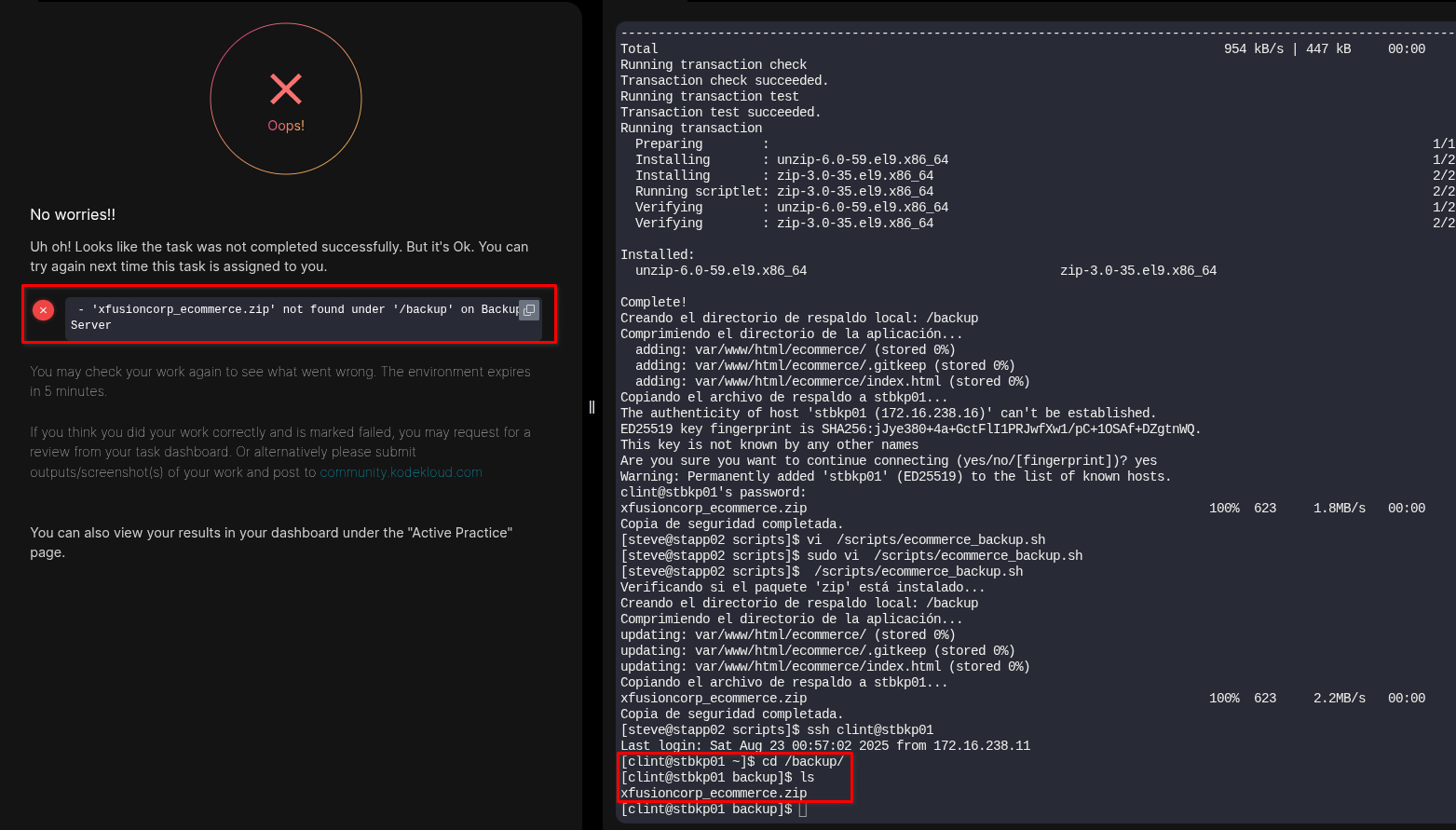
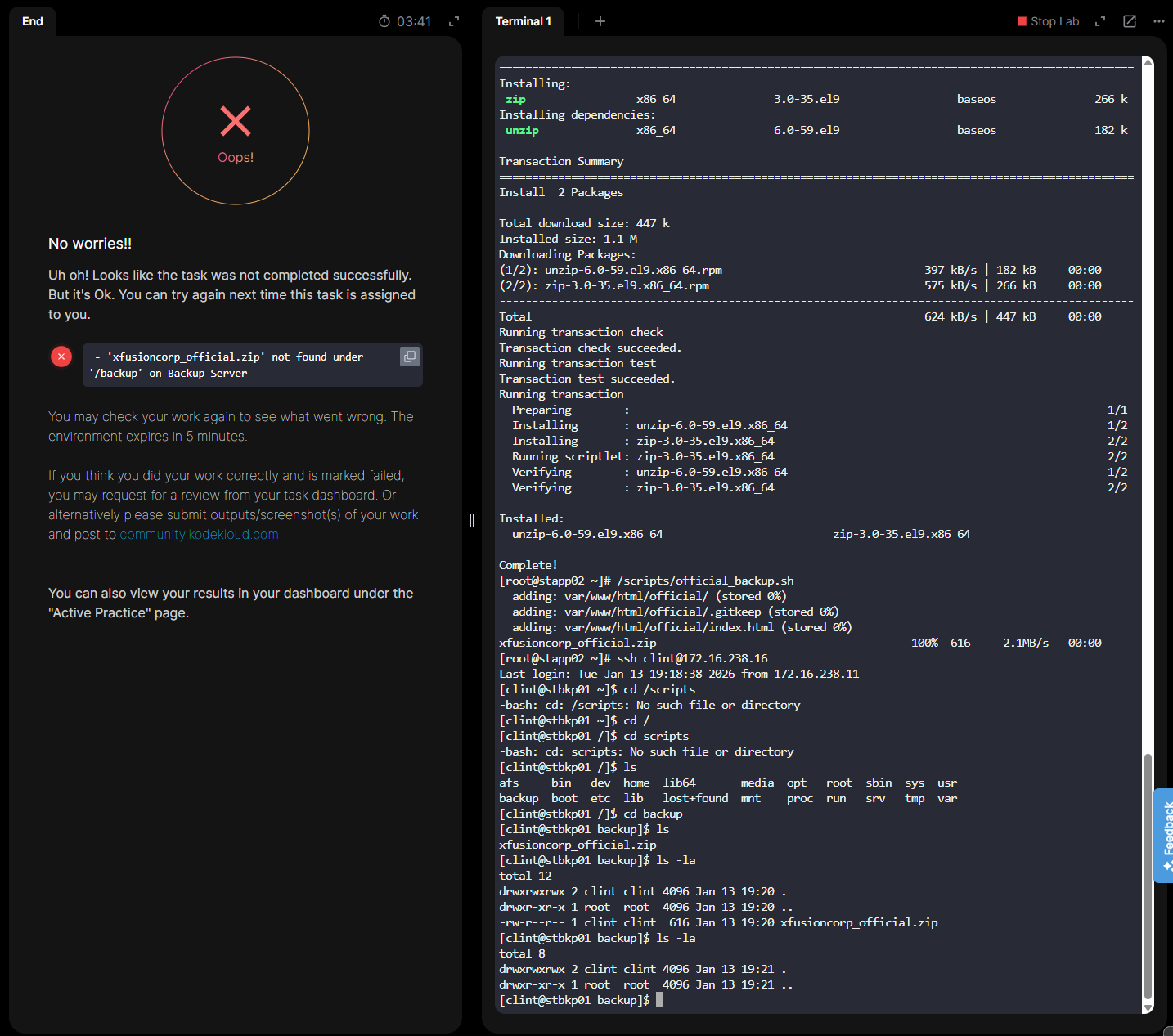
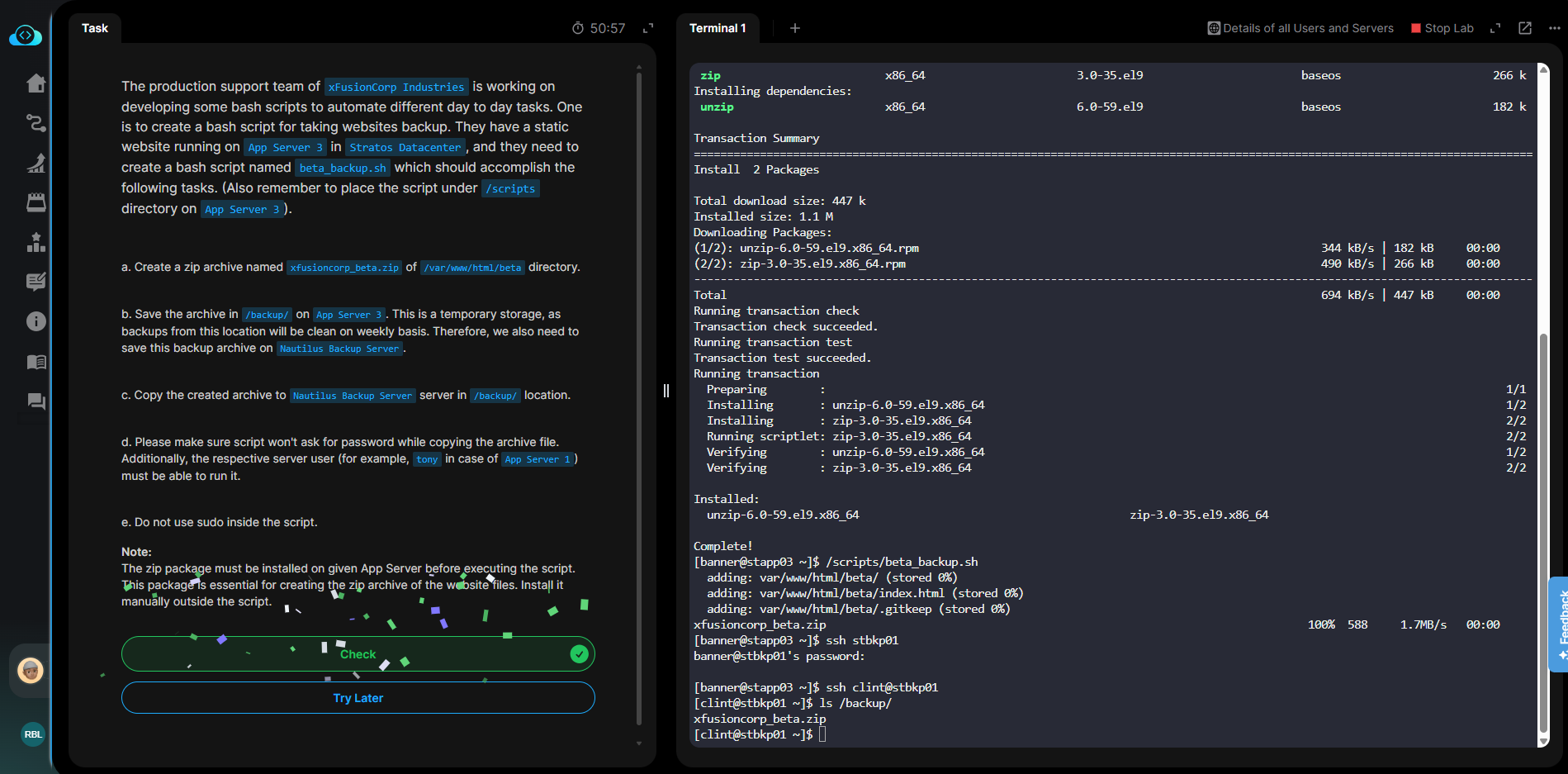
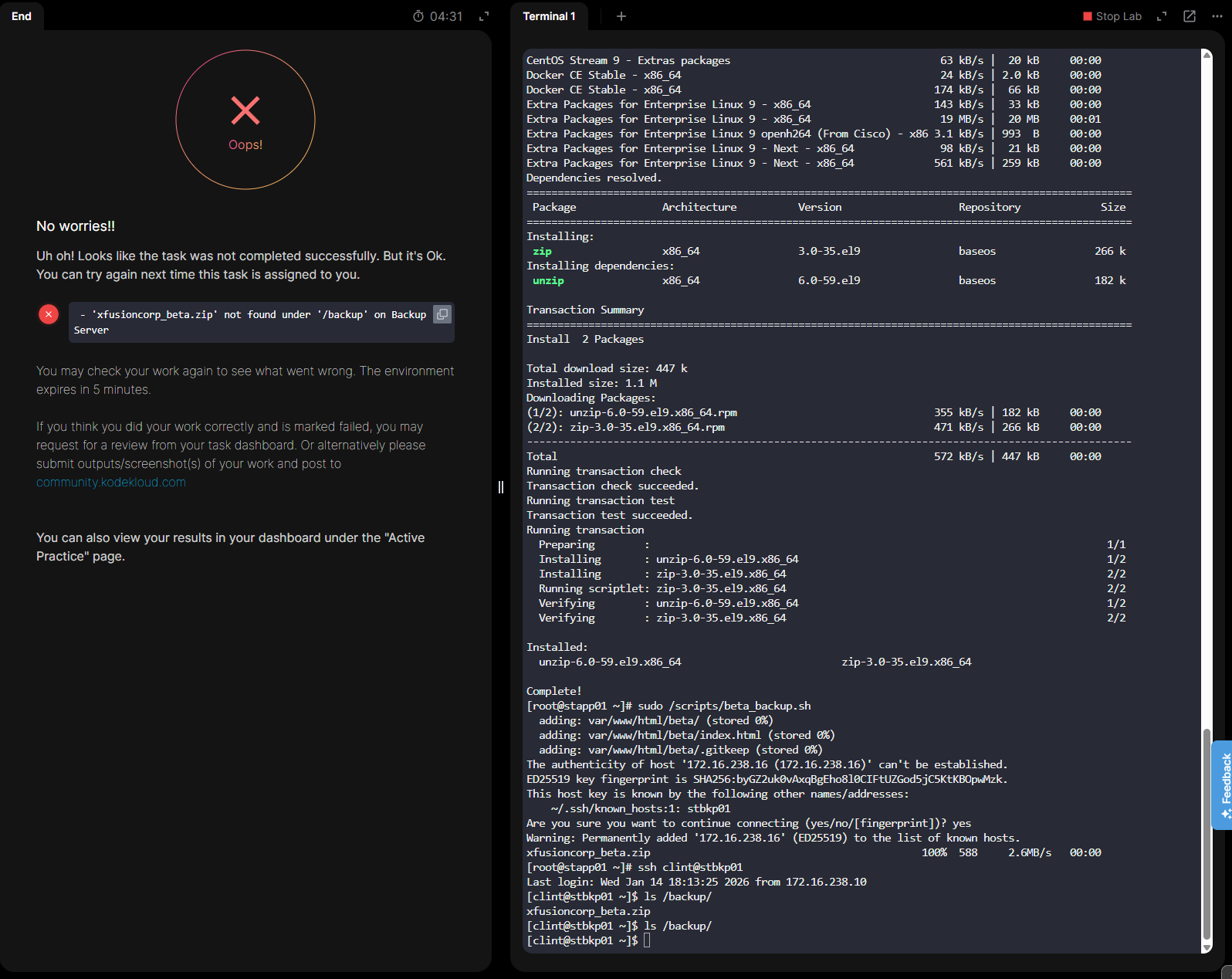
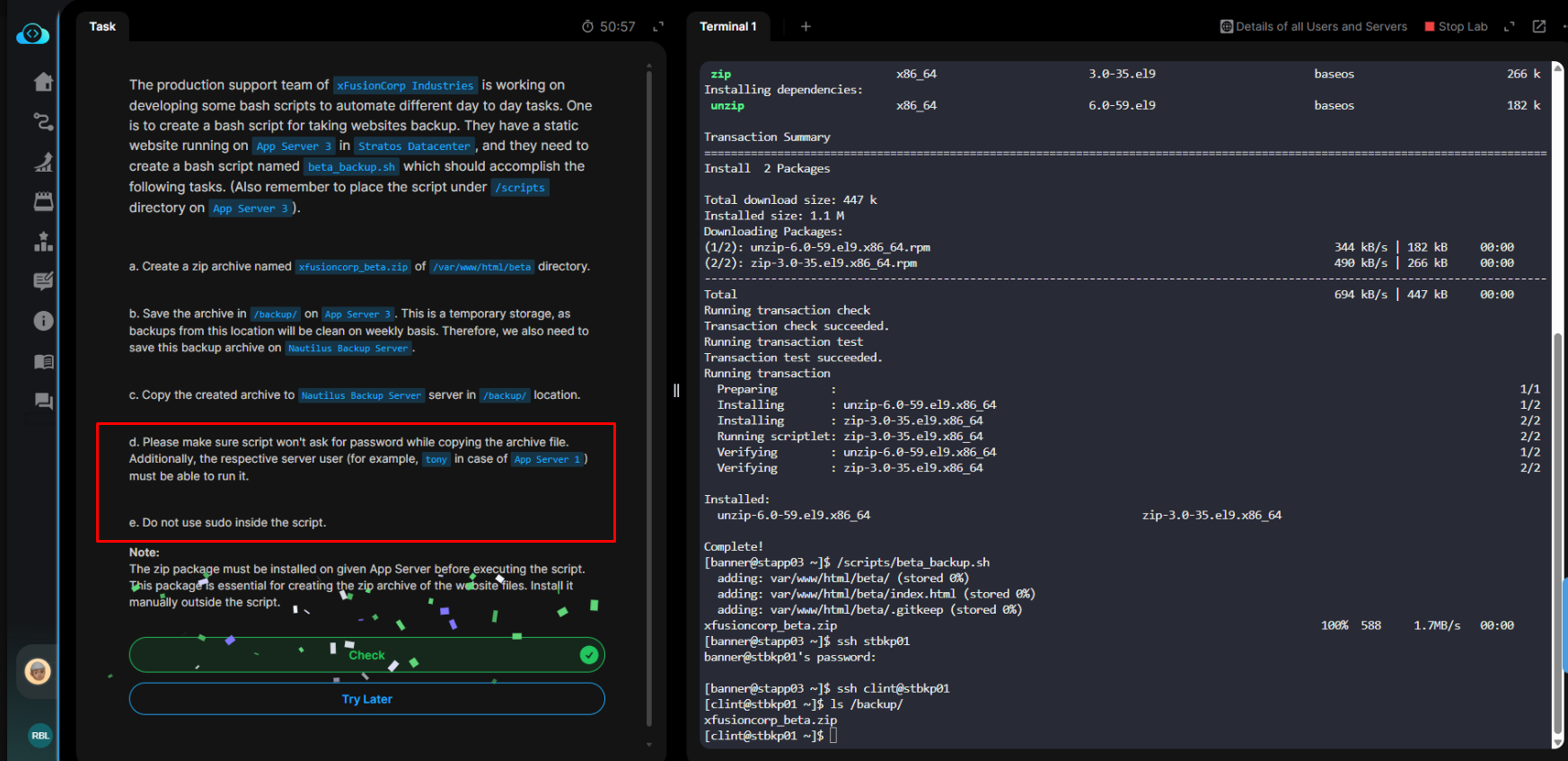
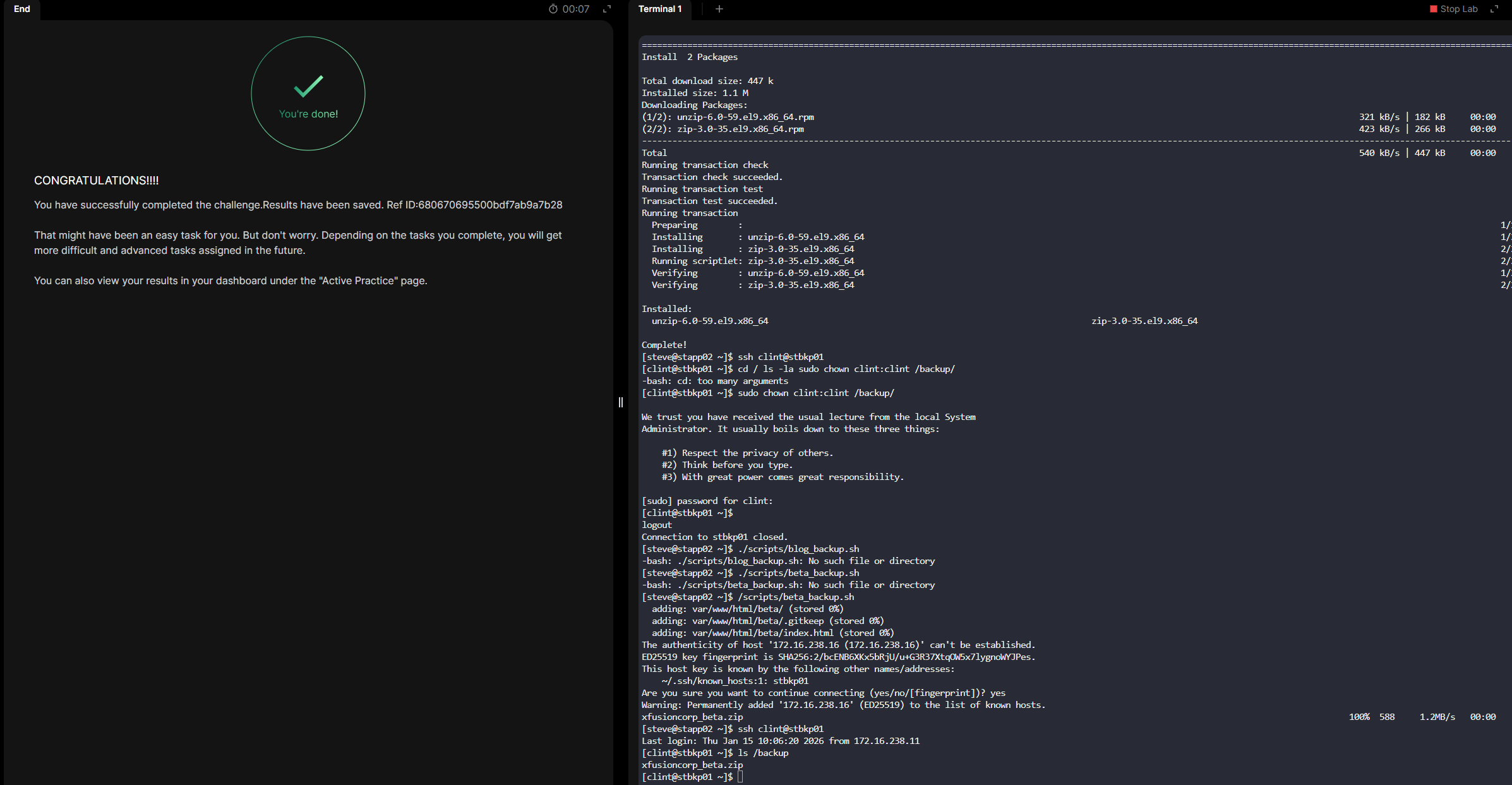
i’m trying day 10 challenge of 100 days but no matter what i do. the task will fail. do anyone know how to pass that task.
ssh steve@stapp02
mkdir -p /scripts
sudo sudo vi /scripts/blog_backup.sh
sudo chown steve:steve /scripts/
sudo chown steve:steve /scripts/blog_backup.sh
sudo chmod +x /scripts/blog_backup.sh
sudo mkdir -p /var/www/html/blog
sudo chown steve:steve /var/www/html/blog
sudo chmod -R 755 /var/www/html/blog

ssh-keygen -t rsa -b 2048
ssh-copy-id clint@stbkp01

cd /
ls -la
sudo chown clint:clint /backup/

sudo /scripts/blog_backup.sh
anyone done this ask please tell me how to do that.
I tried that several times, but it didn’t work for me. I don’t know why
Hi @ShammiNethupul
It worked fine on my side. I checked your script and didn’t see the step to copy the archive to the Nautilus Backup Server. Please try again, and if you still face issues, sharing a screenshot will be helpful.
1 Like
you may try it, I had done.
Step by Step Solution
On App Server 2
sh steve@stapp02 # here app server 2 password needed
mkdir -p /scripts # if not available
sudo sudo vi /scripts/blog_backup.sh
sudo chown steve:steve /scripts/ # give ownership to steve
sudo chown steve:steve /scripts/blog_backup.sh # give ownership to steve
sudo chmod +x /scripts/blog_backup.sh # give execute permission & just copy paste
sudo mkdir -p /var/www/html/blog # if not available
sudo chown steve:steve /var/www/html/blog # give ownership to steve
sudo chmod -R 755 /var/www/html/blog # give permission to steve
Make connection to backup server with app server 2
ssh-keygen -t rsa -b 2048
ssh-copy-id clint@stbkp01
On Backup Server
cd / ls -la sudo chown clint:clint /backup/ # here backup server password needed
Again, on App Server 2
Execute the script
sudo /scripts/blog_backup.sh
2 Likes
Hi @jmazzini
Please share your linux script, we will check it.
I had the same issue. What is the problem? How to fix that.
Hi @jakir-ruet, thanks for the solution you posted, I seem to still be having issues regarding this. I noticed that I can run the script and it send it to the backup server however when I check it, it still fails me and removes the file after the check. Is there something you think I’m missing here?
Hi @Encr1pt0r
It’s still working properly on my end, and I couldn’t reproduce the issue. Could you please try again and share your script if it still fails?
Hi @raymond.baoly thanks for taking a look for me, sadly still failing on my side.
Please find below the script I used…
#!/bin/bash

# Variables
SRC_DIR="/var/www/html/beta"
BACKUP_NAME="xfusioncorp_beta.zip"
LOCAL_BACKUP_DIR="/backup"
REMOTE_USER="clint"
REMOTE_HOST="172.16.238.16"
REMOTE_DIR="/backup"

mkdir -p $LOCAL_BACKUP_DIR

zip -r $LOCAL_BACKUP_DIR/$BACKUP_NAME $SRC_DIR

scp $LOCAL_BACKUP_DIR/$BACKUP_NAME $REMOTE_USER@$REMOTE_HOST:$REMOTE_DIR
Hi @Encr1pt0r
I see you’re using sudo, which requires root access. The task specifies using a non-root user, so please try again without sudo.
Hi @raymond.baoly,
I tried without using sudo su - and it worked, thanks for the help.

I am having trouble logging in to the backup server, was doing it first to check manually the connection
Hi @chrisbotor
Please provide the screenshot about the task you are working on.