Worse issue with Day 10:
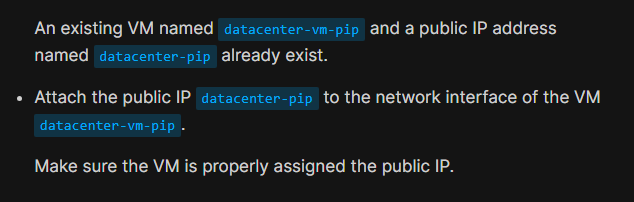
VM did not actually exist, so I created it without a public IP.
The public IP existed, so I attached it the VM’s NIC.
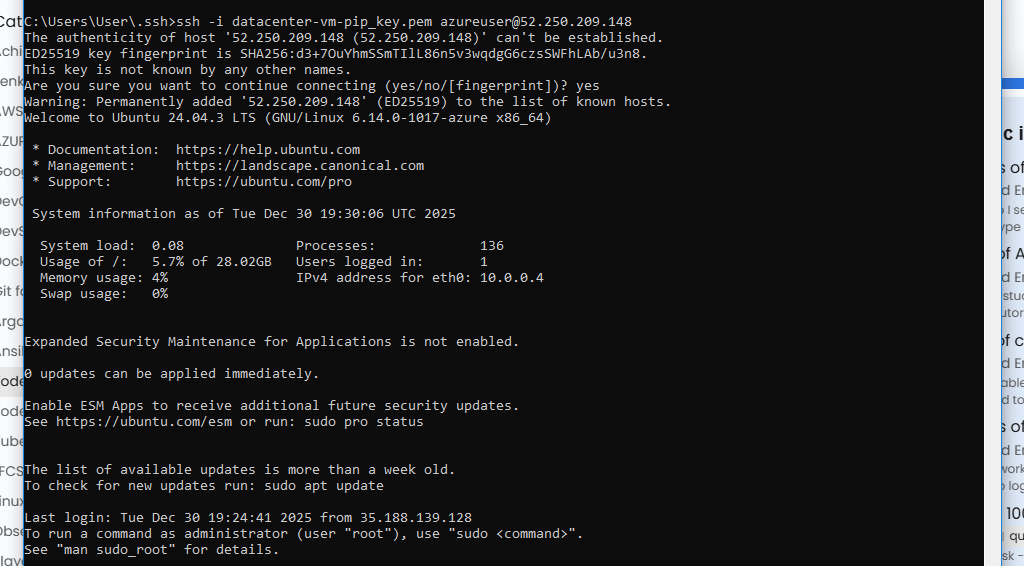
I was then able to ssh to the machine from my desktop:
But when I checked my solution:
SSH access to ‘datacenter-vm-pip’ failed or vm ‘datacenter-vm’ is not in ‘running’ state
Since I had to create the VM and its key, the ssh key is not known to KKE so that is likely cause. But also there is no vm named ‘datacenter-vm’, it is ‘datacenter-vm-pip’ so the check is broken.
Unfortunately unlike day 9 there is no workaround.
100 Days of Cloud (Azure)
Day 10: Attach Public IP to Azure Virtual Machine