Respected Sir,
sudo yum install -y nginx
sudo systemctl enable nginx
Edited /etc/nginx/nginx.conf:
sudo vi /etc/nginx/nginx.conf
 server {
        listen       8095;
        listen       [::]:8095;
        server_name  stapp03;
        root /var/www/html;
 index index.php index.html;

 location / {
 try_files $uri $uri/ =404;
 }

 location ~ \ .php$ {
 include fastcgi_params;
 fastcgi_pass unix:/var/run/php-fpm/default.sock;
 fastcgi_index index.php;
 fastcgi_param SCRIPT_FILENAME $document_root$fastcgi_script_name;
 }
}

  error_page 404 /404.html;
  error_page 500 502 503 504 /50x.html;
sudo systemctl restart nginx
 sudo dnf install epel-release -y
 sudo dnf install https://rpms.remirepo.net/enterprise/remi-release-9.rpm -y
 sudo dnf module list php
 sudo dnf module enable php:remi-8.1 -y
 sudo dnf install php-fpm php php-cli php-common php-mysqlnd php-gd php-xml php-mbstring php-pdo php-opcache -y
 sudo systemctl start php-fpm
 sudo systemctl enable php-fpm
php-v
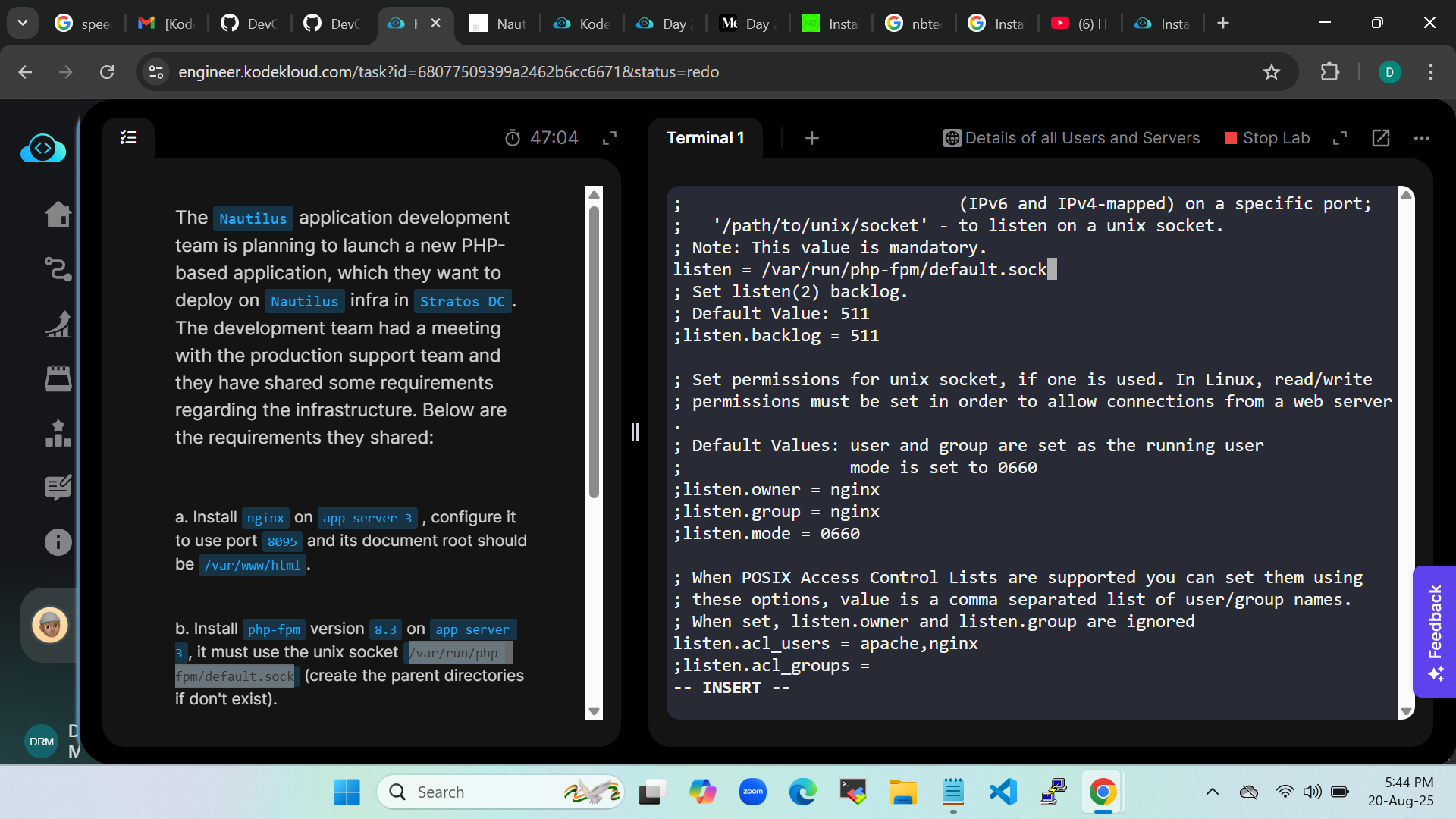
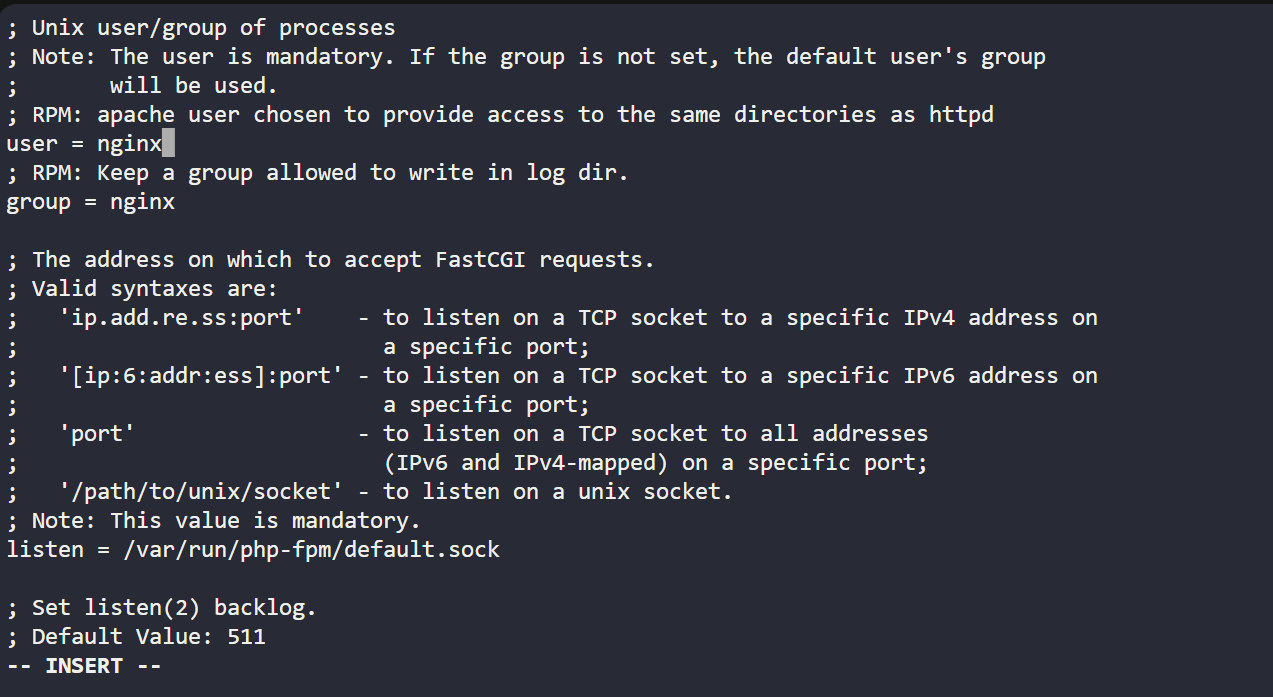
Edited /etc/php-fpm.d/www.conf:
sudo vi /etc/php-fpm.d/www.conf
listen = /var/run/php-fpm/default.sock
;listen.owner = nginx
;listen.group = nginx
;listen.mode = 0660
sudo mkdir -p /var/run/php-fpm
sudo systemctl enable --now php-fpm
Testing
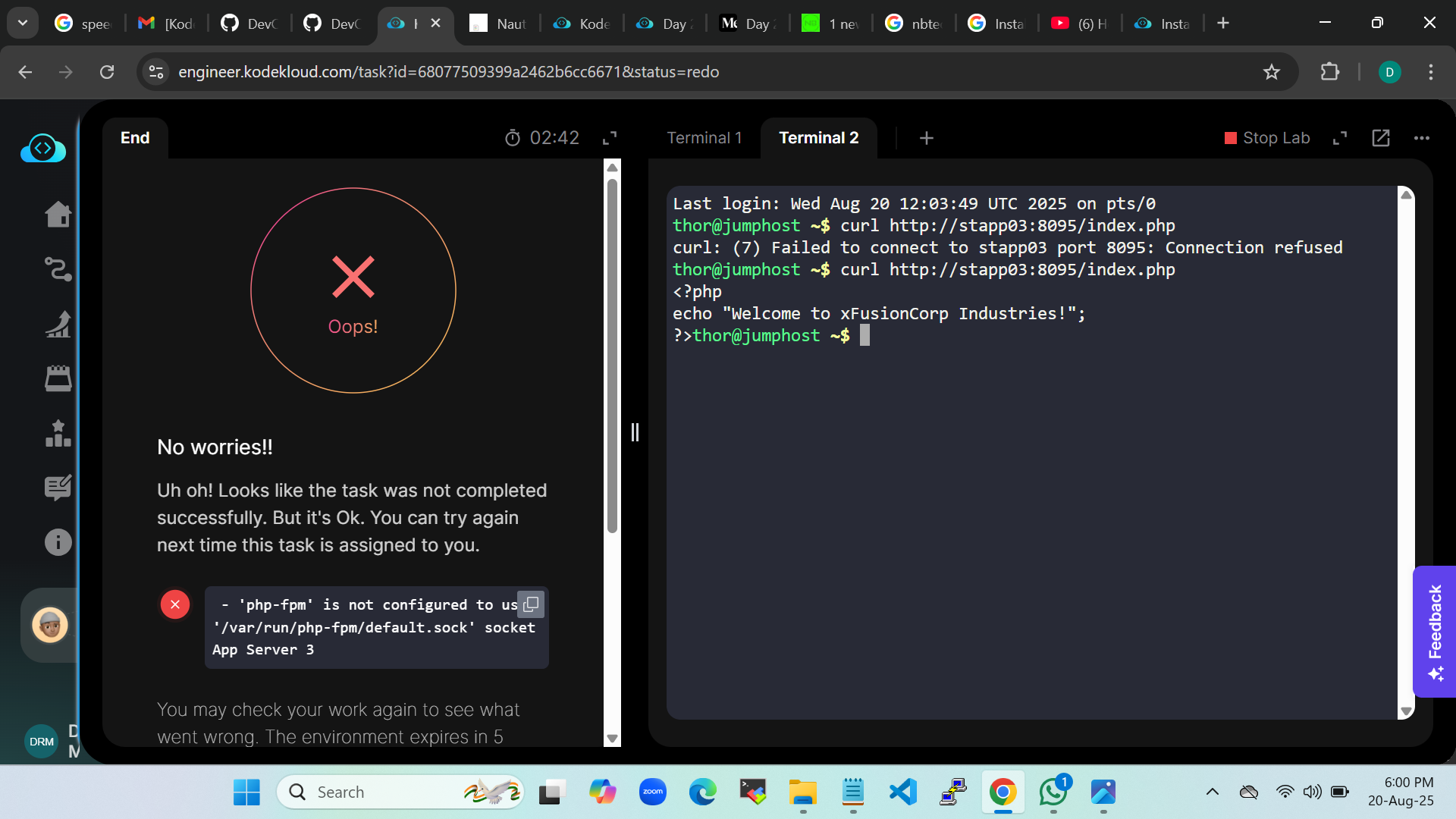
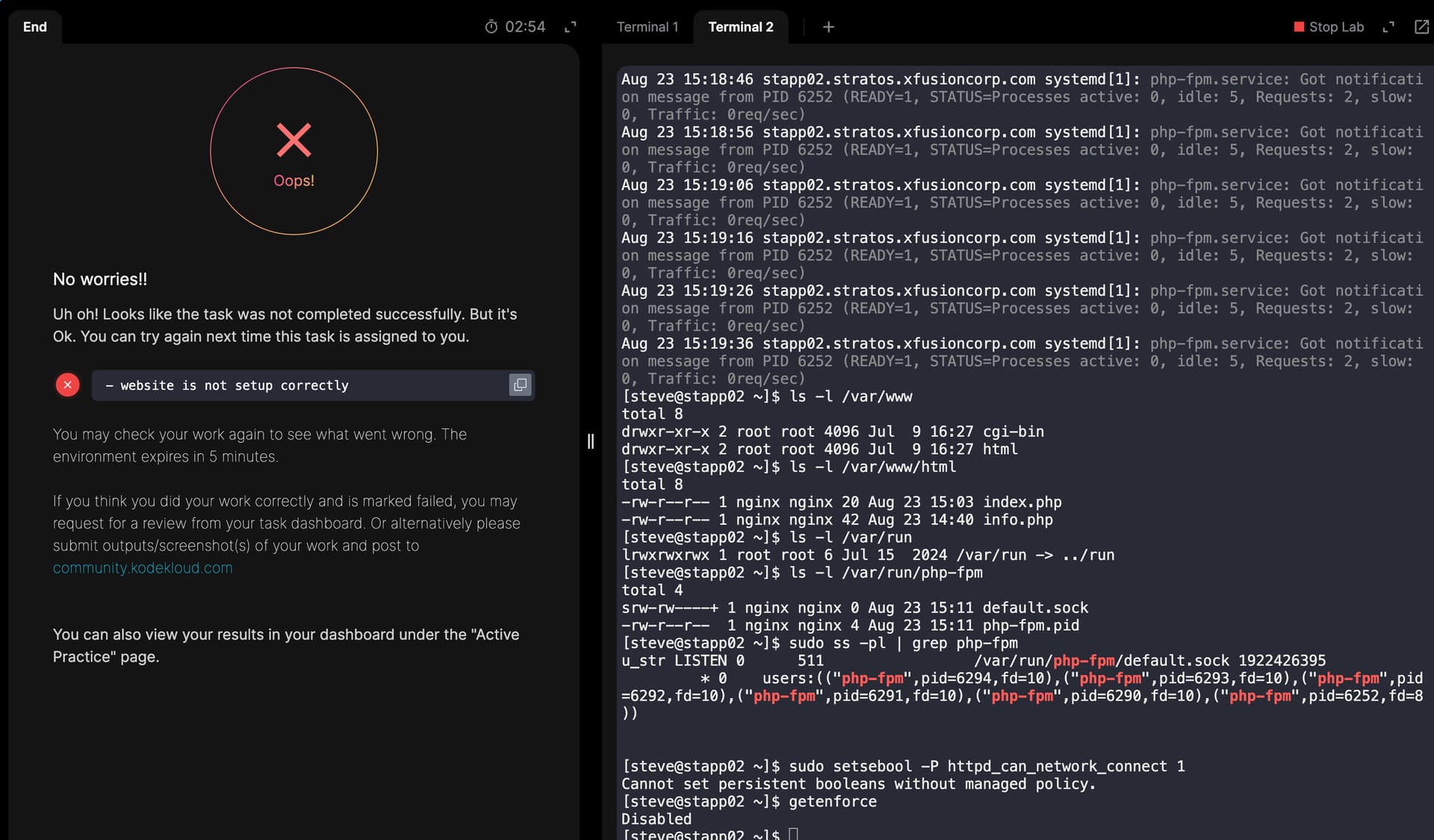
Error : php-fpm is not congigured to use ‘/var/run/php-fpm/default.sock’ socket App Server 3
Kindly detect the error in the whole process.
javi04
August 21, 2025, 4:03pm
#22
This is what mine says and I did everything correctly
javi04
August 21, 2025, 4:32pm
#23
Found my mistake. Completed now!!!
javi04
August 21, 2025, 4:36pm
#24
change ```
to ```
fastcgi_pass php-fpm;

Then go to /etc/nginx/conf.d/php-fpm.conf and put this "/var/run/php-fpm/default.sock" in the upstream{}
Many Thanks for your reply.
This is what i did to accomplish the task:
sudo yum install -y nginx
sudo systemctl enable nginx
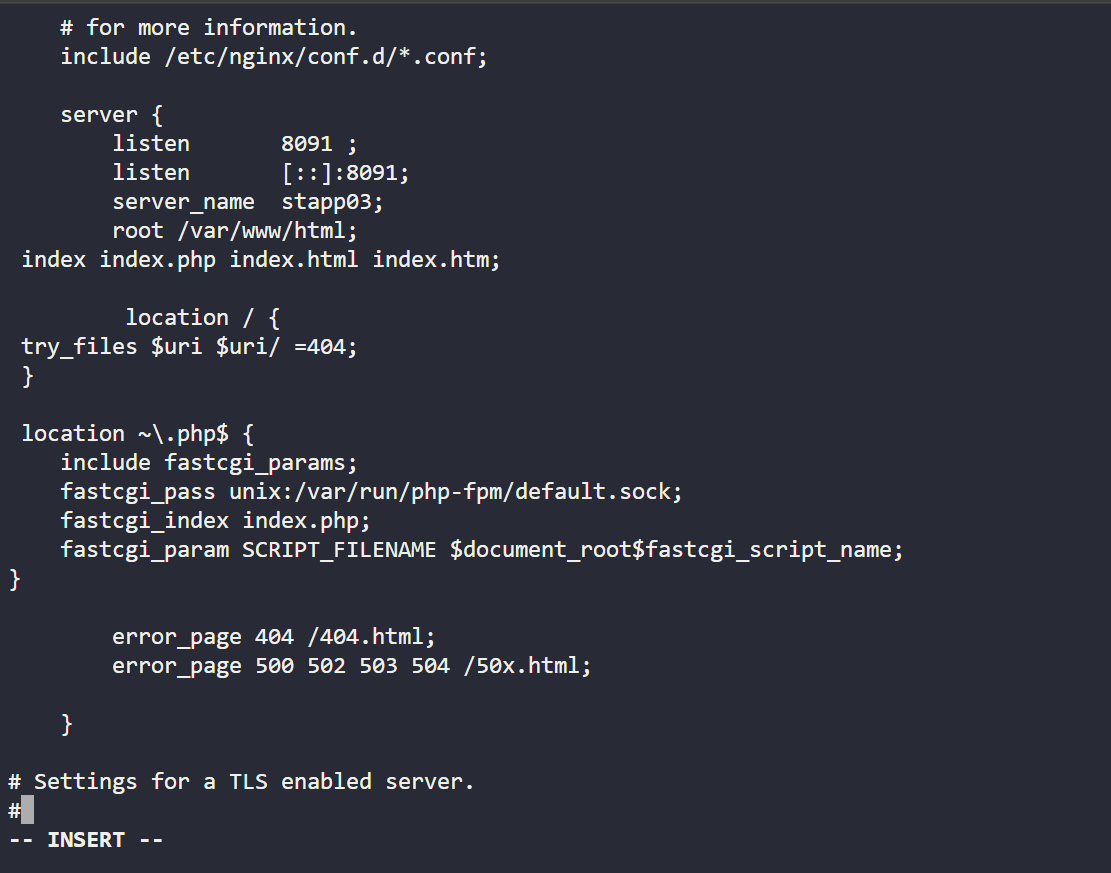
Edited /etc/nginx/nginx.conf:
sudo vi /etc/nginx/nginx.conf
 server {
        listen       8091 ;
        listen       [::]:8091;
        server_name  stapp03;
        root /var/www/html;
 index index.php index.html;

 location / {
 try_files $uri $uri/ =404;
 }

 location ~\.php$ {
    include fastcgi_params;
    fastcgi_pass unix:/var/run/php-fpm/default.sock;
    fastcgi_index index.php;
    fastcgi_param SCRIPT_FILENAME $document_root$fastcgi_script_name;
}

  error_page 404 /404.html;
  error_page 500 502 503 504 /50x.html;
sudo systemctl restart nginx
 sudo dnf install epel-release -y
 sudo dnf install https://rpms.remirepo.net/enterprise/remi-release-9.rpm -y
 sudo dnf module list php
 sudo dnf module enable php:remi-8.3 -y
 sudo dnf install php-fpm php php-cli php-common php-mysqlnd php-gd php-xml php-mbstring php-pdo php-opcache -y
 sudo systemctl start php-fpm
 sudo systemctl enable php-fpm
php -v
Edited /etc/php-fpm.d/www.conf:
sudo vi /etc/php-fpm.d/www.conf
user = nginx

group = nginx

listen = /var/run/php-fpm/default.sock

listen.owner = nginx

listen.group = nginx

listen.mode = 0660
sudo mkdir -p /var/run/php-fpm
sudo chown -R nginx:nginx /var/run/php-fpm
sudo systemctl enable --now php-fpm
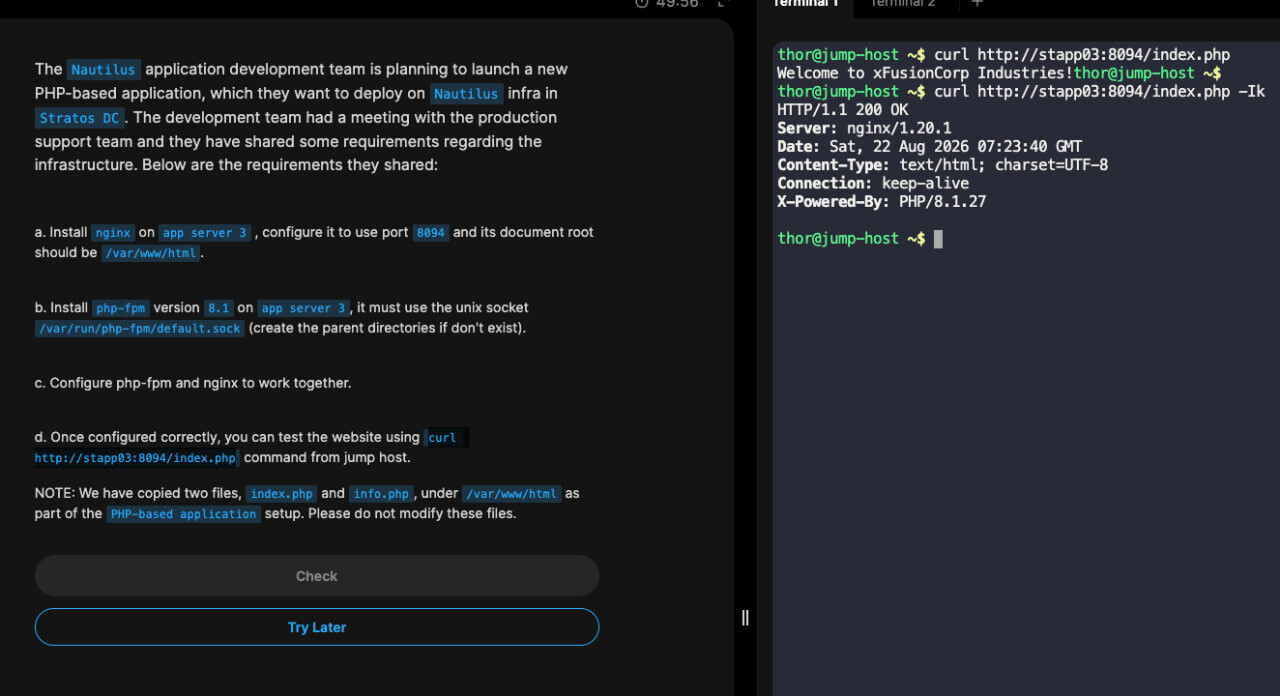
Testing:
From the Jump Host, I ran:
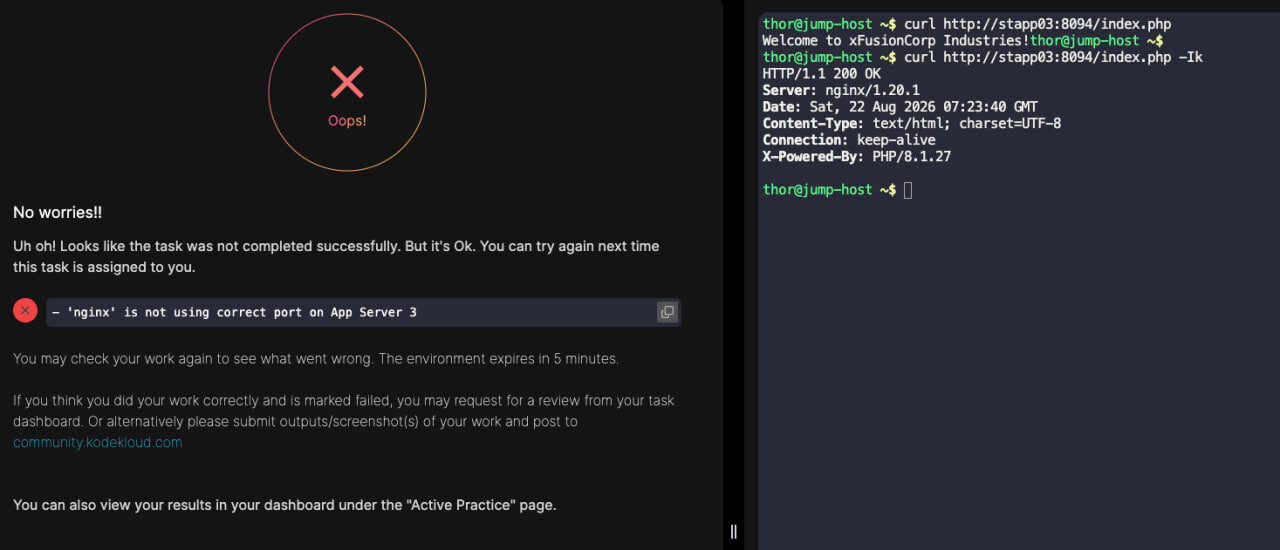
Curl… command
1 Like
None of these has worked for me. I have attempted this 3 times now without success.
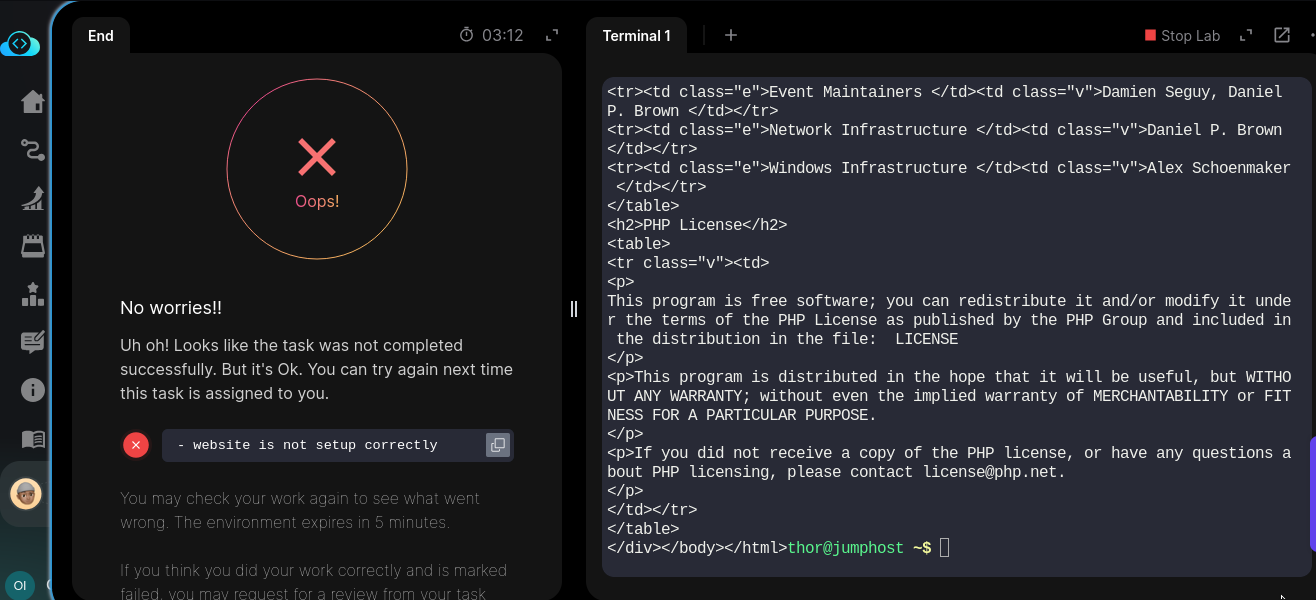
The output message “website not properly setup” is a rather too generic message for anyone to see what the issue is since the final output was successful.
Thank you so much @Alistair_KodeKloud , this checked out!
The point I missed was the configuration of php_fpm nginx module:/etc/nginx/conf.d/php-fpm.conf
Good day humble colleagues,
Will be grateful for any positive yields to success
Possibly you’re not hooked up to the socket correctly – nginx could possibly be hooked up to php-fpm in a different way, inspite of the error you’re seeing. Please look over this solution – it might help you track down if you’re doing the full task correctly.
danac
August 22, 2026, 6:44pm
#33
because i use this block in /etc/nginx/nginx.conf
server {
        listen       8099;
        server_name  _;


        root /var/www/html;
        index index.php index.html index.htm;

        location / {
            try_files $uri $uri/ /index.php?$query_string;
        }

        # Pass PHP scripts to PHP-FPM via Unix Socket
        location ~ \.php$ {
            include fastcgi_params;
            fastcgi_intercept_errors on;

            # Match this exactly with your PHP-FPM pool configuration
            fastcgi_pass unix:/var/run/php-fpm/default.sock;

            fastcgi_index index.php;
            fastcgi_param SCRIPT_FILENAME $document_root$fastcgi_script_name;
        }

        # Deny access to .htaccess files if they exist
        location ~ /\.ht {
            deny all;
        }
        error_page 404 /404.html;
        location = /404.html {
        }

        error_page 500 502 503 504 /50x.html;
        location = /50x.html {
        }
    }
instead /etc/nginx/default.d/php.conf
danac
August 23, 2026, 7:32am
#34
Thank you for answer. this really helped. I apologize for overreacting.