Hi team,
Unable to acces google cloudshell saying it is blocked.
“Error”:" The most common reason for this is detection of activity in your account that adversely impacts the Google Cloud Platform Services, other customers’ or their end users’ use of the services, or the Google network or servers used to provide the services. This may include use of the Google Cloud Platform for cryptocurrency mining or for intrusion attempts against a third-party.
If you believe this was in error, you may appeal here."
Please help me on it as there is nothing to appeal also just namesake it mentioned!
Regards,
Raja
There are issues with some of our GCP accounts.
Try it again (you’ll get a different account). If you get the same, please post the username it tells you to log in with (NOT the password) so we can identify the account.
Same user i am gettinh when i start new session. I am able to see the error on the same account 794536 please resolve asap
I have forwarded to the GCP team
I didnot find any resolution for the above mentioned issue from your team.
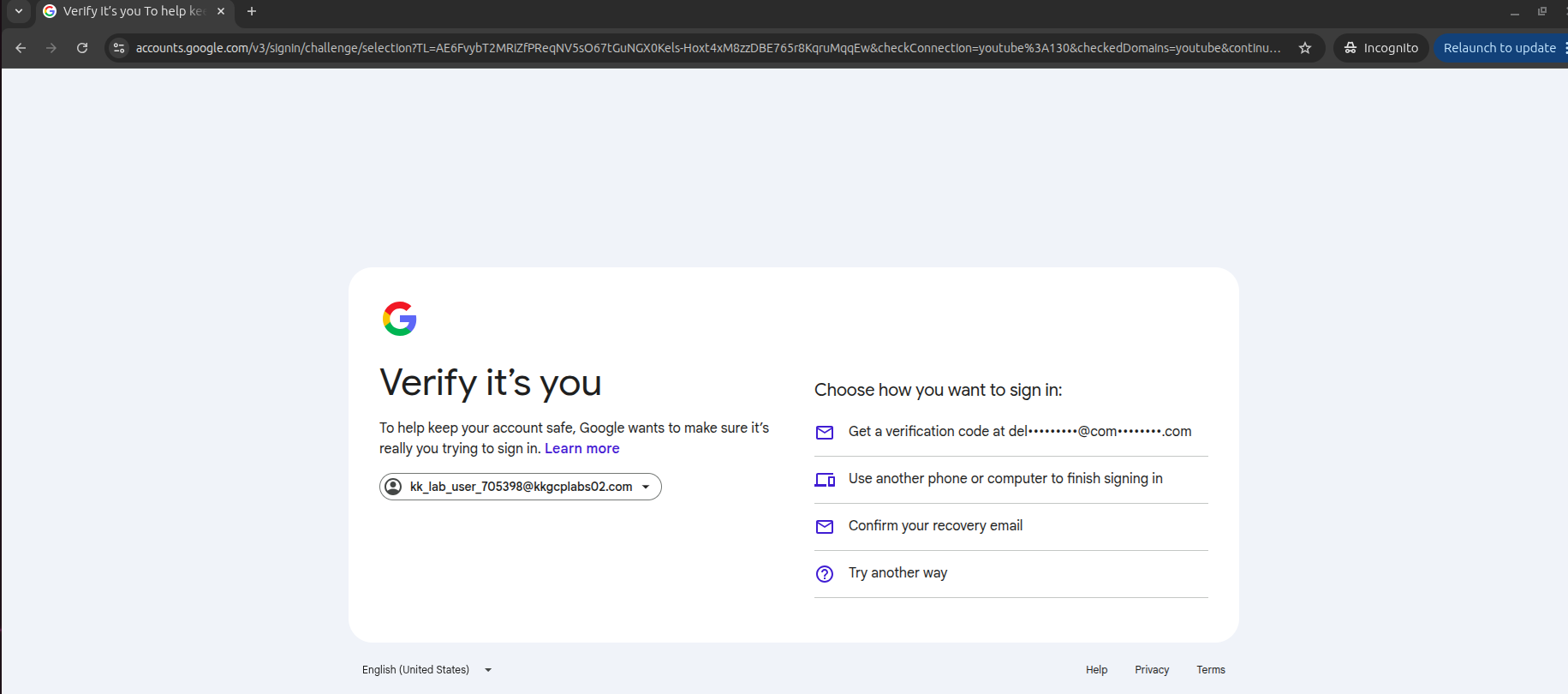
Again I got one more issue while logging in, I passed the creds still it is asking for code fom the authenticator and confirm the identity like the personal user to confirm yes to sign in for google account.
Please fix it aap.
Works for me. Ensure that you always use incognito window especially if you have a gmail account, or GCP will see your own google credentials and get confused.
I tried in incognito also, facing the same!