Hey,
would love your help understand the tests that are running in the end of this lab, I have don’t this lab 3 times and each time I get the same error in the end:
API Gateway did not trigger Lambda as expected. Response: {"message":"Missing Authentication Token"}
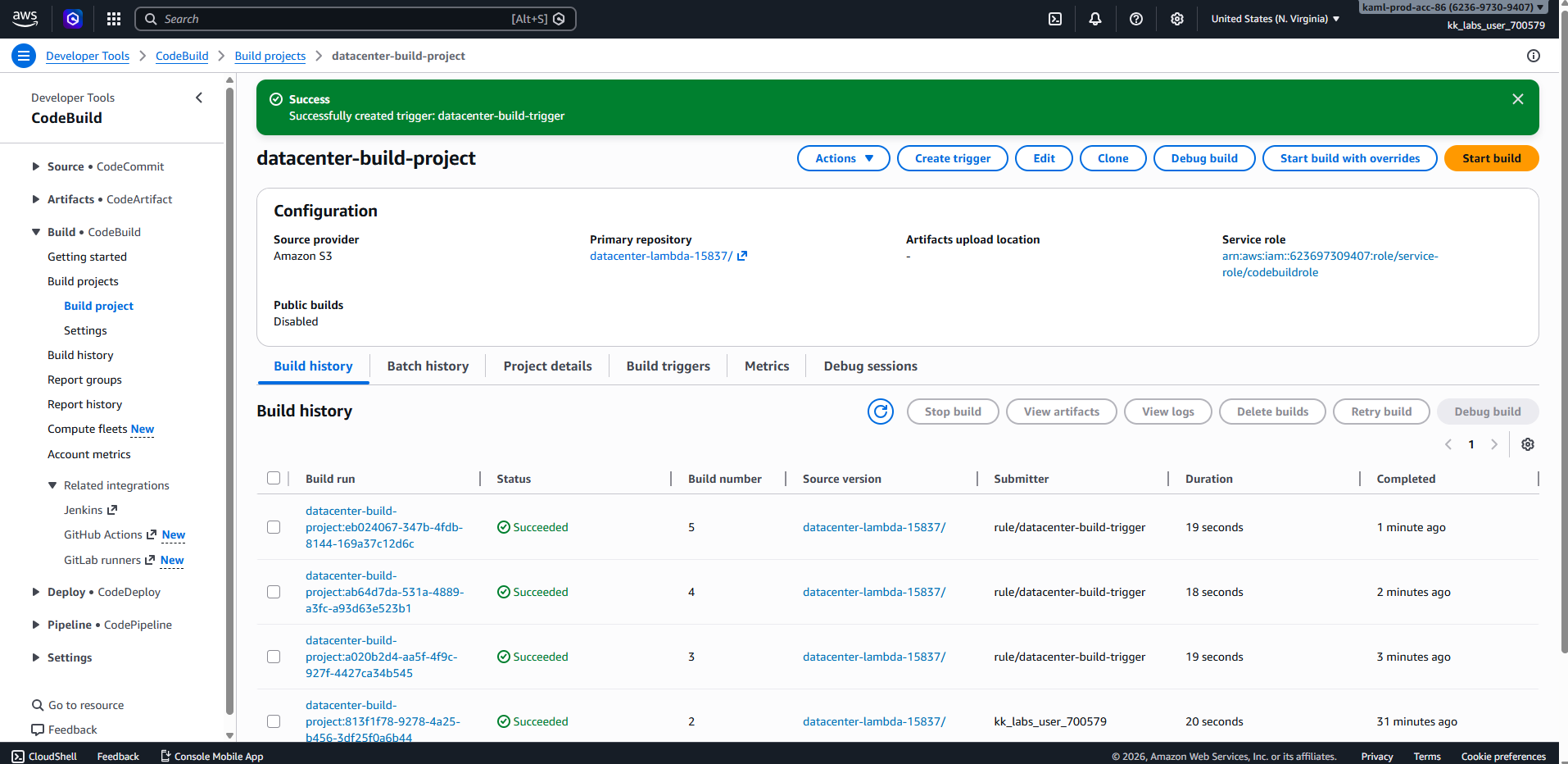
In the process of this task I was able to set up the codecommit, push the current files, set up a empty lambda, configure the code build and pipeline so the lambda was updated with the new code. and set up the API gateway to trigger the lambda, I have test multiple time the invoke, from the api console and from the lambda trigger console, both ways I get the message and 200 status from the lambda. I set up only one trigger for the lambda.
Attaching few screenshots:
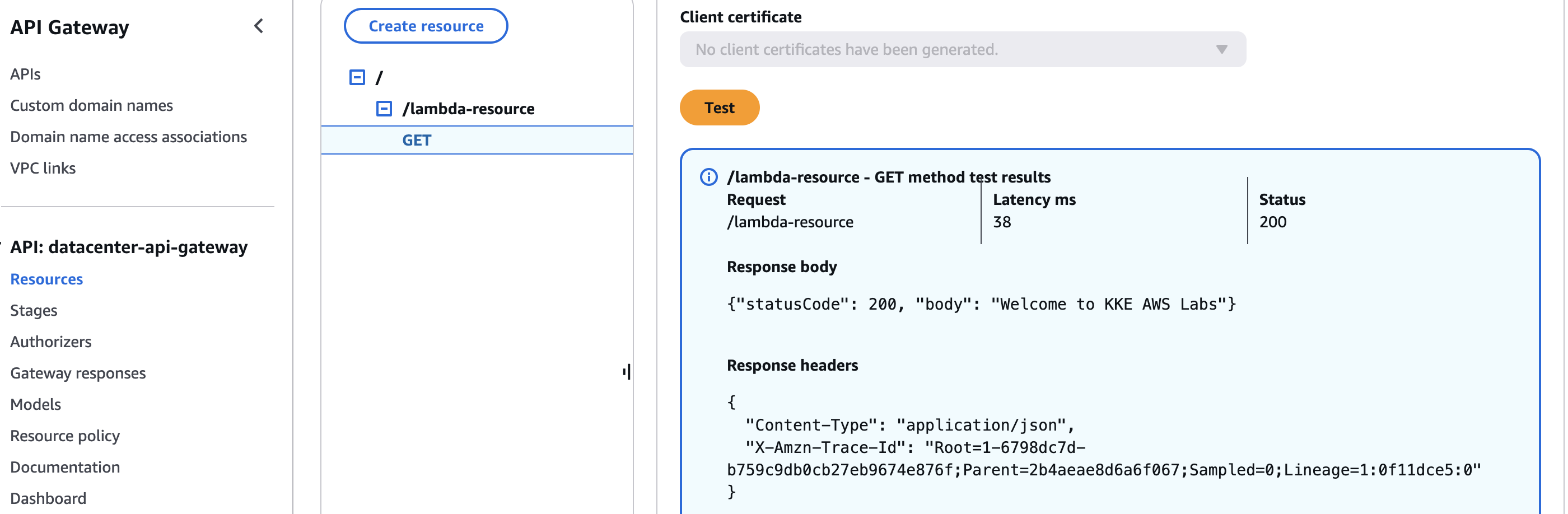
API console test option:
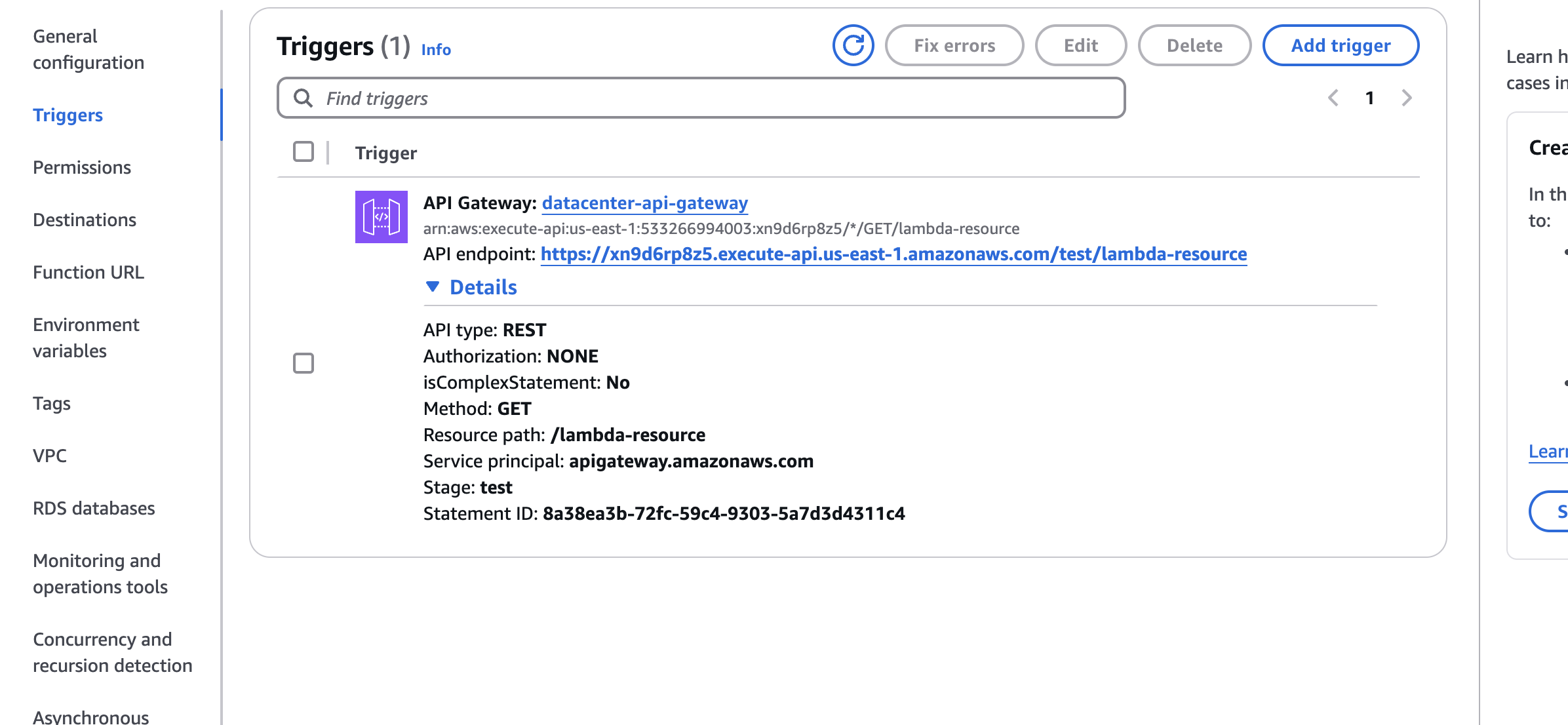
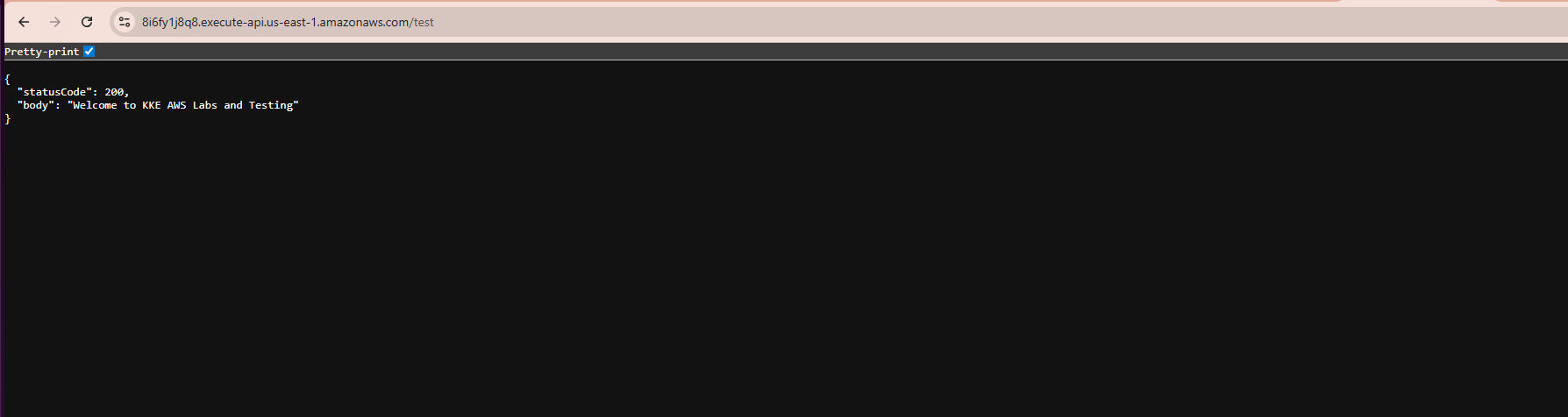
Using the API endpoint link in the lambda’s triggers tab:
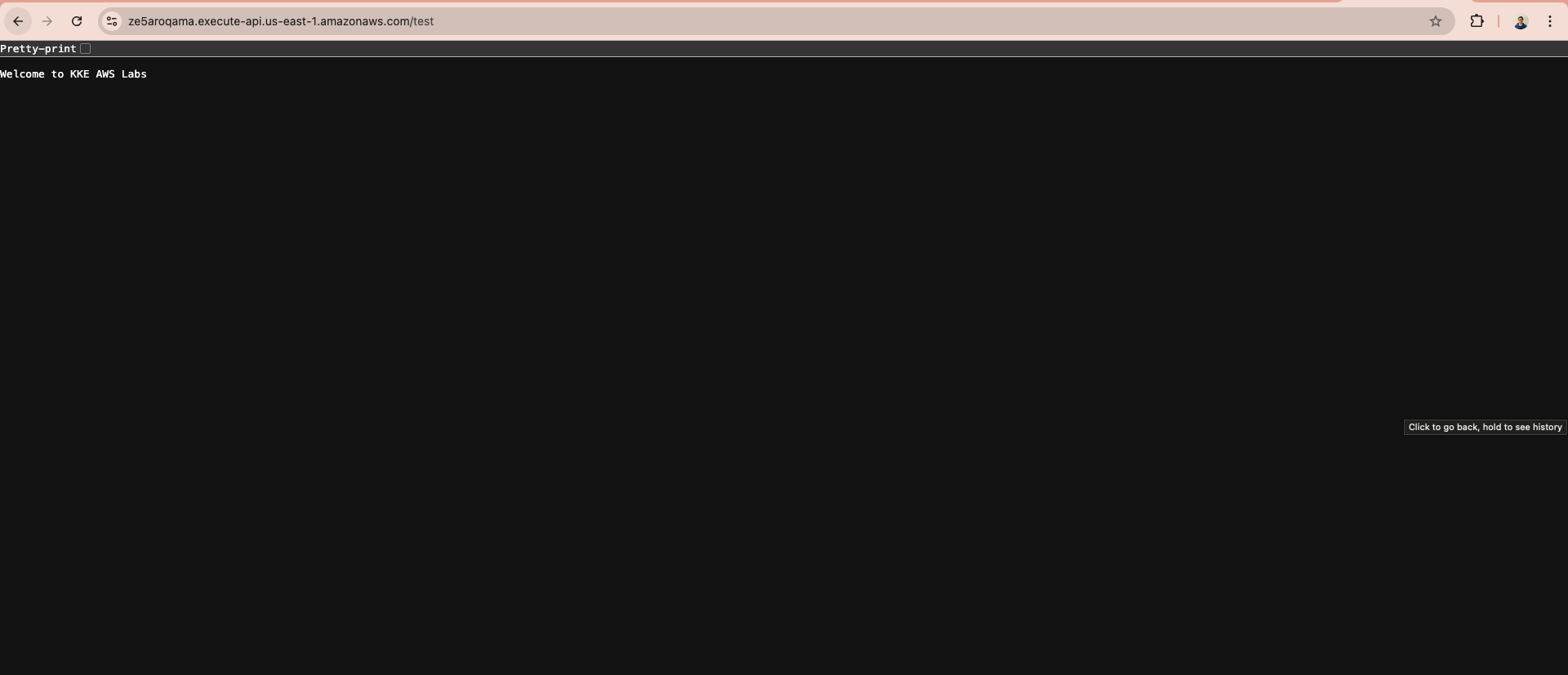
Open this page:
The permissions on the resource based:
{
  "Version": "2012-10-17",
  "Id": "default",
  "Statement": [
    {
      "Sid": "8a38ea3b-72fc-59c4-9303-5a7d3d4311c4",
      "Effect": "Allow",
      "Principal": {
        "Service": "apigateway.amazonaws.com"
      },
      "Action": "lambda:InvokeFunction",
      "Resource": "arn:aws:lambda:us-east-1:533266994003:function:datacenter-lambda-function",
      "Condition": {
        "ArnLike": {
          "AWS:SourceArn": "arn:aws:execute-api:us-east-1:533266994003:xn9d6rp8z5/*/GET/lambda-resource"
        }
      }
    }
}
But still get the error in the end of the lab.
So I’m not sure what is the test that being done in the end.
Any help will be great, thank!
Hi ilanap25,
Thanks for your detail feedback.
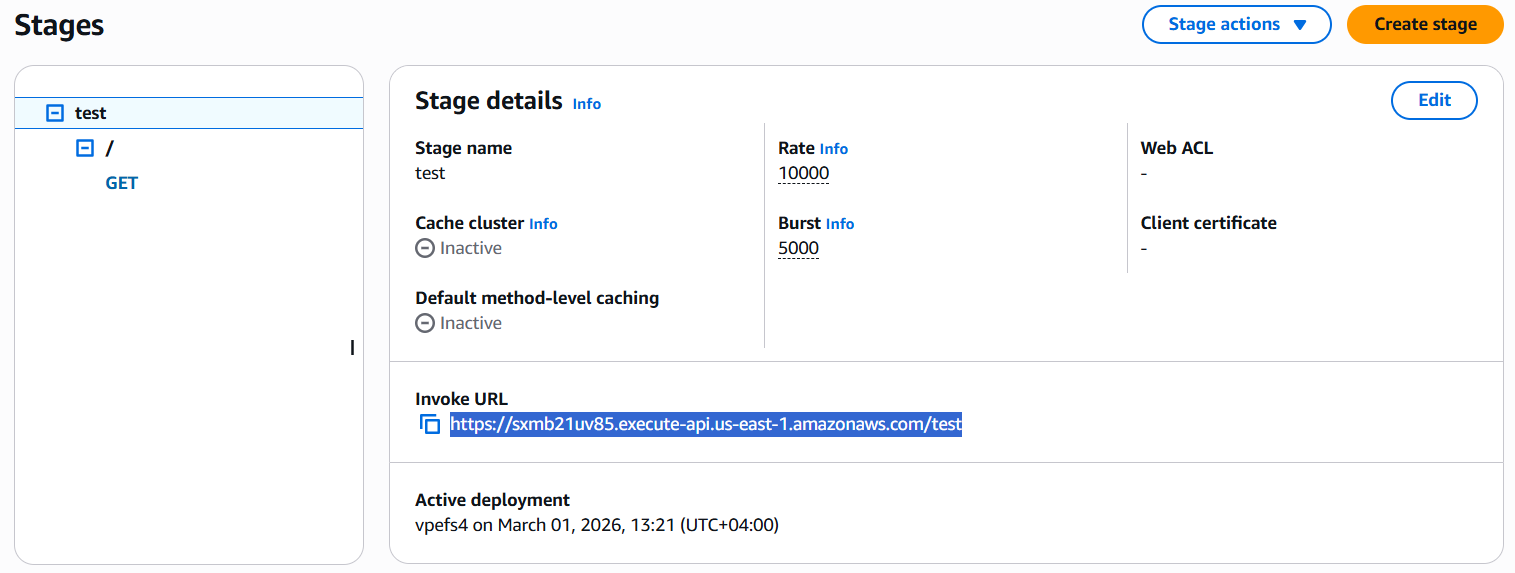
What path do you use to deploy the Lambda for API Gateway? Please make sure to use the root (/) path so the validation works as expected.
Hi @raymond.baoly
I believe I’ve encountered a bug in the validation script for the CI/CD AWS Lab.
The Problem:
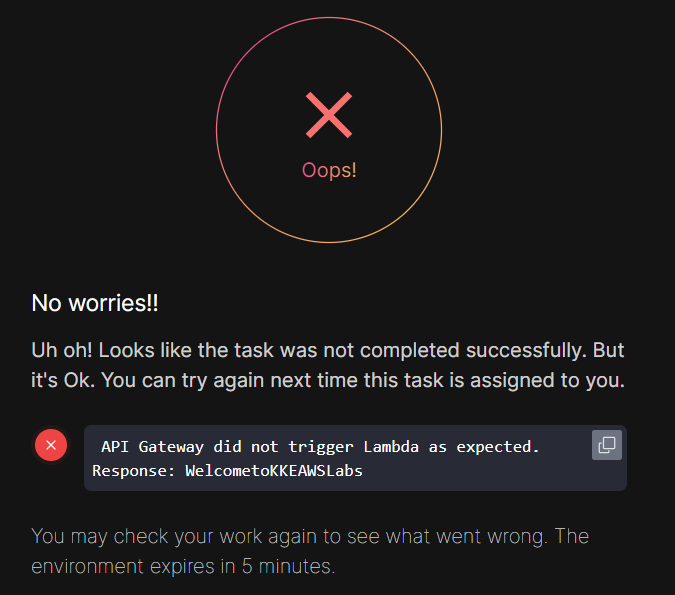
The lab checker fails with the following message:
API Gateway did not trigger Lambda as expected. Response: WelcometoKKEAWSLabs
Observation:
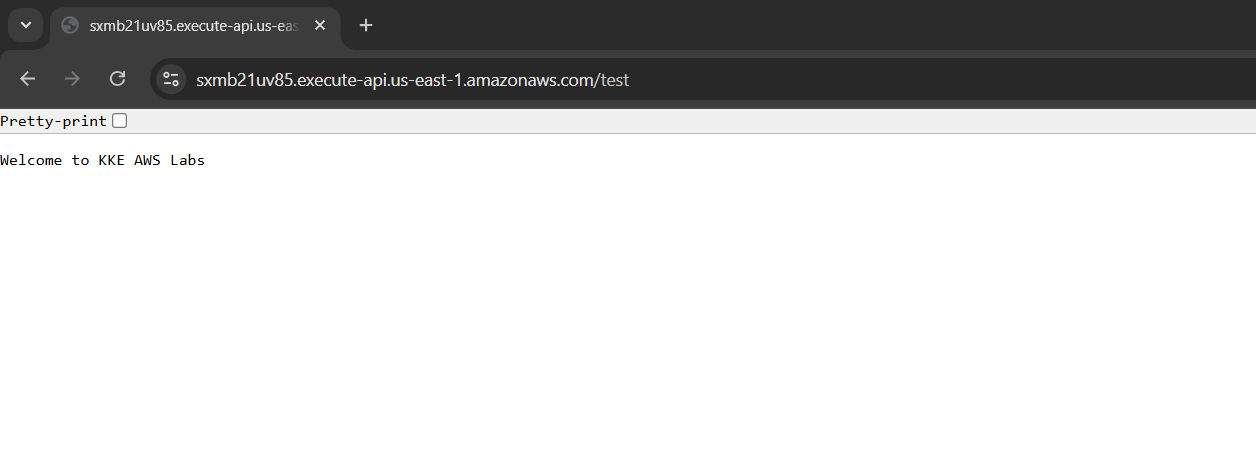
When I access my API Invoke URL in the browser, the output is correctly formatted with spaces: “Welcome to KKE AWS Labs”.
I am using Lambda Proxy Integration, so I know API Gateway isn’t transforming the response.
My Lambda function returns a plain string in the body.
My buildspec.yml is correct, and the EventBridge trigger successfully initiates CodeBuild every minute.
It seems like the validator is stripping whitespace from the HTTP response body before comparing it to the expected string, resulting in WelcometoKKEAWSLabs instead of Welcome to KKE AWS Labs.
Dear @raymond.baoly
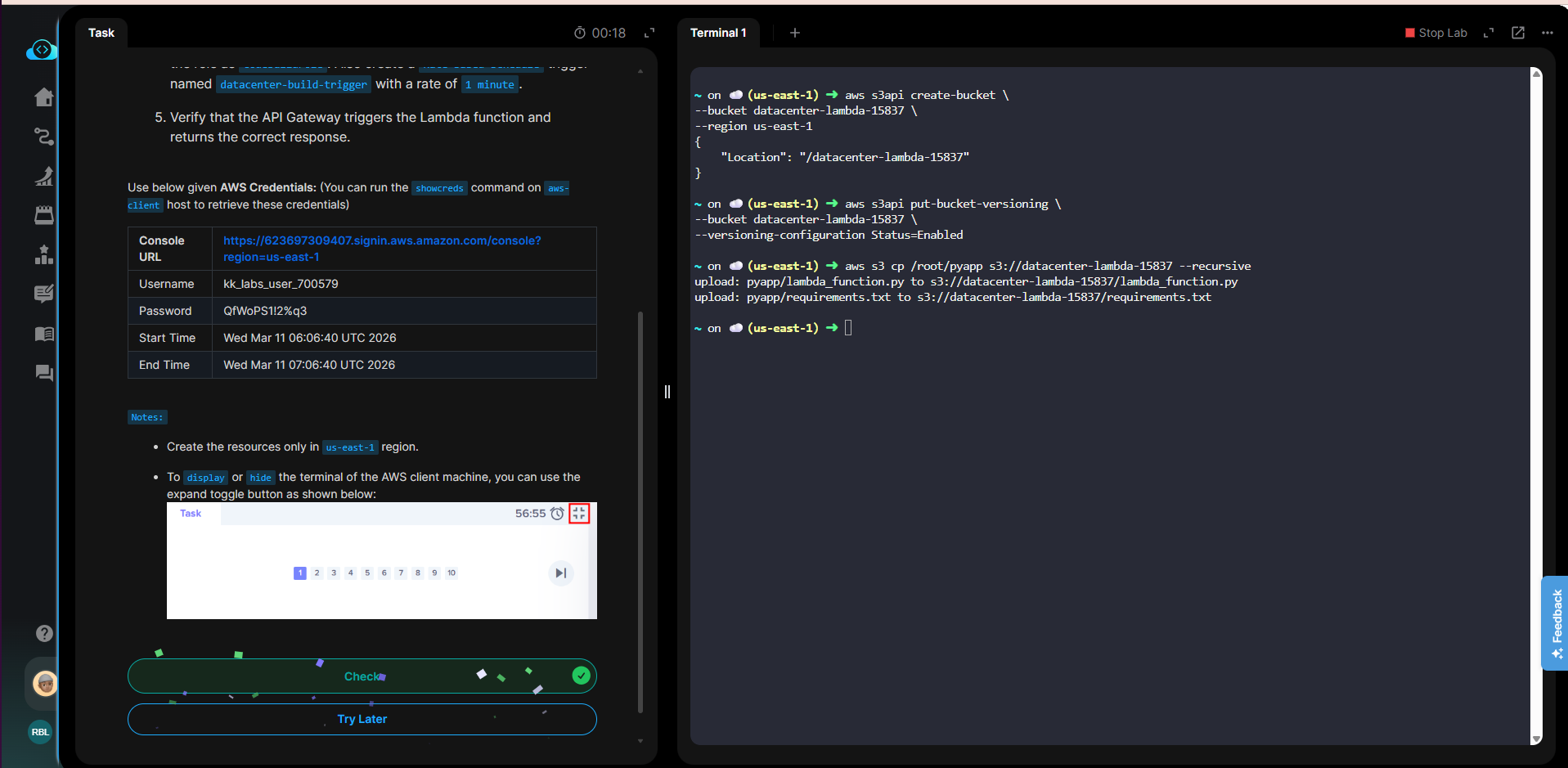
I have attached the screenshots
Hi @azer.chelebiyev
Let me check it again and feedback to you.
Hi @azer.chelebiyev
I’ve just checked again and wasn’t able to pass it either, even though I passed this task before. It seems the validation was updated incorrectly. I’ll forward this to the team to check and will keep you updated.
Dear @raymond.baoly
Thank you for reply.
I will wait your feedback.
Not yet. The team is still working on it.
Just a reminder to the team again today. I’ll keep you updated. Please practice other tasks temporarily.
Dear @raymond.baoly
Thank you for the update. However, please note that **I have already completed all other available tasks. Currently, I am completely blocked and unable to progress further until this bug is fixed
Hi @azer.chelebiyev
Please try again, the task is updated and I able to pass it.
Dear @raymond.baoly
The task has been resolved with successfully
Thank you support