Change Azure Virtual Machine Size Using Console
-
Change the VM size from Standard_B1s to Standard_B2s for the virtual machine named datacenter-vm.
-
Ensure the VM is in the running state after the size change is complete.
Notes:
Create the resources only in East US region.
Make sure the VM is in the Running state after resizing.
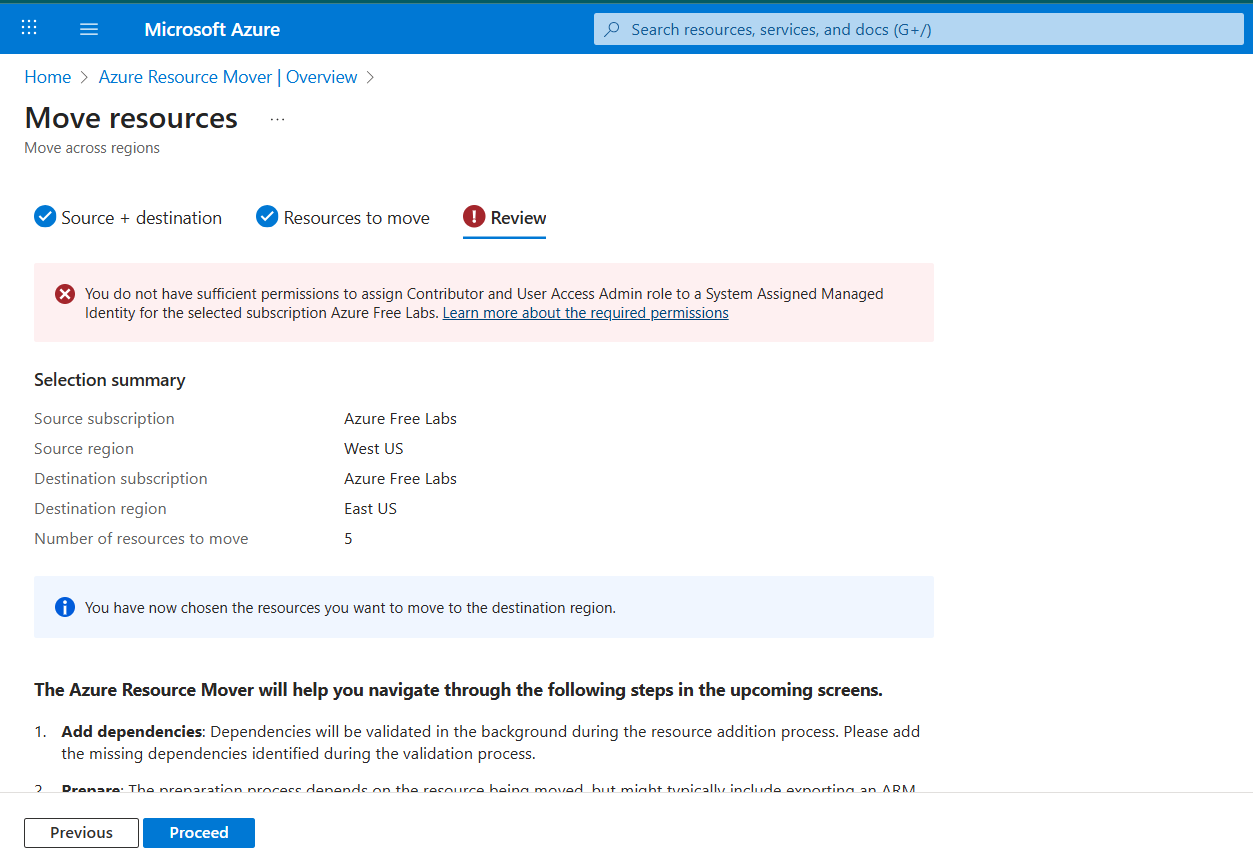
Currently VM running in West US region and my concern is change Region from West US to East US. so I have use azure resource mover but it gives permission error. is someone solve this problem without changing region ?