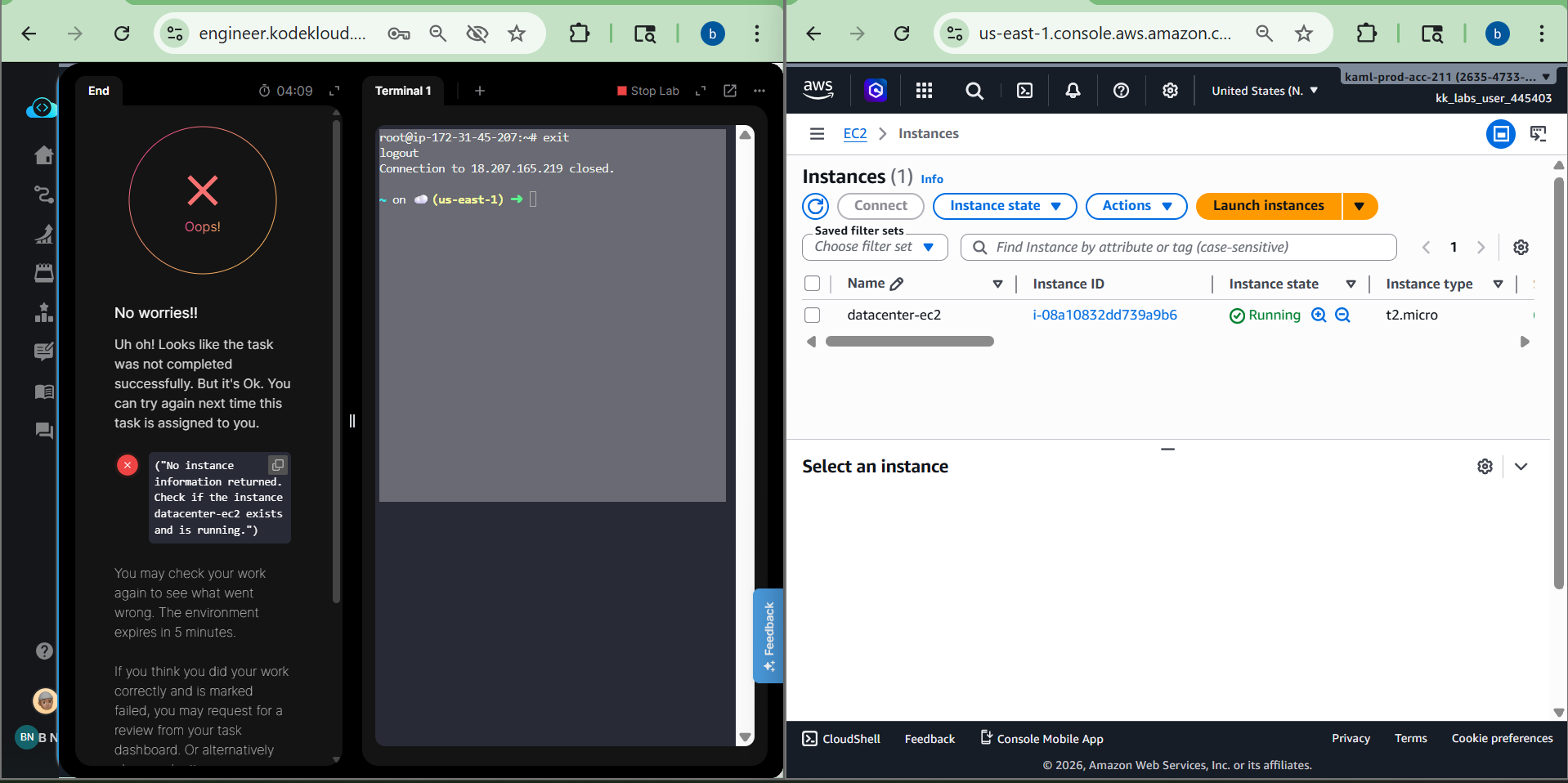
I tried “Day 37: Managing EC2 Access with S3 Role-based Permissions” of “100 days of AWS cloud” for more than 3 times but I always face issue after submitting with error message “No instance information returned for datacenter-ec2 instance” but the instance does exists (attached screenshot). Does anyone face this issue? If so what was the workaround to make sure the lab validation script identifies that the ec2 instance exists?
If I had to guess, the grader needs access to the key pair that gives access to root@. Make sure that you created the key as ~/.ssh/id_rsa, so the script can located that key pair.
Hi rob,
Thanks for the response. Yes I did created the key using ssh-keygen which created the private key file with name id_rsa at /root/.ssh/id_rsa . Also, I made sure that the public key id_rsa.pub was copied in EC2 root user at /root/.ssh/authorized_keys but still same issue.
@rob_kodekloud It worked, Thanks for sharing the guide. I see the difference, I did entire lab using UI and the only thing is that instance-profile was created using AWS cli in the guide.