I haven’t tried the Playgrounds completely yet. But the first thing I was trying to do on AWS, GCP, and Azure Playgrounds was creating a VM in Azure, and GCP, or EC2 instance in AWS.
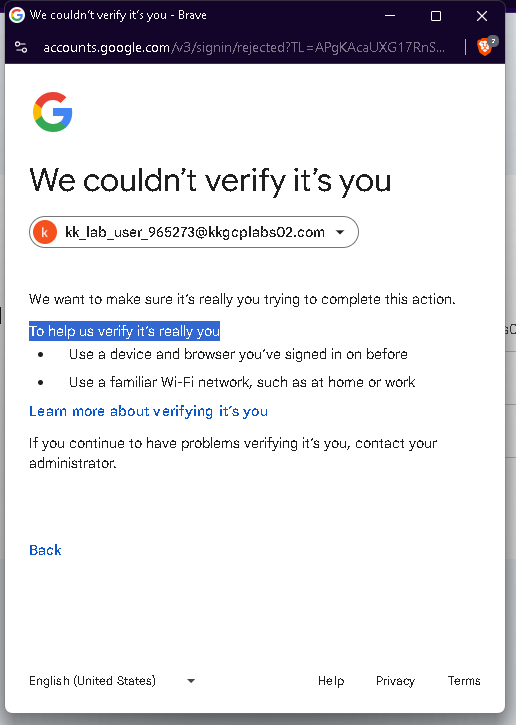
GCP required me extra verification (which i couldn’t do because I don’t have admin rights). Azure restricted me as well as it required more permissions. Similarly AWS also restricted me with that.
I know if all of the cloud providers isn’t allowing me to create any VMs, it’s common sense to accept it and don’t ask such stupid question of whether it’s really restricted or only am I the one facing such issue.
But furthermore, I wanted to know what all services are really restricted? How in the labs (kodekloud engineering platform, and learning platform), I’m able to create such resources?
I haven’t tried the Playgrounds completely yet. But the first thing I was trying to do on AWS, GCP, and Azure Playgrounds was creating a VM in Azure, and GCP, or EC2 instance in AWS.
GCP required me extra verification (which i couldn’t do because I don’t have admin rights). Azure restricted me as well as it required more permissions. Similarly AWS also restricted me with that.
I know if all of the cloud providers isn’t allowing me to create any VMs, it’s common sense to accept it and don’t ask such stupid question of whether it’s really restricted or only am I the one facing such issue?
Furthermore, what all services are really restricted? How in the labs (kodekloud engineering platform, and learning platform), I’m able to create such resources?
Hi @LearningMaggi
Each playground environment has limits on what you can create and use. For example, in AWS you can see the allowed services here: AWS
You can also read the Playground FAQ for more details here: community-faq/docs/playgrounds.md at main · kodekloudhub/community-faq · GitHub
Thanks @raymond.baoly for your reply.
I am getting this error for GCP:
No errors for AWS, and Azure (as I’m able to configure the instances according to the limits). I guess on researching more I will be able to work with GCP as well.
Thanks a lot for that link.
Hi @LearningMaggi
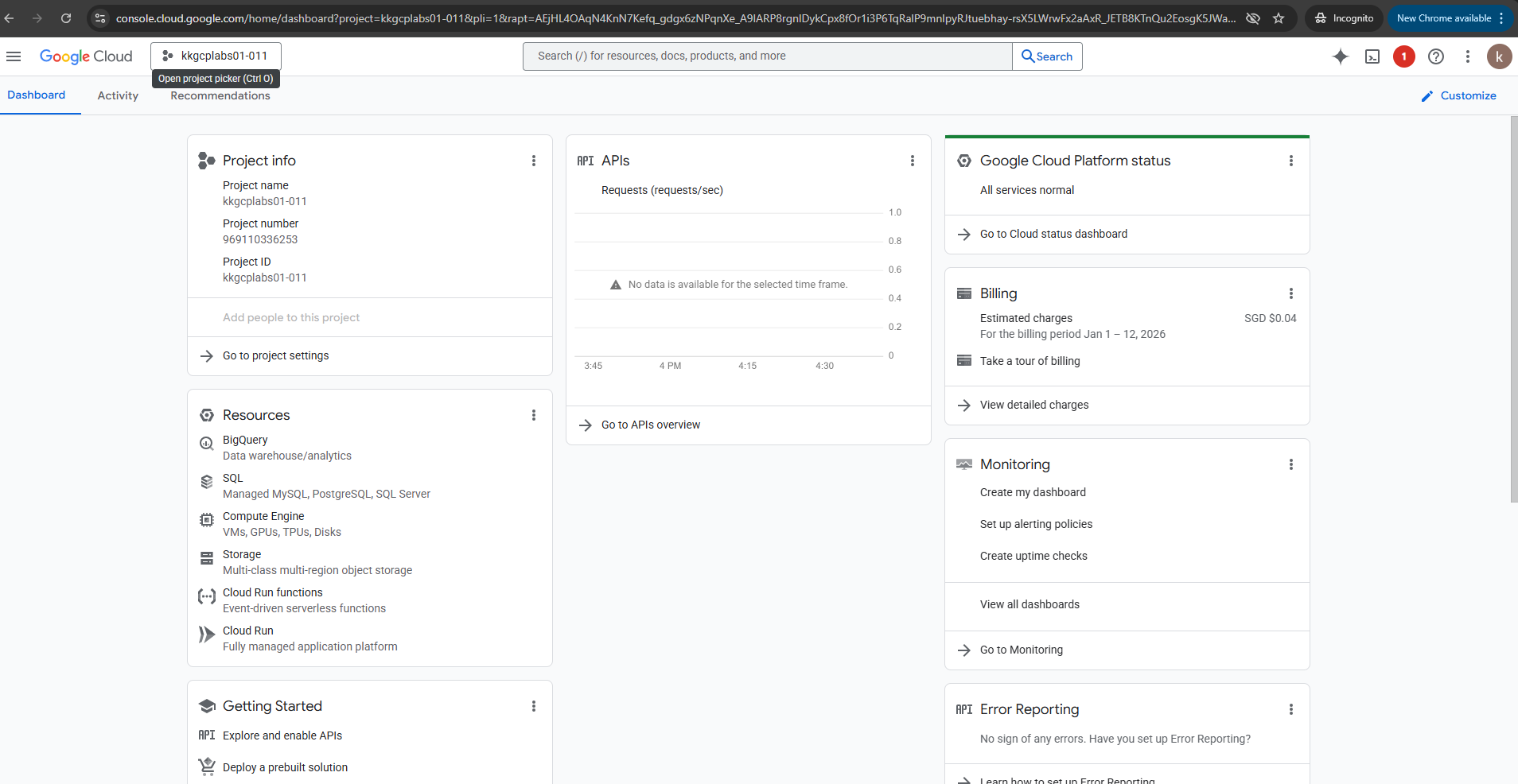
I’ve just checked it and it’s worked properly from my end, please try again with Incognito mode.
If, like most people you have a Google account and are running the lab in Chrome, try launching the playground from an incognito window to ensure there is no confusion on behalf of GCP between your personal account (which it will try to use by default) and the lab user account.