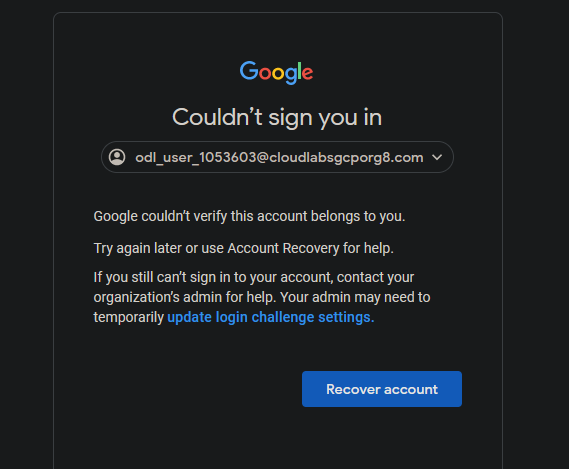
Google couldn’t verify this account belongs to you.
Try again later or use Account Recovery for help.
If you still can’t sign in to your account, contact your organization’s admin for help. Your admin may need to temporarily update login challenge settings.
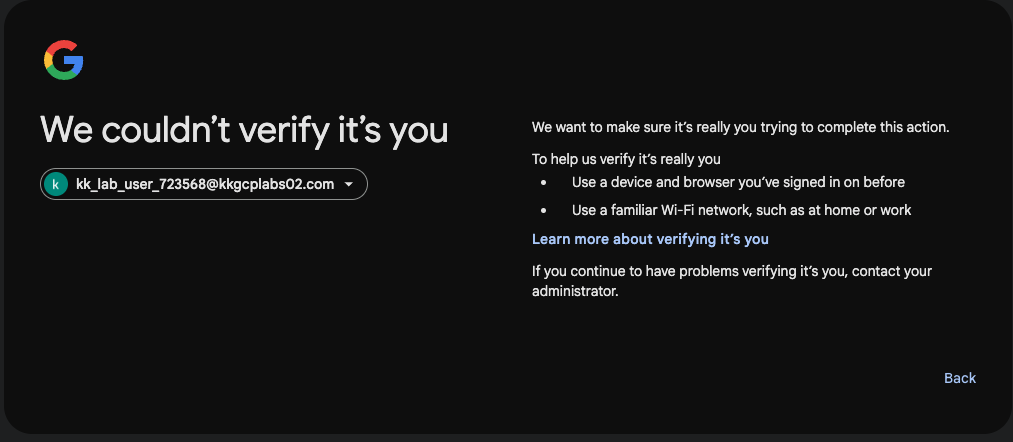
same issue i try on incognito and on other browser also same error
i relaunch after some hours but same error
clear browser cache also
how i solve it please let me know ?
@rob_kodekloud Sorry, I end up having to tag you in all my posts because you’re the most reliable responder here (and I don’t see a fix was provided on the thread).
I have this issue too. I don’t know if it’s a me-problem.
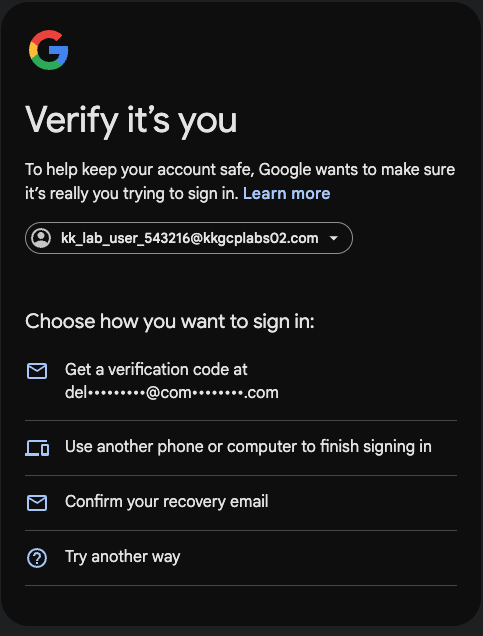
For context, I am just learning to use GCP, I was gonna use the playgrounds (since I have access to GCP and wanted to avoid cost as much as possible). I spin up a GCP playground but I cannot get into the console. I have credentials provided - email, password and employee-ID. Like I do on the AWS platform, I use my incognito mode to open the provided console link, input the email provided and the password, then I am prompted to chose an option (kinda like a MFA), I don’t know which option to select at this point (please see screenshot below). I have used all the options and I am never prompted to use an “Employee ID”.
Please, do you or does anyone know how to get this fixed?
Using an incognito window from the “Access the GCP Management Console:” open console link.
I was asked to supply the email address, password and employee number, which worked to open the console.
Not sure why you get a different UI for verification; you may have done something slightly different.