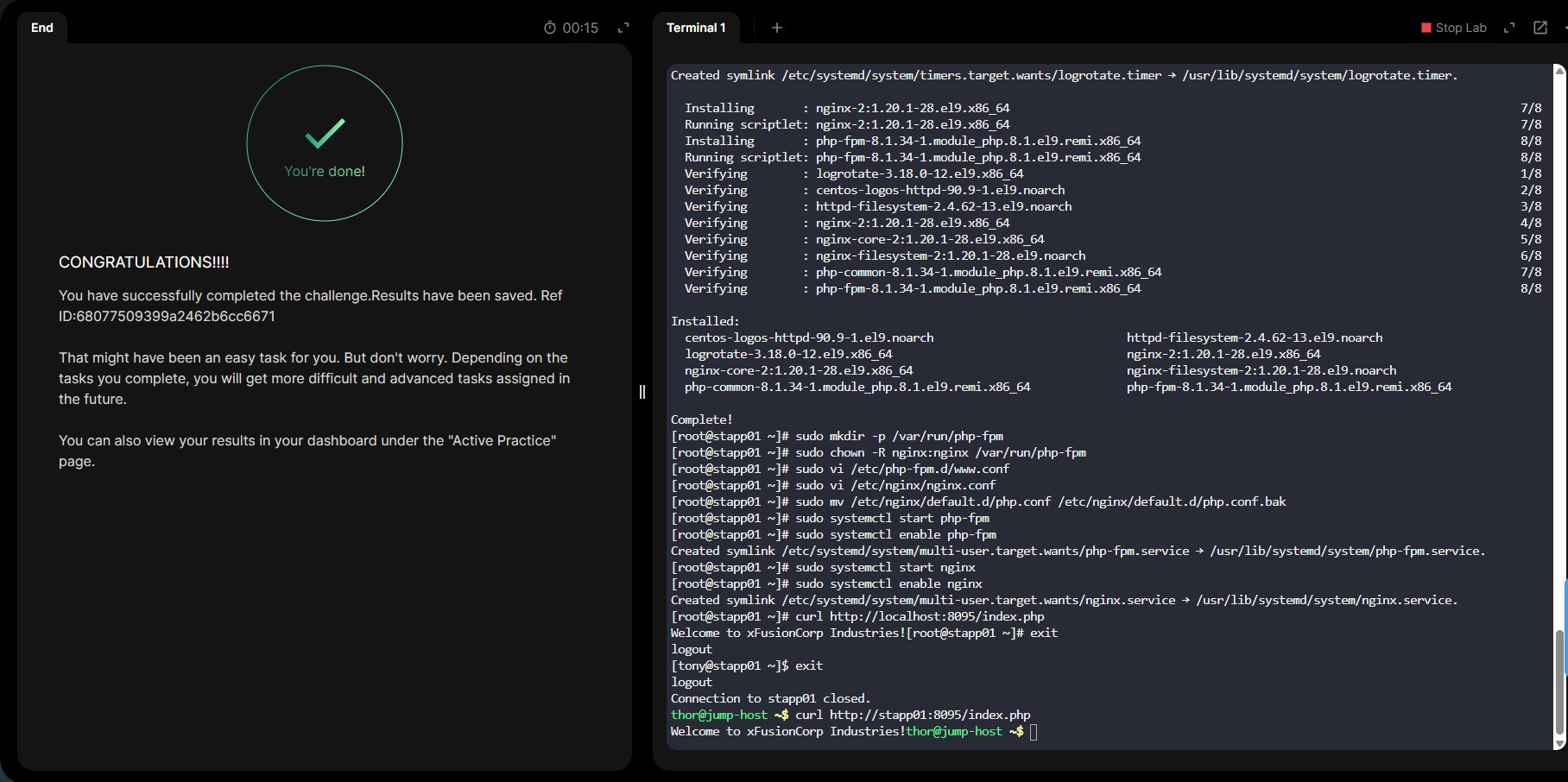
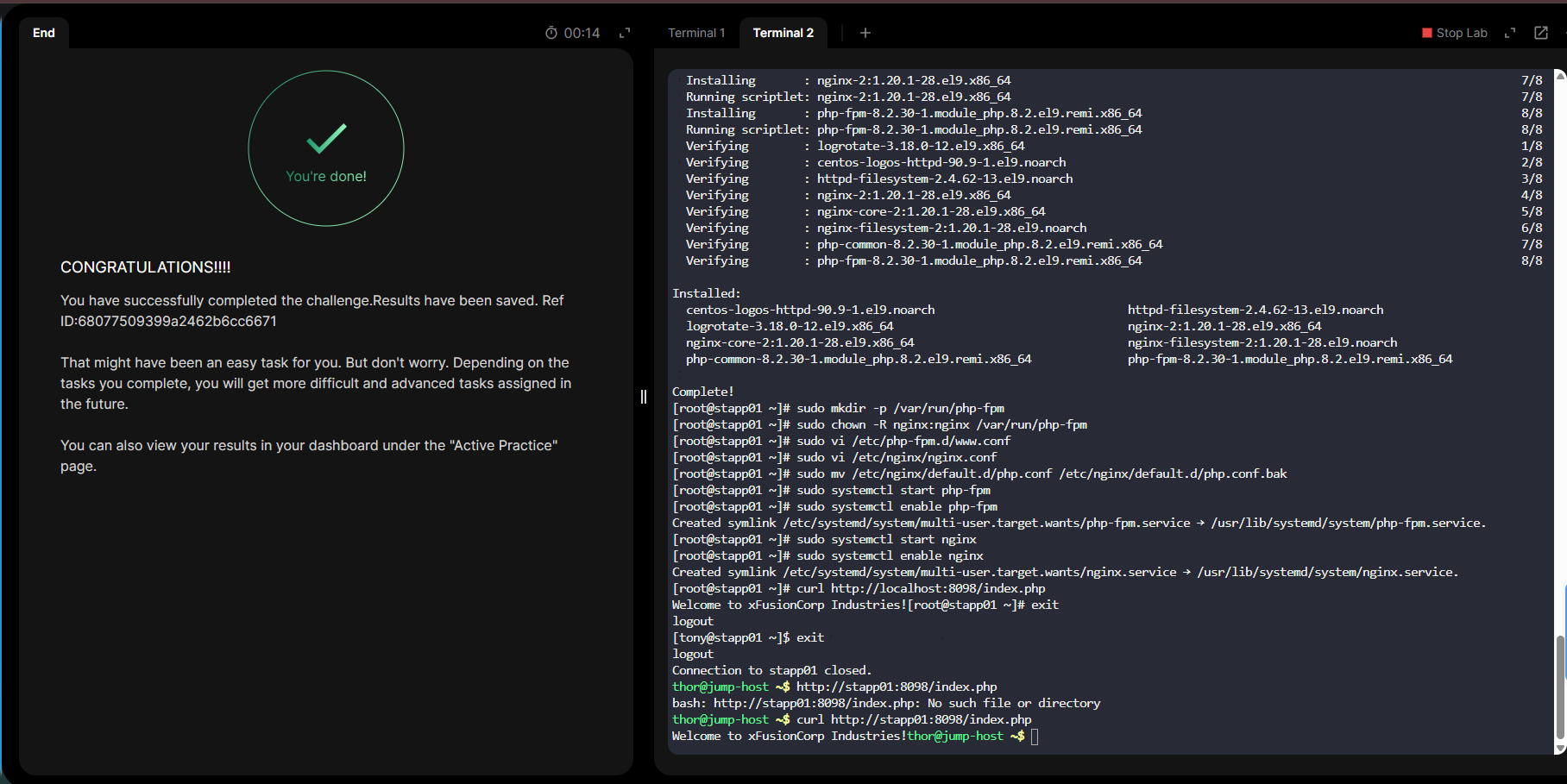
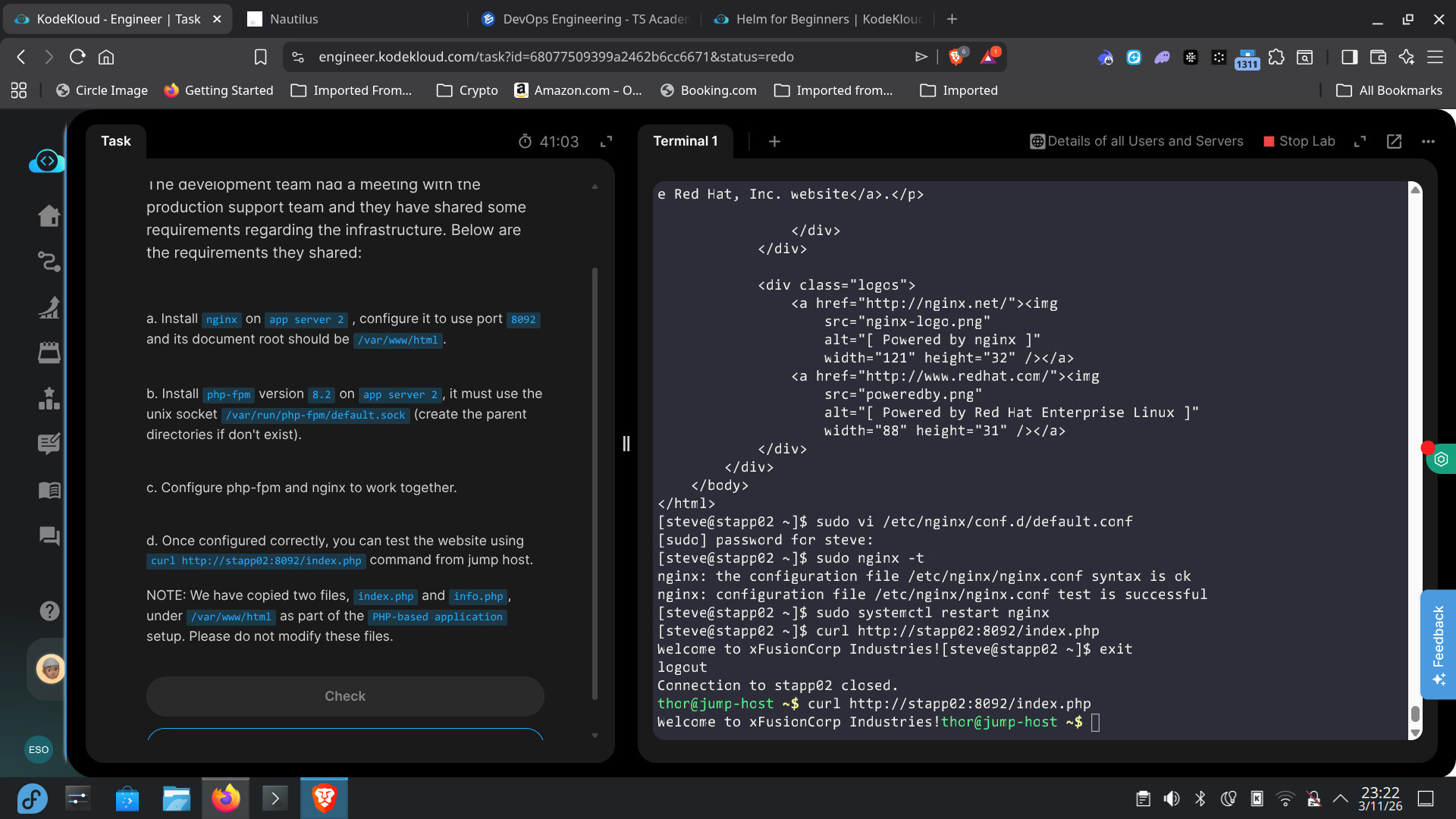
I am experiencing a synchronization issue with the 100 Days of DevOps challenge.
Issue Description:
I have successfully completed the task for Day 20: Configure Nginx + PHP-FPM Using Unix Sock
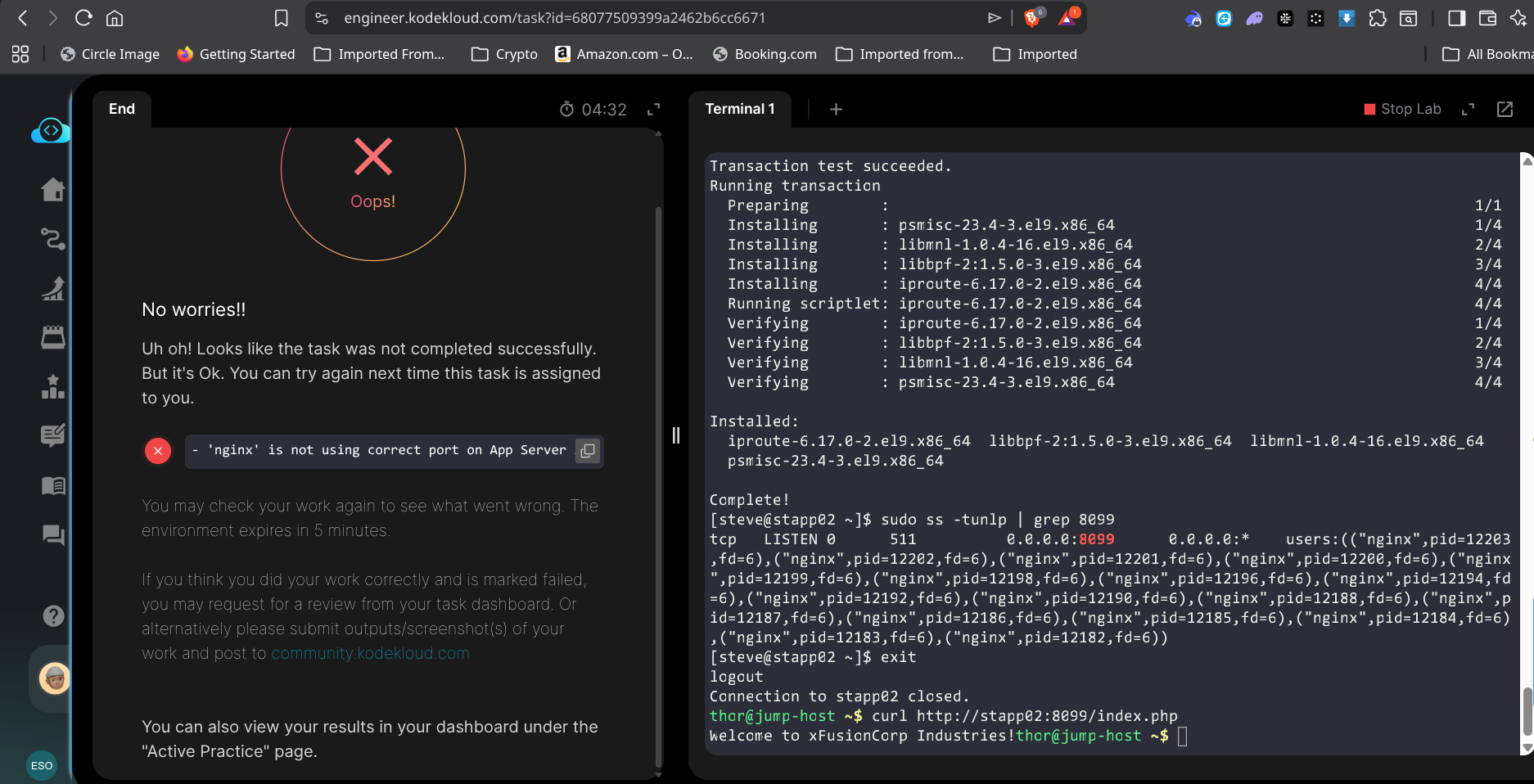
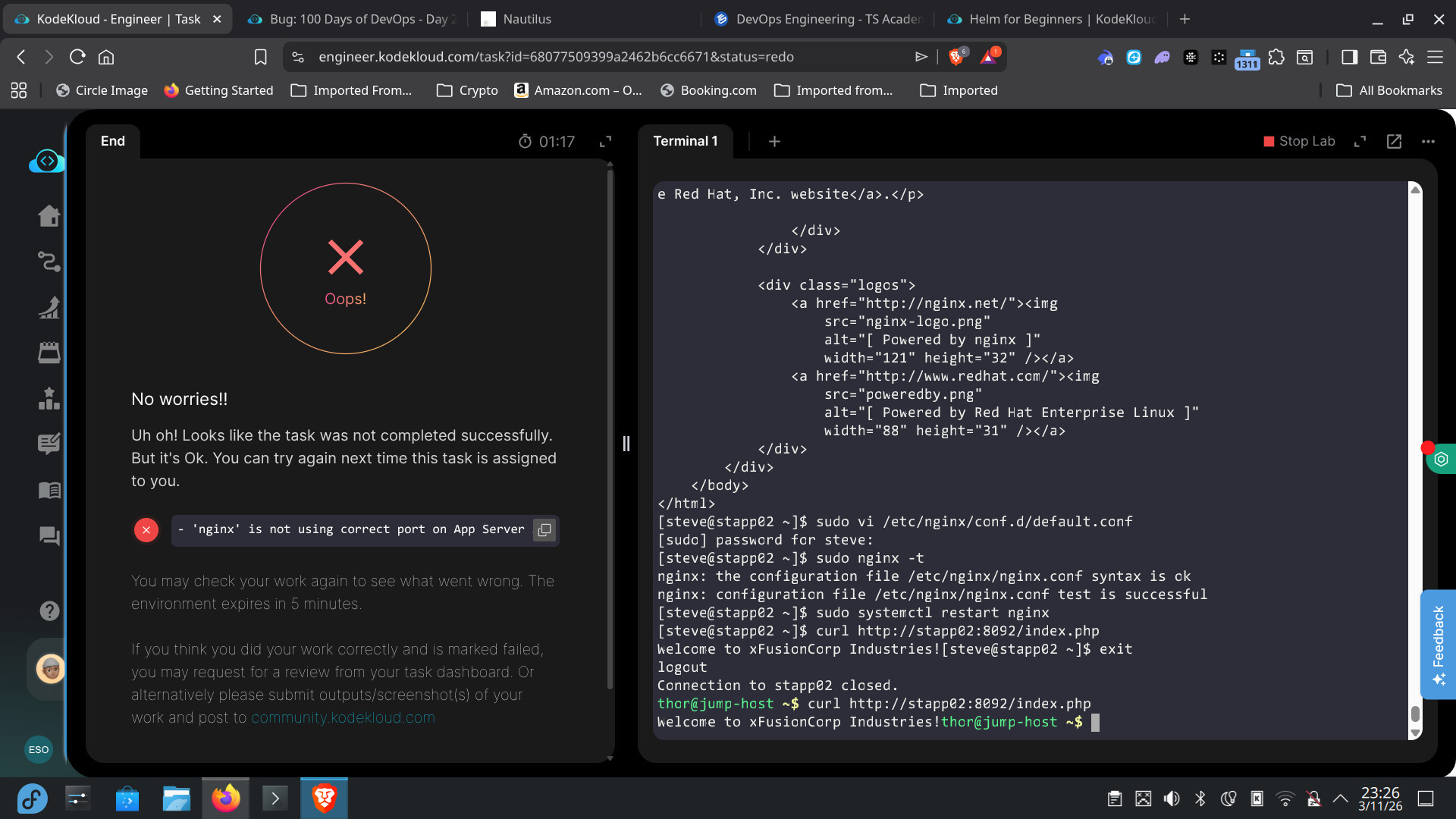
After finishing the lab, the interface showed the “Task Completed” success message. However, when I returned to my dashboard, the task is still marked as “Pending” or “Start Task” and has not been updated to “Completed”. I have completed it 3 times yet same issue also i have attached screenshot images.
Hey, I’m facing the same issue with Day 11. I’ve been trying since yesterday, but it still shows ‘Start’ on Day 11 and won’t mark it as completed.
Did you get a solution for it?
Please I seem to have passed the exercise but it keeps failing me and the option for task review is not available on Day 20, I have screenshots to show my proof
Please include your screenshots – in particular, your dashboard – so we can figure out what you’re talking about. We’ve fixed at least some of the issues with the dashboard, but it’s possible that either some are still pending, or we’re not understanding what’s confusing people.
I’d need to see the “Task Description” to make sure you’re actually matching the requirements for which server and which port. Also, make sure you’re setting up nginx correctly; this guide was helpful when I just did this task.
I know that this can be done, since I just did it today. I’m not sure where you’re deviating from what the grader is expecting from the info you’ve supplied here. The port seems consistent with task description and you appear to be on the right host. You should also check to make sure you’re consistent with how PHP-FPM needs to be configured, which I can’t tell from the info supplied. Not clear what you need to change at this point.