i’m in day 3 (100 days azure);
the task is to create a vm using cli only;
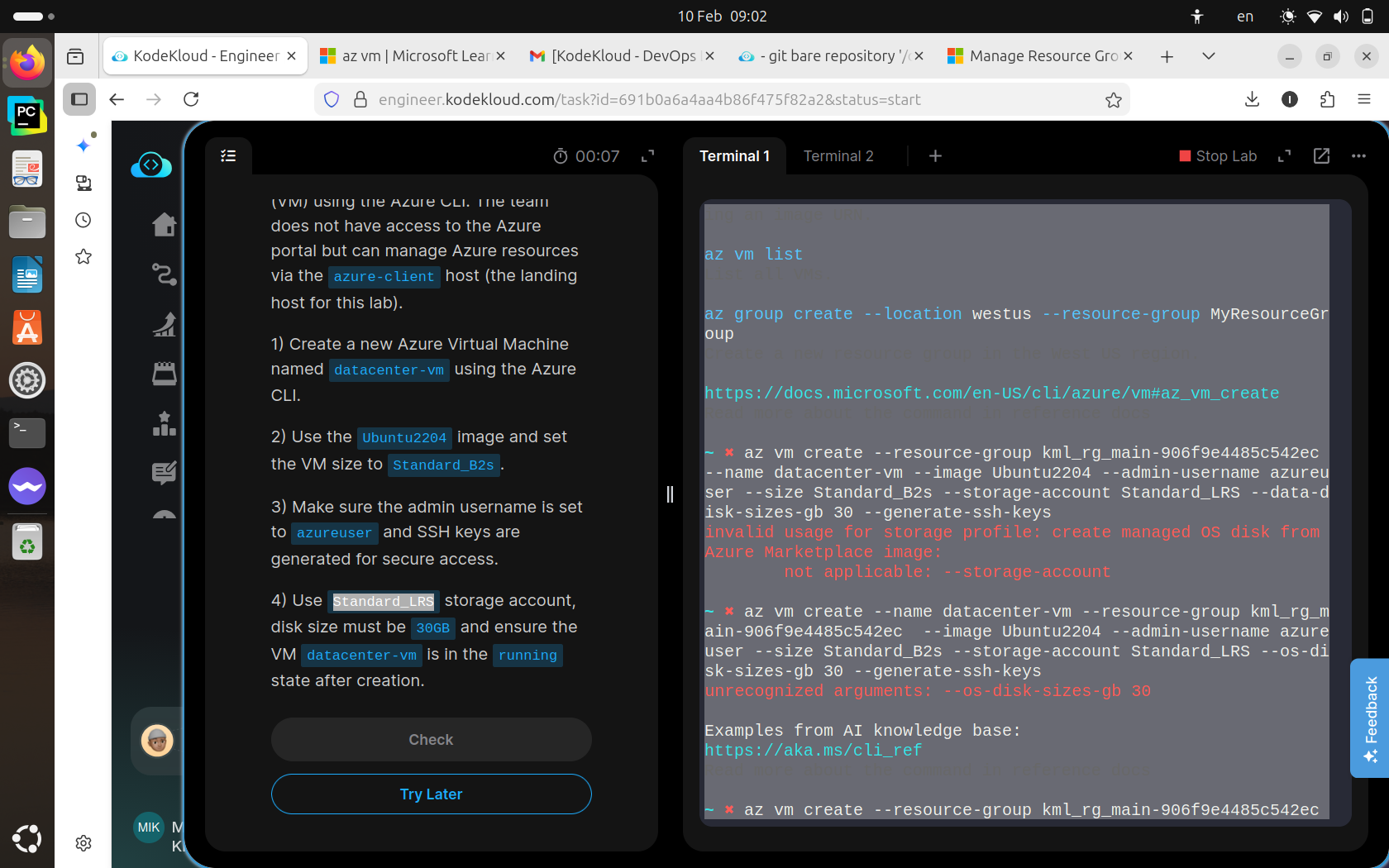
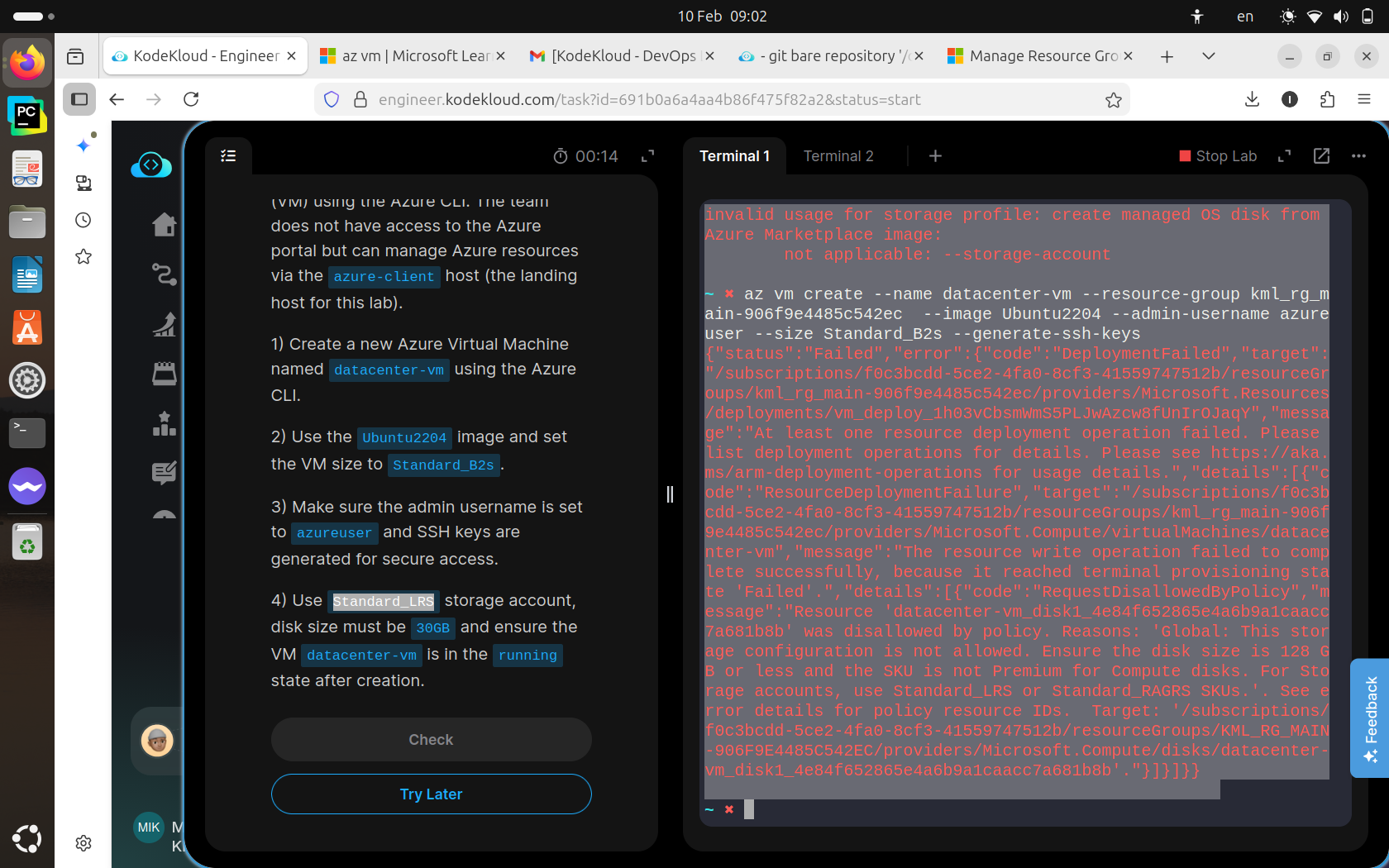
after i entered all vm specifications i hit generate ssh , but then it says storage configuration not allowed , then when i create a storage account along with vm it says storage account not applicable; below are the screenshots of what the error it says:
Hi @kjjlhlhgytf
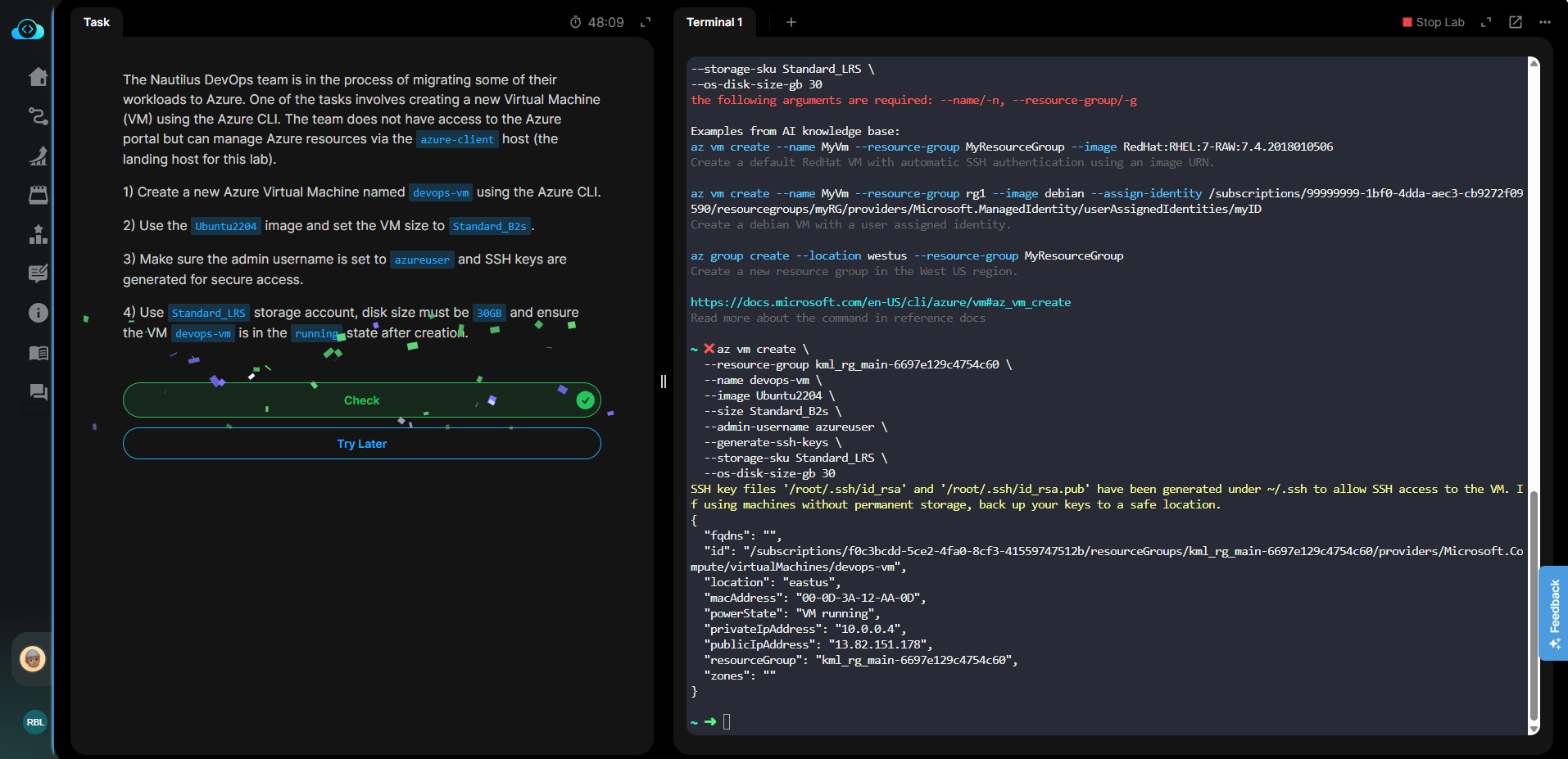
I’ve just checked and it’s working well. There may be a formatting issue with the copy command, please try the CLI command below with the correct VM name.
az vm create \
  --resource-group kml_rg_main-6697e129c4754c60 \
  --name devops-vm \
  --image Ubuntu2204 \
  --size Standard_B2s \
  --admin-username azureuser \
  --generate-ssh-keys \
  --storage-sku Standard_LRS \
  --os-disk-size-gb 30
1 Like
thanks it worked, the only issue with my code was i typed --os-disk-sizes-gb instead of --os-disk-size-gb (without an s)!
1 Like
Hi, sorry to bother here but i started this azure day 1 and the task is to create ssh keys, i did however the task is failing and not able to proceed further. Could you please help, thanks a lot. ssh-keygen -t rsa -b 2048 -f nautilus-kp