Hi Team,
I have done all the required steps as mentioned and allowed the inbound ports 22, 80. But still, I am unable to load the ngnix page. It throws the below error when I try to curl the public ip address:
curl: (7) Failed to connect to 172.173.138.244 port 80: Connection refused
User data script that I added:
#!/bin/bash
sudo apt-get update
sudo apt-get install -y ngnix
sudo systemctl start ngnix
sudo systemctl enable ngnix
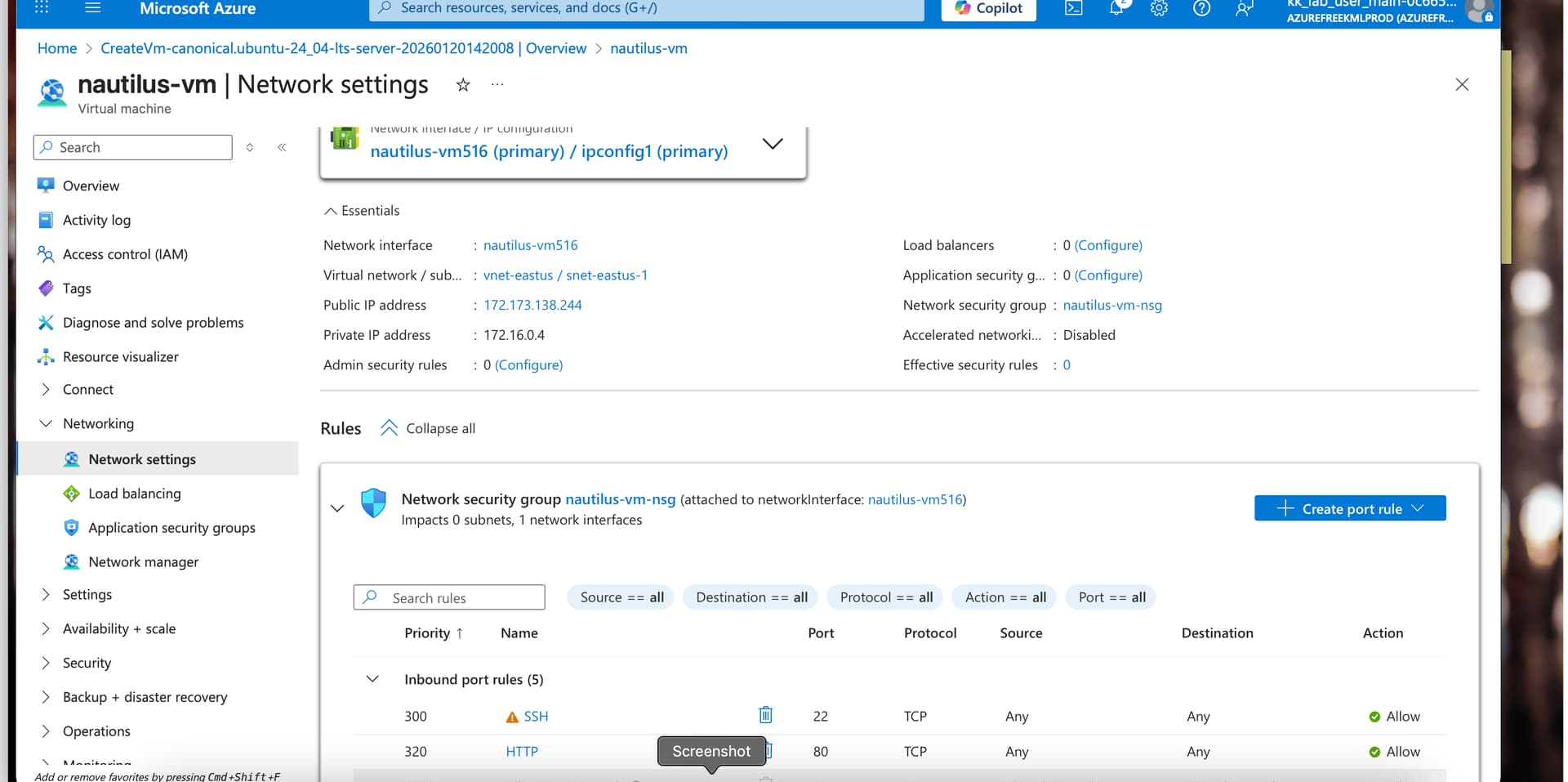
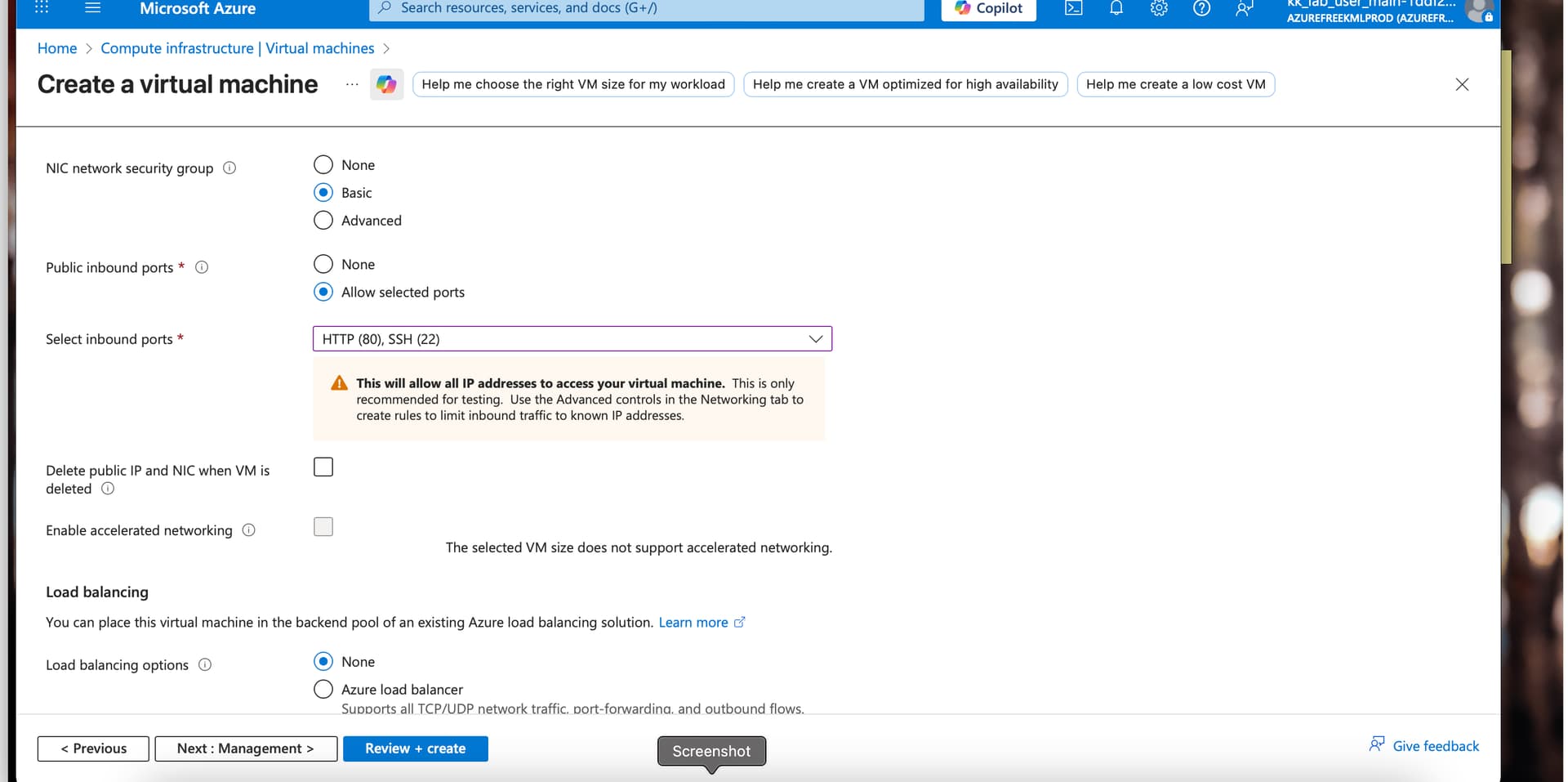
Please assist me on this.
Thanks.