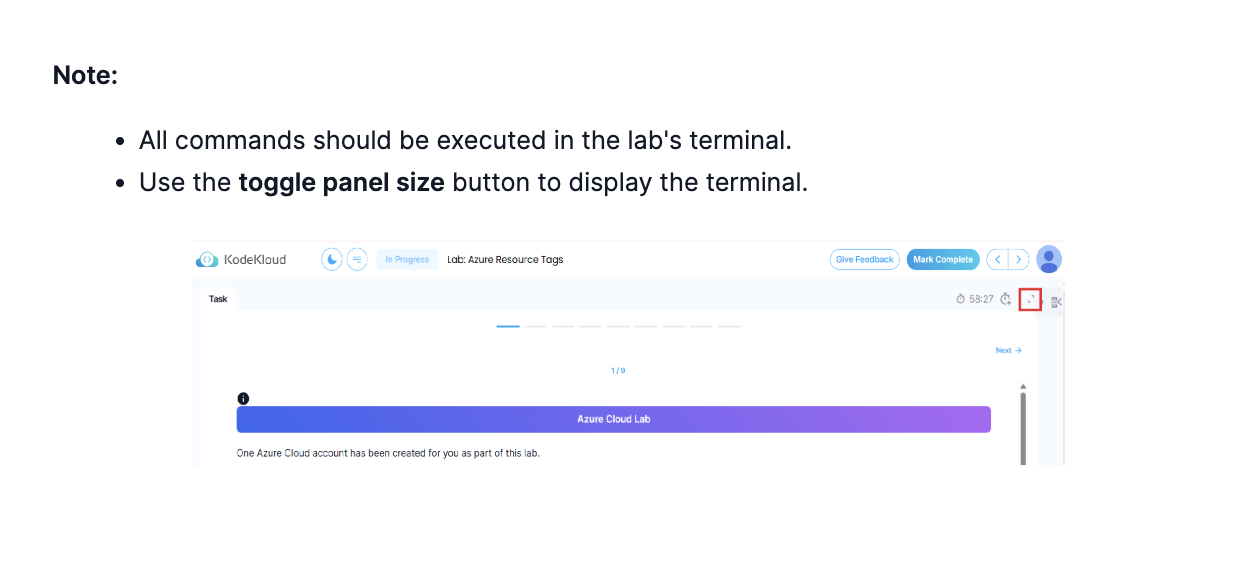
when i acceed to this lab >
https://learn.kodekloud.com/user/courses/az-104-microsoft-azure-administrator/module/7f421132-242f-4d10-85e5-6673b7307d12/lesson/88f0dbeb-d7e4-4ffc-a67b-e70eff7e2df5
as i m attempt to pass in two week az 104 , i m not able to get root access to the cli and i cant finish the exercices or work from the terminal
is it gonna be fixed soon ?
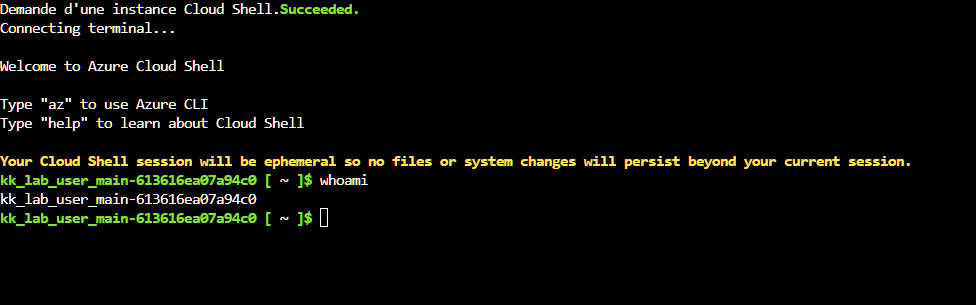
i m gonna try again later ; thanks
As always in Unix/Linux, use “sudo”: sudo -i.
1 Like
i was doing sudo -u root 
thanks
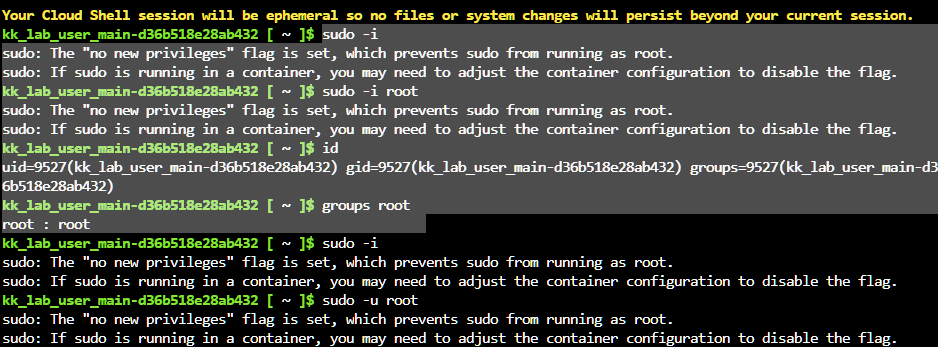
Which lab is this? Usually cloudshell will let you use sudo, but I’d need to check your particular lab.
this las with the arm templates question
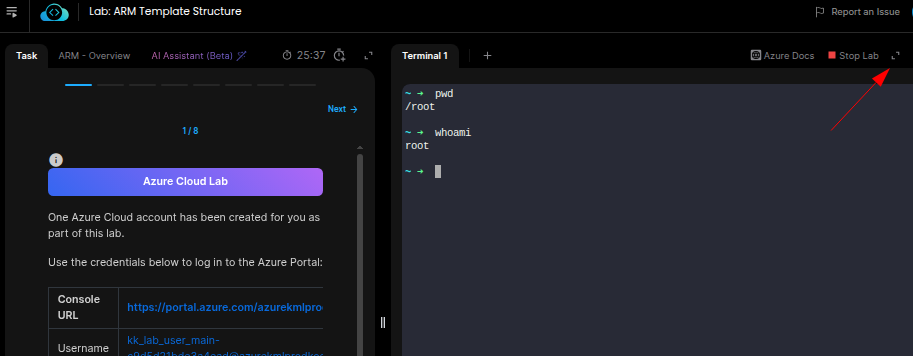
Actually, you don’t need a CodeShell for this lab. The lab itself supplies you with a terminal, which you do need to open to interact with it.
When you start the lab, you’ll see a note in the task pane telling you to open the terminal. You click on the ⤢ symbol in the upper right side of the screen, and the terminal will open. The terminal is already operating as the root user, and the files mentioned in the lab are inside that terminal.
ok i was not able to find them as they were supposed to be in the root dir whom need root access .
That’s why you need to open the terminal as I suggest: the files are in the root directory of the KodeKloud hosted terminal, which is different form the CodeShell under the Azure portal.
1 Like