Hello Team,
I am facing a critical issue while running an AWS lab on the KodeKloud platform. Due to this issue, I am unable to proceed with the lab tasks.
Problem Details:
The AWS Console opens successfully after launching the lab.
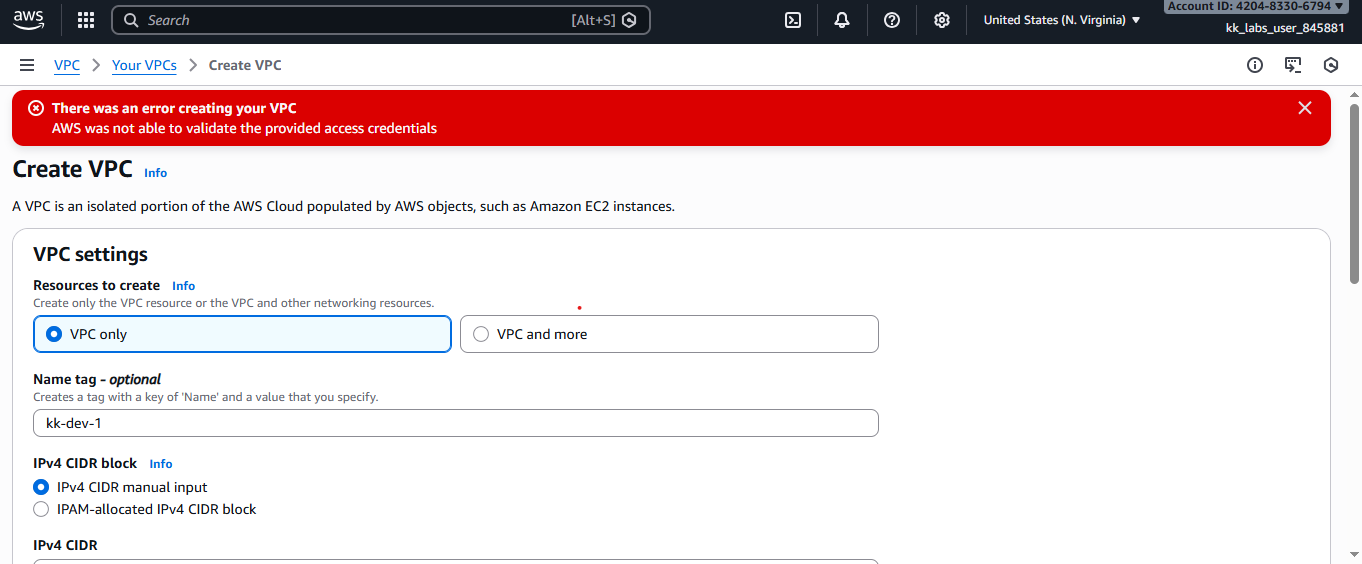
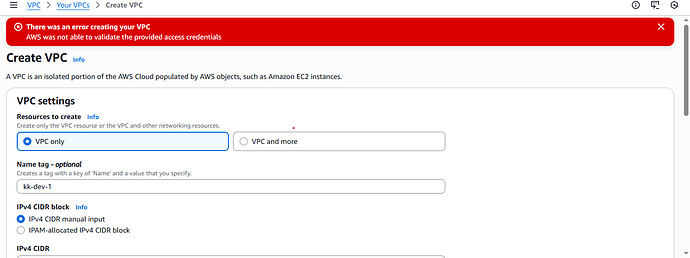
However, when I try to create a VPC , I get the following error:
“There was an error creating your VPC.
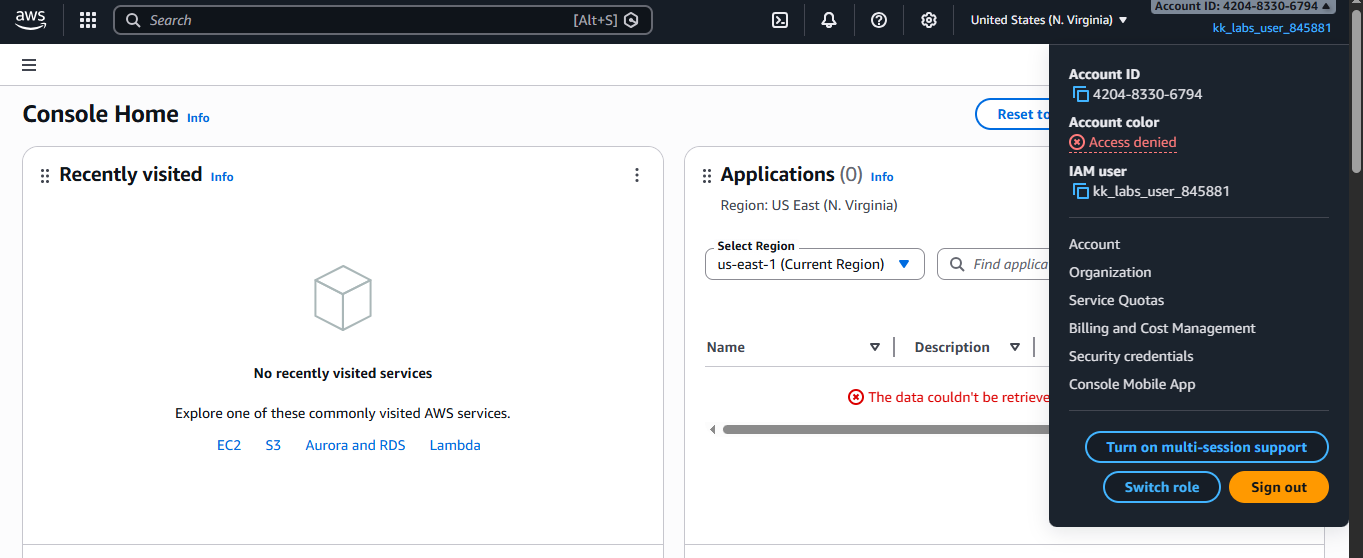
On the AWS Console home page, multiple sections show:
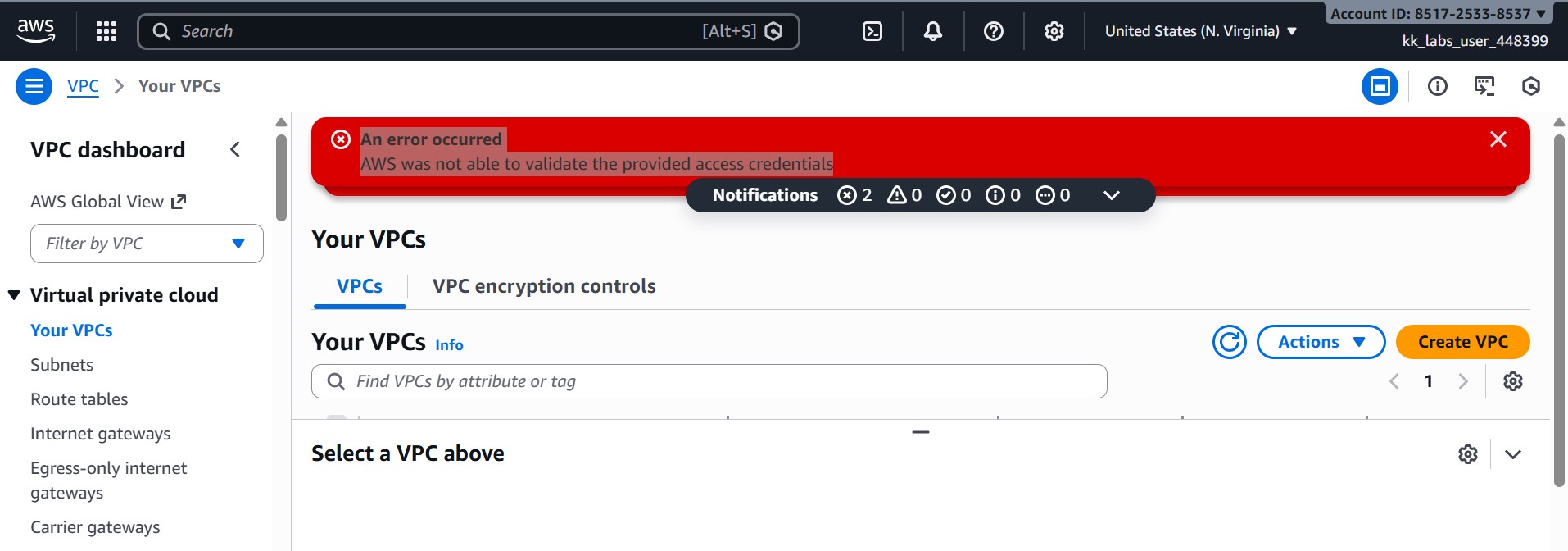
Access Denied The data couldn’t be retrieved
The account details panel also shows Access Denied for account name and account color.
The behavior looks like the IAM user or credentials are not properly validated or permissions are missing.
Environment Details:
Platform: KodeKloud AWS Lab
AWS Region: us-east-1 (N. Virginia)
IAM Users observed:
kk_labs_user_641099kk_labs_user_845881
Browser: Web Console
Screenshots: Attached above for reference
Because of this issue, I am unable to create networking resources (VPC) and cannot complete the lab.
Kindly check if there is a lab-side IAM permission issue or backend configuration problem and help resolve it.
Thank you.
Hi @Rushikesh
Could you please share the details of the lab where you faced this issue?
AWS Developer Associate hands-on labs.
Which lab in the course have you faced this with?
I just verified the lab, and it worked fine. Could you try this again?
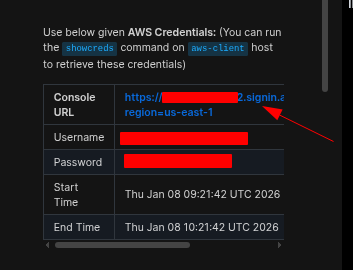
Please do not share lab credentials on the forum.
I am facing this issue in all labs of this course, In every lab, the AWS Console gives Access Denied / credential validation errors, so I am unable to create required resources.
I am facing the same errors across all labs. I am unable to send DMs currently.
Try to open the AWS dashboard in an Incognito window of your browser.
I tried still not working
Still lab not accessing, What to do next ?
Still lab not accessing, What to do next ?
You mean, you aren’t able to log in to the AWS Console?Console URL link provided in the task along with the user name and passwords?
Yes, I am able to log in to the AWS Console successfully using the Console URL, username, and password provided in the lab task .
However, after logging in , the AWS Console shows Access Denied / credential validation errors . Because of this:
I am unable to create a VPC
Other services also show Access Denied
The console displays messages like “AWS was not able to validate the provided access credentials”
This issue occurs in all labs of this course (VPC, EC2, etc.) , even though I am using the correct lab credentials.
I have attached screenshots above for reference.
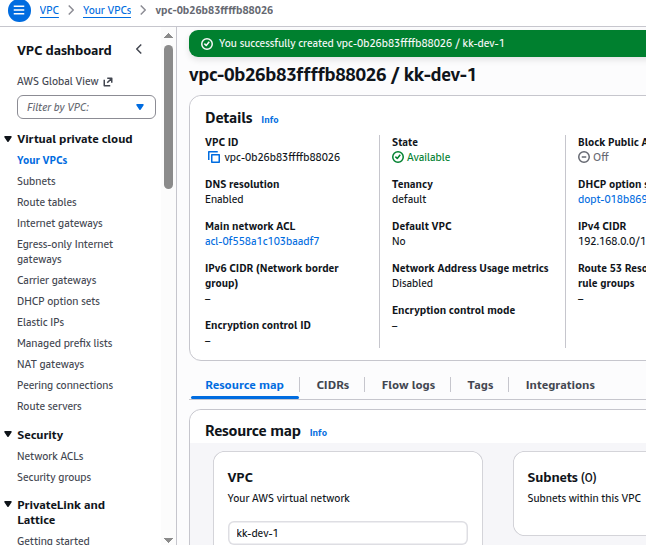
This seems to be something local, I tried again, and it worked fine for me.
Could you share the complete screenshot of your VPC config you are trying?
I had DM you please check
NDO
February 5, 2026, 6:58am
#16
Hello Rushikesh, I’m too facing this issue.
Please use different browser like firefox with private/incognito window
NDO
February 13, 2026, 7:02am
#18
Unfortunately! Even in firefox same behaviour. @kodekloud @Santosh_KodeKloud team could you please look into this?
NDO
February 19, 2026, 12:01pm
#19
Any update on this? I’m still facing the error.