ive done this lab multiple times, i make sure to wait that rds is in an available state then i click ‘check’ to complete the lab. i would like for day 36 to be unlocked since ive practically passed day 35 but it glitches and fails me.
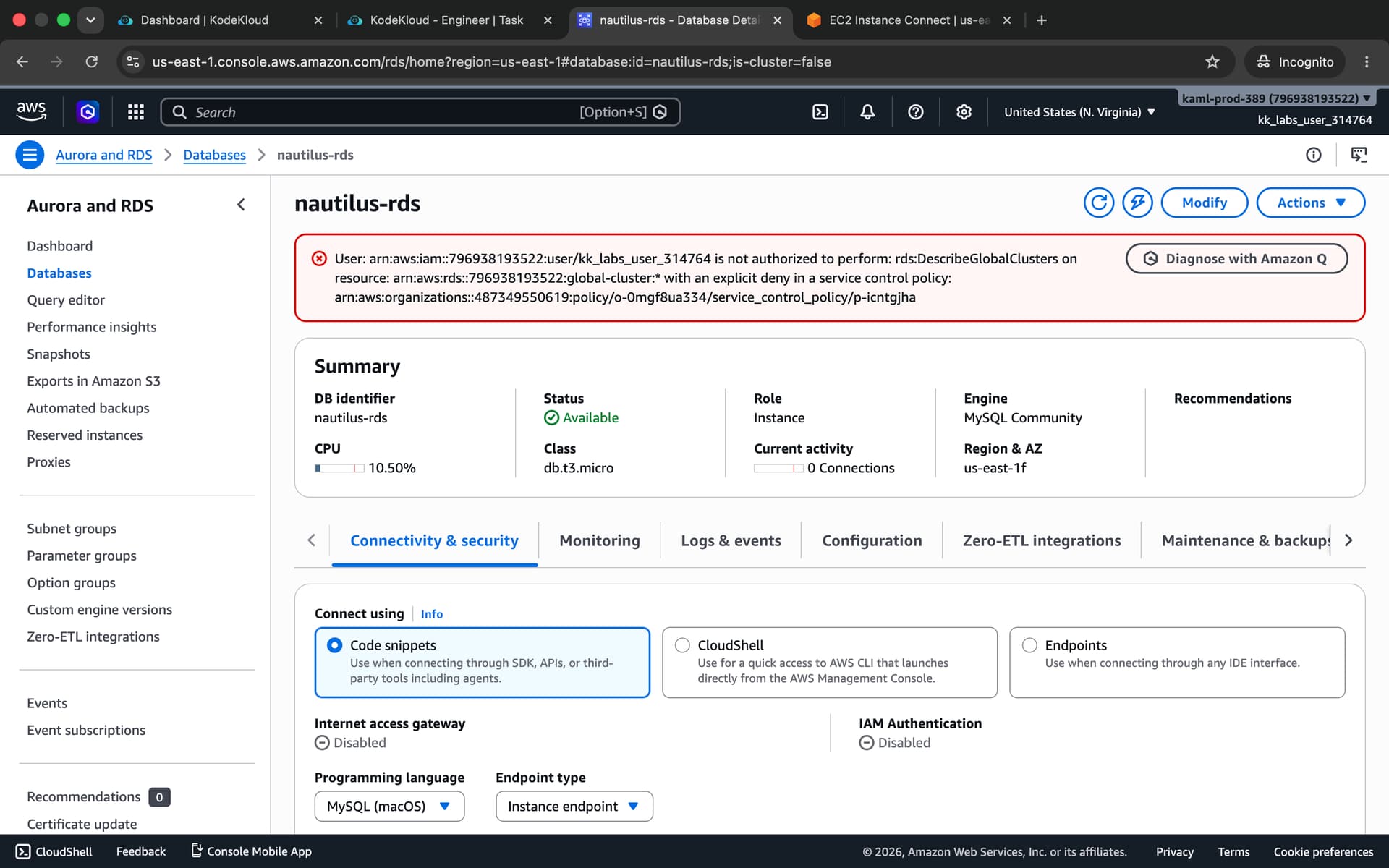
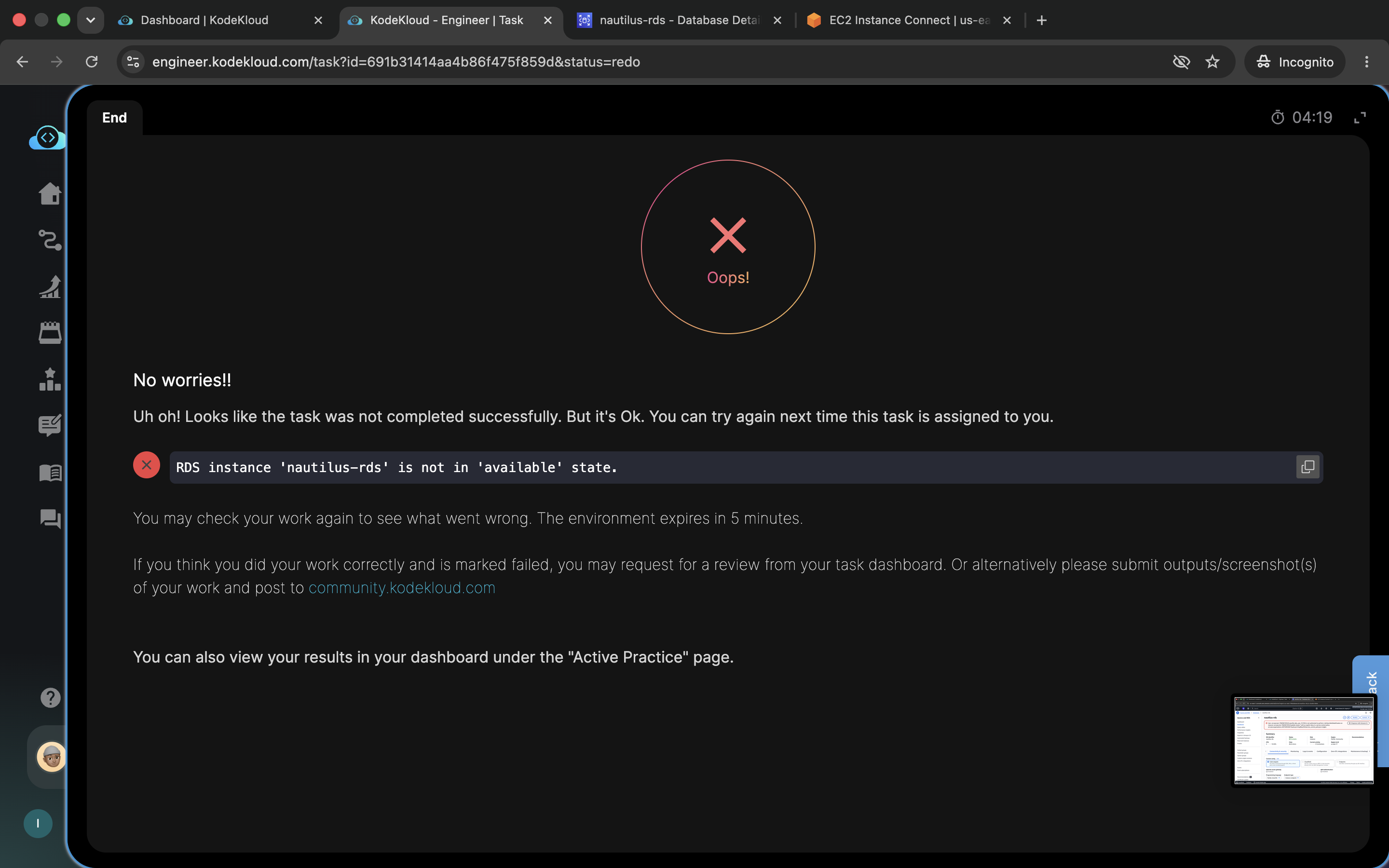
The validation script looks for the RDS as root from the lab terminal.
Create an SSH key (
/root/.ssh/id_rsa) on theaws-client… Add the public key to the authorized keys of therootuser on the EC2 instance for password-less SSH access.
Can you confirm if you created/placed the SSH keys in the /root of the terminal and copied the pub key to /root of the instance?
Hi @ivanr
I’ve just checked, and it works properly. Please ensure you can access the application’s public IP and see the “Connected successfully” message.
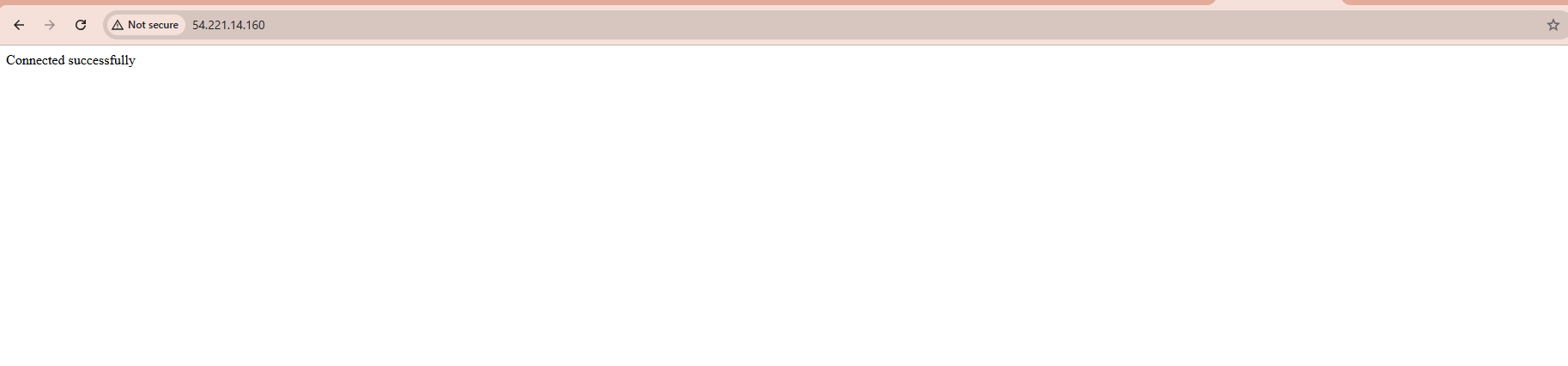
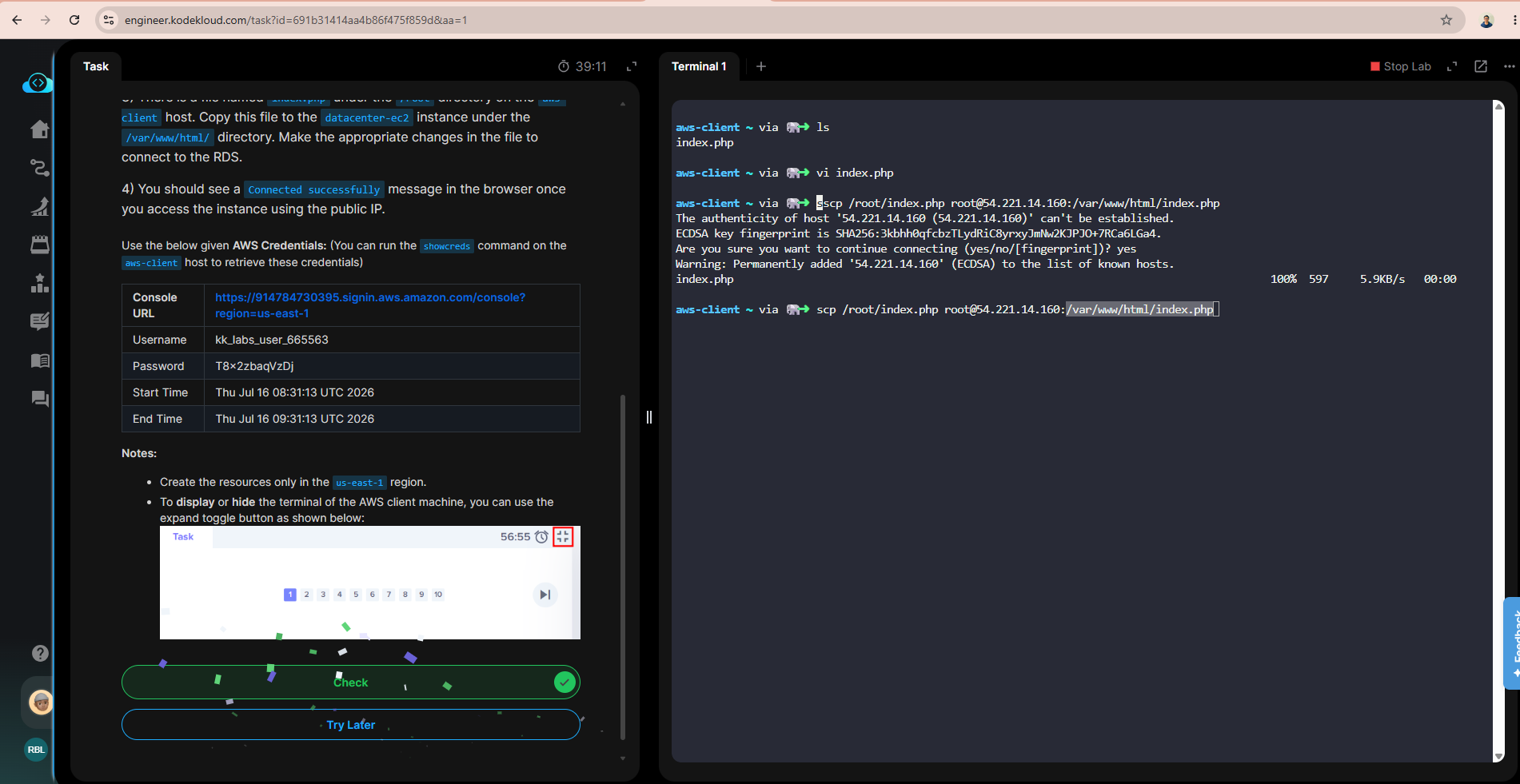
yes, i have done that in my multiple attempts and it’s always failing me despite the status saying ‘available’. i’ve been dealing with this for a while, i’d just like for day 36 to be manually unlocked please.
Hi @ivanr
Did you check my message above? The task is passable without any issues. Please try again. Currently, we don’t have an option to unlock special tasks.