Hey Fellows
I’m having issue with the Day - 22 AWS
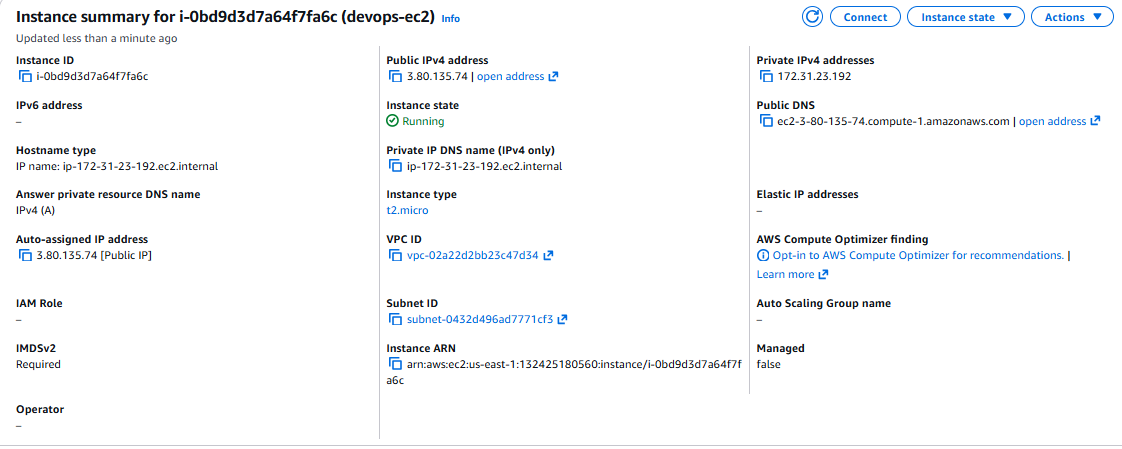
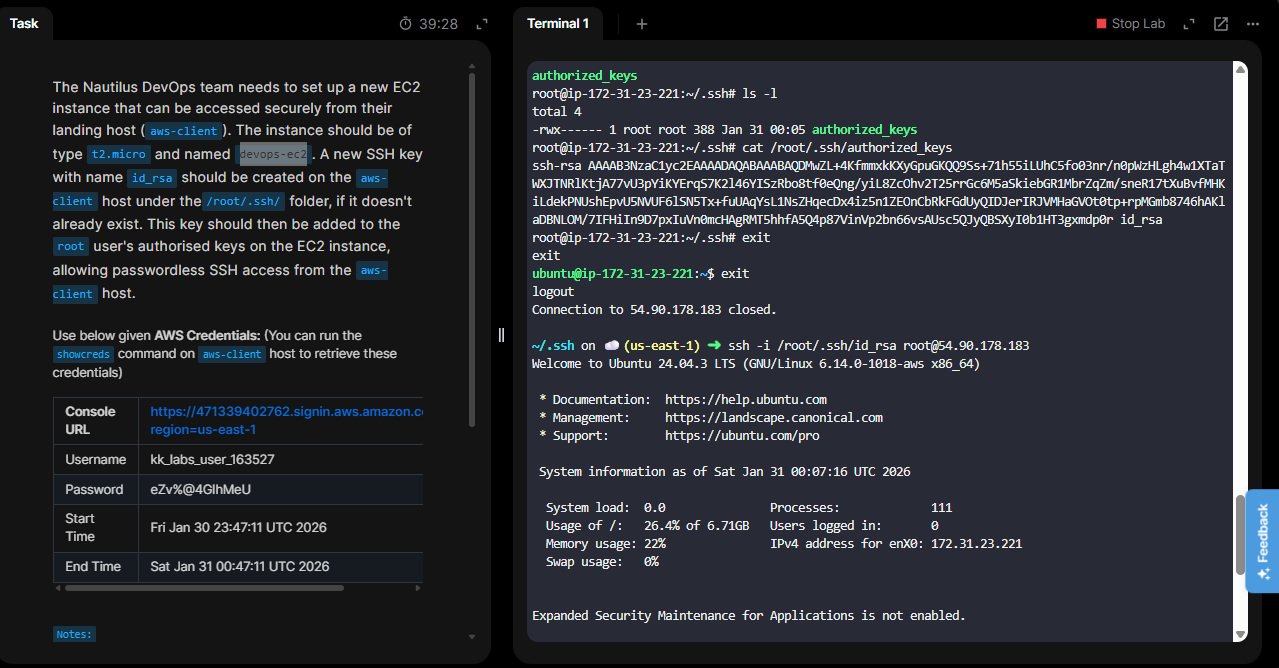
I have correctly done the task and also the EC2 instance was connected from the kodekloud terminal as you can see in the screenshot. Tried several times the issue is still the same.
Hey Fellows
I’m having issue with the Day - 22 AWS
I have correctly done the task and also the EC2 instance was connected from the kodekloud terminal as you can see in the screenshot. Tried several times the issue is still the same.
Hi Shivaam,
Please follow below instructions and give it a try.
Connect to EC2 instance with Instance Connect option and add the SSH key to root user. In ubuntu based instance default user is UBUNTU but in question it is mentioned to add key to root user. Even after that if you are unable to access modify the ssh service in ec2 instance to permit root login.
Hi Jarugu
As you said I will need to add the ssh key to the root user. so, it was already added in both ubuntu and root user, I have attached the screenshot.
I have now done also connected from the root user and it worked. Thanks for the suggestion but I had already done that before too but got no luck.
Thanks for the help mate!
Shiv