I am working on an AWS lab and encountering an authentication issue with the AWS CLI.
Issue Summary
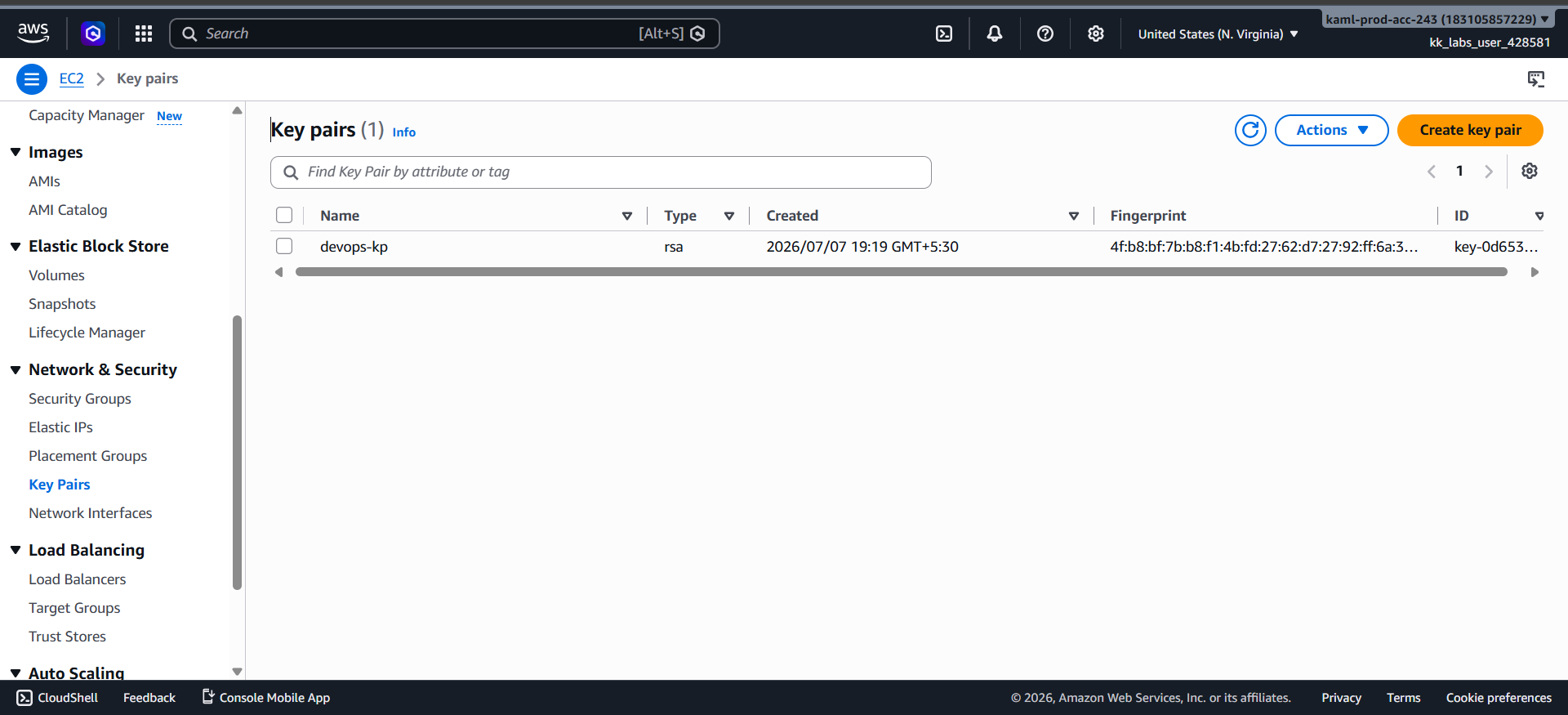
I successfully created an EC2 key pair named devops-kp through the AWS Management Console.
The key pair is visible in the EC2 Key Pairs section.
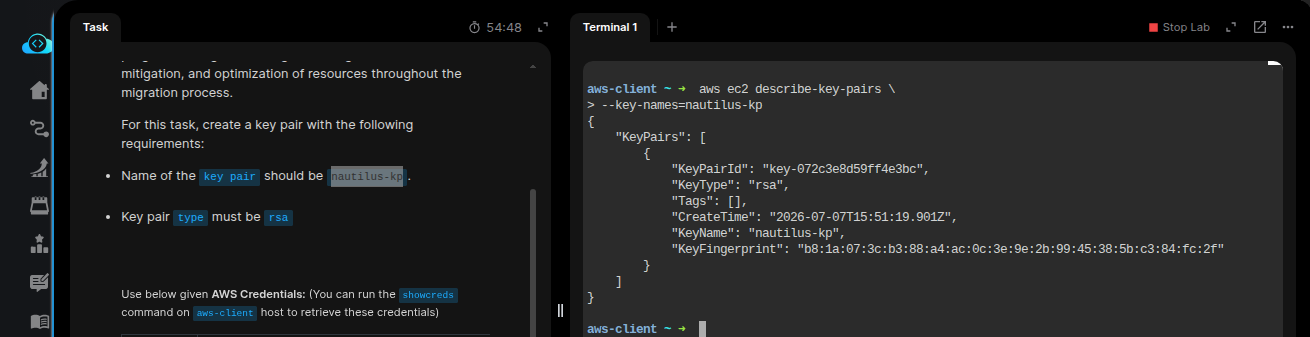
aws ec2 describe-key-pairs --key-names devops-kp
I receive the error:
An error occurred (AuthFailure) when calling the DescribeKeyPairs operation:2AWS was not able to validate the provided access credentials.
Could you please share the name of this lab?
Probably, the AWS CLI is not configured for this lab.
100 Days of Cloud (AWS) → Day 1: Create Key Pair
if anything missed plz let as know!
I tried this, and it works fine.
These are basic labs in the 100Days of AWS, and the CLI is not configured for some of the labs.
You need to perform the task on the AWS Console.
As you progress through the program, there are environments where the CLI is configured, and you can use them.
I am receiving the error “AWS was not able to validate the provided access credentials” while creating a key pair. I noticed that the username/password shown in the lab instructions appear to differ from the credentials being used in the terminal. Could you please verify whether there is a credential mismatch in the lab environment or advise on the correct credentials to use?
As I said earlier, some lab environments might not have been configured with CLI access for the basic labs.
You just need to create the key-pair on the console by using the console URL provided in the lab, and that’s all.
Hit Check and the lab should pass.
Note: Please mask the AWS credentials on the images you have attached. These can be misused