The Nautilus DevOps team is currently working on setting up a simple application on the AWS cloud. They aim to establish an Application Load Balancer (ALB) in front of an EC2 instance where an Nginx server is currently running. While the Nginx server currently serves a sample page, the team plans to deploy the actual application later.
- Set up an Application Load Balancer named
datacenter-alb. - Create a target group named
datacenter-tg. - Create a security group named
datacenter-sgto open port80for the public. - Attach this security group to the ALB.
- The ALB should route traffic on port
80to port80of thedatacenter-ec2instance. - Make appropriate changes in the default security group attached to the EC2 instance if necessary.
I verified everything, but I am still not able to access the URL,
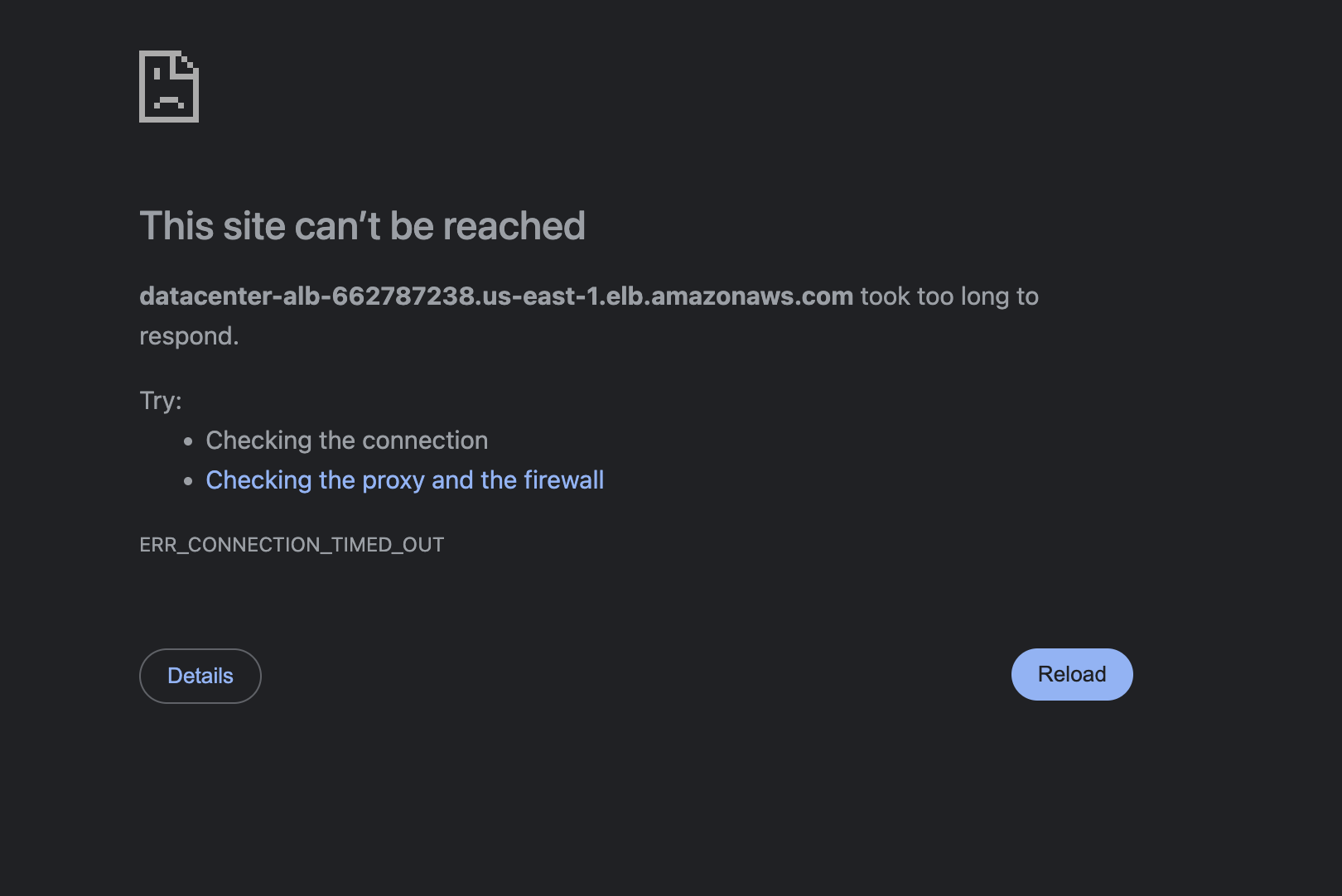
this was the error, facing every time.
thukhakyaweThu Kha Kyawe I followed your each step pin to pin.
facing the same issue.
let me know if somebody has completed this task.
Assist me.
 (blocked by SG / unhealthy target)