100 days of DevOps days 67/68

Hi there,
quick feedback on Lab 67. The App seems to expect a service named: redis-follower
After I created it to test the guestbook:

apiVersion: v1
kind: Service
metadata:
  labels:
    app: redis-slave
  name: redis-follower
spec:
  ports:
  - port: 6379
    protocol: TCP
    targetPort: 6379
  selector:
    app: redis-slave

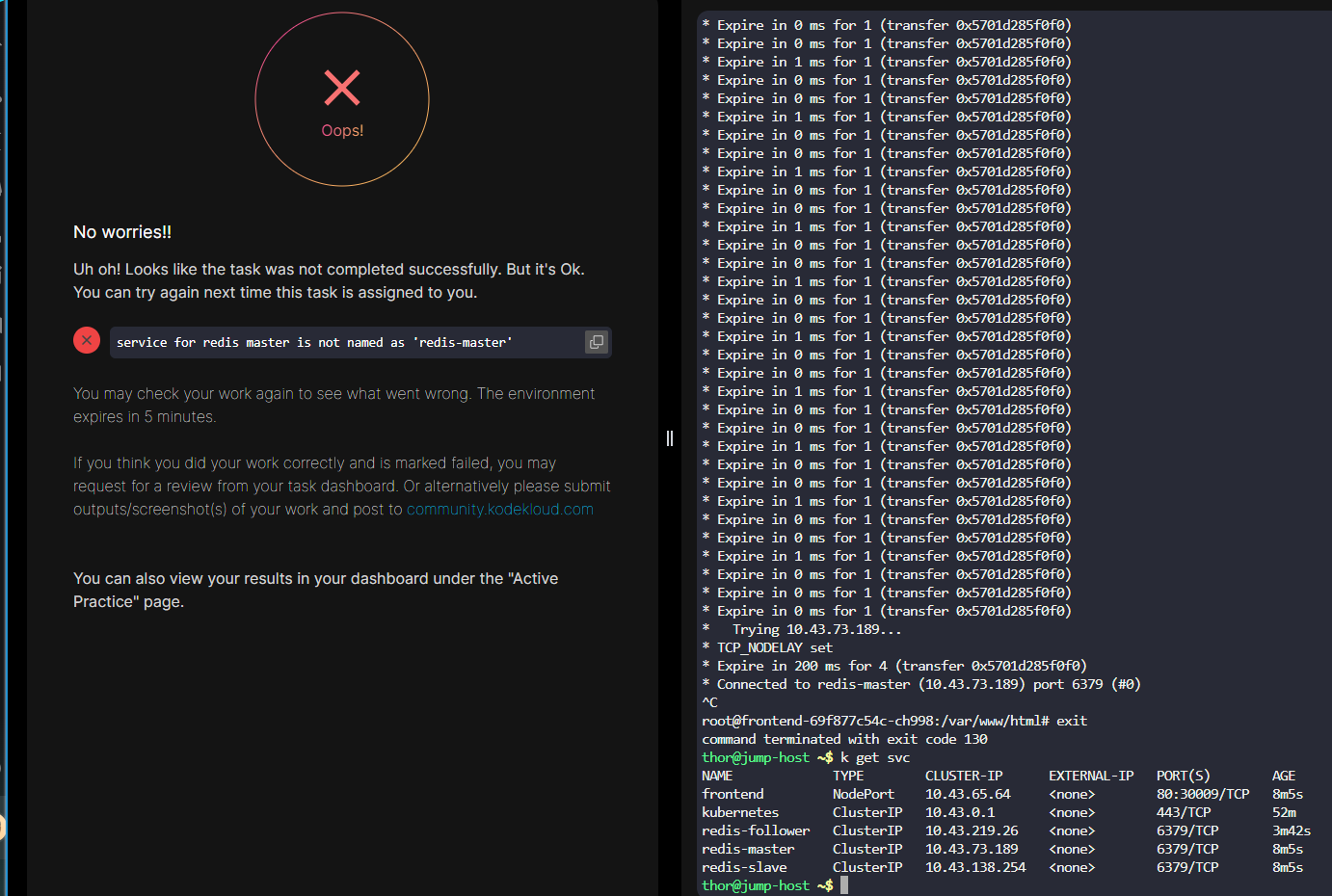
The Guestbook worked, but the validation failed.


More importantly I am now on day 68. I tried to login to the Jenkins Server using the credentials provided on Nautilus unfortunately the login didn’t work. The link to the overview page wasn’t mentioned in the tasks, so maybe I am simply looking at the wrong place.

Kind regards

Hi @tha

Please refer to the solution and try again https://github.com/imShakil/100-Days-Of-DevOps-Challenge-KodeKloud/blob/main/days/067.md

check out this solution if it helps

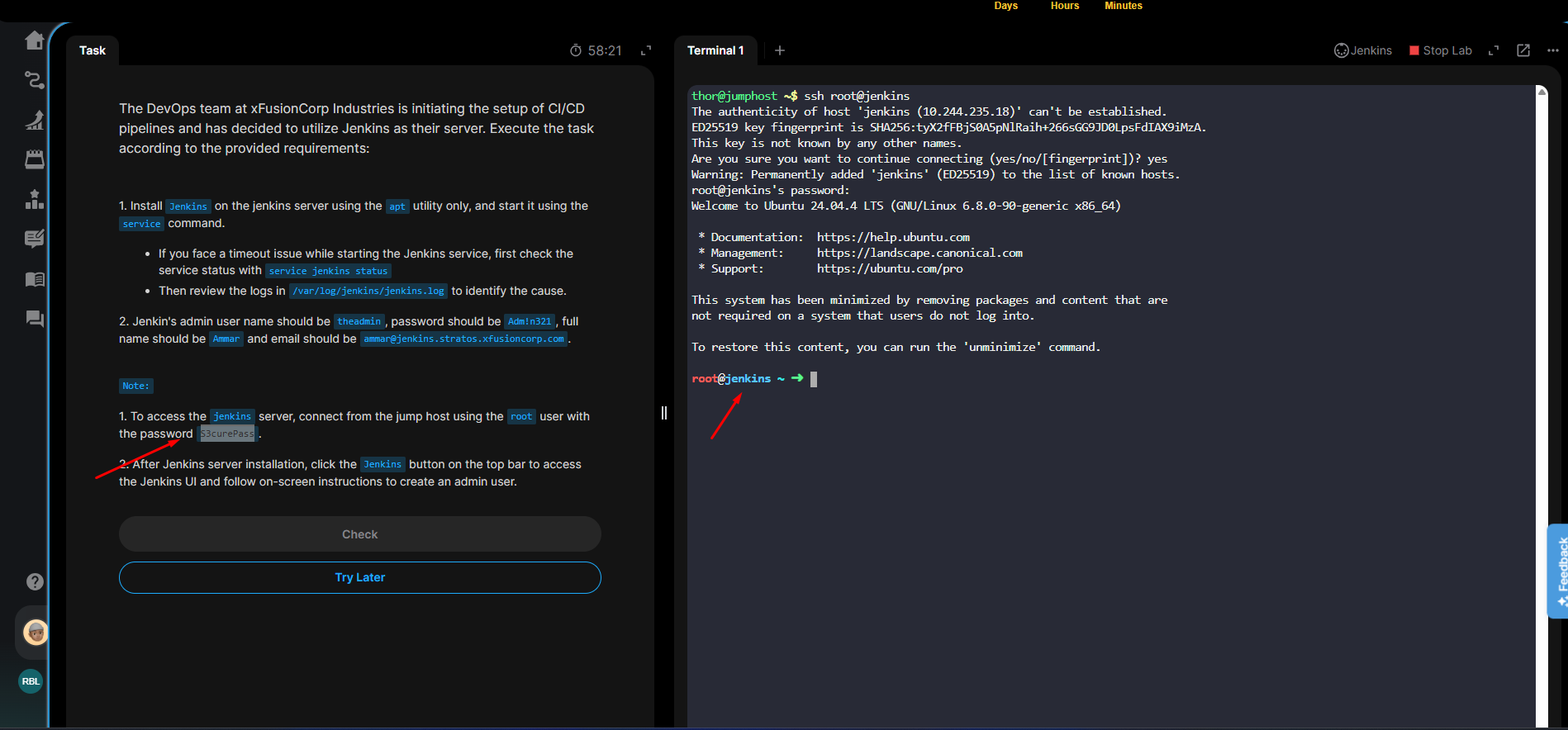
@raymond.baoly as mentioned, I am on day 68 now. But I cannot login to the Jenkins Server using ssh jenkins@jenkins with the password j@rv!s

As I had to raise a ticket anyway, I only wanted to mention the issue with lab 67 as well.

If you use:

apiVersion: apps/v1
kind: Deployment
metadata:
  labels:
    app: redis-master
  name: redis-master
spec:
  replicas: 1
  selector:
    matchLabels:
      app: redis-master
  strategy: {}
  template:
    metadata:
      labels:
        app: redis-master
    spec:
      containers:
      - image: redis
        name: master-redis-devops
        resources:
          requests:
            cpu: 100m
            memory: 100Mi
        ports:
          - containerPort: 6379
---
apiVersion: apps/v1
kind: Deployment
metadata:
  labels:
    app: redis-slave
  name: redis-slave
spec:
  replicas: 2
  selector:
    matchLabels:
      app: redis-slave
  strategy: {}
  template:
    metadata:
      labels:
        app: redis-slave
    spec:
      containers:
      - image: gcr.io/google_samples/gb-redisslave:v3
        name: slave-redis-devops
        resources:
          requests:
            cpu: 100m
            memory: 100Mi
        env:
          - name: GET_HOSTS_FROM
            value: dns
        ports:
        - containerPort: 6379
---
apiVersion: apps/v1
kind: Deployment
metadata:
  labels:
    app: frontend
  name: frontend
spec:
  replicas: 3
  selector:
    matchLabels:
      app: frontend
  strategy: {}
  template:
    metadata:
      labels:
        app: frontend
    spec:
      containers:
      - image: gcr.io/google-samples/gb-frontend@sha256:a908df8486ff66f2c4daa0d3d8a2fa09846a1fc8efd65649c0109695c7c5cbff
        name: php-redis-devops
        resources:
          requests:
            cpu: 100m
            memory: 100Mi
        env:
          - name: GET_HOSTS_FROM
            value: dns
        ports:
          - containerPort: 80
---
apiVersion: v1
kind: Service
metadata:
  labels:
    app: redis-master
  name: redis-master
spec:
  ports:
  - port: 6379
    protocol: TCP
    targetPort: 6379
  selector:
    app: redis-master
status:
  loadBalancer: {}
---
apiVersion: v1
kind: Service
metadata:
  labels:
    app: redis-slave
  name: redis-slave
spec:
  ports:
  - port: 6379
    protocol: TCP
    targetPort: 6379
  selector:
    app: redis-slave
---
apiVersion: v1
kind: Service
metadata:
  labels:
    app: frontend
  name: frontend
spec:
  type: NodePort
  ports:
  - port: 80
    protocol: TCP
    targetPort: 80
    nodePort: 30009
  selector:
    app: frontend

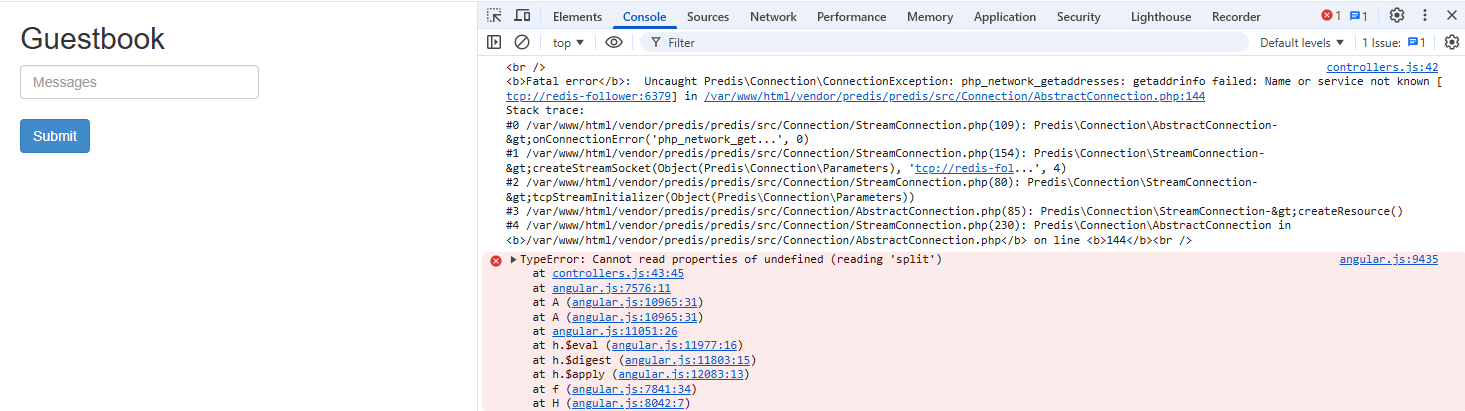
it’s raising an error (Browser Web Console, stating that it cannot resolve redis-follower) and you cannot post anything on the guestbook.
When adding:

apiVersion: v1
kind: Service
metadata:
  labels:
    app: redis-slave
  name: redis-follower
spec:
  ports:
  - port: 6379
    protocol: TCP
    targetPort: 6379
  selector:
    app: redis-slave

the guestbook was working just fine, but I had a validation error the redis-master service would not be named redis-master. Without the addition (but a not working guestbook) it validated just fine.

Hi @tha

Please read the notes in Day 68. There is information about accessing the Jenkins server.

Hi @tha

About Day 67, you used the incorrect service name. It should be redis-slave , not redis-follower .

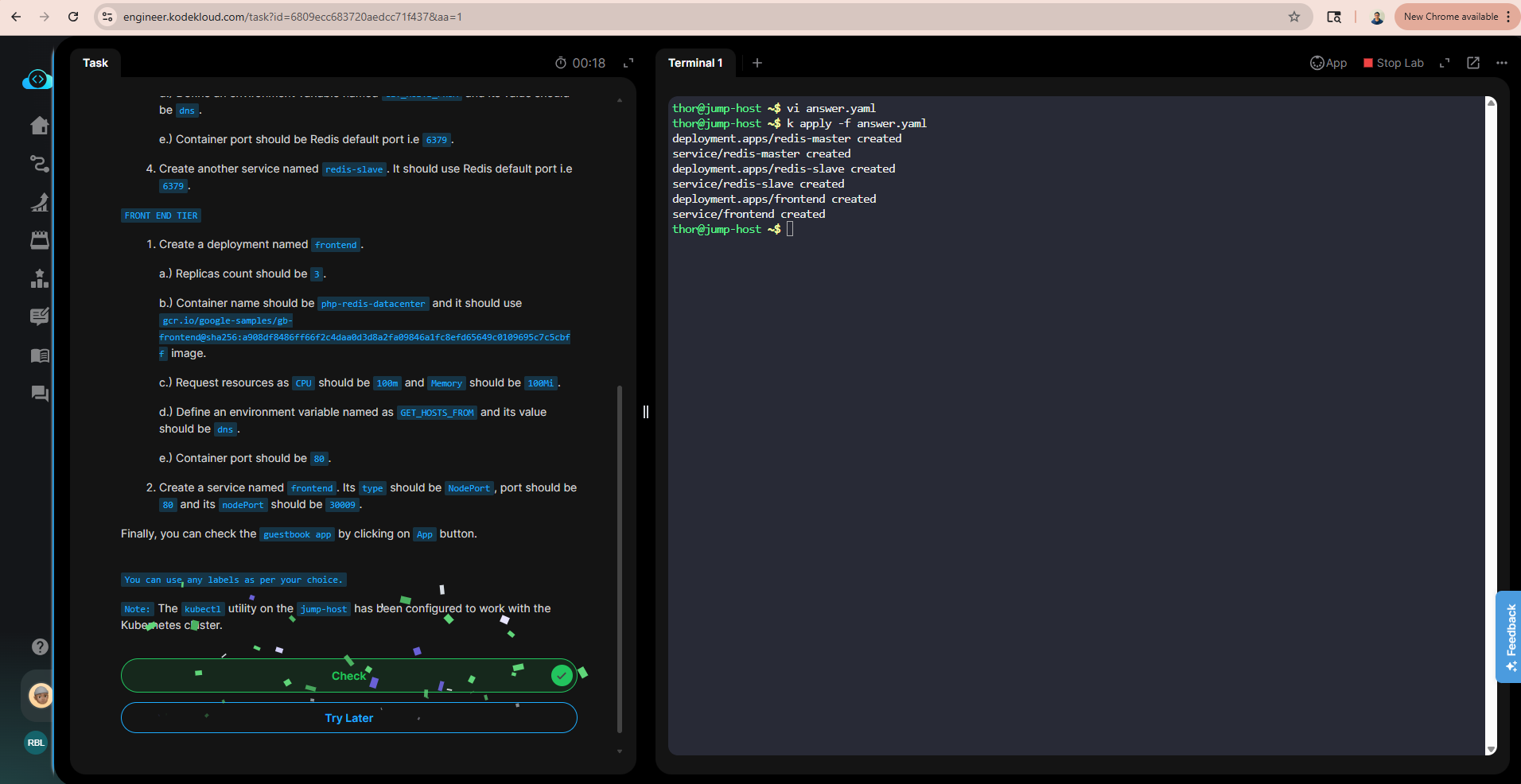
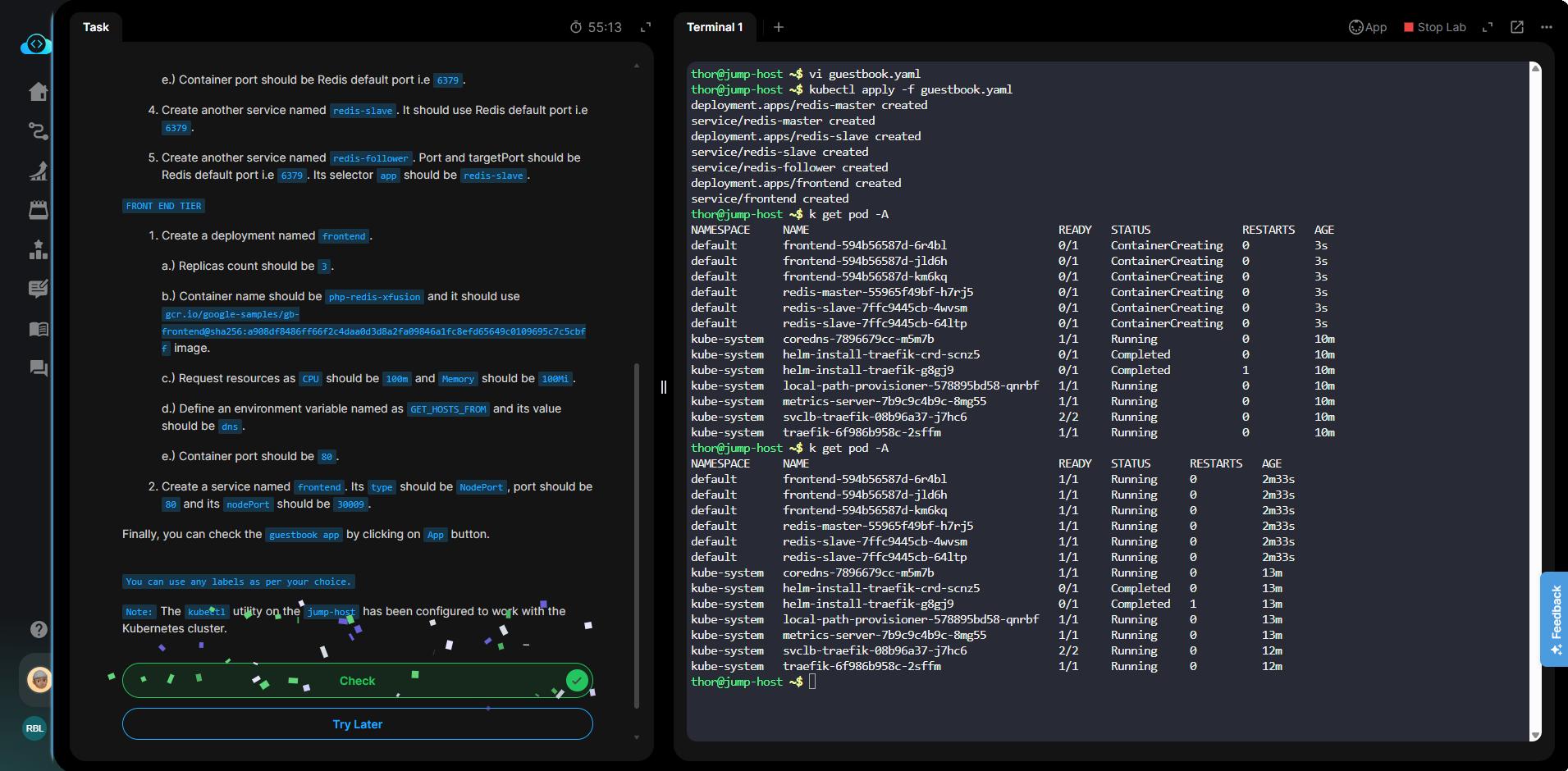
@raymond.baoly I created BOTH services. One to satisfy the task and one to satisfy the guestbook. Didn’t work out well, but for me being able to post something was the strongest indicator, that everything else was setup correctly.

I just found a screenshot I had taken:

Regarding day 68 :man_facepalming: thanks :smiley: I guess doing the tasks during the first coffee isn’t always a good idea. It worked.

Hi @tha

I’ve just checked it, and it’s working properly on my end. Could you please try again and only create the required resources?

@raymond.baoly unfortunately I don’t see an option to restart a finished lab.
Were you able to POST a comment on the guestbook with the required resources?

The official page for the container used also states, that the hostnames should be redis-follower and actually redis-leader:

The manifest file specifies the environment variable GET_HOSTS_FROM=dns . When you provide the configuration to the web frontend application, the frontend application uses the hostnames redis-follower and redis-leader to performs a DNS lookup. The DNS lookup finds the IP addresses of the Services you created in the previous steps. This concept is called DNS service discovery.

I don’t understand. Could you please explain more and share a screenshot?

Well, it’s a guestbook.

Maybe it’s not necessary to solve the task, but some people such as me, are actually testing an application to make sure that it’s working. So I tried to create an entry on the guestbook.
That’s how I actually got to the idea to check why it’s not working and noticed that the service should be named differently.

Without the redis-follower service it looks like this:
And the submit button doesn’t work.

Hi @tha

I understand. Let me inform the team to check it and update it correctly.