don’t know if I am doing wrong but day 1 keeps failing. Can someone please help
To start out:
- What did you actually do to try and solve the task, and
- What error did you get when you invoked the grader?
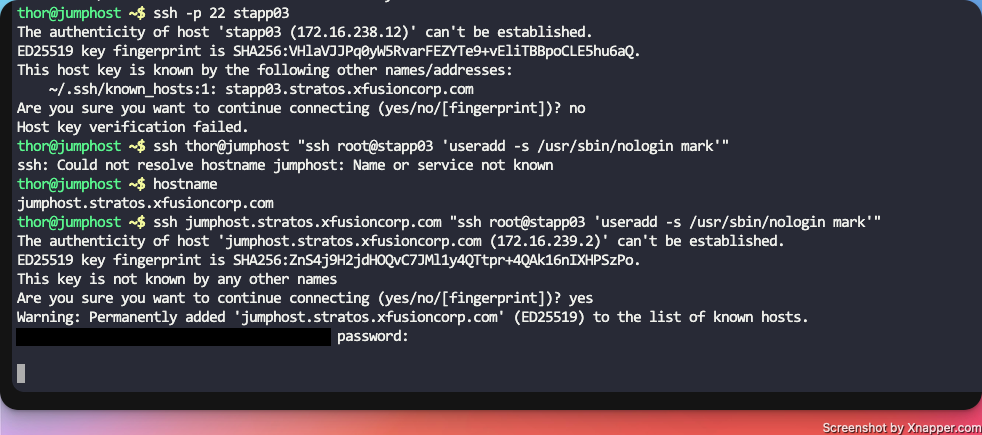
You need to do ssh using the credentials from the linked page. For example,
ssh banner@stapp03
using the password for the banner account. This is why your ssh connection is being refused.
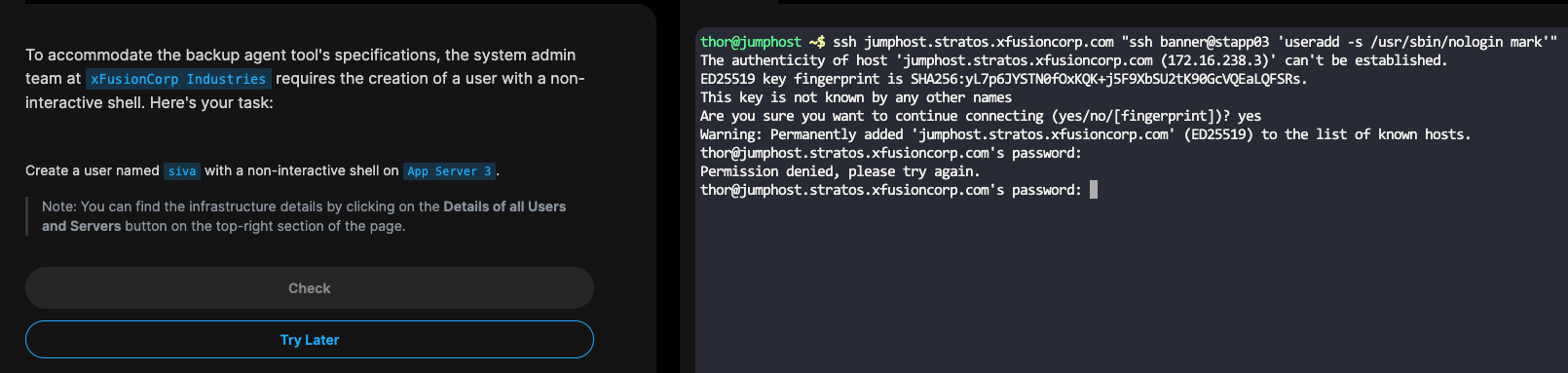
No, you start out on the jump host… If you’re asked to do something on App Host 3, you need to ssh into that host, and do the action there.
See this solution; it will give you a better understanding of how these tasks work.
I think I am doing that or am I putting it wrong
No, you really aren’t. You’re trying to run the commands over ssh, rather than ssh into the required host. Very different.
sudo useradd -s /sbin/nologin yousuf
, what is password for this ?
hello Pradeep, did you find out the answer?
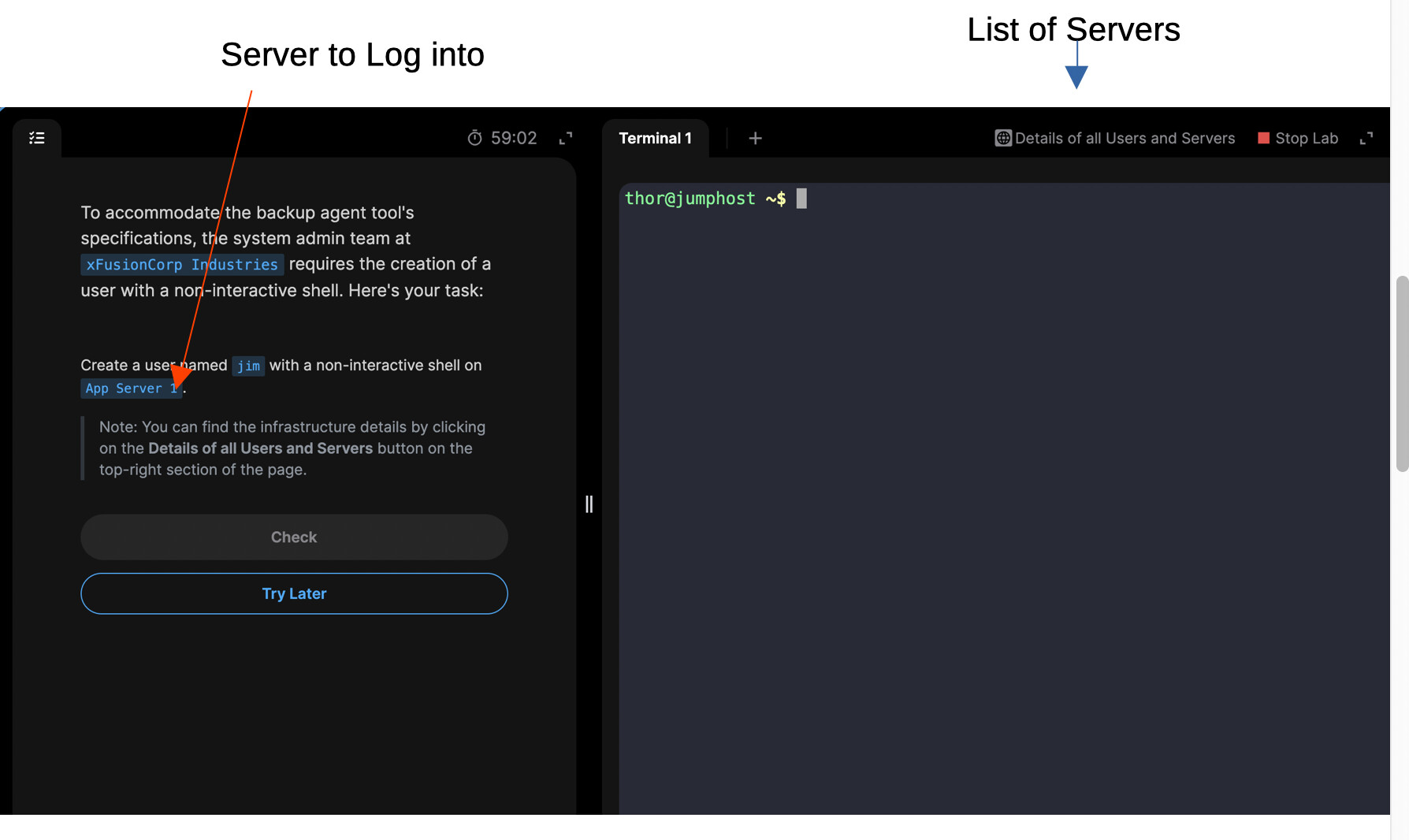
In the example above, you see that the task is supposed to happen on App Server 1. When you invoke sudo on any of the KKE hosts, you log in as a specific user (user “tony” on App server 1) and that’s the user that has sudo capabilities. So you’d use tony’s password here.
thanks for your reply, but
I tried to connect via ssh using sudo ssh thor@stapp01 , and the password was rejected.
this is why I am seeking answers here
There’s no “thor” user on stapp01 – that’s only the main user on the jump host. Please take a look at the “Details of all Users and Servers” link that’s on the upper left side of a typical screen in a task screen. That table shows the “main user” for each server and that user’s password. The main user for a server has “sudoer” authority on that server.
So on stapp01, you see the main user is “tony”, not “thor”. you need to ssh into that server as ssh tony@stapp01, and use tony’s password both to log in and when you do sudo -i to become root on that server.