Day 4: Create a Virtual Network (VNet) in Azure
I am facing above issue while creating Vnet. I have just added the name and region as requested in question. I kept all other values as it is including the ipv4 cidr and default subnets. The validation was successful during review stage. Still I am getting Vnet creation failure on Azure portal.
Ensure, you are creating the vnet in the required region.
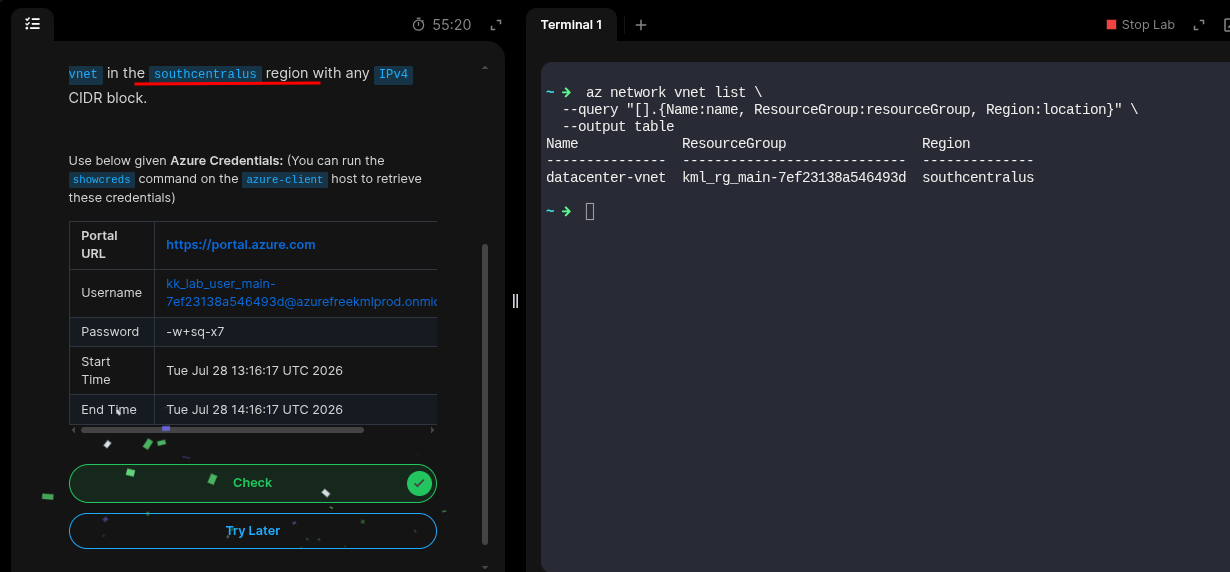
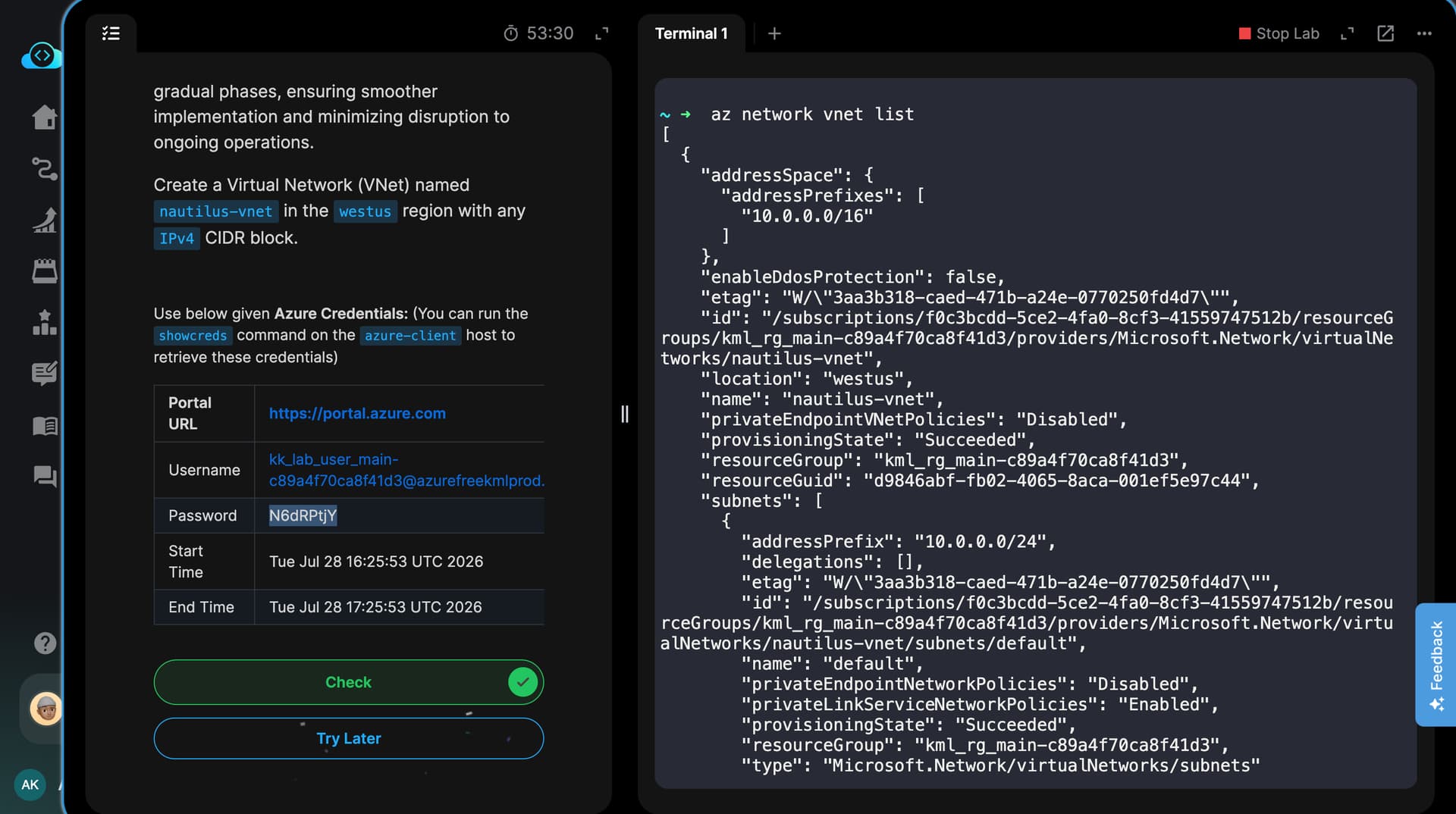
That is strange! This worked when creating a VNet using the Azure CLI. Am I missing anything when creating one through the GUI? I have observed the same issue with some older Azure tasks that passed successfully via the CLI.
WIth Console vnet requires three main options to set:
- Resource Grroup: Default in our case
- name of the vnet we want to create
- And finally the Region.
That’s all.
I created the vnet in above example from Console.