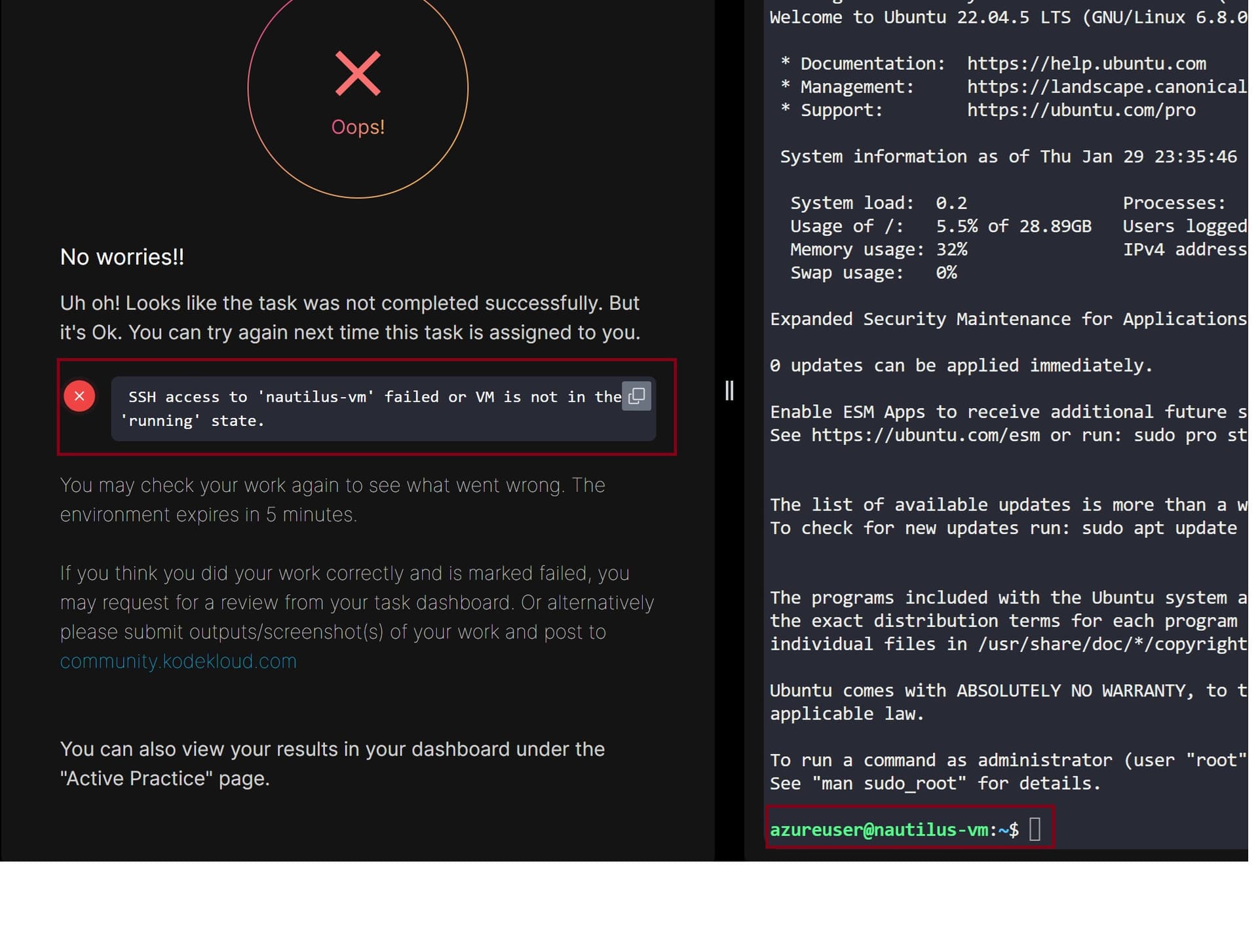
As you can see from the image that I have logged into the VM via ssh but it says task is not complete because the VM is not in running state
Please help
As you can see from the image that I have logged into the VM via ssh but it says task is not complete because the VM is not in running state
You haven’t told me exactly how you did the task, but for the grader to work, it needs to be possible for the grader to access the vm doing something like:
ssh -i ~/.ssh/id_rsa azureuser@PUBLIC-IP-ADDRESS
I did that, and it passes for me.
When generating an SSH public key on the azure-client, name it as id_rsa.
Or just run ssh-keygen, and it will generate an RSA key with that name by default.
Thanks, this resolved the problem. I have a question regarding do we use potral to do all the tasks or it’s important to learn other methods like using Azure CLI, or using the template and if yes how to start learning those. TIA
Usually the tasks let you use either the portal or the CLI according to what you find convenient. As a general skill, I think the CLI is key (because scripting is better than using a manual web UI), but you should probably learn both.