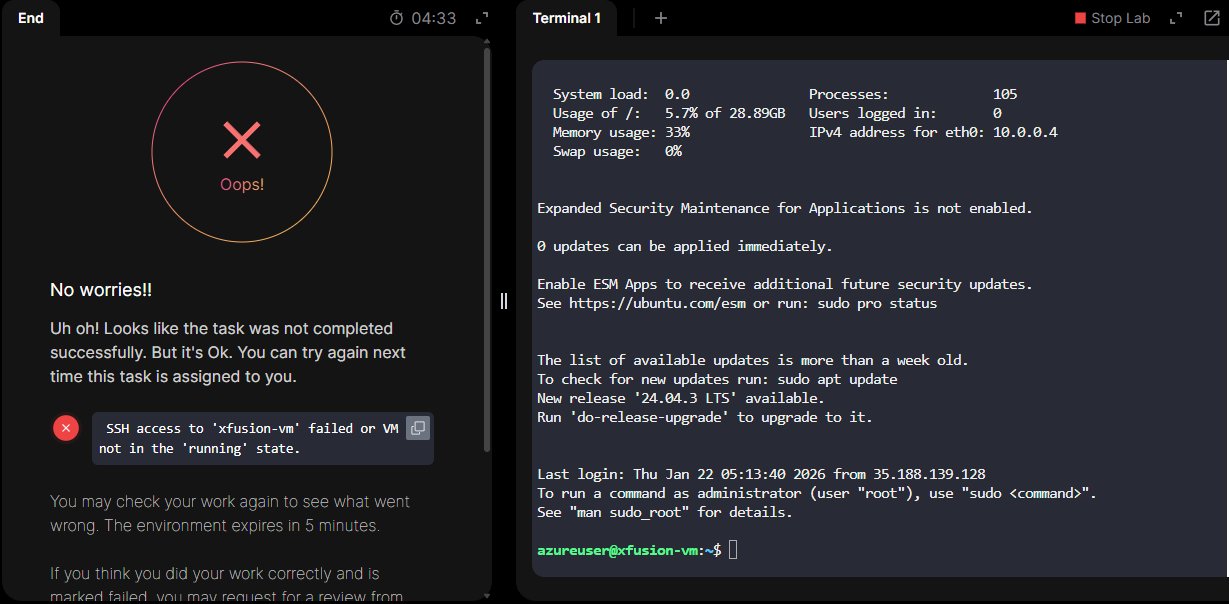
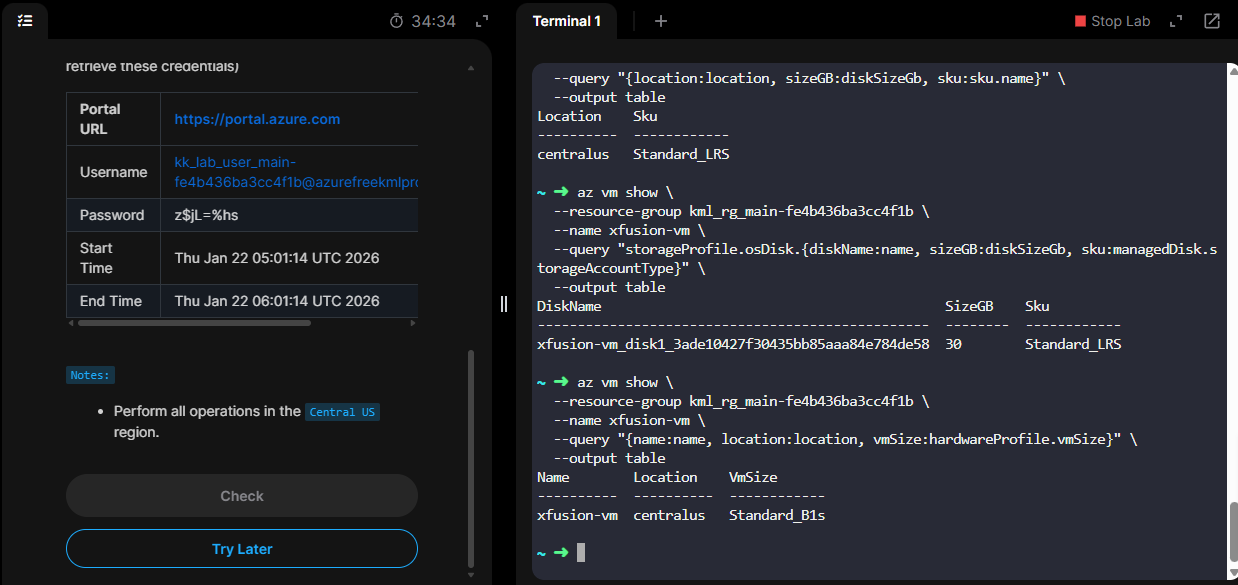
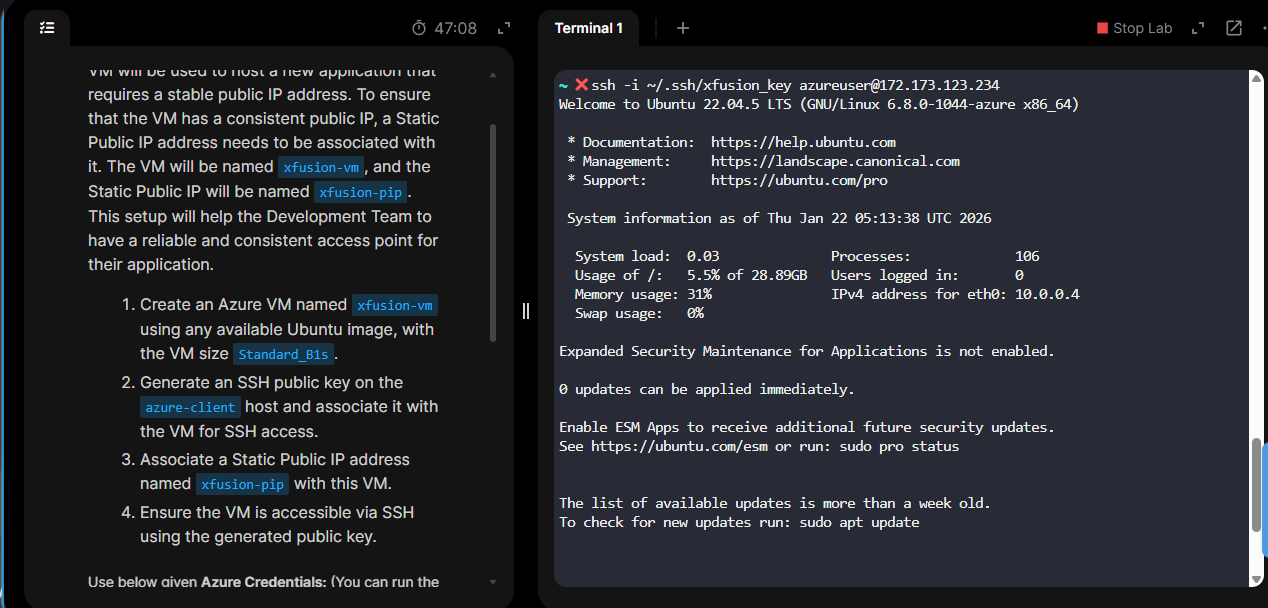
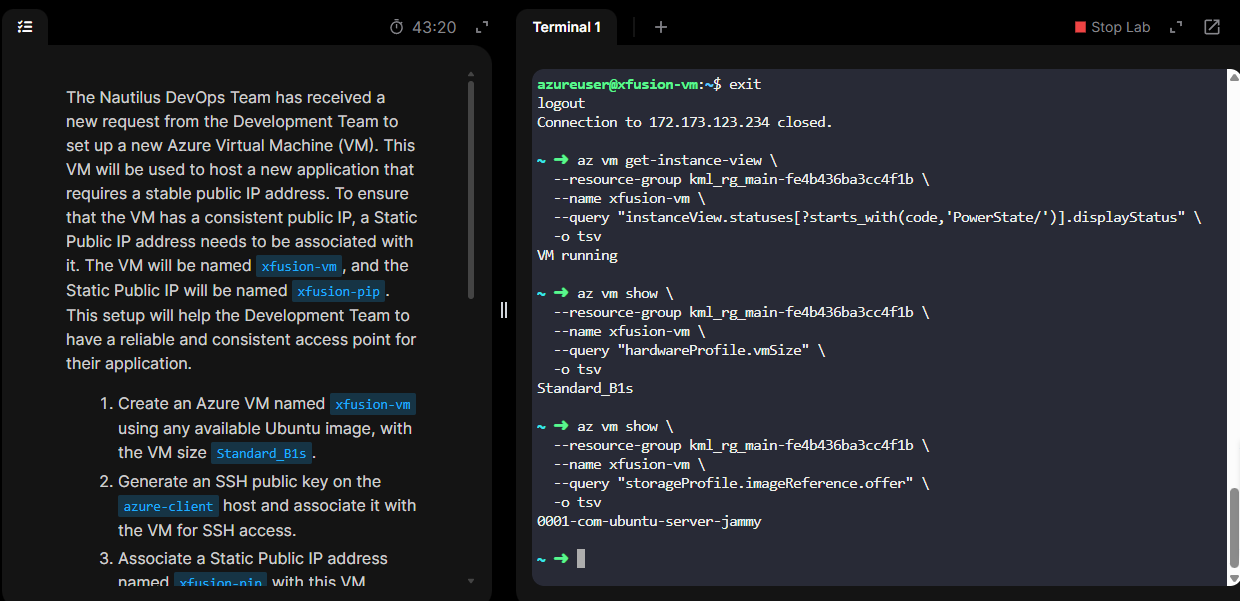
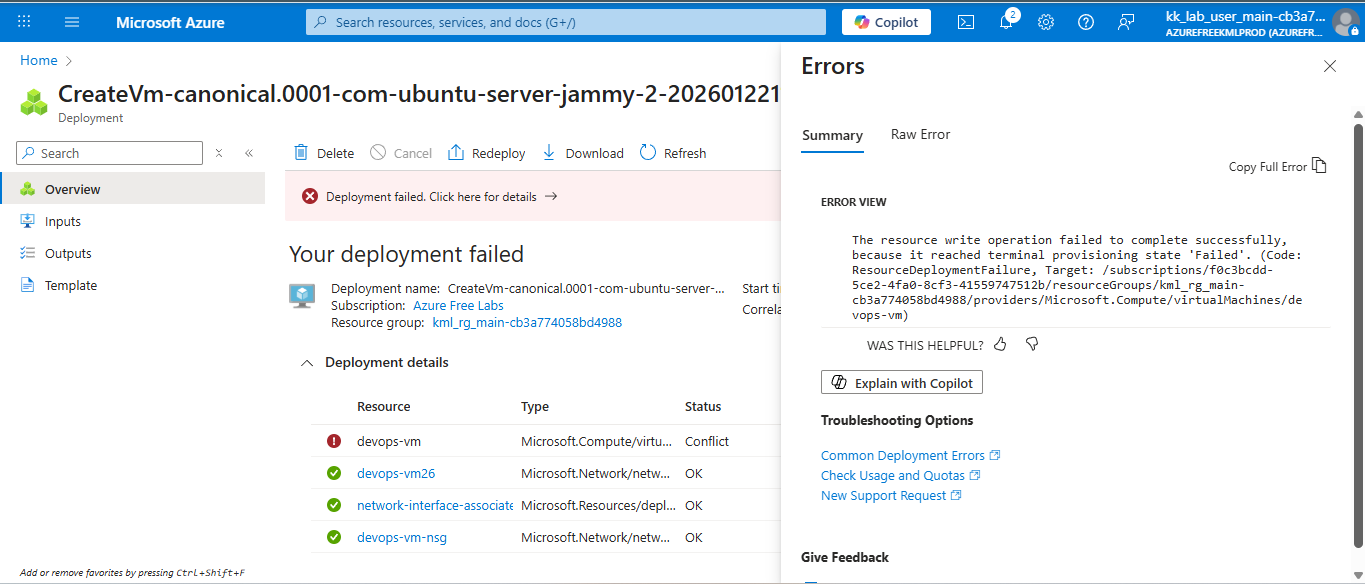
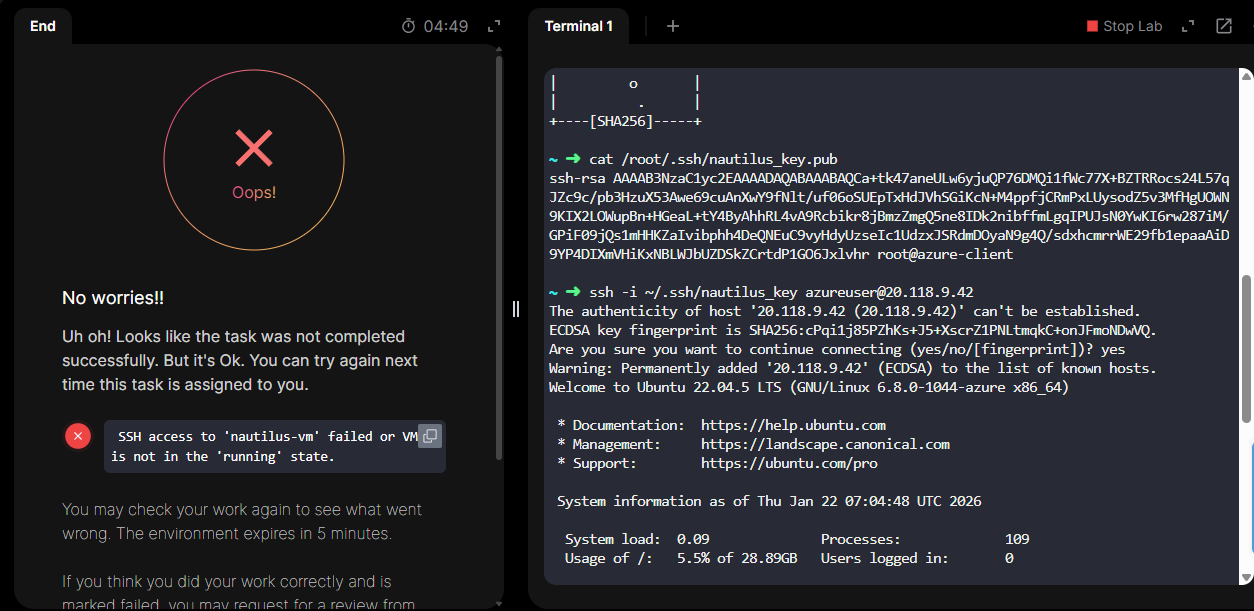
I have been stuck on this task for the past 10 days. Initially, the requirement was to create the resources in “East US” , and were facing issues.
Later, the support team updated the resource location to “Central US” . However, due to quota limitations in the GUI, I was unable to create the virtual machine there. I was able to successfully create the VM using the CLI instead.
After verifying all the configurations from my end, the task is still marked as failed.
Attaching the screenshots.
We’ve made some modifications of the task in the last day or so that should make it possible to do – I’ve tried this successfully a couple of times today to check it.
I successfully created the virtual machine using a "Standard HDD "OS disk and was able to access the VM using the SSH key. However, the task is still marked as failed.
I was stuck on this task for several days, as mentioned earlier. I attempted it multiple times and also raised support tickets with both the team and the community, but the task continued to fail.
I would like to sincerely thank @rob_kodekloud and @Santosh_KodeKloud for taking the time to help me troubleshoot the issue. With their guidance, I was able to identify the root cause, which turned out to be the method I used to generate the SSH key.
I had been creating the key using the following command: ssh-keygen -t rsa -b 2048 -f ~/.ssh/devops_key -N “”
However, for this task, the requirement was simply to generate an SSH key using the default “ssh-keygen” command. Using a custom key name caused the task to fail repeatedly. Once I switched to creating the key with default settings, the task worked as expected.
Thanks again to Rob and Santhosh for their support and guidance.