Hi Team,
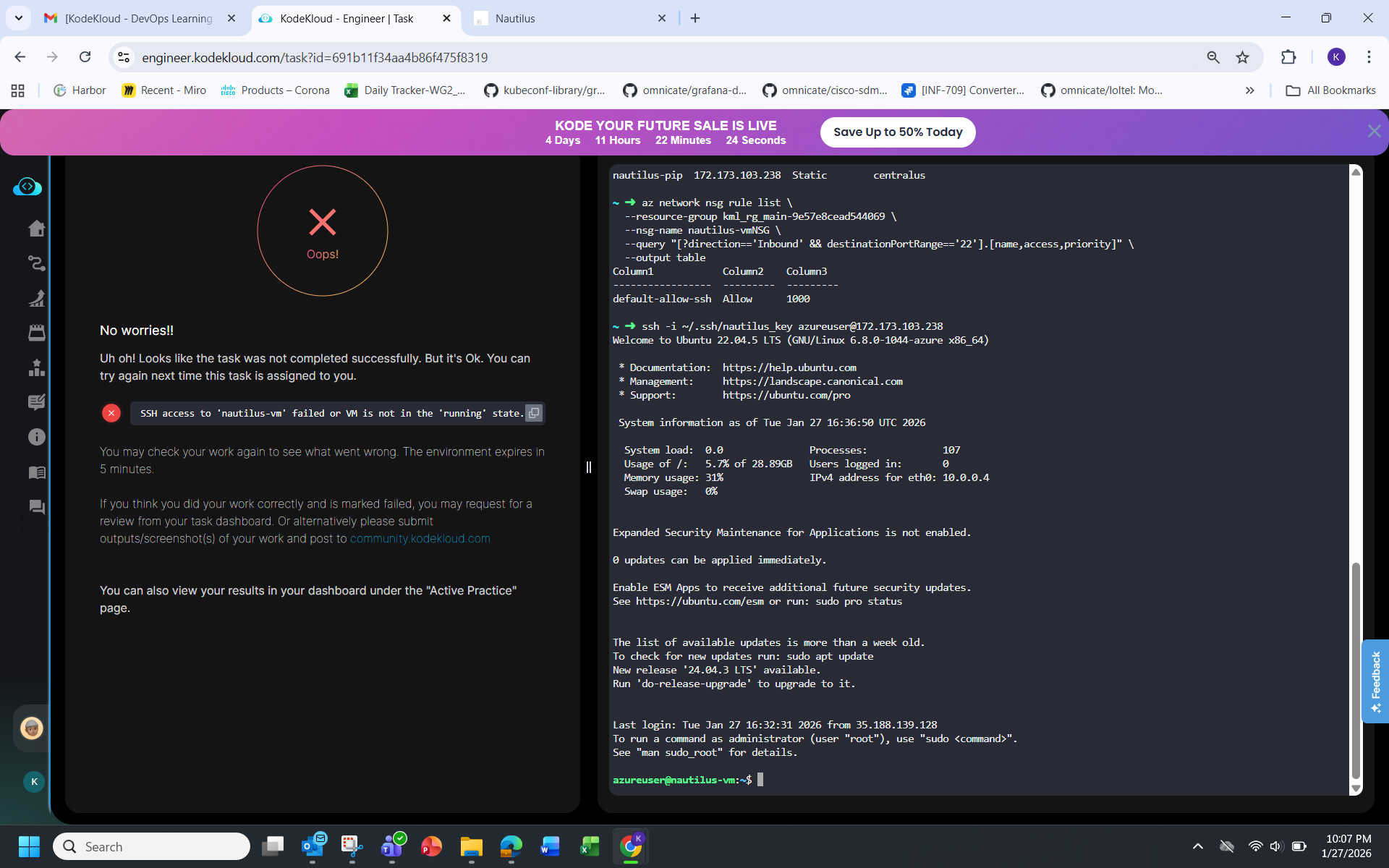
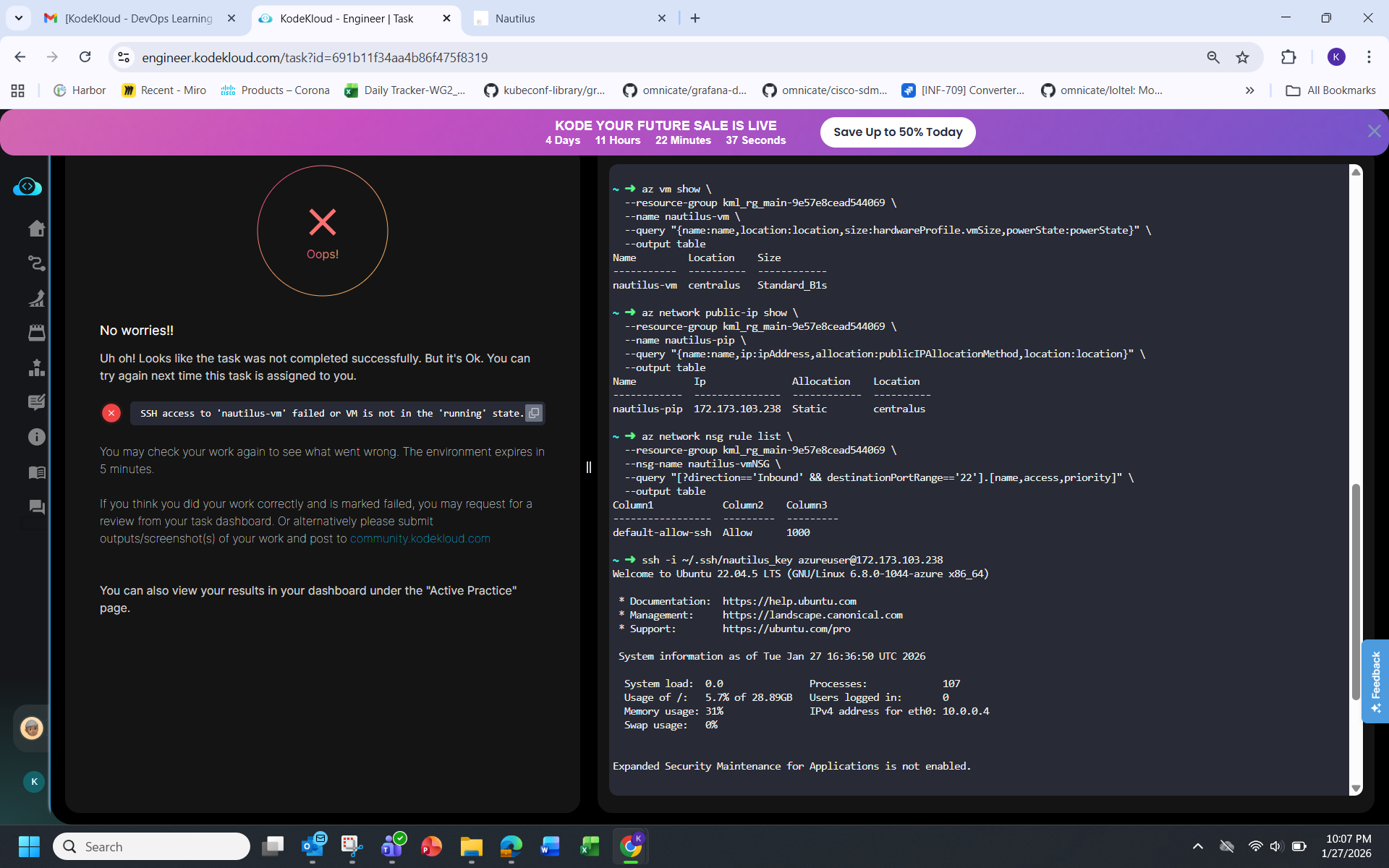
I’m facing an issue while completing an Azure VM creation task in the lab environment and would appreciate guidance or a manual review.
Task Requirements
- Create an Azure VM named
devops-vm - Use any Ubuntu image
- VM size: Standard_B1s
- Region: Central US
- Associate a Static Public IP named
devops-pip - Generate an SSH public key on the
azure-clienthost and use it for SSH access - Ensure SSH access works
What I have done
- Logged in successfully using the provided Azure credentials
- Generated an SSH key on
azure-client - Verified I do not have permission to create new resource groups (AuthorizationFailed)
- Reused the existing resource group:
kml_rg_main-38d5489d374f4bc4 - Created a Static Public IP (
devops-pip) in Central US - Attempted to create the VM multiple times using
az vm createwith:- Ubuntu image
- Size
Standard_B1s - Static public IP
- SSH key authentication
- Central US region
Errors Encountered
Despite following the task exactly, VM creation fails with policy-related errors, including:
RequestDisallowedByPolicy
This storage configuration is not allowed.
and subsequently:
OperationNotAllowed
Managed disk storage account type change is not allowed.
and later:
PropertyChangeNotAllowed
Changing property ‘osDisk.name’ is not allowed.
These errors persist even after:
- Explicitly using policy-compliant disk sizes
- Avoiding Premium disks
- Removing disk-specific flags
- Attempting a clean re-create of the VM
This suggests the lab subscription has strict policies or leftover deployment artifacts that prevent VM creation, even when the task requirements are followed precisely.
Request
Could you please confirm:
- Whether this is a known limitation in the lab environment?
- If there is a recommended workaround for this scenario?
- Or if this task can be manually reviewed, given that all required steps and constraints were followed?
I’m happy to provide full CLI history or screenshots if needed.
Thank you for your help.