Hi Team,
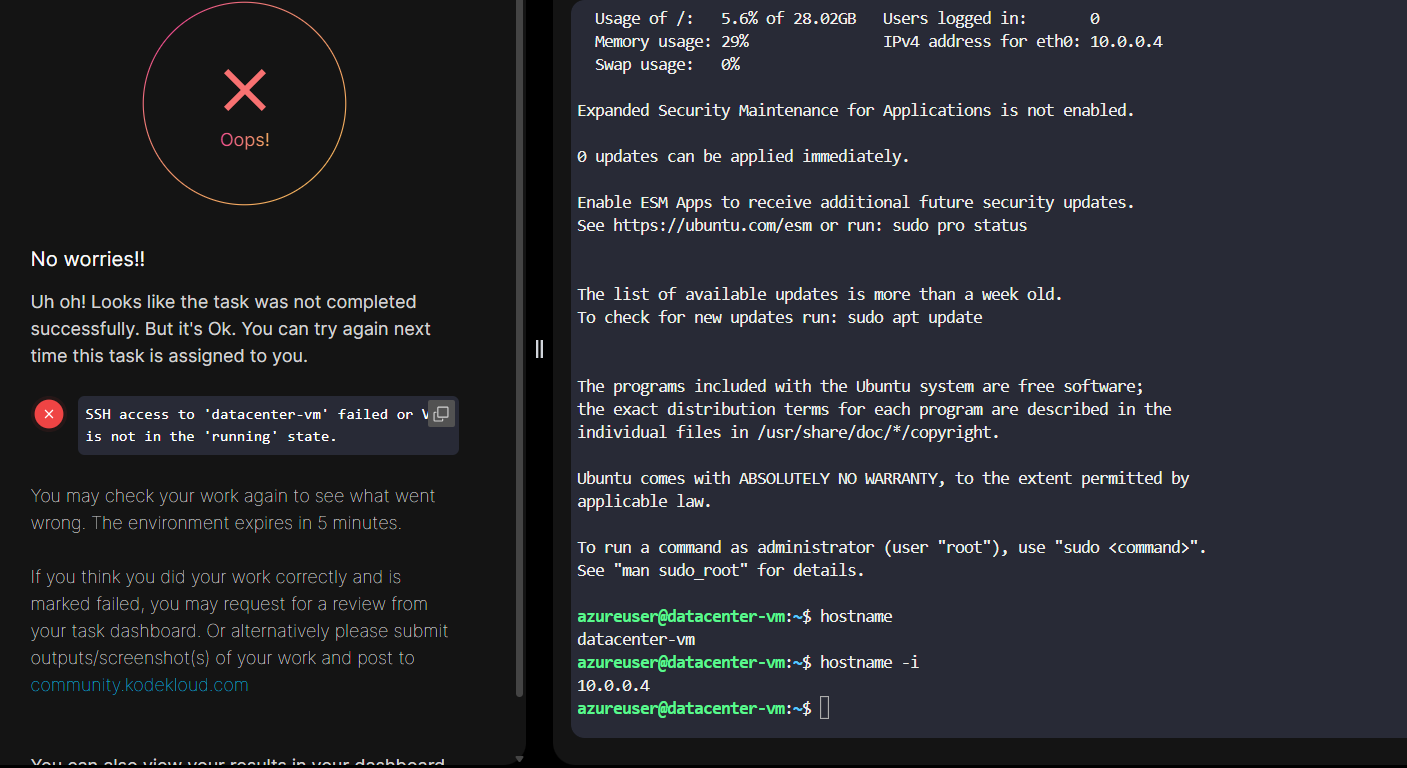
Even though i completed all steps as mentioned in the give task, the lab says it was not done, Please check and let me know.
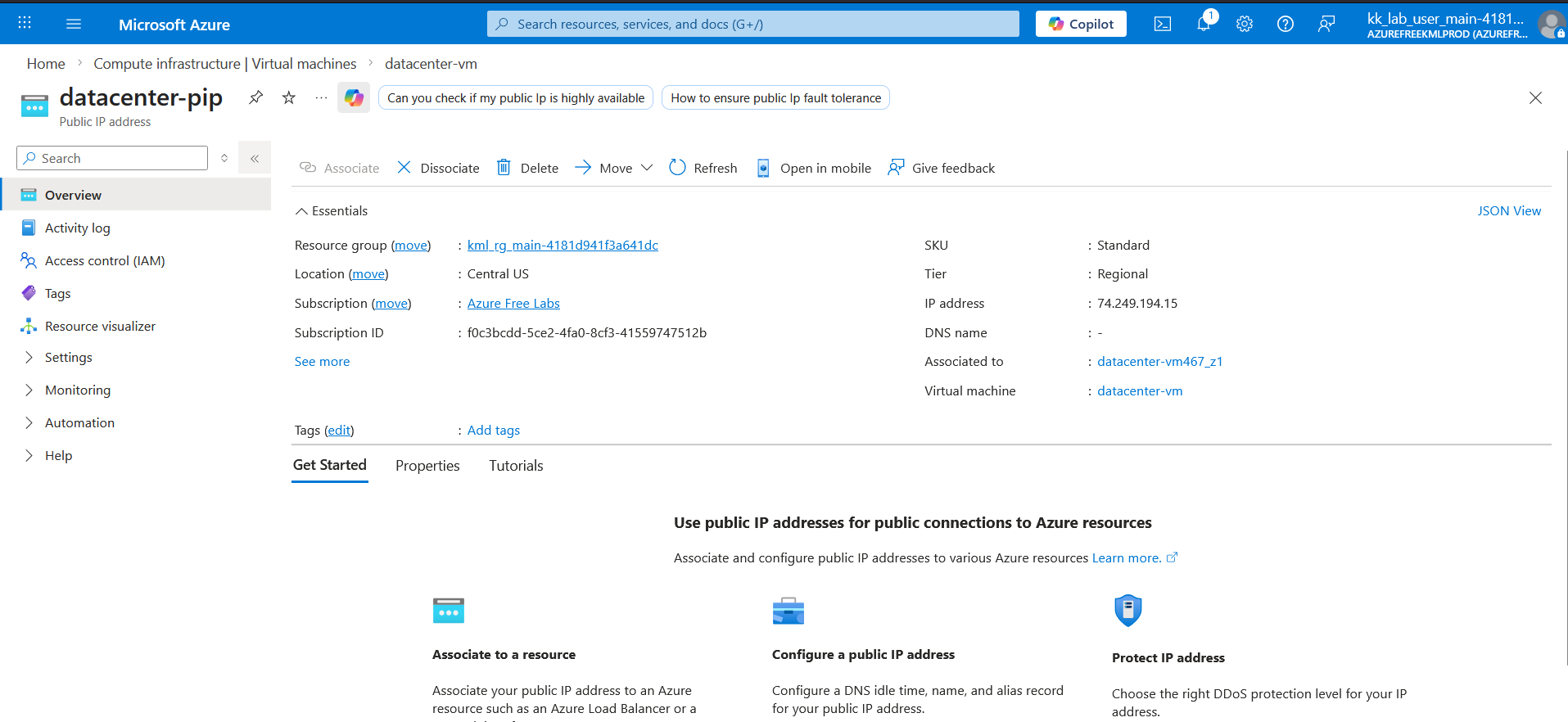
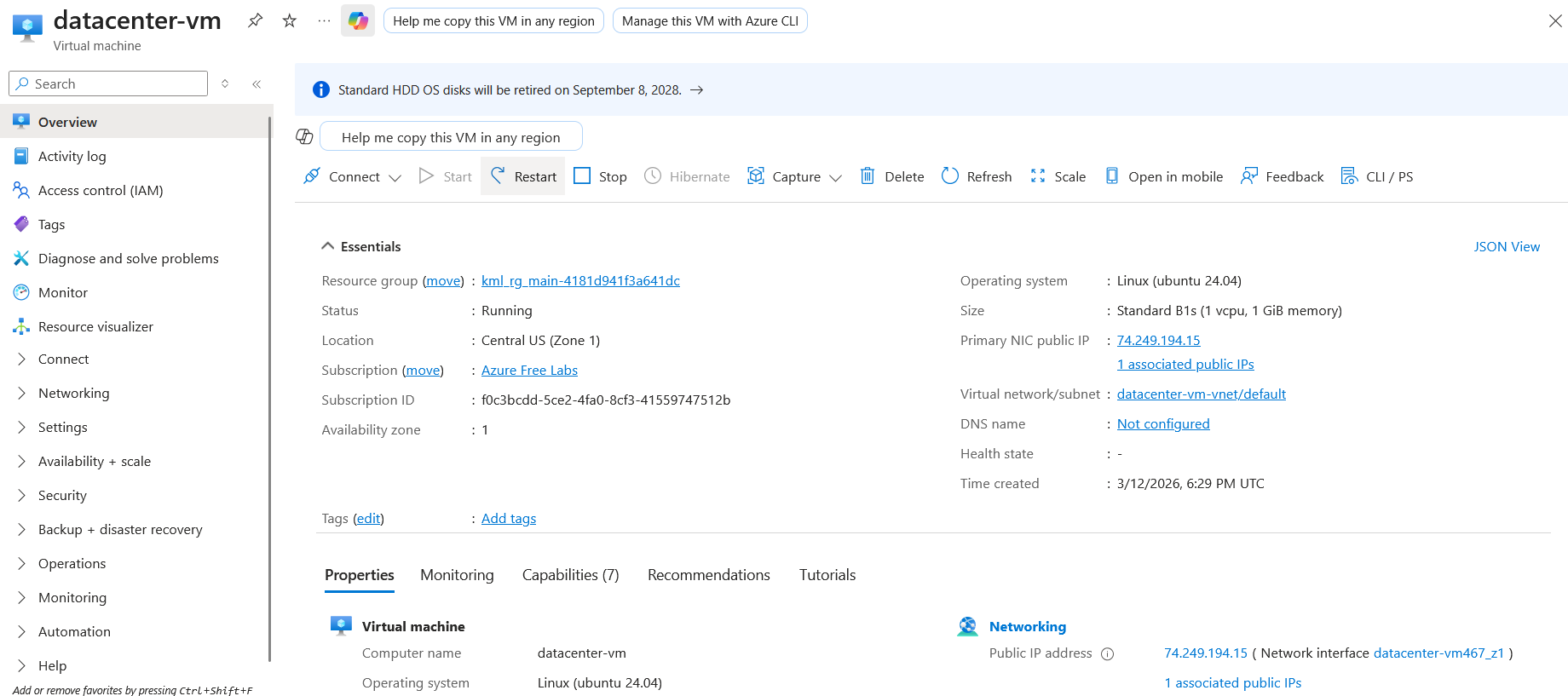
I have created SSH Key and Virtual Machine as per the requirement and attached a newly created public ip.
I was able to ssh to the new VM, but the lab says it was not done.
Could you please share what key name you used to generate the SSH keys?
I guess the validator checks for default key names id_rsa and id_rsa.pub.
Other than that, you can refer to this solution and see if it helps.
Hi,
Previously i used the below command to generate the SSH Key:
ssh-keygen -t rsa -b 4096 -f ~/.ssh/datacenter_key
Now, i have used:
ssh-keygen -t rsa -b 4096
~ ➜ ssh-keygen -t rsa -b 4096
Generating public/private rsa key pair.
Enter file in which to save the key (/root/.ssh/id_rsa):
Enter passphrase (empty for no passphrase):
Enter same passphrase again:
Your identification has been saved in /root/.ssh/id_rsa
Your public key has been saved in /root/.ssh/id_rsa.pub
Now the lab was completed successfully.
1 Like