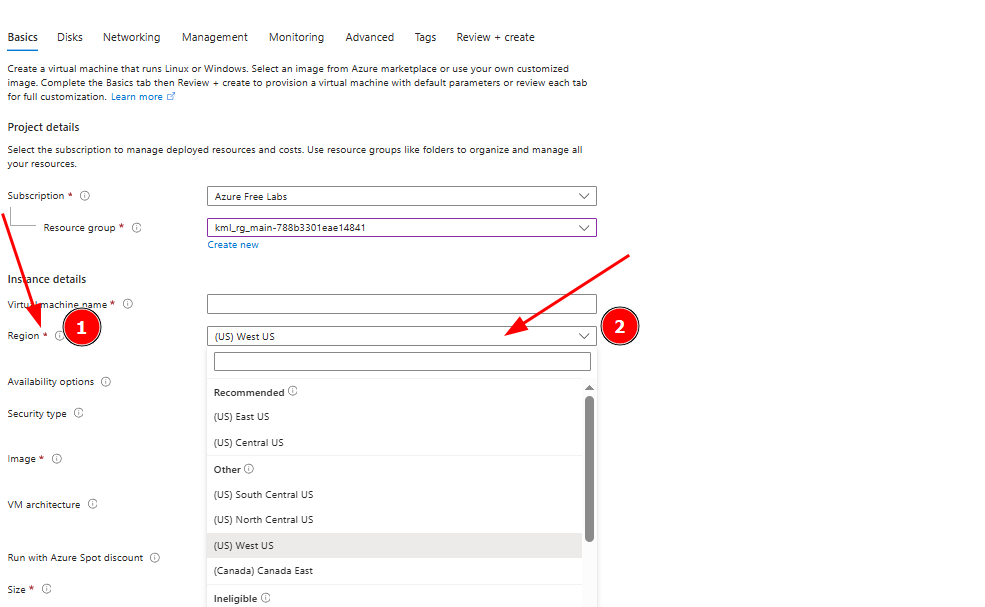
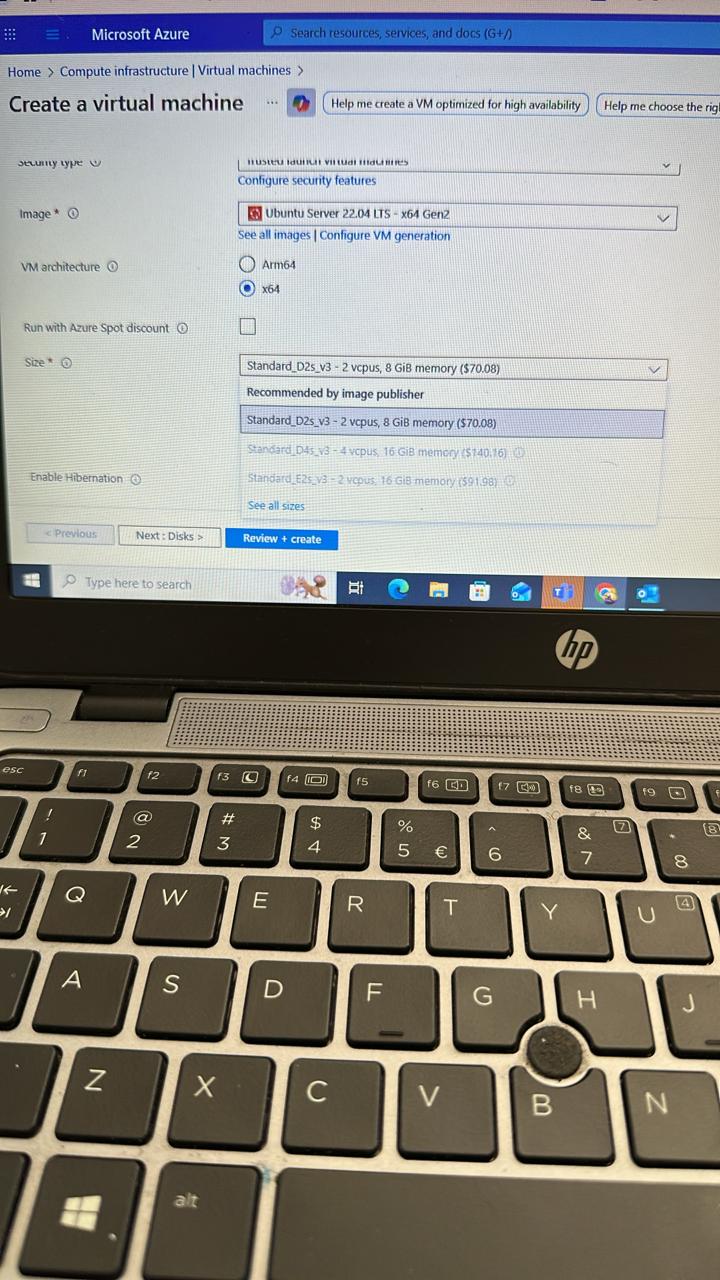
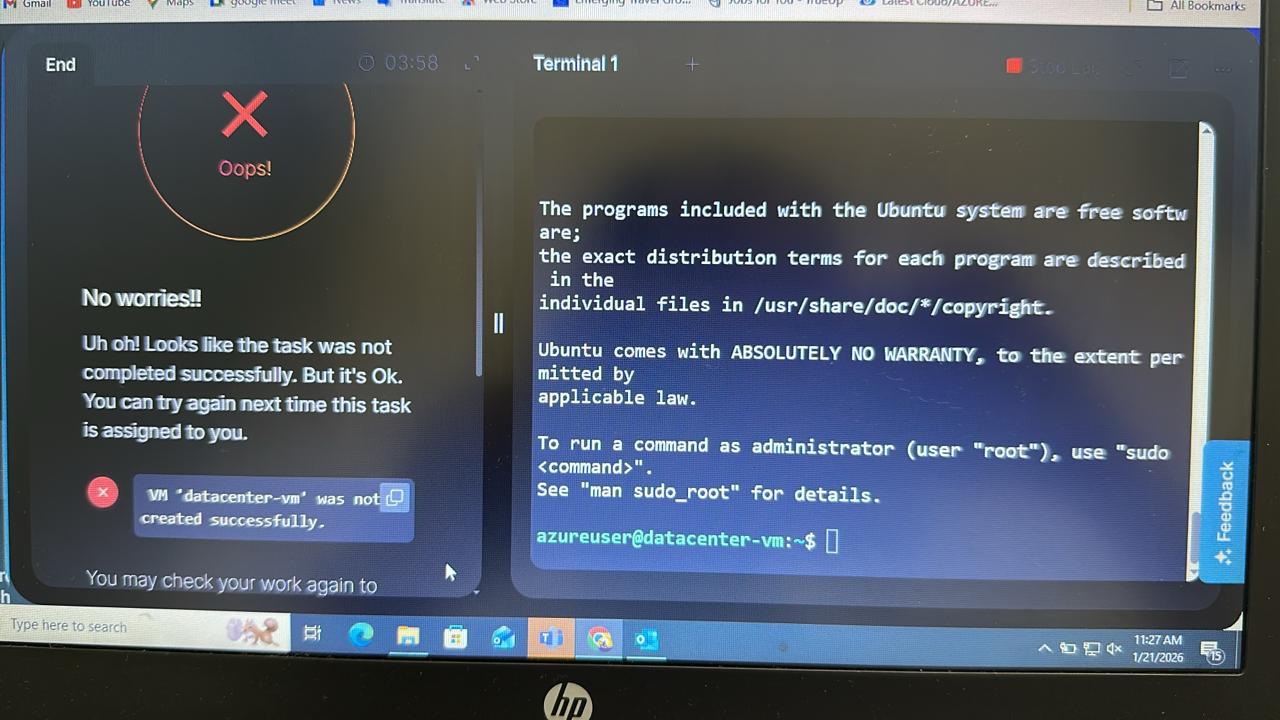
I’m trying to complete this task, but the default resource group is from west US but in the task it is mentioned to create a vm and public ip under east US. I have already completed everything in the default west US region but still the task is getting failed.
I need help regarding this as I believe there is an issue with the task because the rg should be in east US rather than west US.
The RG is probably NOT the problem – it is not restricted to a single region; it’s just a “bag of stuff” that makes it easier to delete things in one operation.
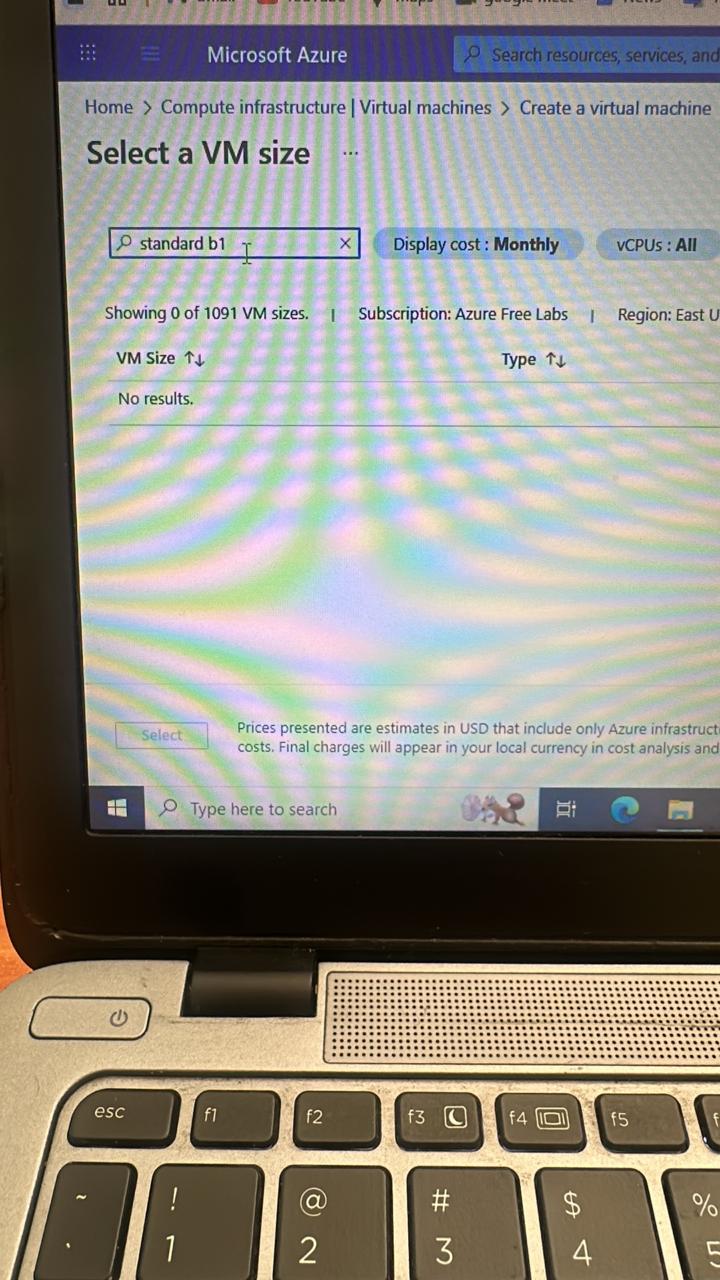
There may be a problem with machine size in East-US due to capacity restrictions. I’m having engineering look into this.
Hello @Tej-Singh-Rana ,
The region has been corrected but the selectable size is only standard B2 and not the one stated in the instructions.
I have tried doing the task but still getting the error that i have not completed the task.
Hello @Tej-Singh-Rana ,
The region has been corrected but the selectable size is only standard B2 and not the one stated in the instructions.
I have tried doing the task but still getting the error that i have not completed the task.
I was able to complete the lab successfully. The reason it was failing for me was that I was creating a named SSH key. The lab expects a default-named key pair, not a custom one.
When generating SSH keys on the azure-client host, make sure you use:
ssh-keygen -t rsa -b 2048
and press Enter when it asks for the file name, so it creates:
~/.ssh/id_rsa
~/.ssh/id_rsa.pub
Then use id_rsa.pub when creating the VM.
After doing this, the lab passed.
Thanks everyone for the help - really appreciate it!