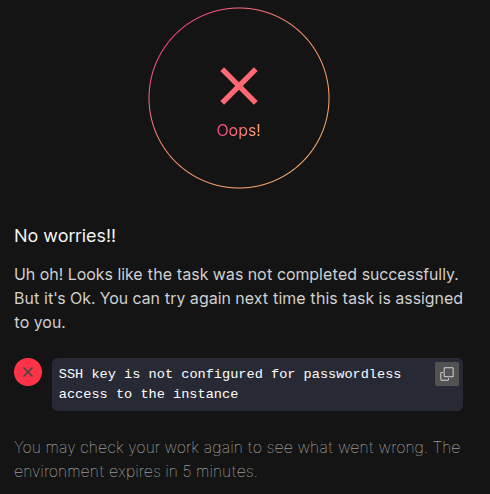
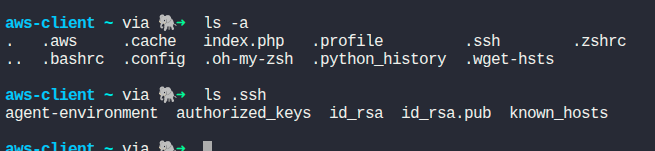
i am on Day-35 Deploying and Managing Applications on AWS of 100 days of aws challenge, i created access keys for passwordless access to instance and did the whole practical also got the connection successfull still when i hit check it give incorrect and says ‘passwordless access not configured to instance’
The full description of this subtask I see is:
- An EC2 instance named
nautilus-ec2exists. Connect to this instance from the AWS console. Create an SSH key (/root/.ssh/id_rsa) on theaws-clienthost if it doesn’t already exist. Add the public key to the authorized keys of therootuser on the EC2 instance for password-less SSH access.
(The name of the instance may well be different for you, since we randomize these names)
Besides creating the key on the aws-client side, you also need to add the public key to /root/.ssh/authorized_keys on the EC2 instance. You may need to delete the contents of that file since the default contents interfere with attempting to contact the host via "ssh -i ~/.ssh/id_rsa root@PUBLIC-IP, which is what the grader will try for this task.
Hi Rob,
can u try 100-days-of-cloud-AWS/Day 35: Deploying and Managing Applications on AWS.md at main · mirakib/100-days-of-cloud-AWS · GitHub this link steps
hii ,
Thanks to everyone for helping out now its been solved.
hi taliha you can follow my video tutorials of AWS series and star my repo if you found it helpful .