thank you @royki
I was able to finish the task successfully.
thanks for your help.
@Inderpreet thank you for helping me with symbolic link issue.
saved my 300 points. thanks again.
btw, restarting nginx service helped me in my last try.
thank you @royki
I was able to finish the task successfully.
thanks for your help.
@Inderpreet thank you for helping me with symbolic link issue.
saved my 300 points. thanks again.
btw, restarting nginx service helped me in my last try.
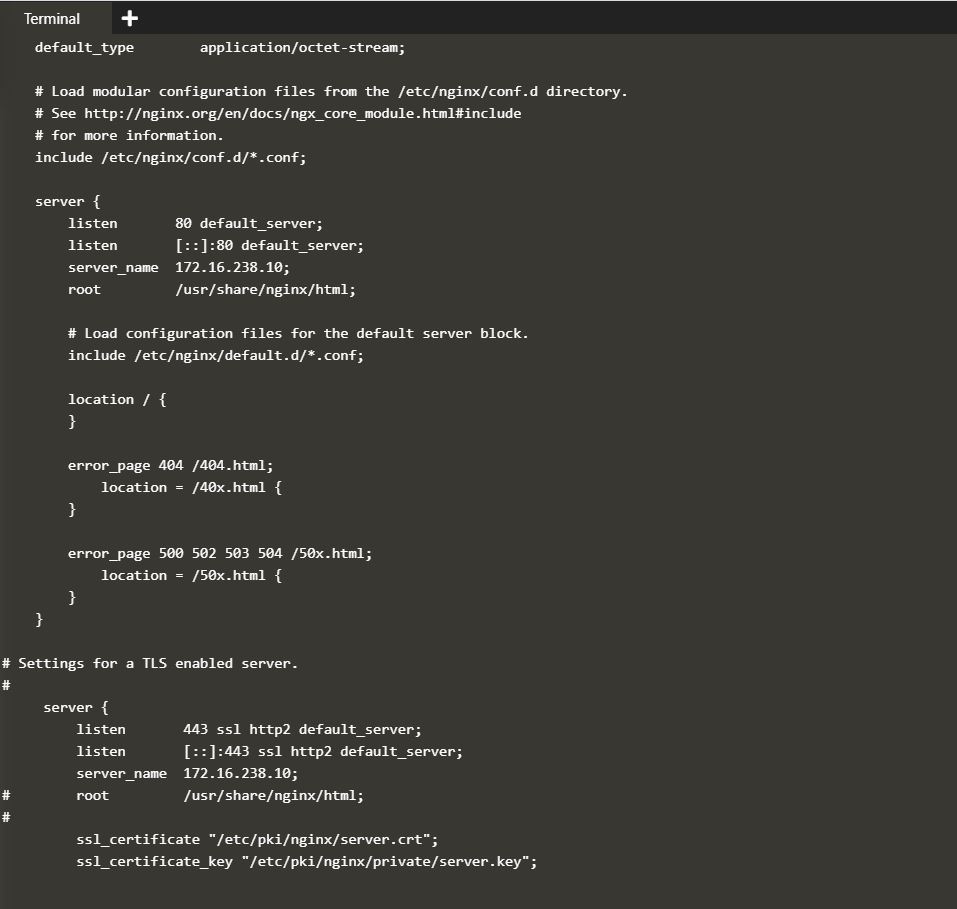
one doubt. as it was pointing to port 443 when trying to curl -Ik https://172.16.238.10/.
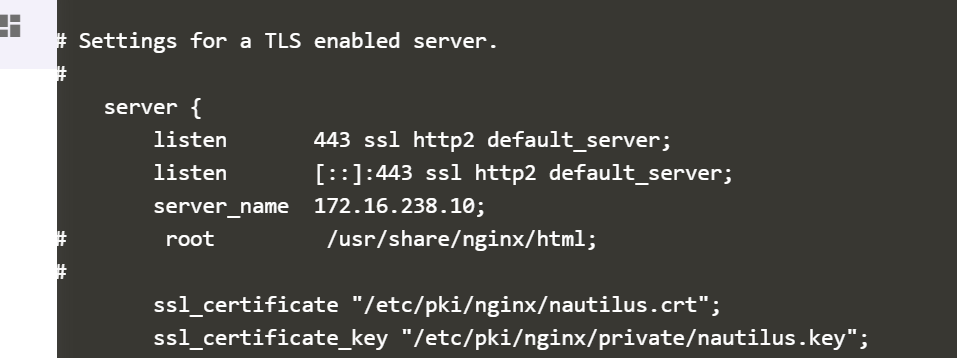
am I supposed to update below section of nginx conf file to allow connection?
@swaroopcs88
There are 2 sections - for port 80 & port 443.
You can add the listen 443 ssl; in the port 80 section & do the other necessary configuration, or you can commented out the port 443 & do the necessary configuration there as well (better & clean).
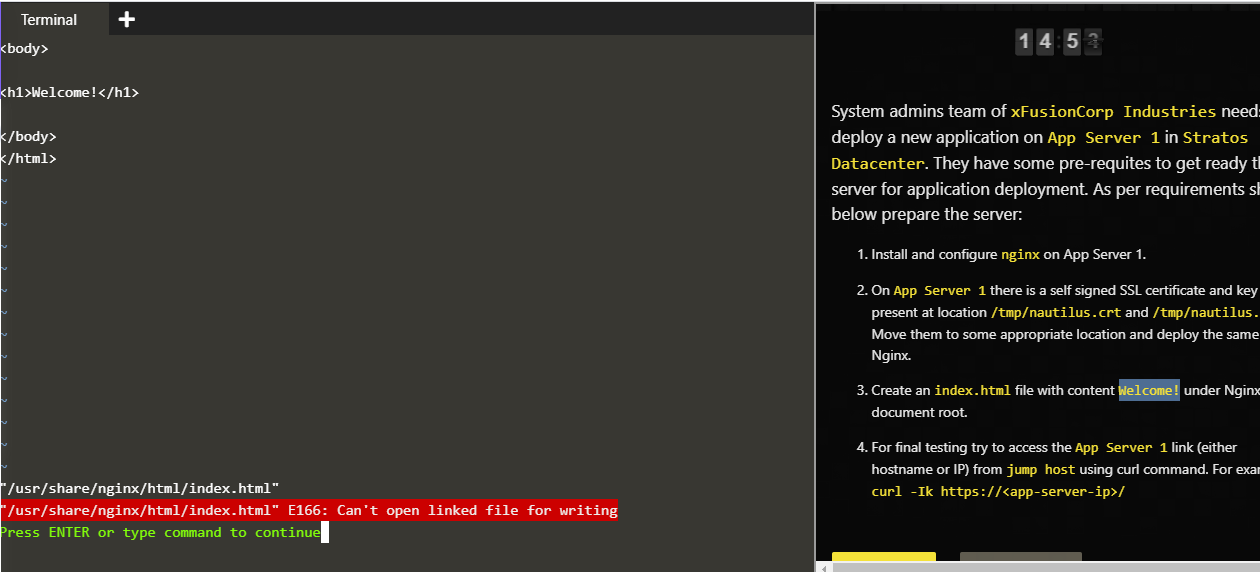
@Inderpreet…I faced the same issue in the creation of index.html…I unlinked the file…and tried to paste html content after that,…its giving the same issue
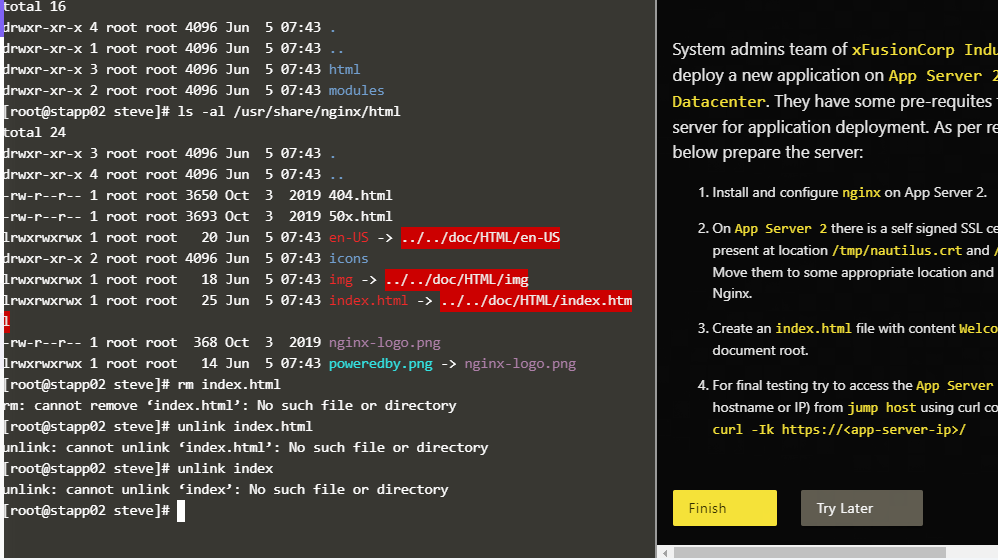
It’s linked in somewhere check through ls -l
Check first with ls -al. You ll see it is a linked file. You simply remove this file rm file_name. And then create vi file_name and edit then in that location. That would work
try with unlink index.html
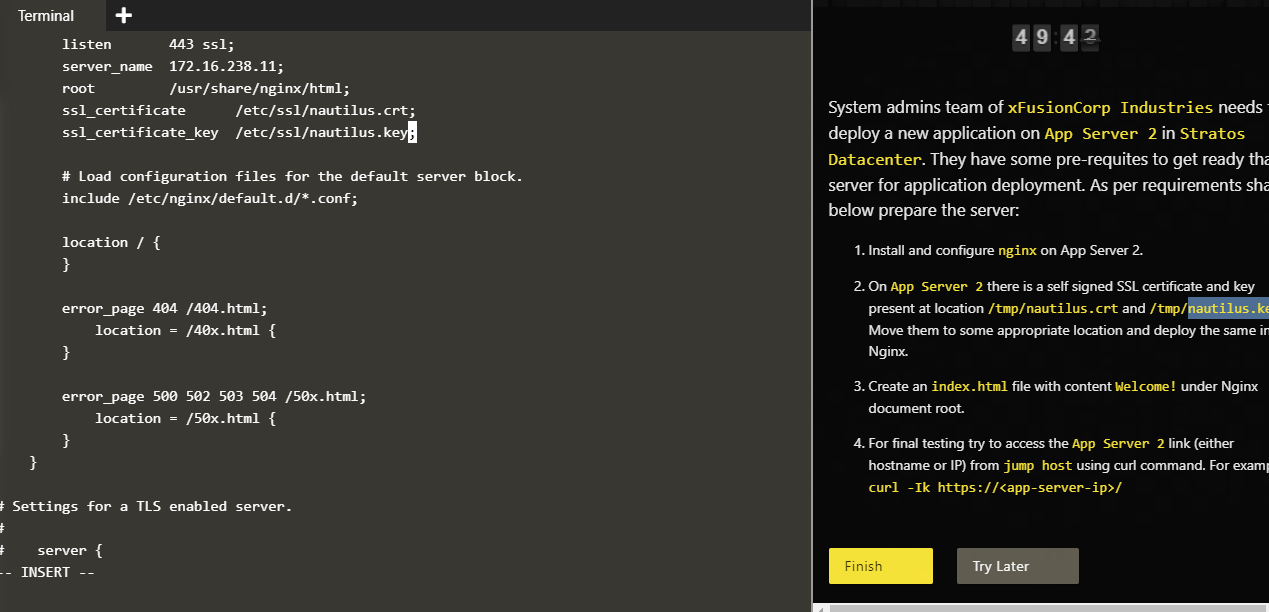
@royki…I am also having confusion about /etc/nginx/nginx.conf file…I did change the server name as ip-address and changed the location of cert and key which was commented before…I removed the #…Is there any other thing i need change except above.
Normally it s ok. As far I remember. You need to have the index.html file in that location.
@royki… What i have done wrong i dont know…Plsease let me know …Here is my conf file i am attchaching…
hi,
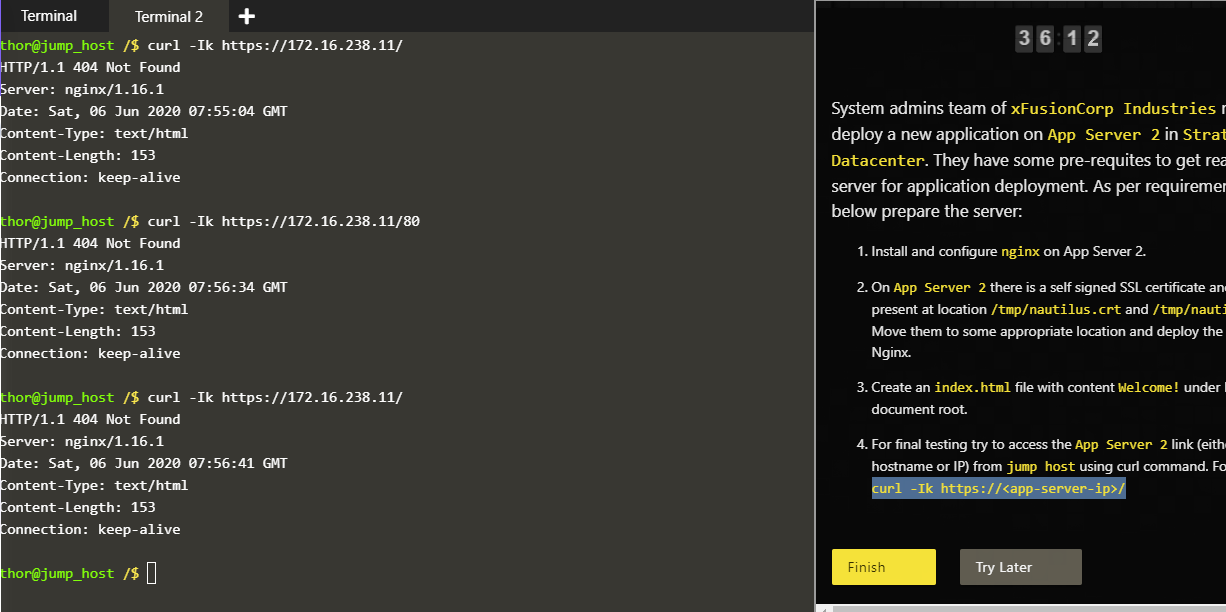
I am getting the result as below:
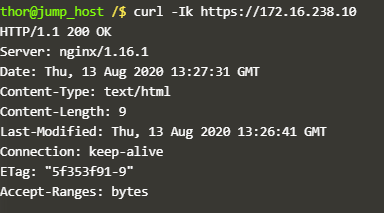
Is it correct or the message “Welcome!” should display ?
Completed the task successfully.
We can see the “Welcome!” message when we give curl -k https://172.16.238.10
@royki @ramashish.sharma @sudheer77 @Inderpreet
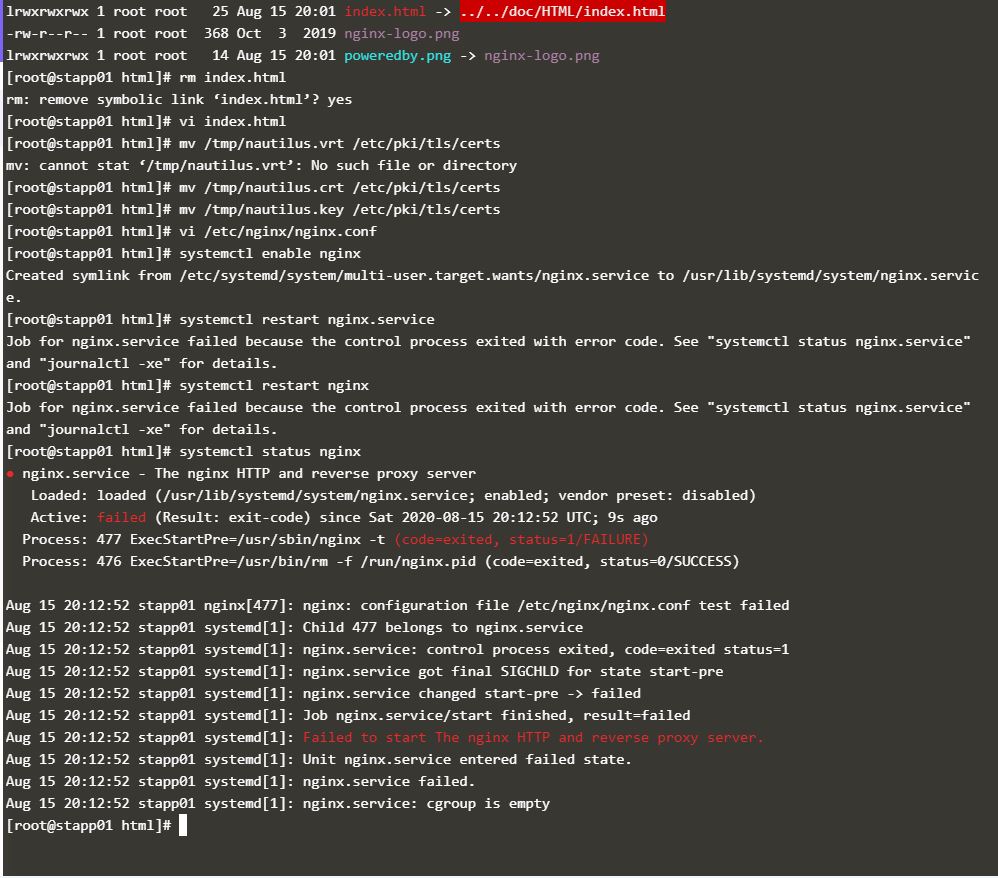
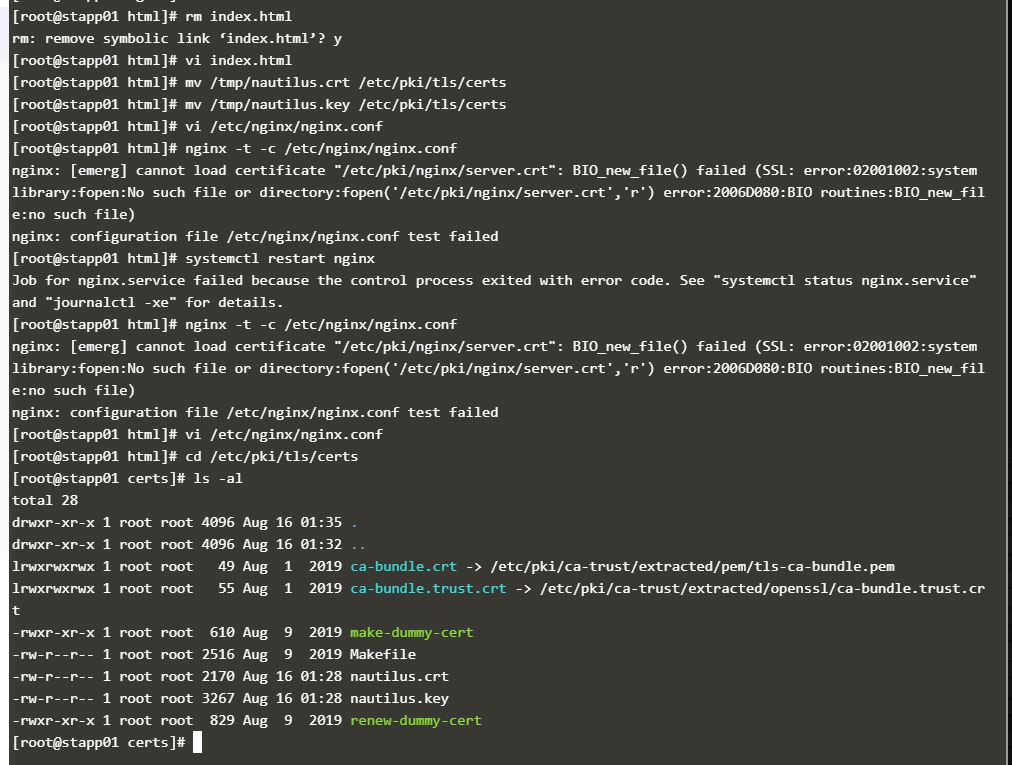
i have moved cert and key to /etc/pki/tls/certs
created index.html after rm index.html
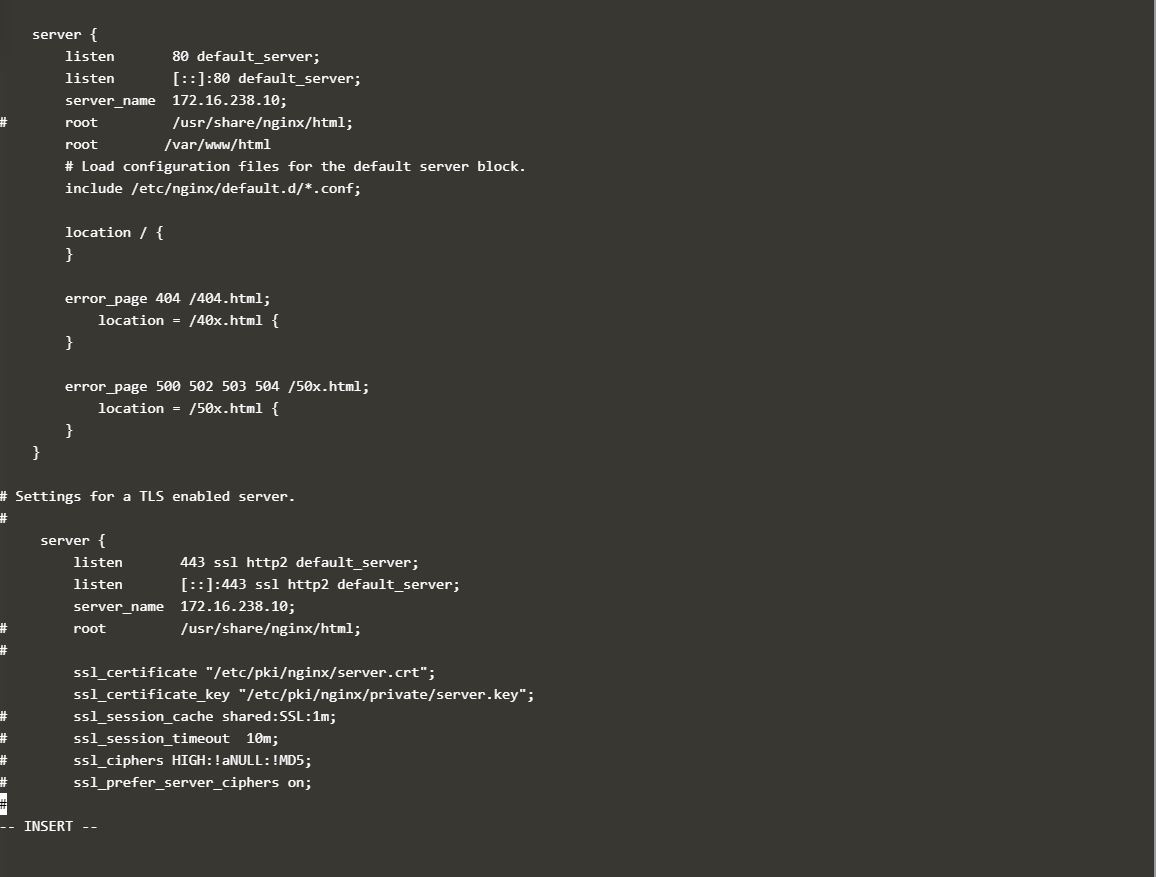
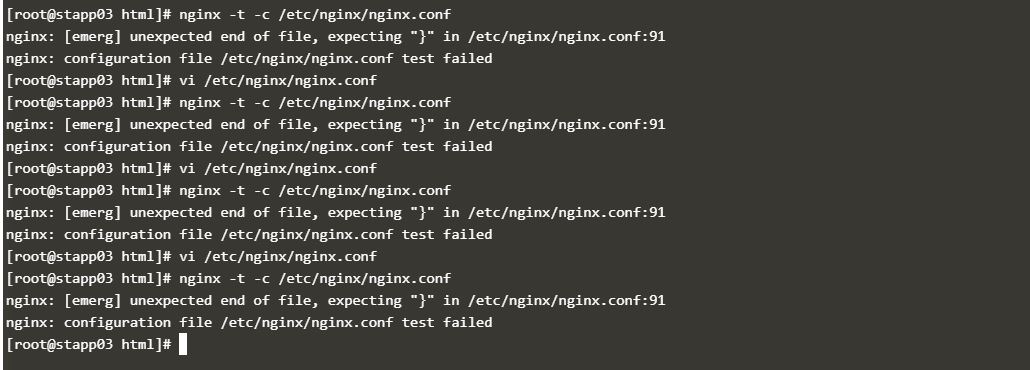
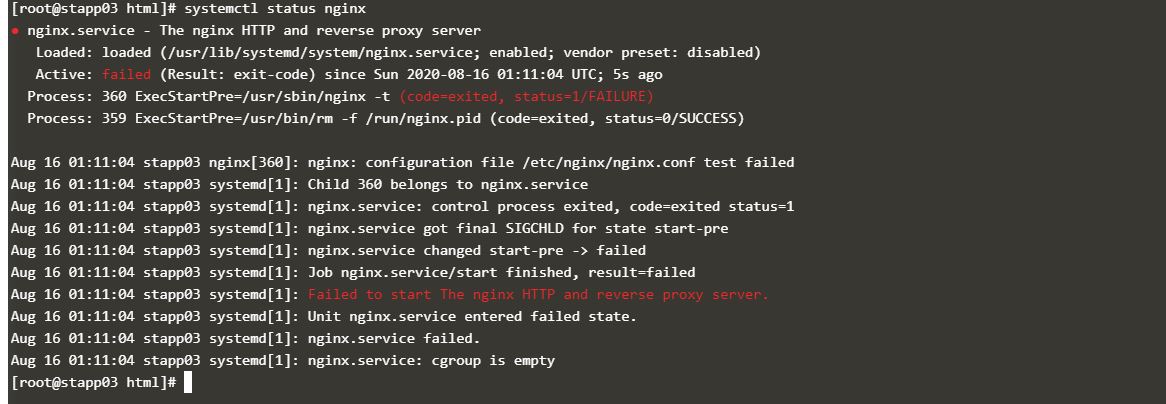
installed nginx and attached are confid files, after i updated nginx.config i am not able to restart nginx
i have tried 10 times now so far no luck any one pls let me know why the nginx is not starting
Update /etc/nginx/nginx.conf:
server {
    ......
    #root         /usr/share/nginx/html;
    root         /var/www/html;
    ......
sudo mkdir /var/www
sudo cp /usr/share/nginx/html /var/www/
please share error which you are getting while starting nginx ,
are you updating iptables as well for nginx port??
it is mentioned in you config test output that you need to put one }
in nginx config file
now iam getting error message
cannot load certificate “/etc/pki/nginx/server.crt”: BIO_new_file() failed (SSL: error:02001002:systemlibrary:fopen:No such file or directory:fopen(‘/etc/pki/nginx/server.crt’,‘r’) error:2006D080:BIO routines:BIO_new_file:no such file)