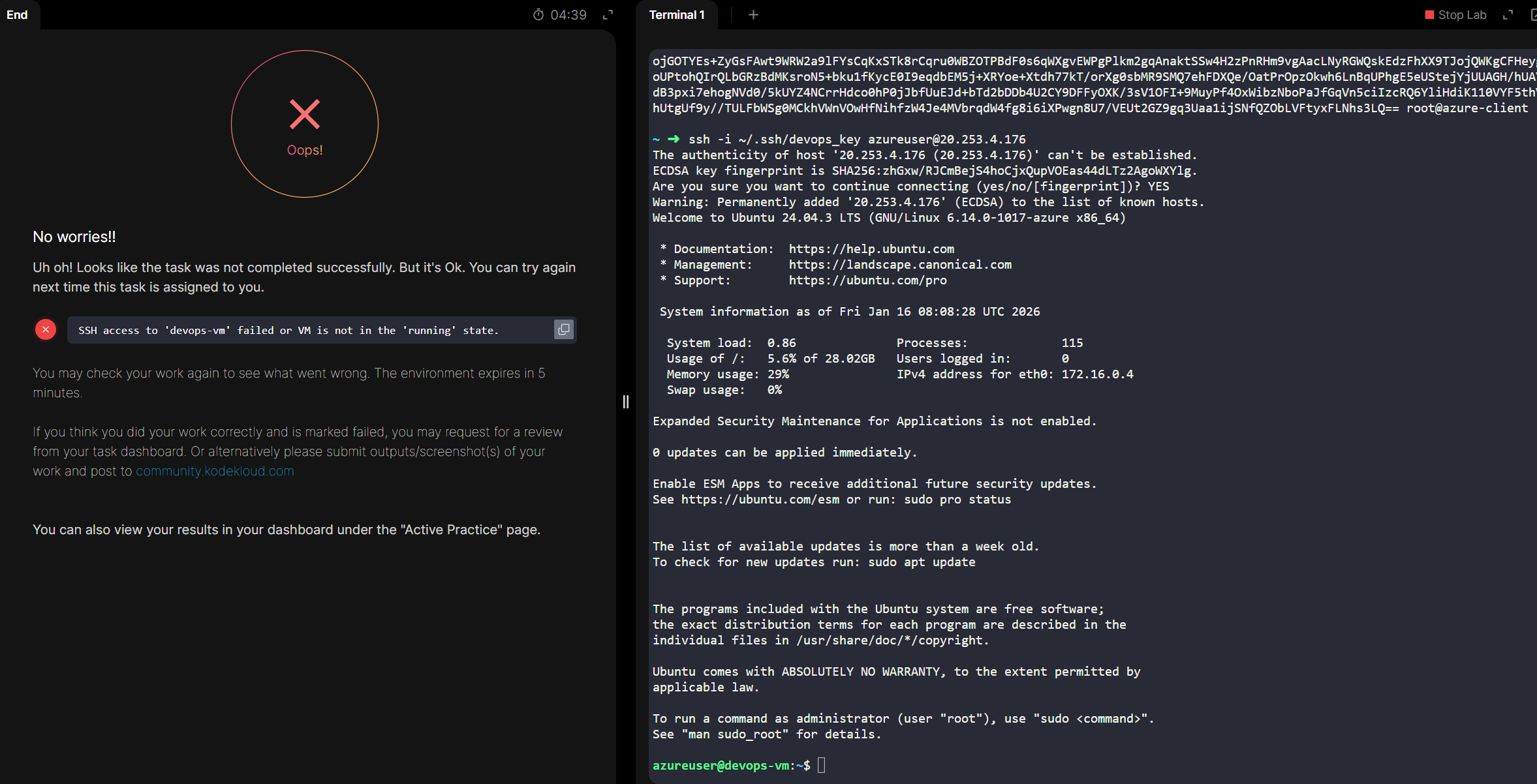
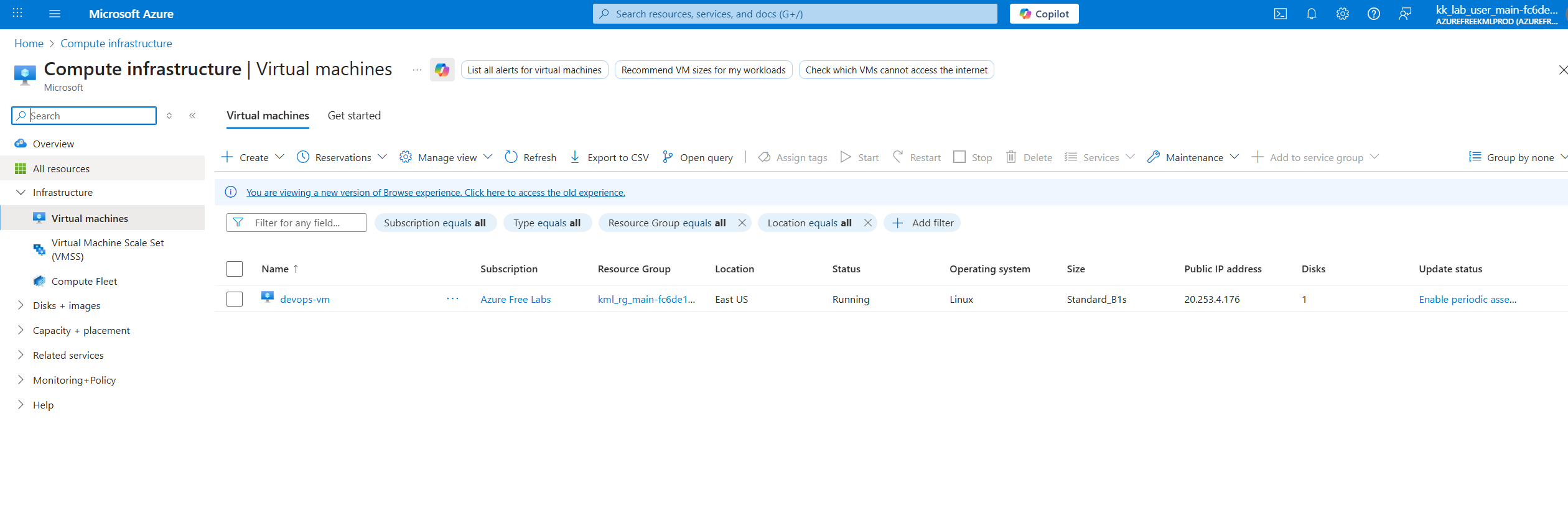
Can you please help me understand why the result says failed when the VM is indeed in running state!
I’m facing the same issue on this task from 100 days of azure. task 21 I believe it is due to incorrect region in the rg although it is mentioned to have everything under east US region when I try to create rg it doesn’t allow me to do that in the provided subscription and the task is getting failed if we go with the west US region with the same error.
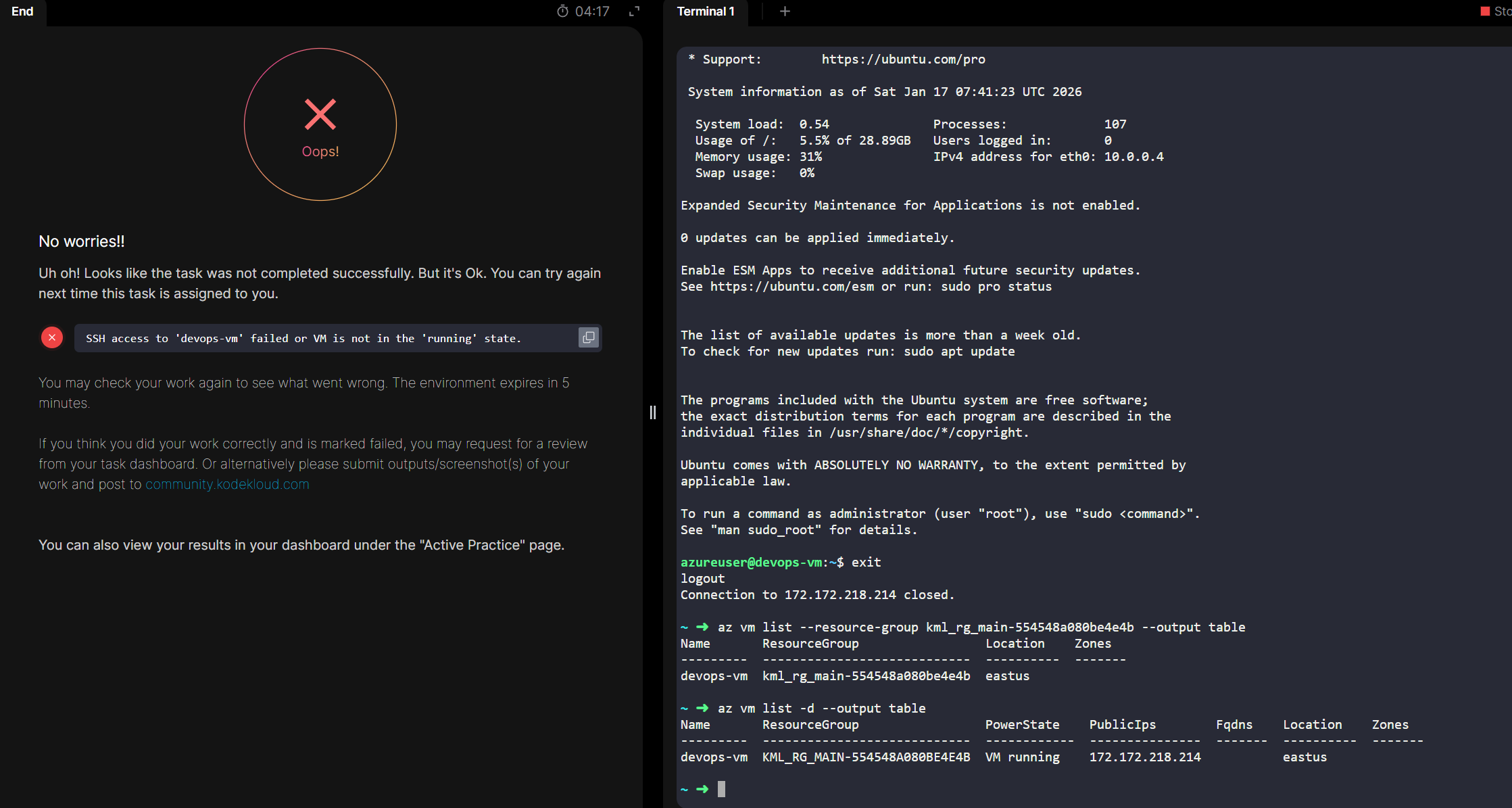
if you see the screenshot it shows in running state in the East US location but still marks it as an error!
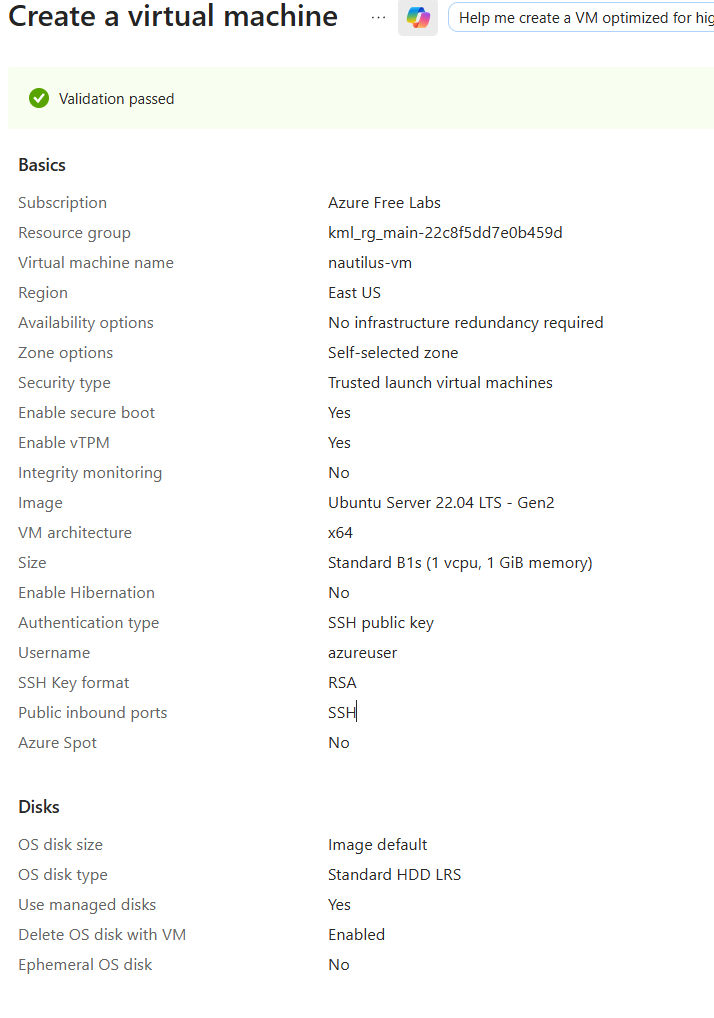
It would be useful to know what the error was.
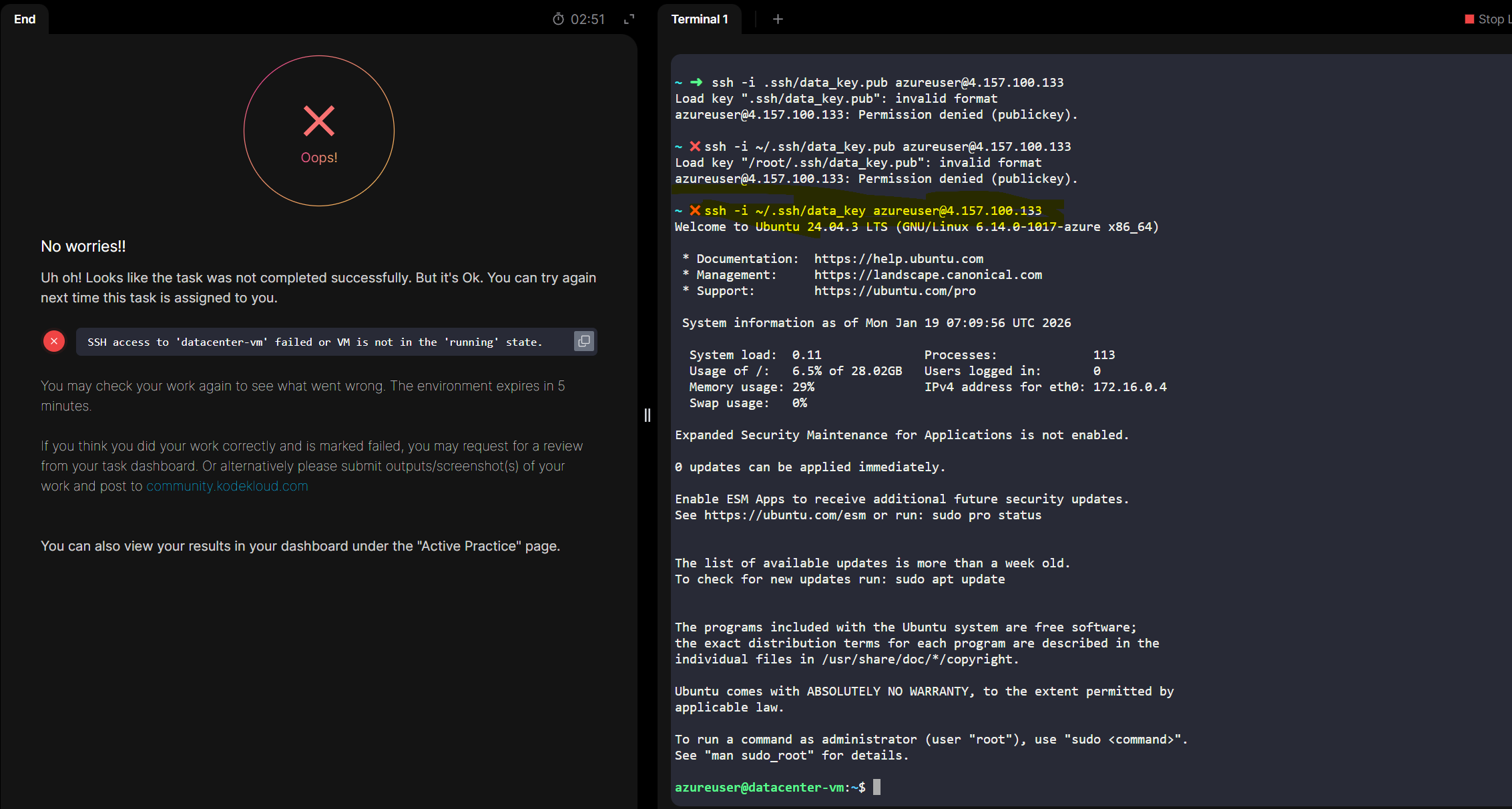
the result is incorret, though the task is completed successfully the result says the otherwise.
Again, it really helps to look for an error. I’m going to guess your error is this:
{
    "status": "Failed",
    "error": {
        "code": "ZonalAllocationFailed",
        "message": "Allocation failed. We do not have sufficient capacity for the requested VM size in this zone. Read more about improving likelihood of allocation success at http://aka.ms/allocation-guidance\nTry one of these alternative options to improve chance of allocation success:\n- Alternative VM sizes for the same region and zone: Standard_DC2s_v2 or Standard_F1s.\n"
    }
}
The likely problem is that the VM size is unavailable – we’re finding that this is occurring a lot lately, and we’re going to change the parameters for the lab so that we’re not using the Stadard_B1s size, which seems to be so rare as to be unavailable. This should happen in the next couple of days.