Tej_Singh_Rana:
Can you please try again?
Tej_Singh_Rana:
Try with latest VB.
Deepak Ladwa:
I’m using 6.1.16
Deepak Ladwa:
latest available version is 6.1.18
Tej_Singh_Rana:
6.1.x is fine,
Tej_Singh_Rana:
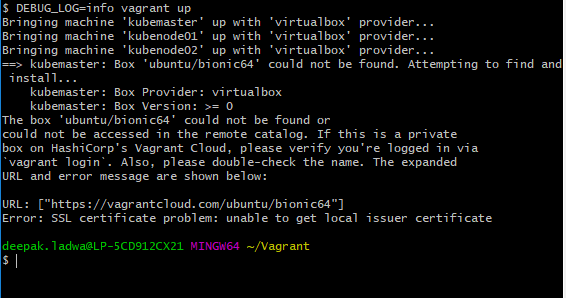
DEBUG_LOG=info vagrant up
Tej_Singh_Rana:
Please share an output of above command.
Deepak Ladwa:
C:\Users\deepak.ladwa\Vagrant>DEBUG_LOG=info vagrant up
‘DEBUG_LOG’ is not recognized as an internal or external command,
operable program or batch file.
Deepak Ladwa:
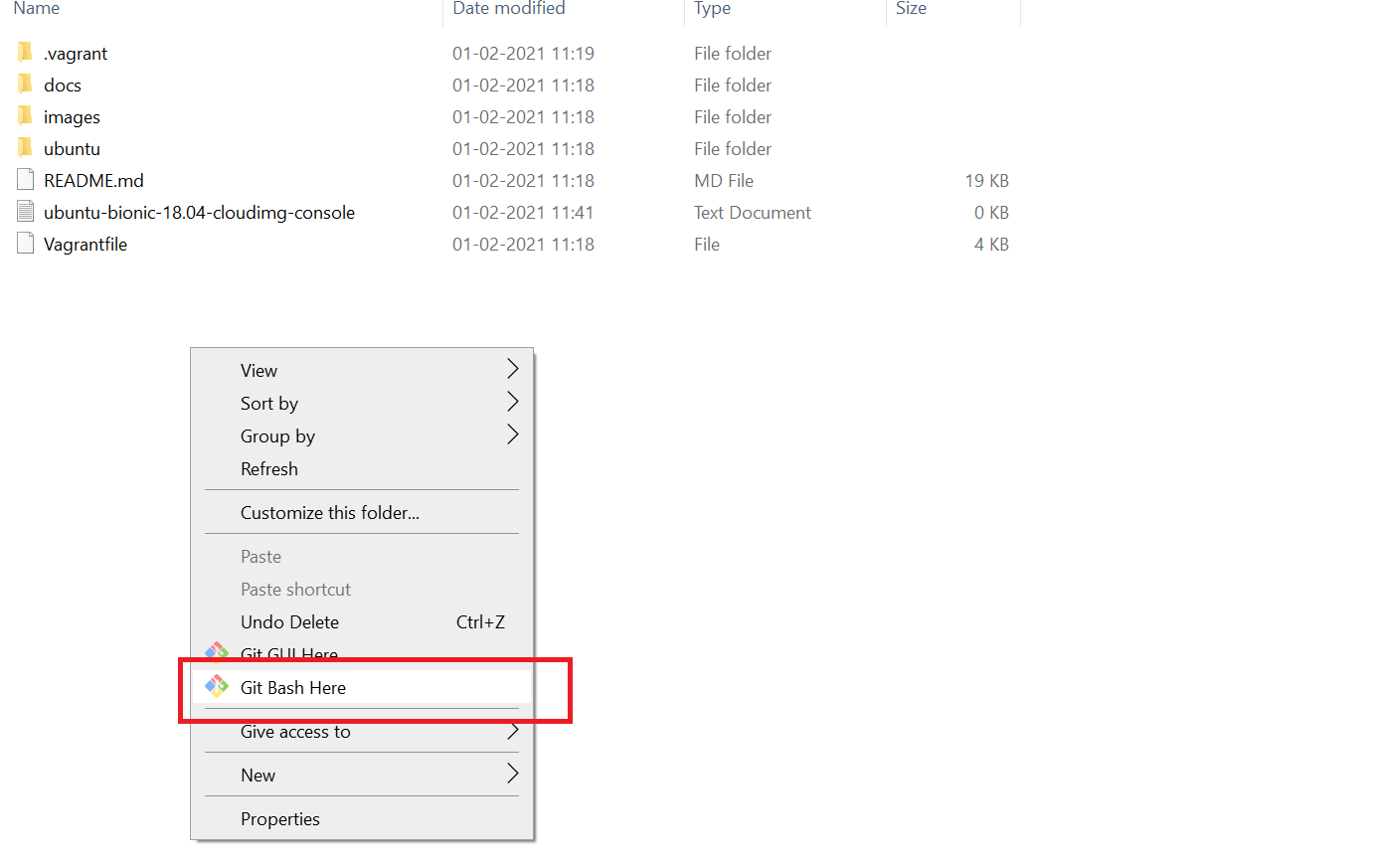
DEBUG_LOG not found
Tej_Singh_Rana:
I think after that vagrant up will work.
Deepak Ladwa:
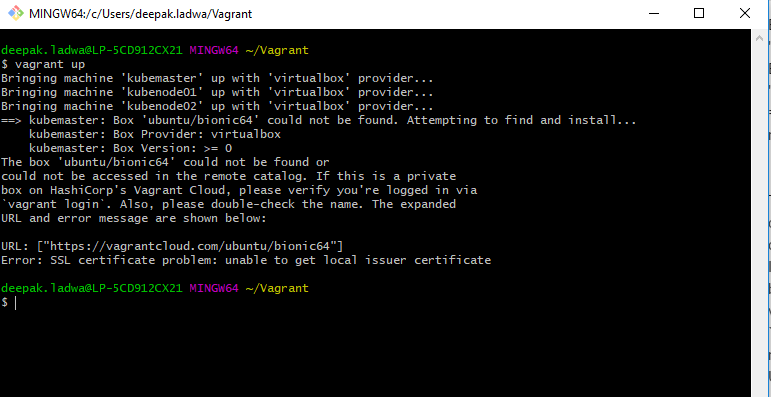
deepak.ladwa@LP-5CD912CX21 MINGW64 ~/Vagrant
$ vagrant up
Bringing machine ‘kubemaster’ up with ‘virtualbox’ provider…
Bringing machine ‘kubenode01’ up with ‘virtualbox’ provider…
Bringing machine ‘kubenode02’ up with ‘virtualbox’ provider…
==> kubemaster: Box ‘ubuntu/bionic64’ could not be found. Attempting to find and install…
kubemaster: Box Provider: virtualbox
kubemaster: Box Version: >= 0
The box ‘ubuntu/bionic64’ could not be found or
could not be accessed in the remote catalog. If this is a private
box on HashiCorp’s Vagrant Cloud, please verify you’re logged in via
vagrant login. Also, please double-check the name. The expanded
URL and error message are shown below:
URL: [“https://vagrantcloud.com/ubuntu/bionic64”]
Error: SSL certificate problem: unable to get local issuer certificate
deepak.ladwa@LP-5CD912CX21 MINGW64 ~/Vagrant
$
Deepak Ladwa:
I tried with git bash
Deepak Ladwa:
Tej_Singh_Rana:
run the ls command.
Tej_Singh_Rana:
Vagrantfile should be present there
Deepak Ladwa:
Yes, its present.
Deepak Ladwa: