I m not able to access the labs. The labs dont open.
2 Likes
Not good results with the migration. Labs are not easy to find or even access from the associated Udemy course.
The labs should be working from the Udemy courses in KodeKloud. Which course and lab are you having issues with?
Any and all do not work. Try the first lab of The Ultimate DevOps Boocamp…
Lesson 9 has a URL to “Sign In | KodeKloud”
Have to login, fine.
But this takes you to some "Getting Started " dashboard of many courses that are not the topic…
When I use the search bar on “bootcamp” to find the course I get zero.
Can you provide the link to the lesson, not the link in the lesson.
The lab questions are not loading for me. More details are in this ticket:
I bought a CKAD course from Udemy, and the lab page/practice test page does not work. Does anyone have any idea?
FYI it says the
"Page Not Found
The page you are looking for doesn’t exist or has been moved"
Please include a link to the page in the Udemy course where this link occurs, and we’ll give it a look. Thanks!
I have also been facing such issue multiple times recently
Hi.
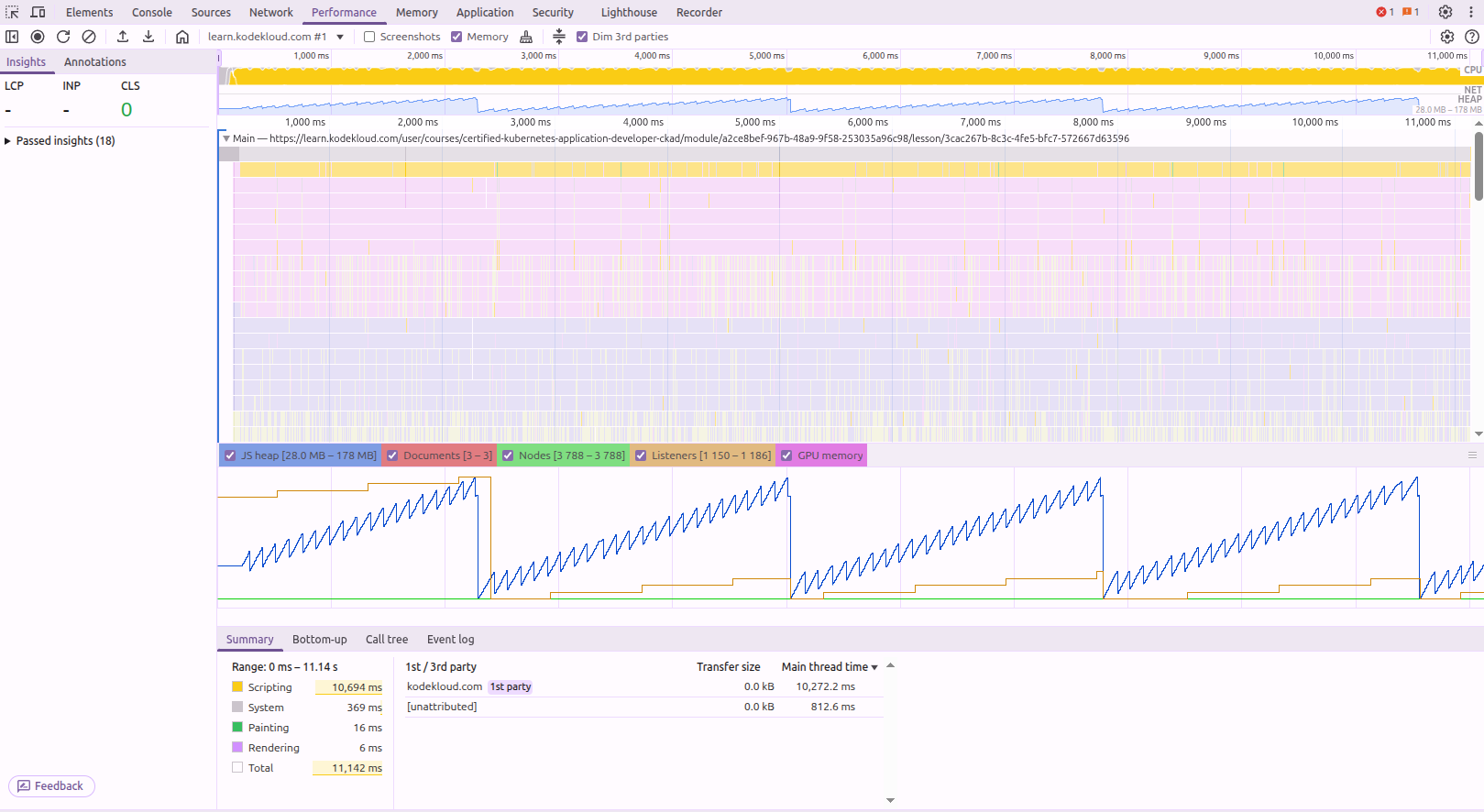
For a few weeks now, I’ve noticed an overconsumption of resources on pages with videos (vimeo) and lab pages. There’s a high CPU consumption and use of Heap Memory and therefore the garbage collector. Maybe it’s related with the issue. In any case, it’s not normal. There must be a loop in the code that quickly generates useless objects. This disrupts the proper functioning of the site and harms the performance of the device. Has anyone else noticed this problem besides me?
Hi,
I’m able to access the labs. the labs are not functioning as it keep looping and not initializing the lab instance. I faced this in kubernetes-troubleshooting-for-application-developers
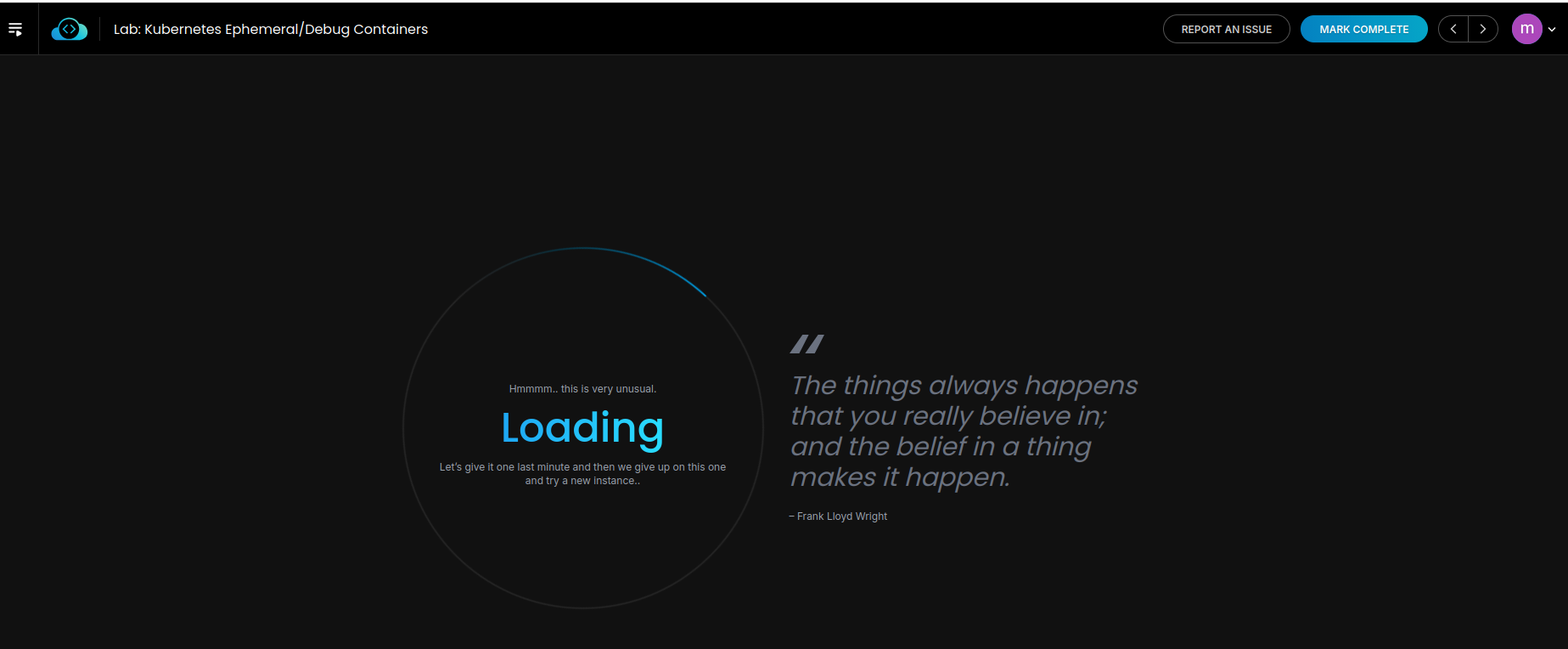

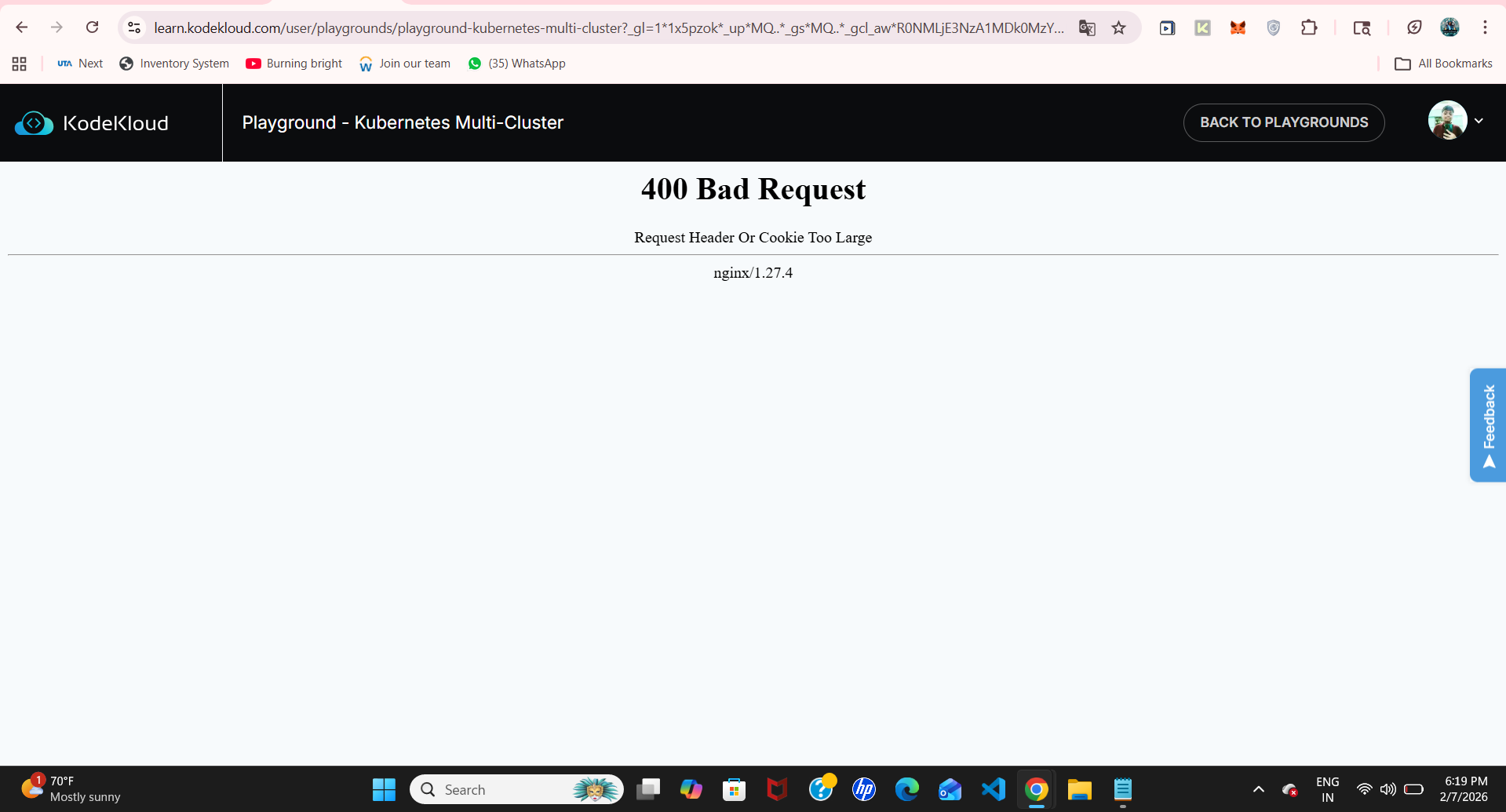
Here the error is spot on – you need to clear your cache for the kodekloud.com domains, because there’s something in your cache that’s too large. Do that and this error will go away.
Thank you so much. Its solved and working fine.
This is consistent with what several of us have recently seen on KodeKloud. Because the lab UI and playgrounds rely heavily on client-side state, strange failures such as questions not loading, laboratories that are stuck initializing, and random timeouts occur once the cache or indexeddb/localstorage becomes bloated.
Cleaning the cache just for kodekloud.com (as opposed to a whole browser nuke) typically resolves the issue right away. An incognito test is a simple sanity check since I’ve also seen service professionals get stuck. It is mostly usually stale cache + service worker trash if it functions there.
For those who see significant CPU and memory use on lab pages, it is probably the same problem. Your browser suffers while the frontend repeatedly tries to sync lab state and cranks the js loop. The loop ends when the cache is cleared.
It’s a browser-side buildup, not a Kubernetes or course problem. Reproducible, but unpleasant. delete the cache, reload, and finish.
Hey how do i delete the account and get refund. From where i can do this and its 30 days money back guarantee so will get all the refund?
Am I already on the new platform if I joined KK on Mar 17th?